
Simple Digital Clock 🕒
v1.1.5falselight · 2024年3月22日 上架
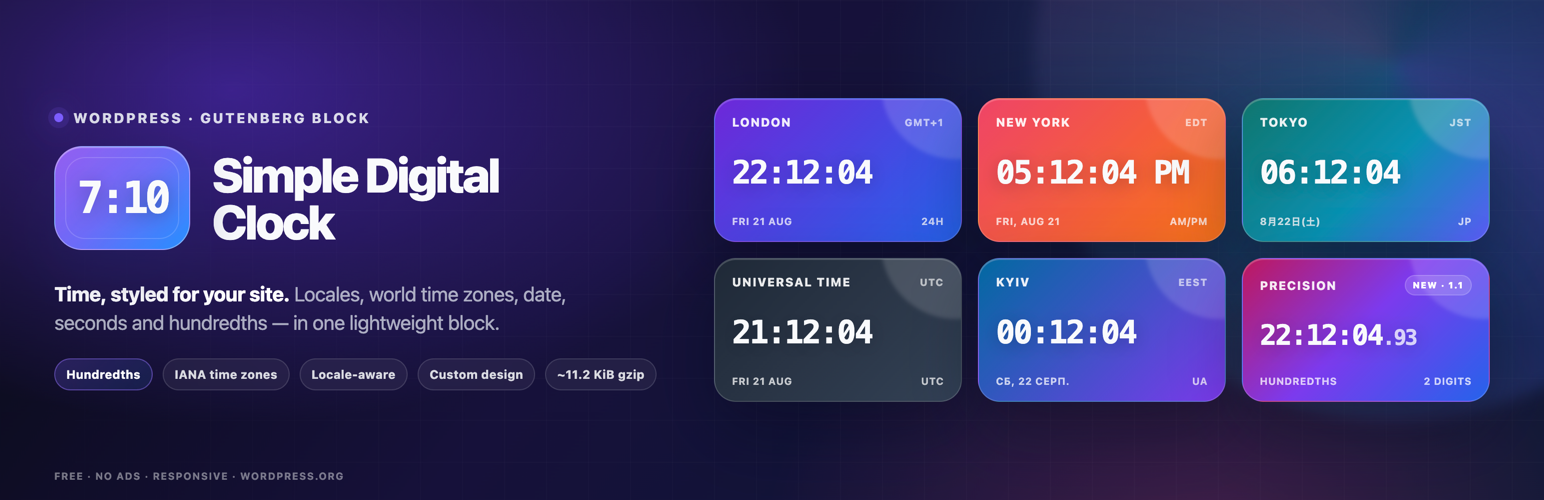
Add customizable digital clocks to WordPress. Show your office's local time, another city's time or UTC with captions, dates and colors.
- 正在使用
- 500+
- 评分
- 4.3 / 5
- 累计下载
- 1 万
- 最近更新
- 2026年11月12日
贡献者
 falselight
截图
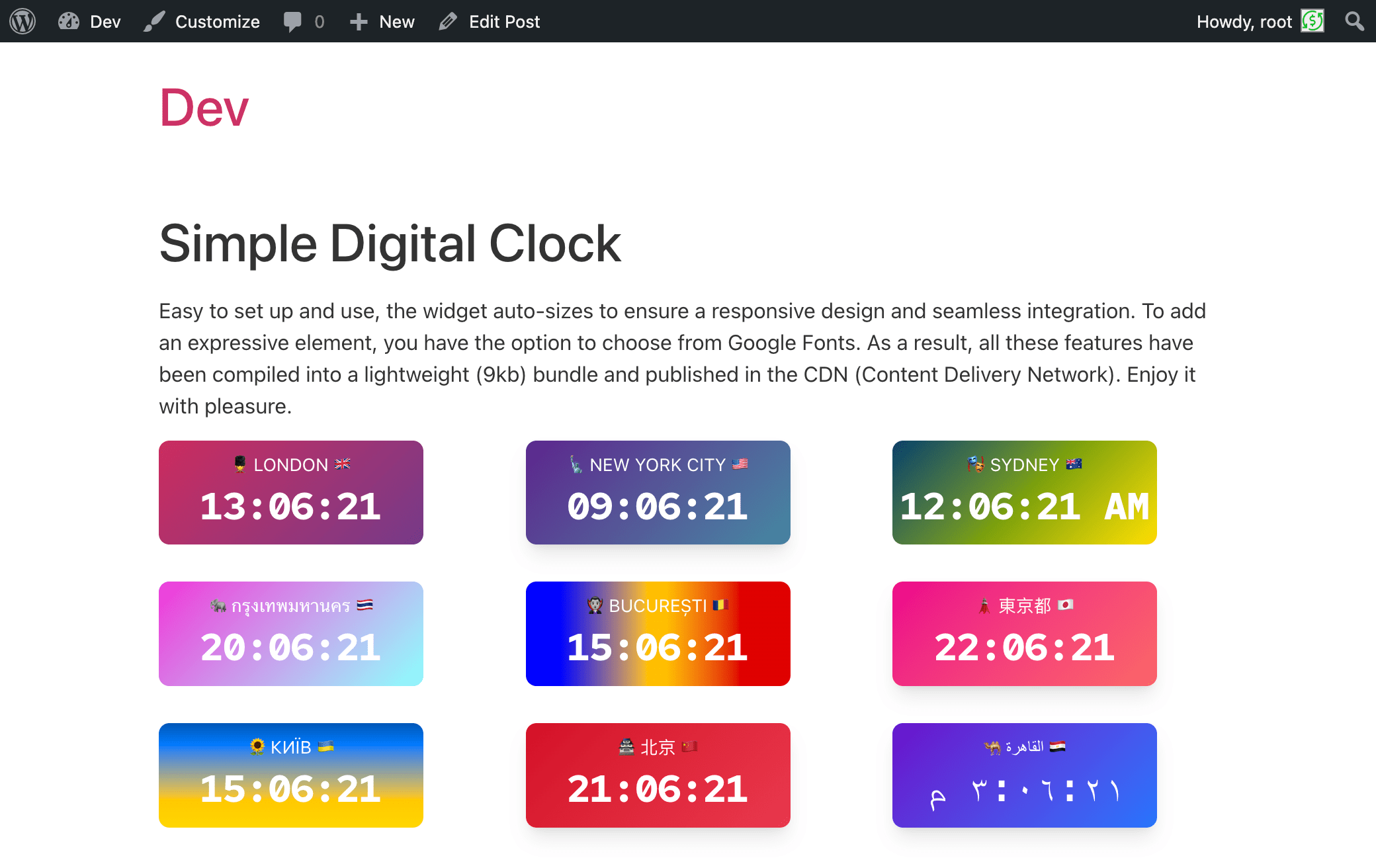
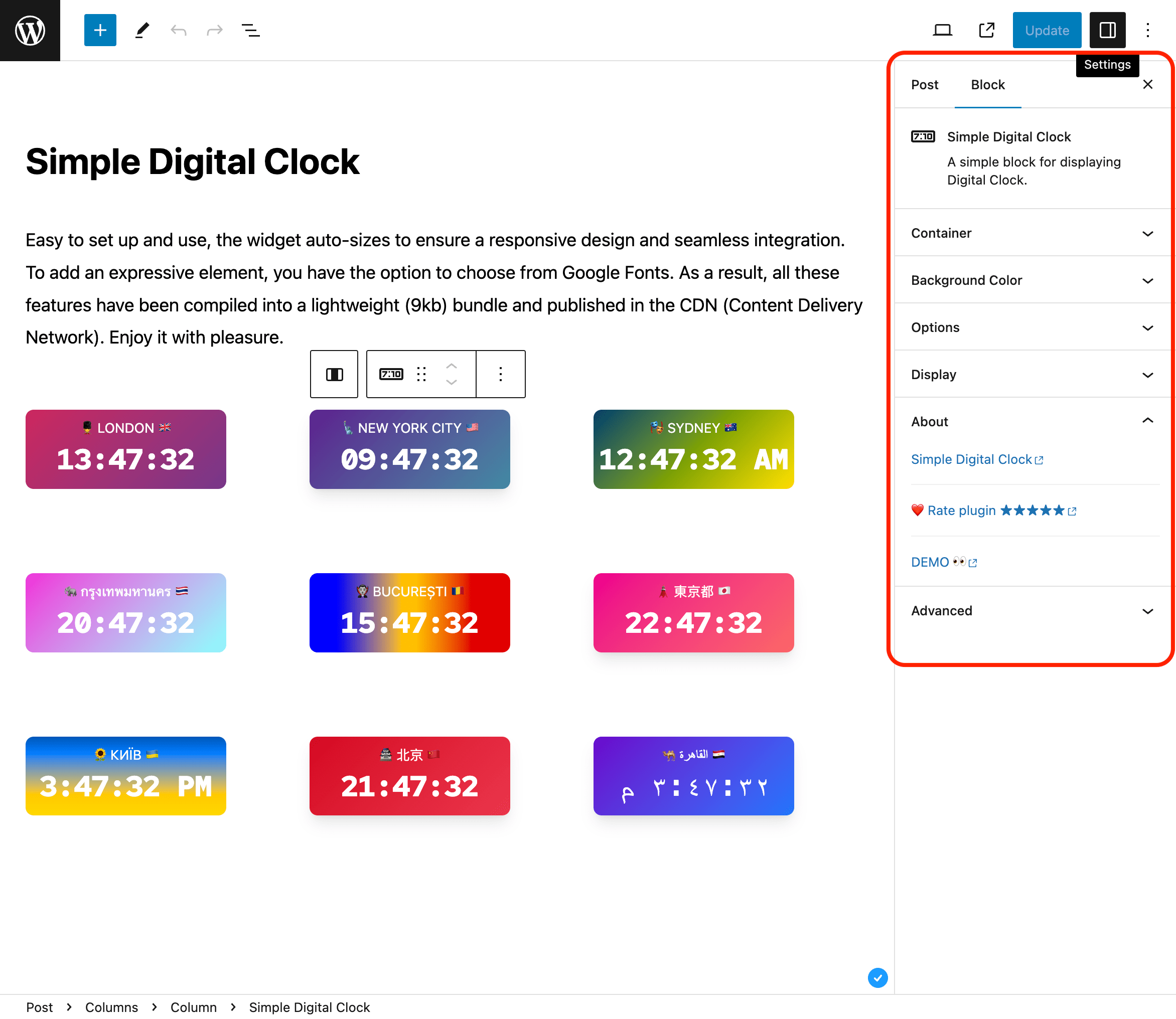


Add customizable digital clocks to WordPress. Show your office’s local time, another city’s time or UTC with captions, dates and colors.
📌 Description
Show your office’s local time, the time in another city or UTC on your WordPress site. Simple Digital Clock provides a Gutenberg block for posts, pages and block-based widget areas. Choose a time zone, add a caption and adjust colors, fonts and display options directly in the editor. Add multiple clocks to show the time in different locations, with independent settings for each block.
Live demo👀 | CodePen playground👀
⭐️ FEATURES ⭐️
- 🚀 Lightweight (~12.2 KiB gzip)
- 🗣 Locale support (BCP-47, e.g.,
en-US,uk,de-DE) - 🌐 IANA time zones (e.g.,
Europe/Kyiv,UTC) - 📝 Custom caption
- 🎨 Styling: color/gradient, radius, shadows
- 🔢 24-hour or AM/PM, ⏱ seconds, ⏱️ optional hundredths of a second, 📅 date
- 🔒 SSL-friendly, 📱 responsive
- 💯 Free, no ads
How it works
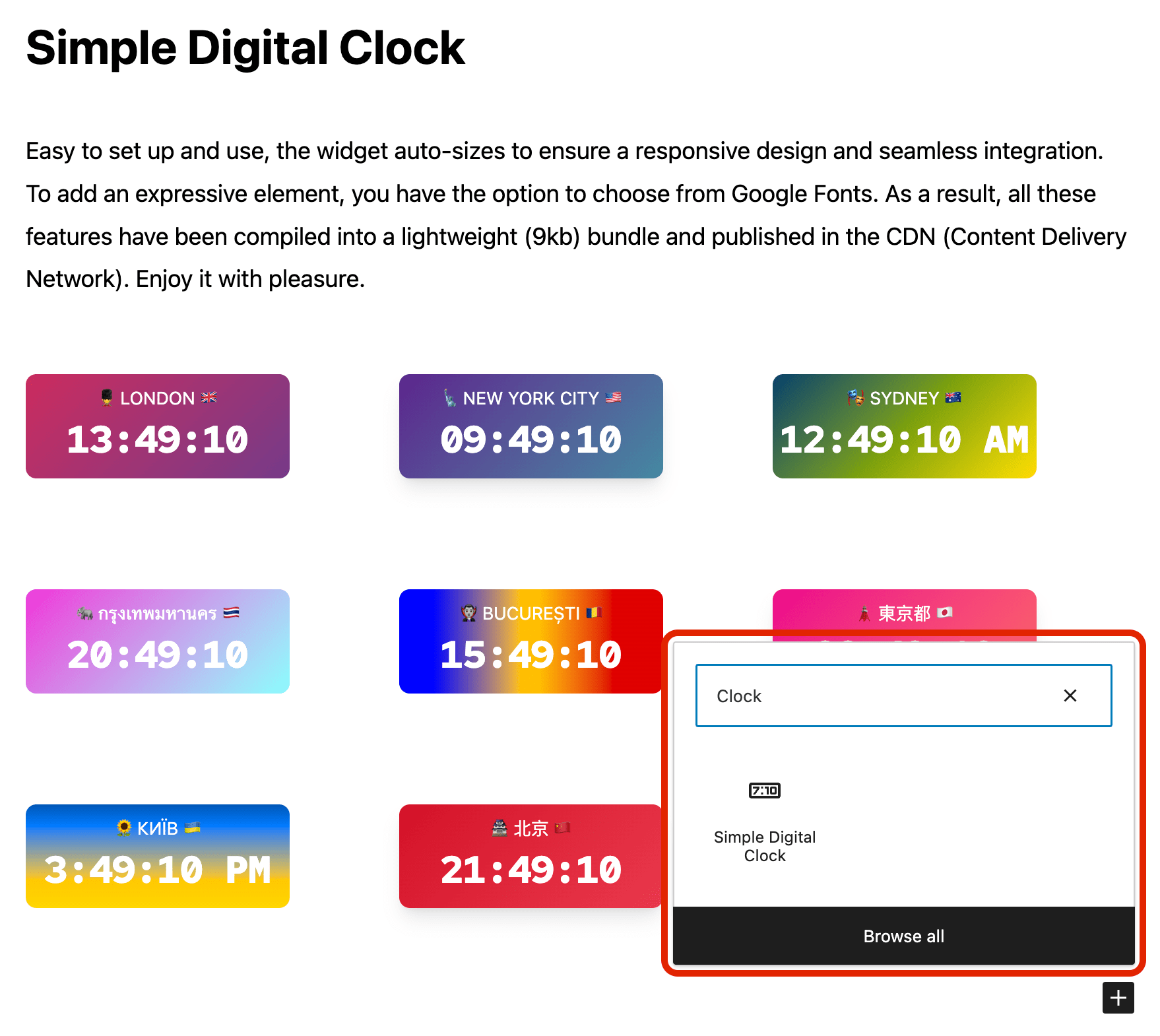
- Add the Simple Digital Clock block in the editor or as a widget.
- Configure in the right sidebar:
- Locale (e.g.,
en-US,uk,fr-FR) - Time Zone (IANA ID, e.g.,
Europe/Kyiv,America/New_York,UTC) - Seconds, Hundredths, Date, 24-Hour (AM/PM), Caption
- Background/gradient, border radius, shadow, and font
- Locale (e.g.,
Hundredths shows two fractional digits after the seconds for clocks that need finer visual precision. Hundredths automatically include seconds while enabled. Note: the browser may not render every 10 ms increment.
📌 Installation
= From your WordPress dashboard =
1. Go to Plugins Add New
2. Search for “Simple Digital Clock”
3. Install & Activate
4. Insert the block in the editor or add it as a widget (/wp-admin/widgets.php)
From WordPress.org
- Download “Simple Digital Clock”
- Upload to /wp-content/plugins/
- Activate
- Insert the block / add the widget
Source / Development
The production JavaScript bundled with this plugin is built from the public Simple Digital Clock Widget source.
- Source repository: https://github.com/Timenow-zone/Simple-Digital-Clock-Widget
- Bundled upstream version: 0.8.1
- Exact source for this bundled release: https://github.com/Timenow-zone/Simple-Digital-Clock-Widget/tree/b44f944b60babf45bf266e73ba12f7eba53cfef2
Third-party copyright and MIT license notices for the bundled dependencies are included in THIRD-PARTY-NOTICES.txt. The WordPress wrapper remains GPLv2 or later.
To reproduce the production bundle:
npm cinpm run build
🍩 Donations
🕒 Sync Time: UTC
🗓️ Today’s Date: TodaysDateNow