
Shortcodes Ultimate – Content Elements
v7.9.3Vova · 2011年4月6日 上架
Add 50+ shortcodes with live preview for tabs, accordions, buttons, FAQs, sliders and boxes. Works in Block Editor and Classic Editor.
- 正在使用
- 40 万+
- 评分
- 4.9 / 5
- 累计下载
- 2.6 千万
- 最近更新
- 2026年11月22日
贡献者
 Vova
截图
🌟 Building new pages with Gutenberg?
Explore VovaBlocks, a focused collection of native marketing and content blocks from the creator of Shortcodes Ultimate.
➡️ About Shortcodes Ultimate
Shortcodes Ultimate is a WordPress shortcode plugin for adding tabs, accordions, buttons, FAQs, sliders, carousels, lightboxes, columns, boxes and other reusable content elements without coding. It is ideal for site owners who want richer content layouts and practical UI elements without switching to a full page builder.
Use Shortcodes Ultimate in the Block Editor, Classic Editor, widgets and template files. Generate shortcodes visually, preview the result before inserting it, and reuse the same elements across posts, pages and existing shortcode-based content.
Trusted by hundreds of thousands of WordPress sites, Shortcodes Ultimate helps you replace multiple single-purpose UI plugins with one maintained toolkit. Explore live examples
What you can build
With Shortcodes Ultimate, you can quickly add common WordPress content elements such as:
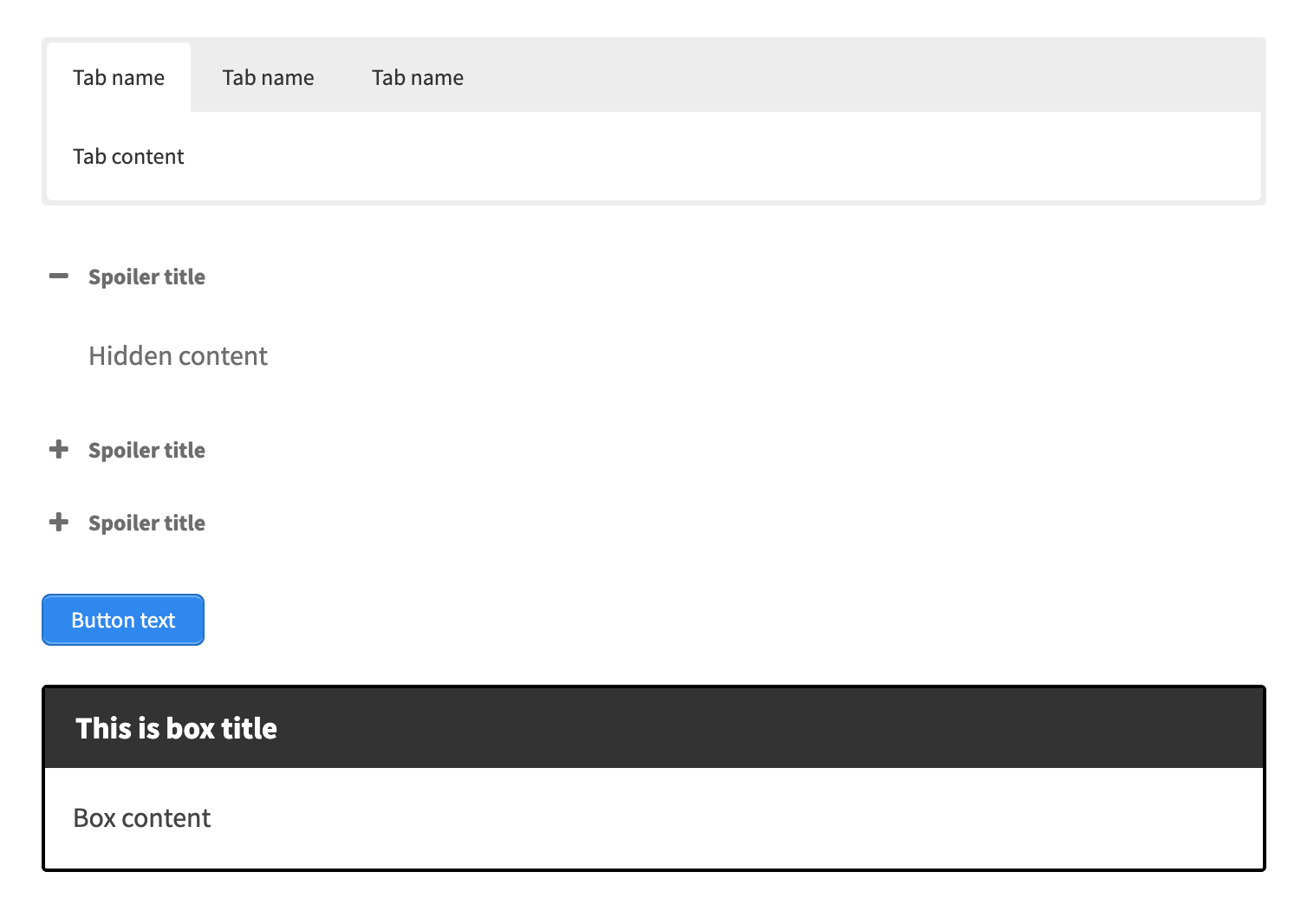
- Accordions and FAQ sections
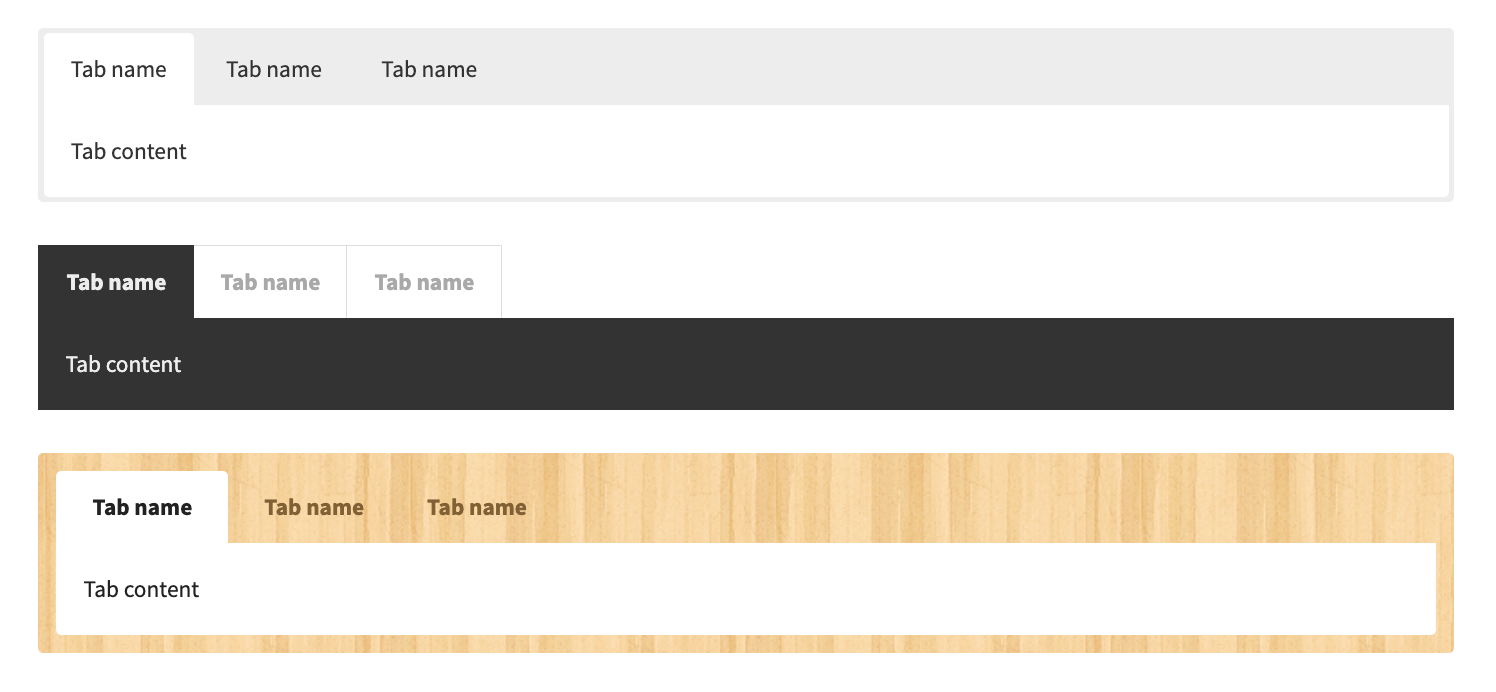
- Responsive tabs
- CTA buttons and download buttons
- Boxes, notes and callouts
- Columns and layout helpers
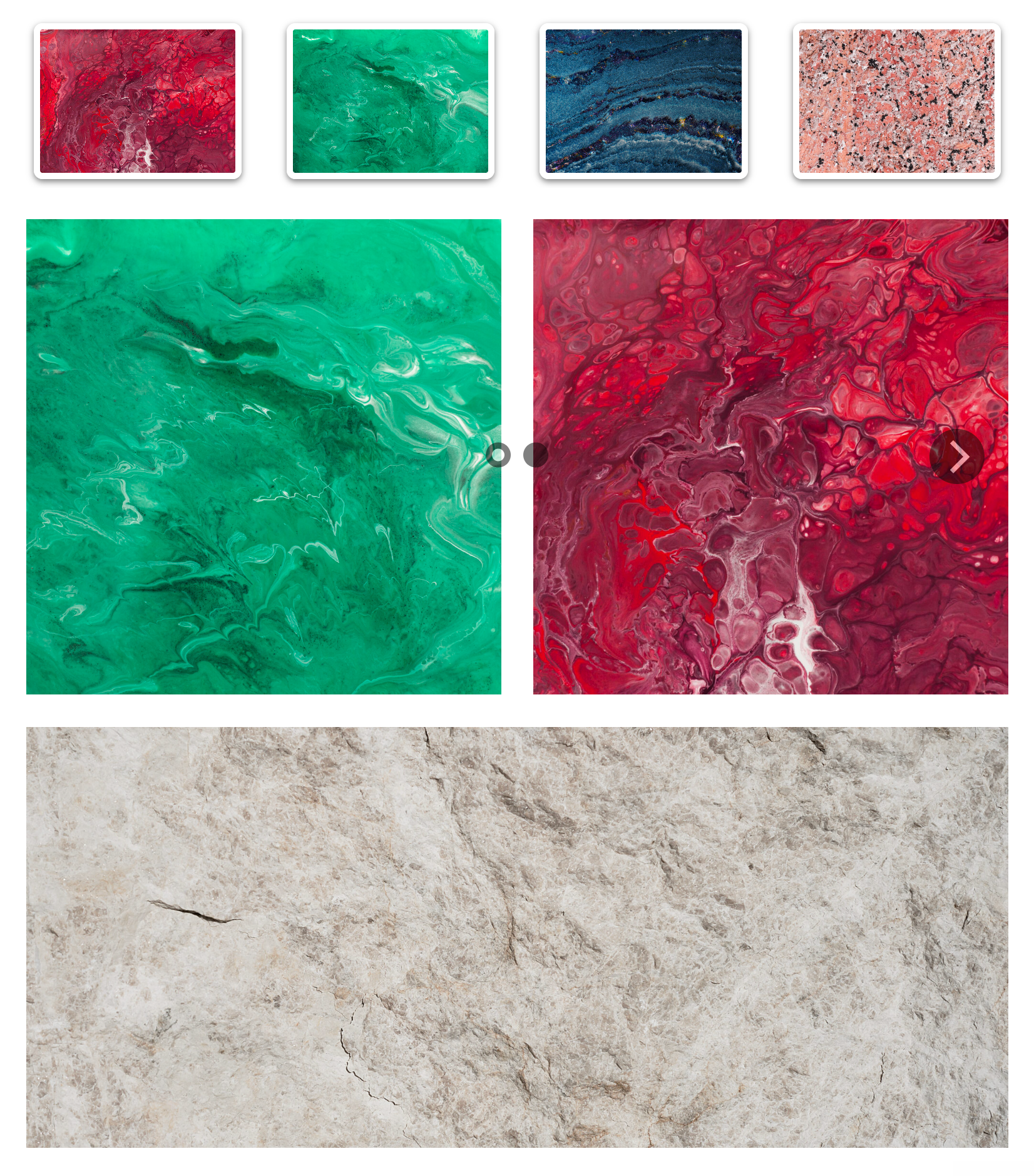
- Sliders and carousels
- Lightboxes for images and custom content
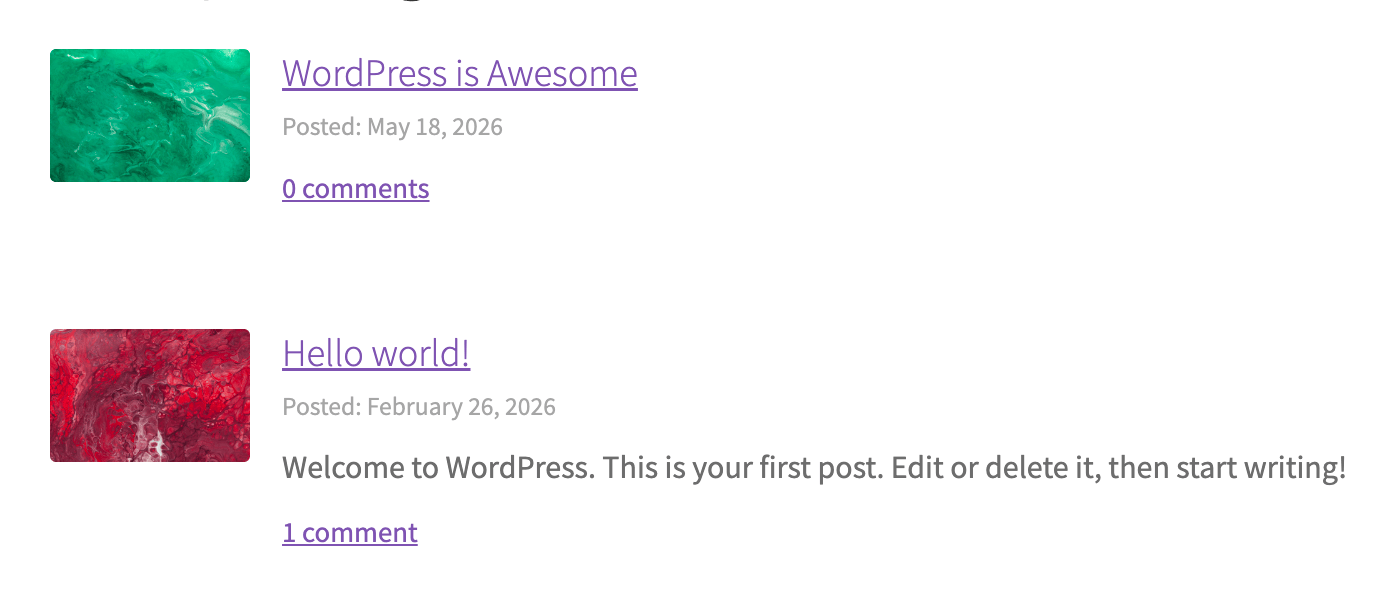
- Post lists and dynamic content blocks
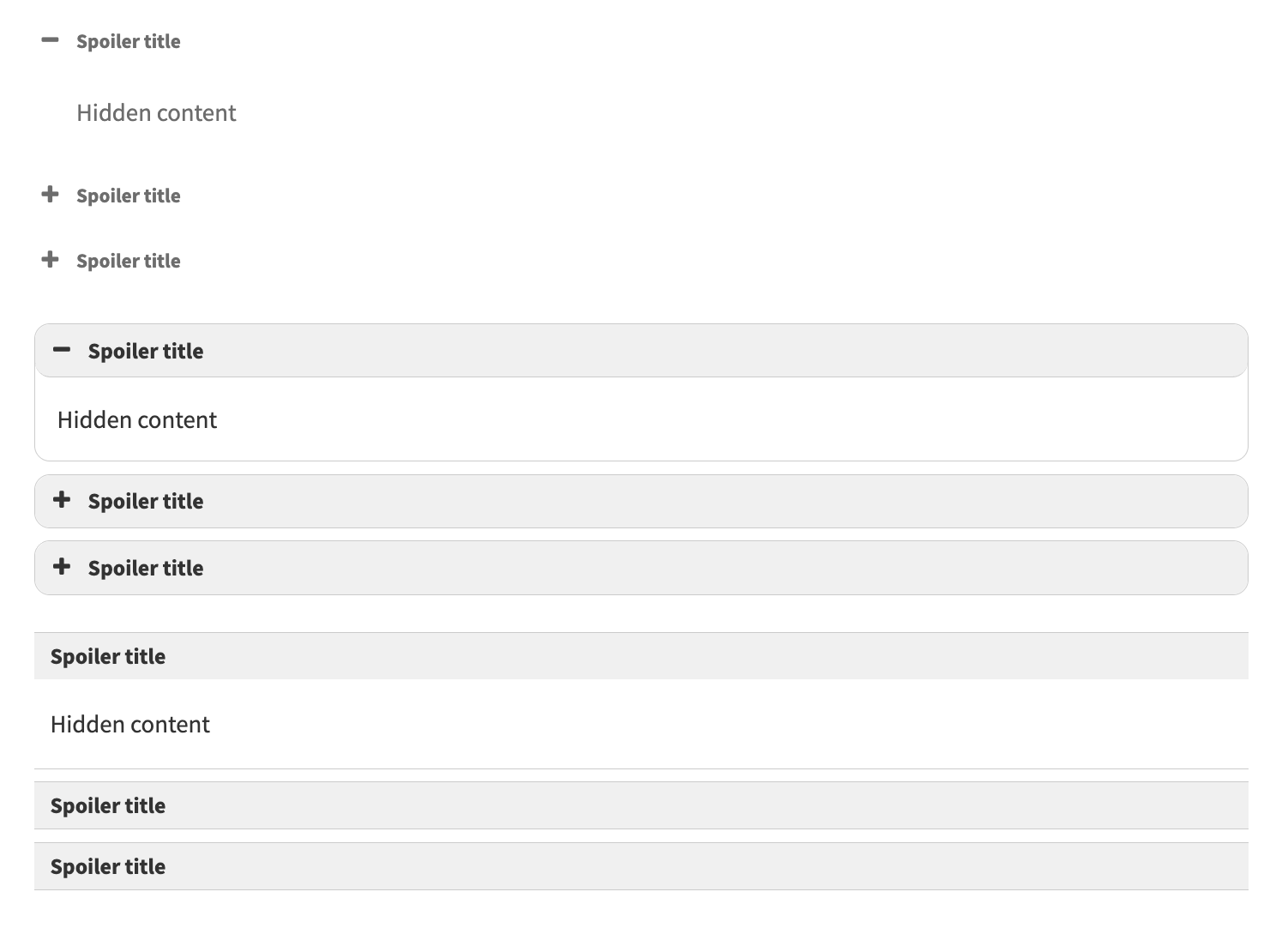
- Spoilers, toggles and expandable content
- Media embeds and visual content blocks
Instead of installing a separate plugin for every small content element, Shortcodes Ultimate gives you one maintained toolkit for everyday WordPress content tasks.
Works with modern and classic WordPress workflows
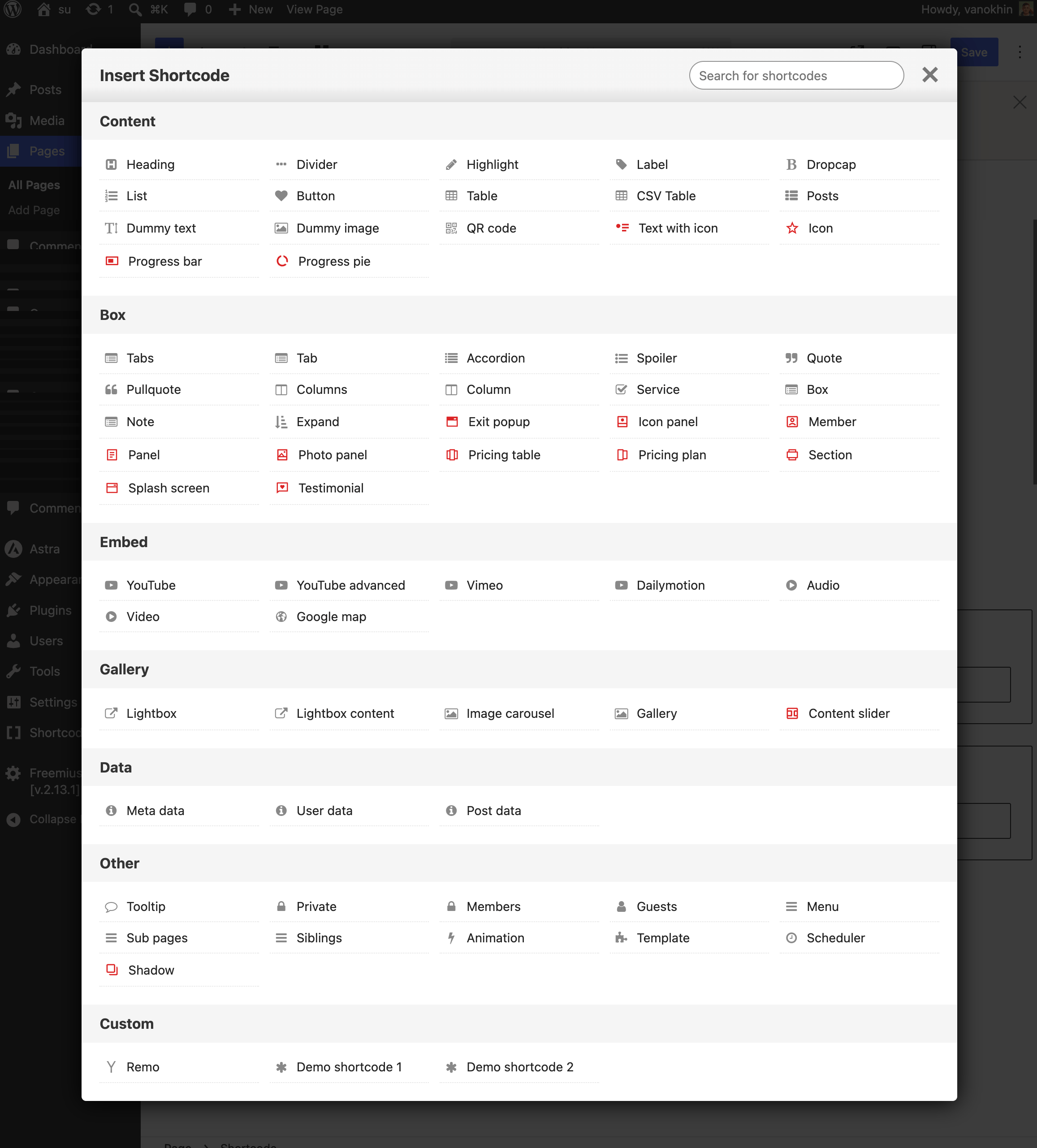
Shortcodes Ultimate works with the Block Editor, Classic Editor, widgets and template files. You can insert shortcodes manually, use WordPress shortcode blocks or use the built-in shortcode generator to configure elements visually.
This makes the plugin useful for:
- Site owners who want to improve content without coding
- Bloggers and affiliate publishers who need reusable CTA and content blocks
- Agencies and freelancers maintaining multiple WordPress sites
- Developers who want shortcode-friendly output in templates
- Existing sites with older content that already uses shortcodes
Why use Shortcodes Ultimate?
- 50+ ready-to-use WordPress shortcodes
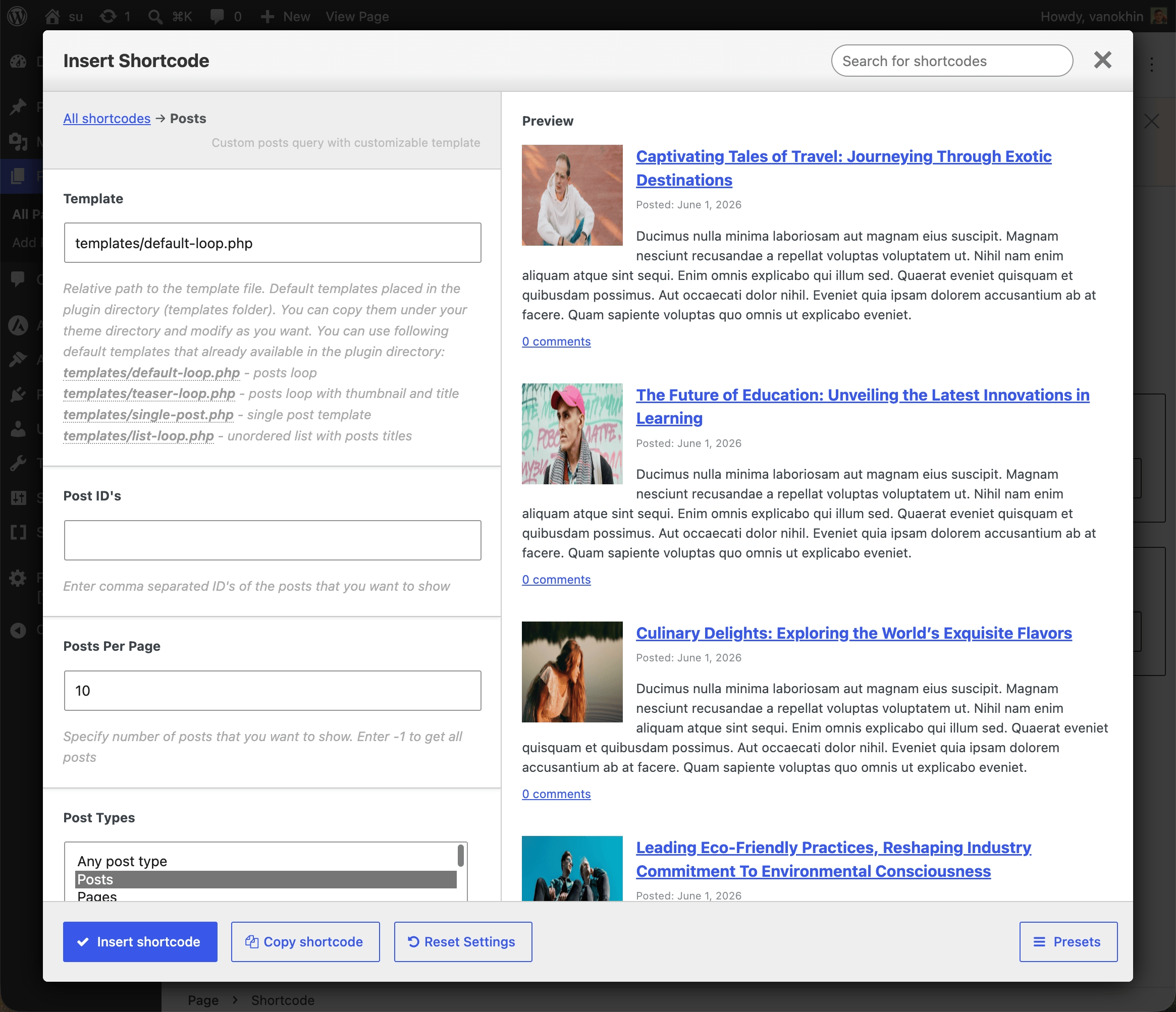
- Visual shortcode generator
- Live preview
- Works with the Block Editor and Classic Editor
- Shortcodes can be used in posts, pages, widgets and template files
- Responsive elements that work with your theme
- Built-in Custom CSS editor
- Developer-friendly hooks and documentation
- Free version available on WordPress.org
- Pro version available for advanced shortcodes, extra styles and premium support
Why shortcodes still matter in WordPress
The WordPress Block Editor is great for visual content editing, but shortcodes are still useful when you need portable, reusable content elements that work across different parts of a WordPress site.
Shortcodes are especially helpful when you want to:
- Reuse the same content element in many posts or pages
- Add dynamic content inside widgets or templates
- Maintain older WordPress sites that already use shortcodes
- Work across Classic Editor and Block Editor workflows
- Add content elements without switching to a full page builder
- Keep common UI elements available through a simple text-based syntax
Shortcodes Ultimate is designed for these practical workflows. It gives you a large collection of ready-made shortcodes and a visual generator, so you do not need to write shortcode syntax manually unless you want to.
Free and Pro
The free version of Shortcodes Ultimate includes a large collection of useful shortcodes for everyday WordPress content tasks.
Shortcodes Ultimate Pro adds advanced shortcodes, additional styles, Content Slider, Pricing Table, Testimonials, Shortcode Creator, Elementor support and premium support.