
Shortcoder — Create Shortcodes for Anything
v6.6vaakash · 2010年5月8日 上架
Create custom "Shortcodes" easily for HTML, JavaScript, CSS code snippets and use the shortcodes within posts, pages & widgets
- 正在使用
- 10 万+
- 评分
- 4.9 / 5
- 累计下载
- 212 万
- 最近更新
- 2026年9月15日
贡献者
 vaakash
截图
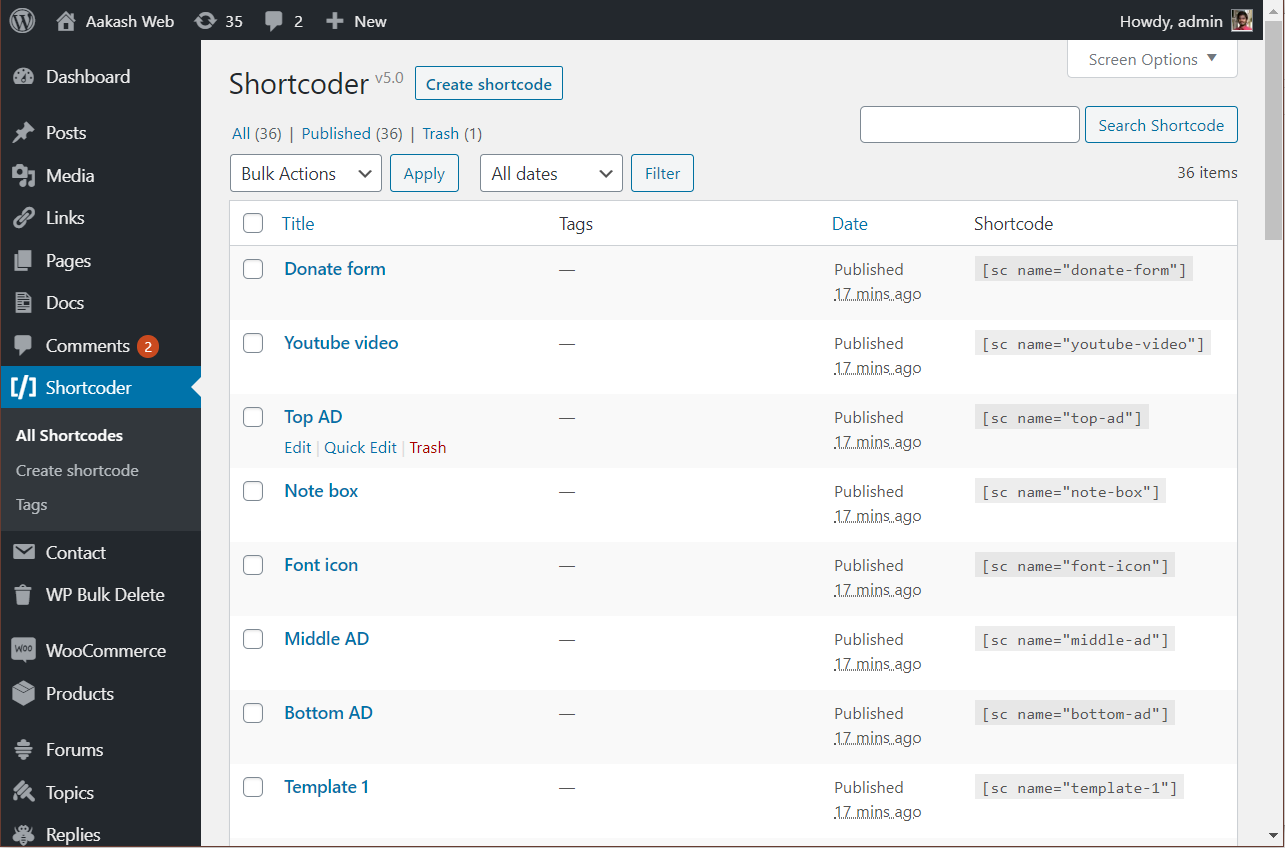
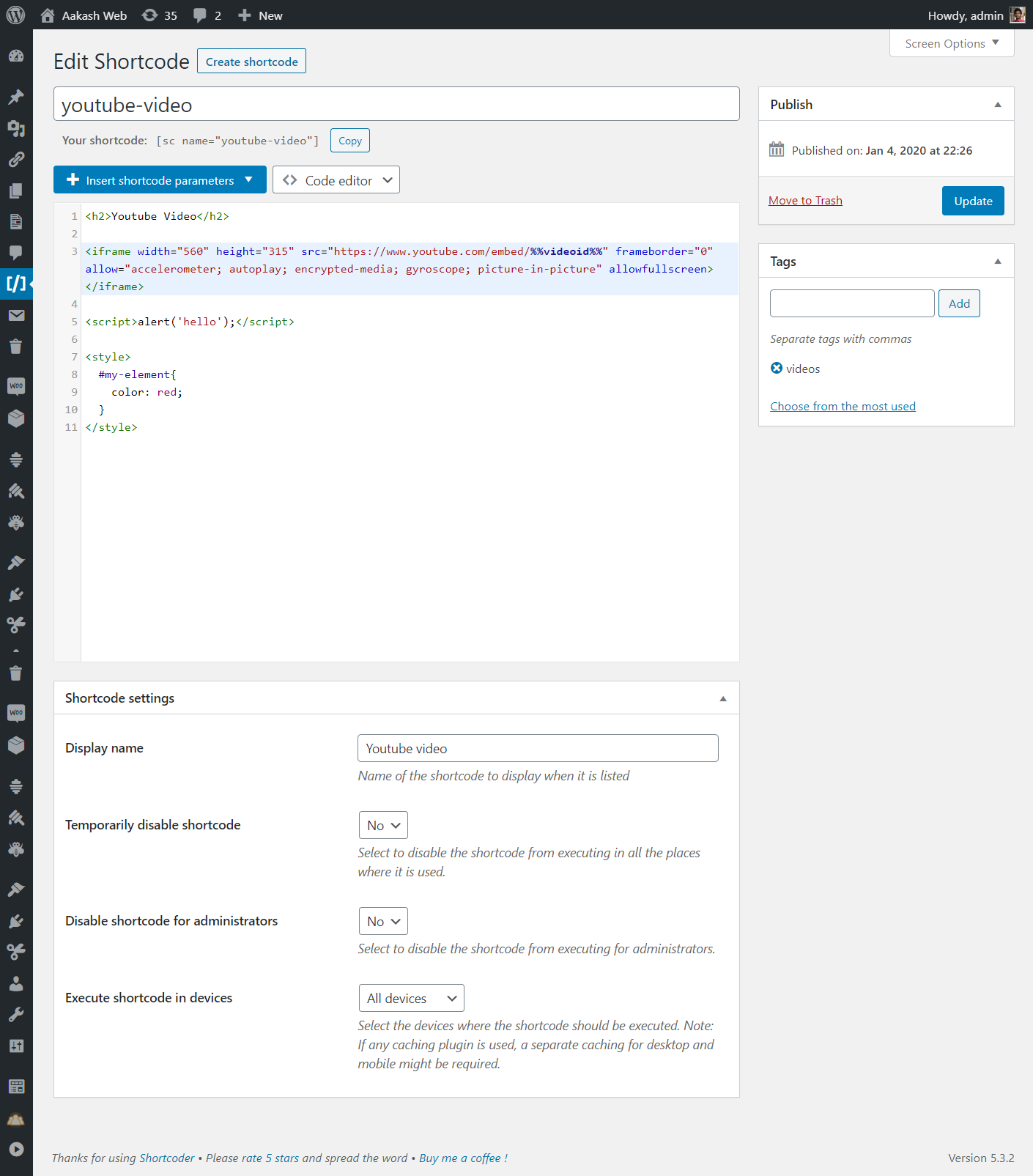
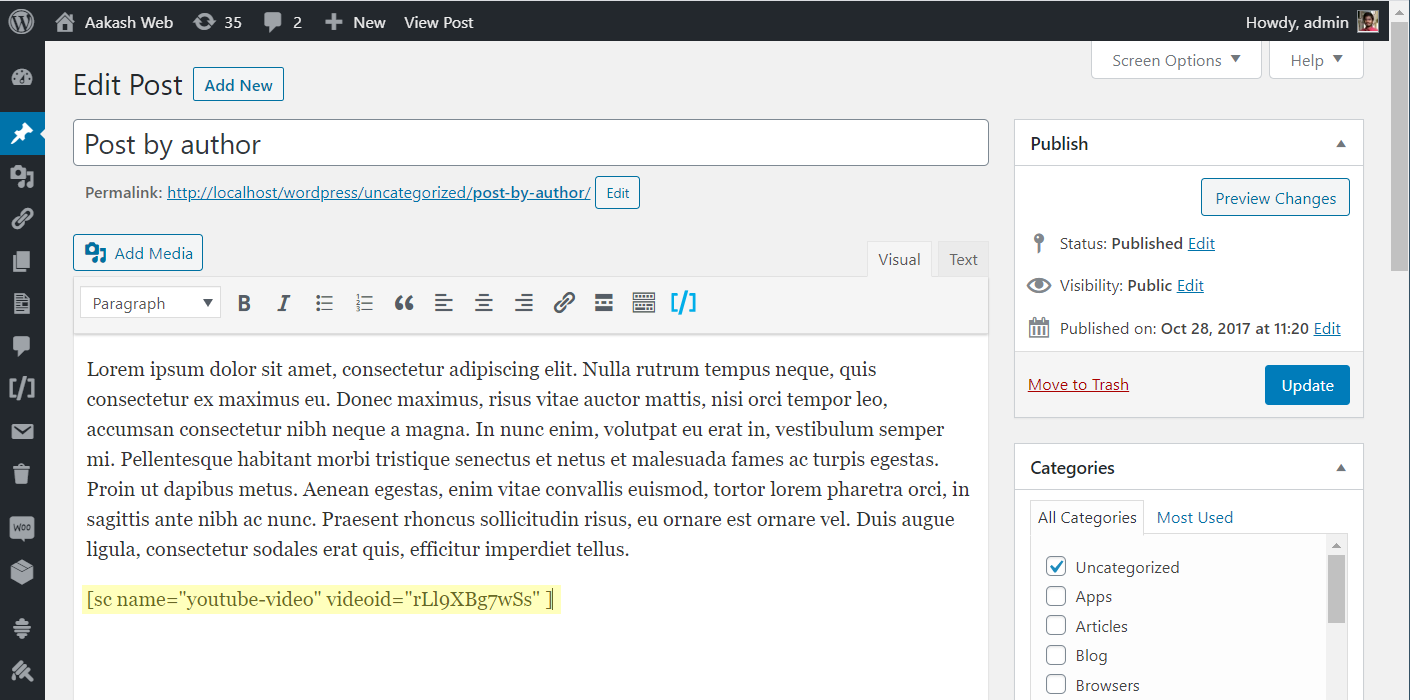
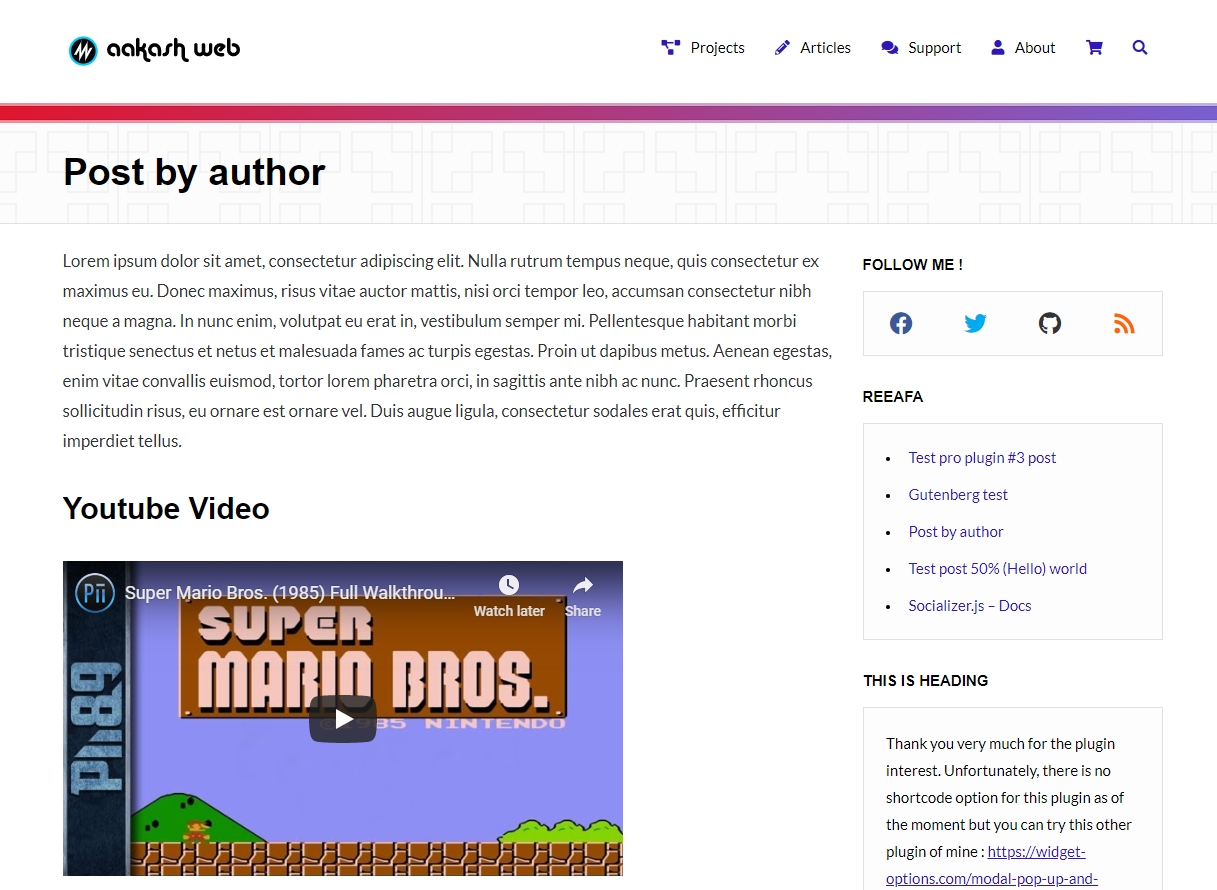
Shortcoder plugin allows to create a custom shortcodes for HTML, JavaScript, CSS and other code snippets. Now the shortcodes can be used in posts/pages and the snippet will be replaced in place.
✍ Create shortcodes easily
- Give a name for the shortcode
- Paste the HTML/JavaScript/CSS as shortcode content
- Save !
- Now insert the shortcode
[sc name="my_shortcode"]in your post/page. - Voila ! You got the HTML/Javascript/CSS in your post.
✨ Features
- Create custom shortcodes easily and use them in any place where shortcode is supported.
- Have any HTML, Javascript, CSS as Shortcode content.
- Insert: Custom parameters in shortcode
- Insert: WordPress parameters in shortcode
- Multiple editors: Code, Visual and text modes.
- Globally disable the shortcode when not needed.
- Disable shortcode on desktop, mobile devices.
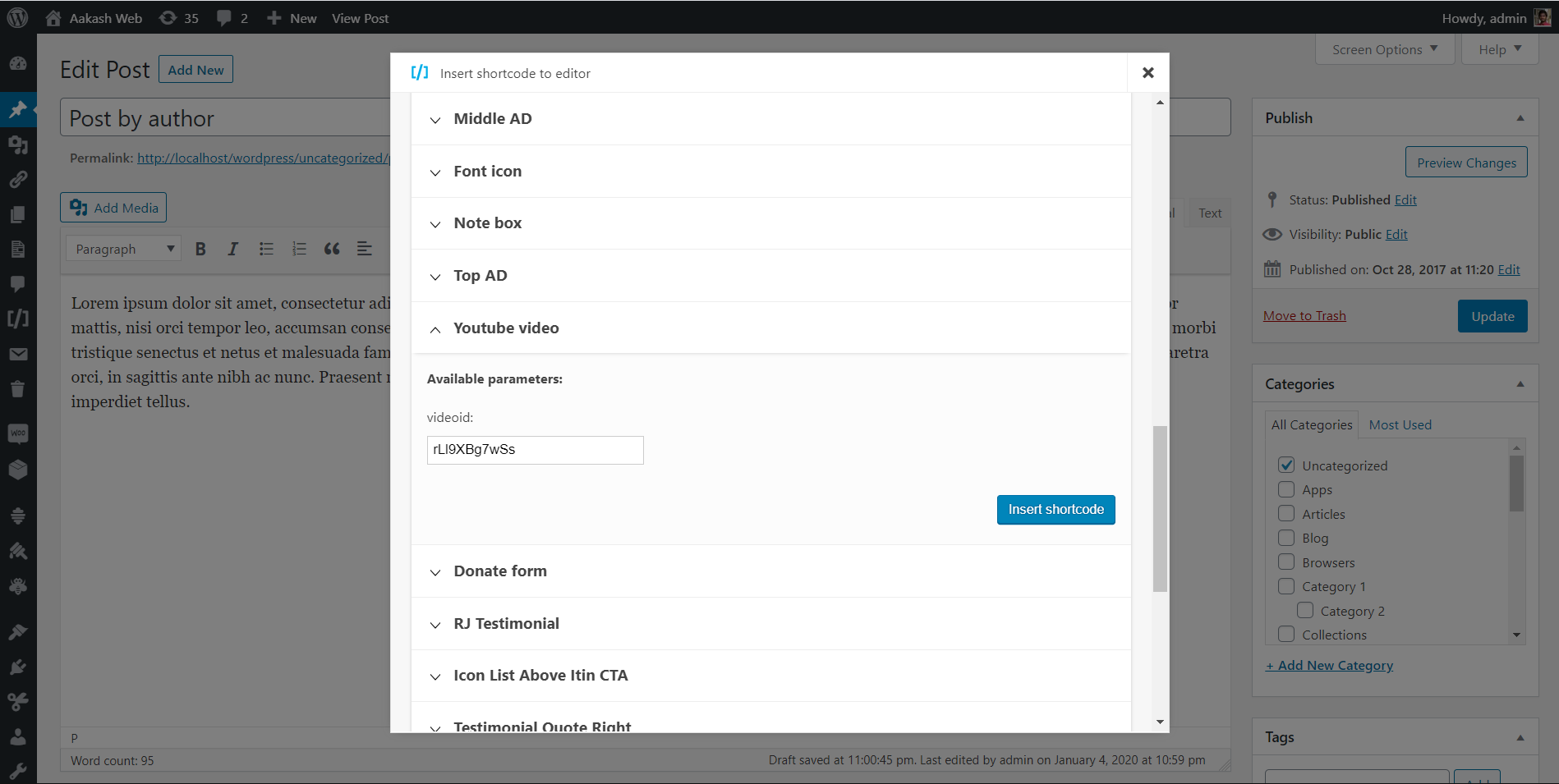
- A button in post editor to pick the shortcodes to insert.
- Execute blocks HTML in shortcode content.
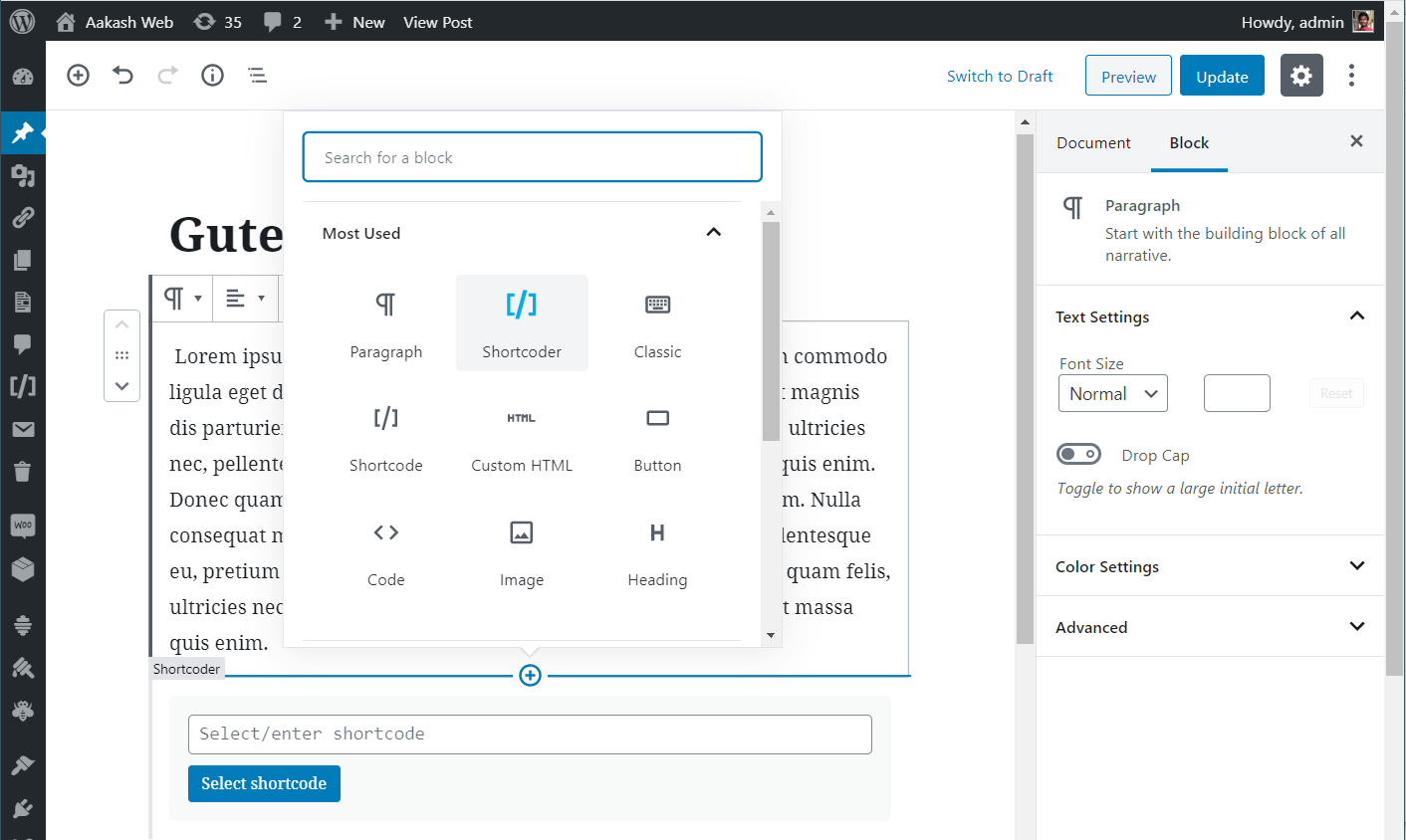
- Insert shortcodes in Gutenberg/block editor.
🎲 An example usage
- Create a shortcode named “adsenseAd” in the Shortcoder admin page.
- Paste the adsense code in the box given and save it.
- Use
[sc name="adsenseAd"]in your posts and pages. - Tada !!! the ad code is replaced and it appears in the post.
- Now you can edit the ad code at one place and the code is updated in all the locations where the shortcode is used.
Similarly shortcodes can be created for frequently used snippets.
You can also add custom parameters (like %%id%%) inside the snippets, and change it’s value like [sc name="youtube" id="GrlRADfvjII"] when using them.
🧱 Using in block editor
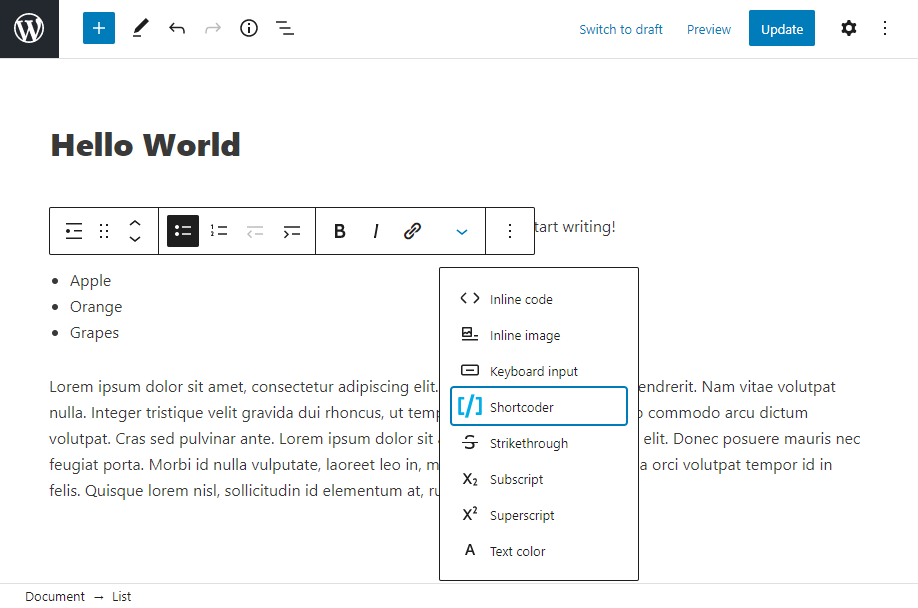
Though shortcodes can be used in any place manually, Shortcoder provides below options to select and insert the shortcodes created easily when working with the block editor.
- Shortcoder block
- Toolbar button to select and insert shortcodes inline (under “more”)
💎 Upgrade to PRO
Shortcoder also provides a PRO version which has additional features to further enhance the experience. Below features are offered in the PRO version.
- Custom editor – Edit Shortcode content using block editor or page builder plugins like Elementor and WPBakery.
- (New) Translation with WPML – Translate Shortcode content with WPML.
- Revisions – Revisions support for Shortcode content.
- Locate shortcode – Search posts and pages where a shortcode is used.
- Extra code – Include extra code to the footer when a shortcode is used in a page.
Get started with Shortcoder – PRO