
Snippet Shortcodes
v5.2.1YeKen · 2015年7月21日 上架
Create a library of custom shortcodes and reusable content, and seamlessly insert them into your posts and pages.
- 正在使用
- 3,000+
- 评分
- 4.7 / 5
- 累计下载
- 14 万
- 最近更新
- 2026年8月14日
贡献者
 YeKen
截图
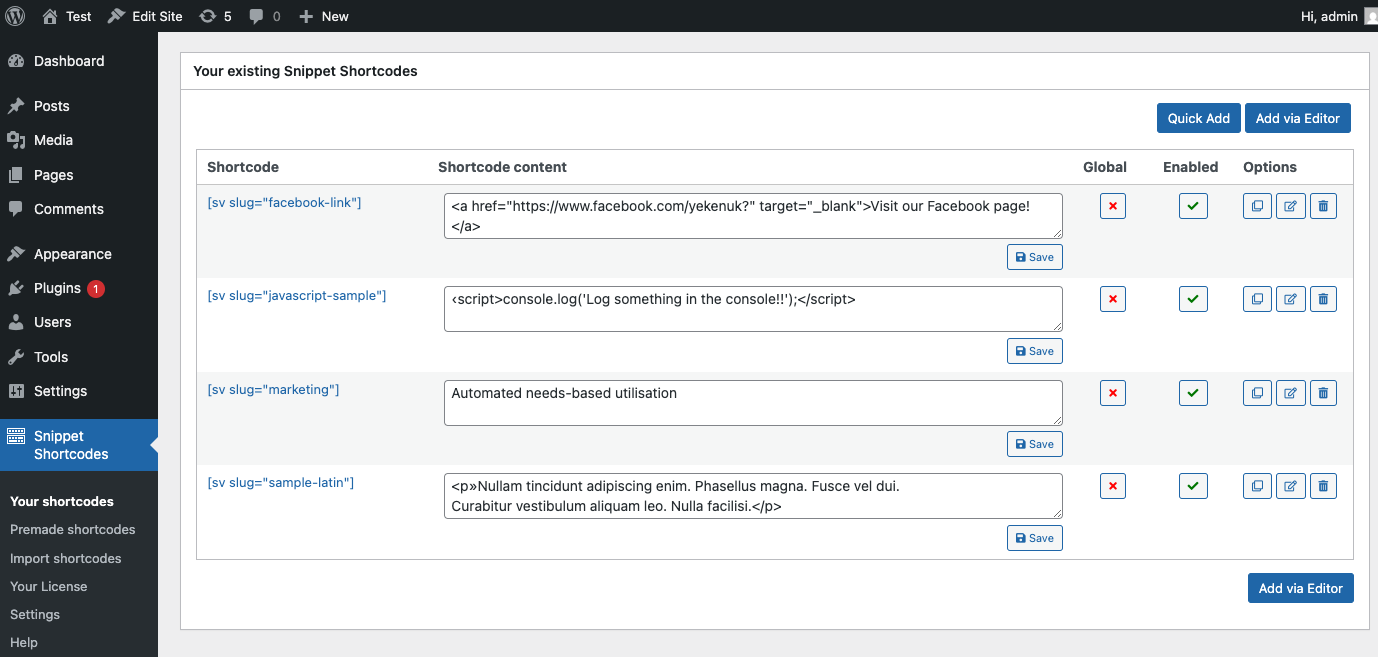


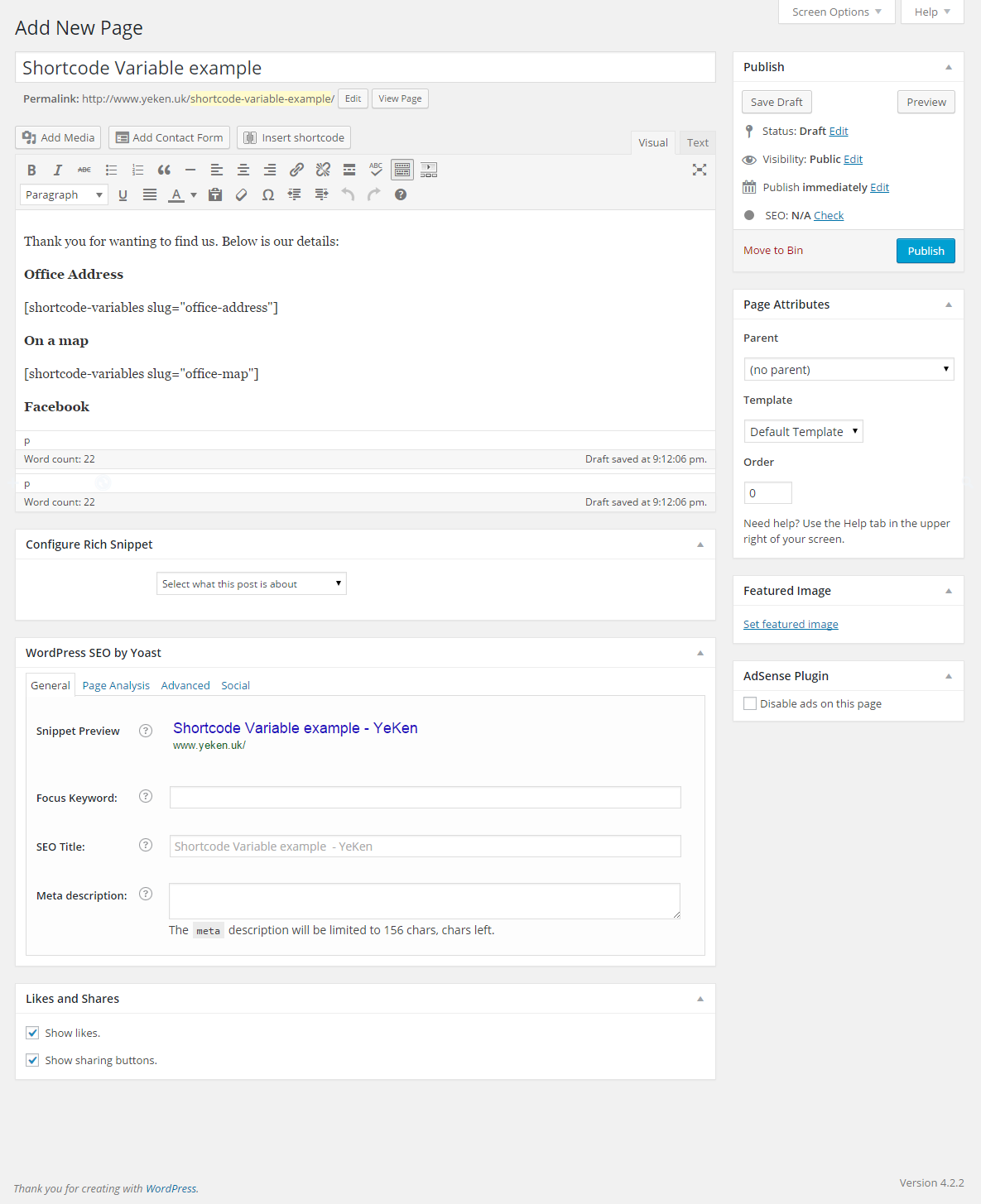
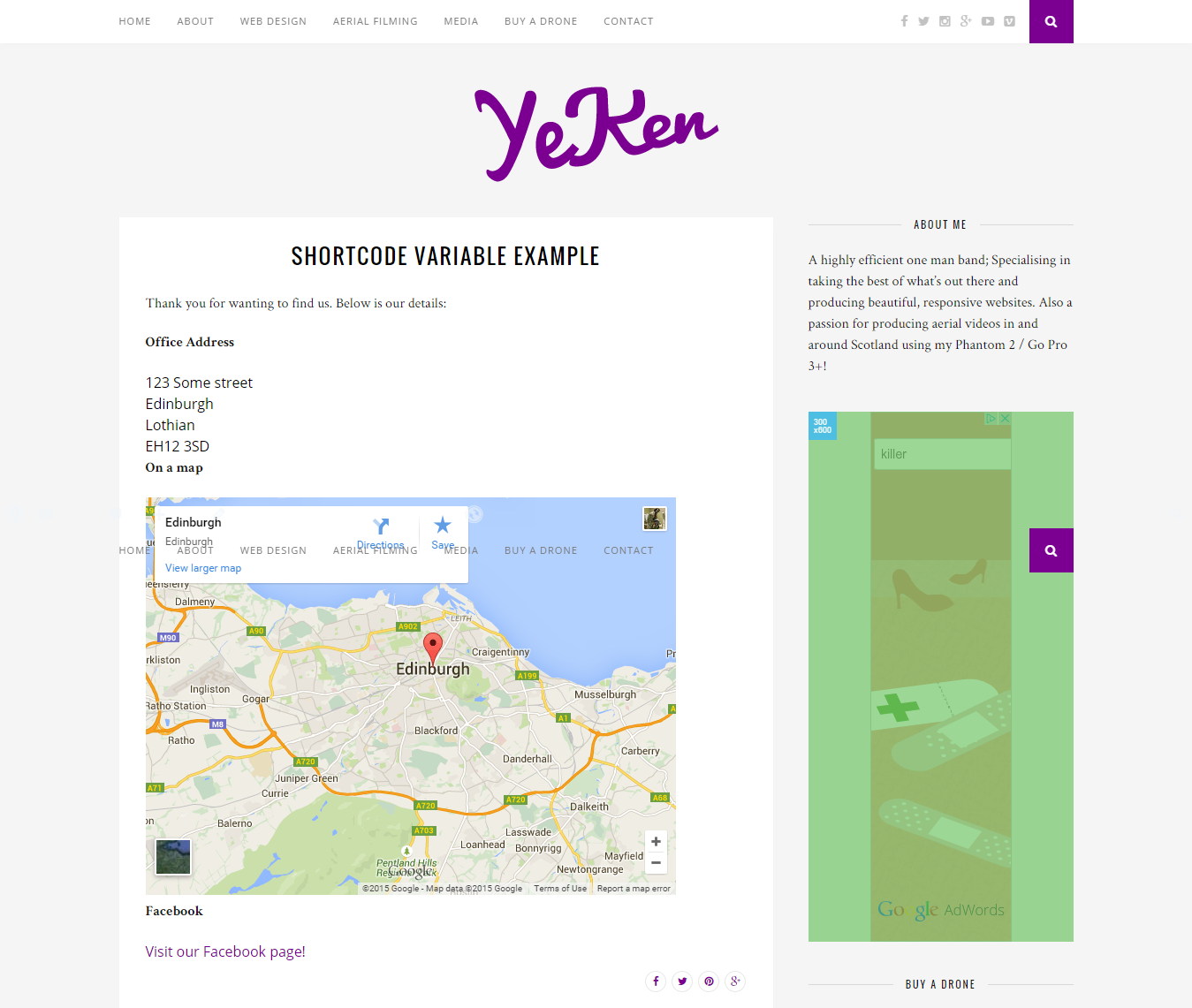
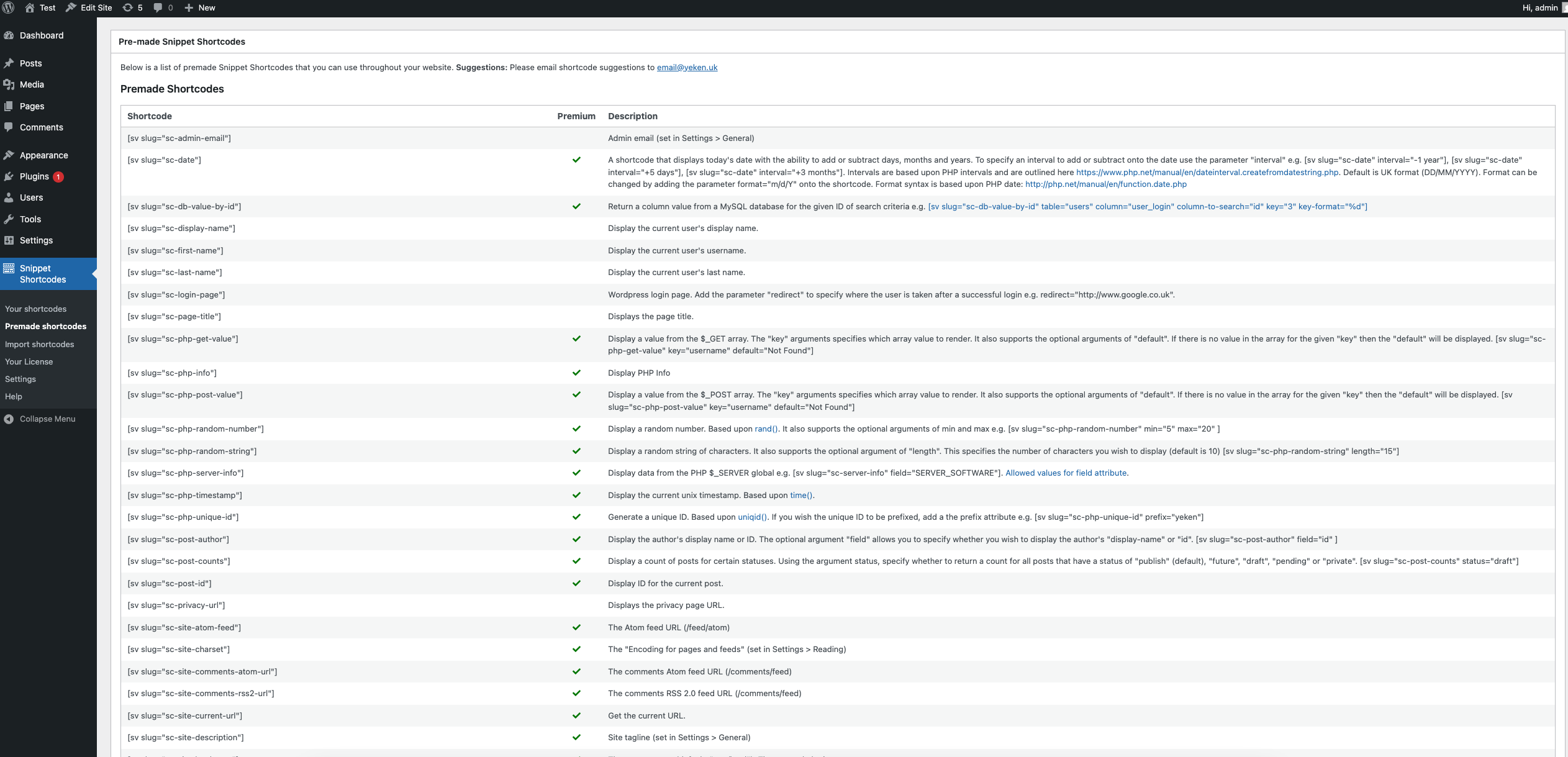
Create a library of custom shortcodes and reusable content, and seamlessly insert them into your posts and pages for streamlined, consistent site updates. Plus, get a head start with a built-in selection of ready-made shortcodes to use out of the box.
In addition to inserting them into your content, you can also configure them to automatically appear in your site’s header and footer. Or limit their display to desktop or mobile devices only.
Looking to reuse the same snippet of text or HTML across your website while only updating it in one spot? Snippet Shortcodes could be exactly what you need. With this tool, you can generate a library of custom shortcodes and embed them into your WordPress content. Using the familiar WordPress editor, you can insert anything from text and HTML to JavaScript, images, or any other elements supported by your theme or plugins. The biggest benefit? You only need to create the shortcode once, and you can then deploy it site-wide, saving time and ensuring consistency.
Quick example
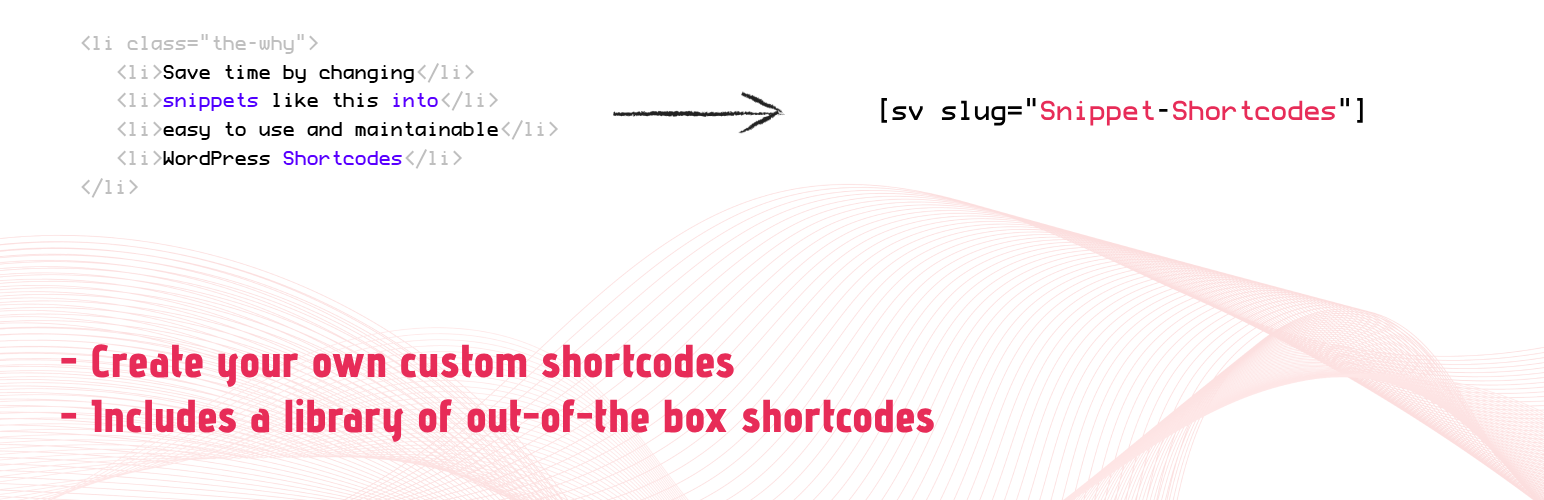
By default, you tend to create content once and then copy and paste it across your site as needed. Later, when updates are required, you have to track down every instance, edit each one individually, and save every page or post – making consistent updates a tedious process. Instead, put a snippet like this into one of our custom shortcodes and get a shortcode you can paste into your content. To update, all you need to do is edit the custom shortcode and your entire site will update consistently.
<a href="https://www.facebook.com/yekenuk" target="_blank" rel="noopener">Our Facebook</a>
to
[sv slug="facebook-link"]
Basic Features
- Custom shortcodes – Create up to 10 custom shortcodes that can be embedded throughout your website.
- Parameters – Enhance your shortcodes by passing parameters into them e.g. [ sv slug=”logo” color=”blue” ]
- Ready made shortcodes – A collection of ready-made shortcodes for displaying common WordPress fields such as site title, username, admin email, etc.
- HTML editor – a HTML editor for editing your custom shortcodes.
- Editor insertion – pick a shortcode from a dropdown and insert it straight into your content, from either the Classic Editor toolbar or the Block Editor (Gutenberg).
Premium Features
- Automatically insert into your site’s header or footer – auto insert your custom shortcode’s content into either your site’s header and/or footer.
- Limit header/footer to specific pages – restrict an auto-inserted header/footer shortcode to a chosen list of page slugs, instead of it appearing on every page.
- Limit to certain device types – specify whether your custom shortcode should only be visible on Mobile, Tablet, Desktop or all three.
- Limit to user roles – show a custom shortcode only to guests or to specific WordPress user roles.
- Schedule visibility – optionally limit a custom shortcode to a start/end date and time window.
- Render-count analytics – see how many times each custom shortcode has been rendered, right on the edit screen.
- Content revision history – every save is kept as a revision (last 20 per shortcode), with one-click restore.
- No limits – create unlimited custom shortcodes.
- Inline editor – Ability to edit custom shortcodes quickly using the inline editor.
- Duplicator – Ability to duplicate custom shortcodes with one button click.
- Enable/Disable – Ability to enable or disable custom shortcodes.
- Multi-site – use custom shortcodes throughout your entire multi-site, not just limited to the one child site.
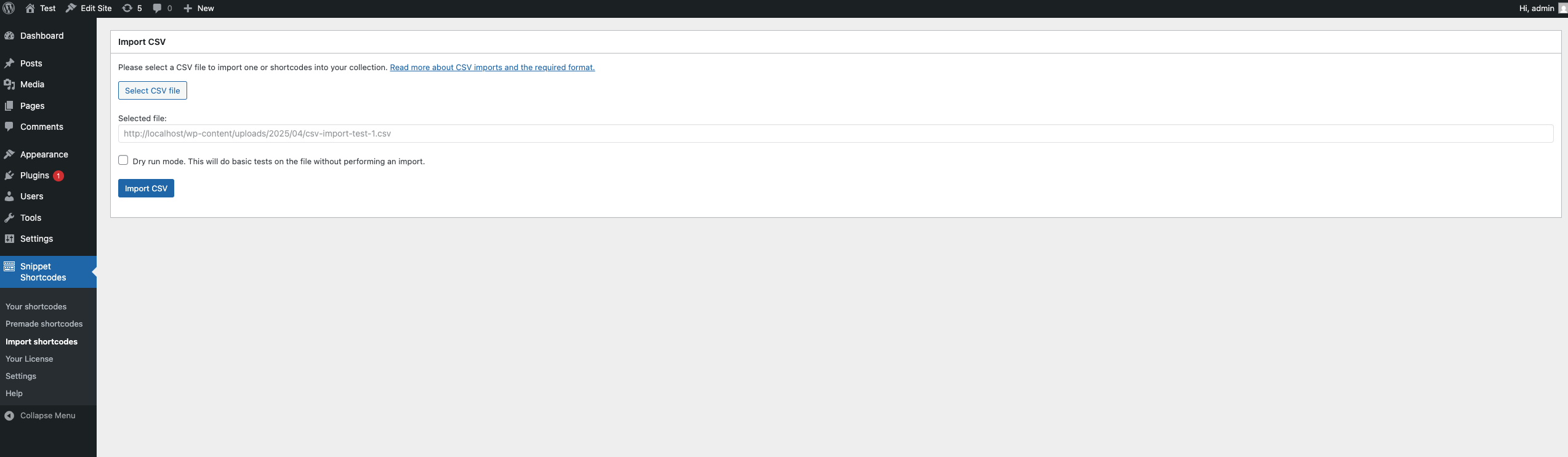
- CSV import & export – Bulk import your custom shortcodes, or export your entire collection to CSV.
- WooCommerce fields – A ready-made shortcode to display WooCommerce fields.
- Fetch values from database – A ready-made shortcode to fetch a value from any database table.
- An enhanced collection of ready-made shortcodes for displaying additional WordPress fields, as well as wrapping around PHP functionality like GET/POST values, number of users, etc.
Pricing Plans
We’re very transparent on our pricing and usually offer two plans: yearly and lifetime. For further information, please visit our upgrade page.
Getting support
If you have a question or an issue, please ask on the plugin’s WordPress support page, and we’ll be more than happy to help.
Useful links
- Snippet Shortcodes – Premium – main website for the Premium plugin.
- Snippet Shortcodes – Core – WordPress.org page for the core plugin.
- Technical Documentation – Installation and detailed documentation on how to use the plugin.
- Trial license – Get a trial license to try out all the features.
- Upgrade – purchase a license to receive all of the features.