

Shelfwright – Media Library Folders & Categories
v1.1.0karelialabs · 2026年11月1日 上架
Folders for the Media Library: drag and drop, uploads into folders, folder galleries. Keeps your Enhanced Media Library categories as they are.
- 正在使用
- 10 以下
- 评分
- 暂无
- 累计下载
- 574
- 最近更新
- 2026年11月16日
贡献者
 karelialabs
截图

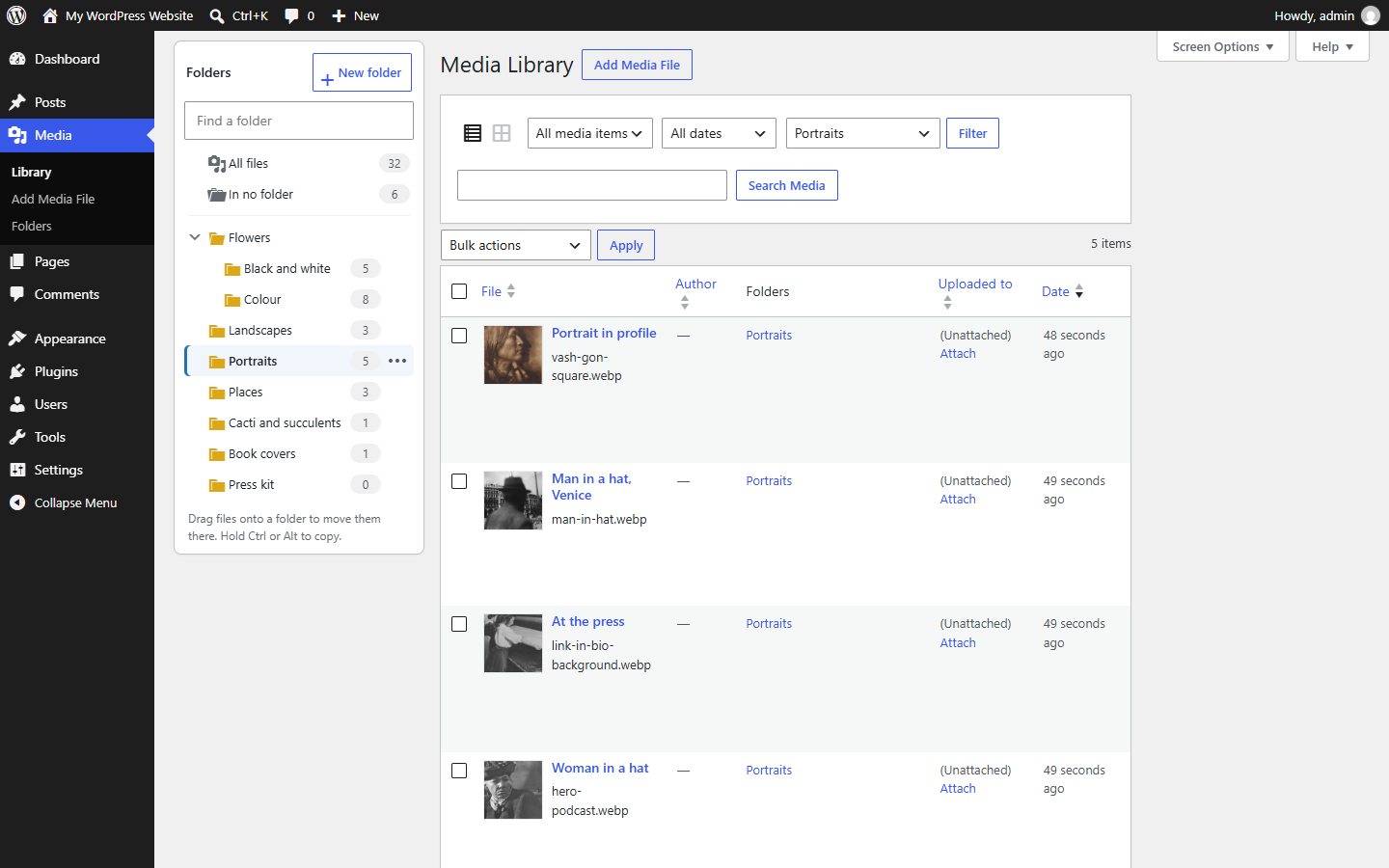
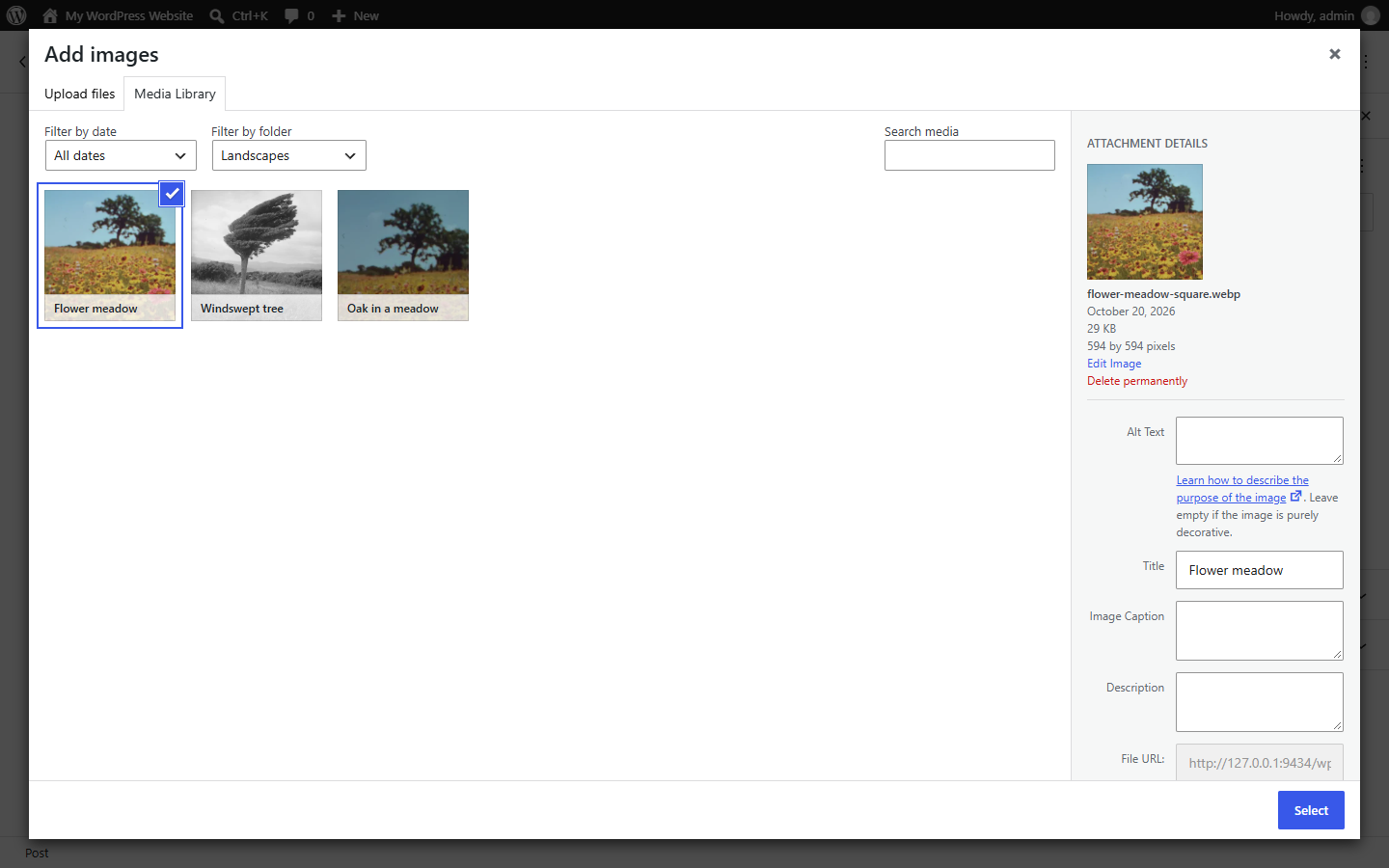
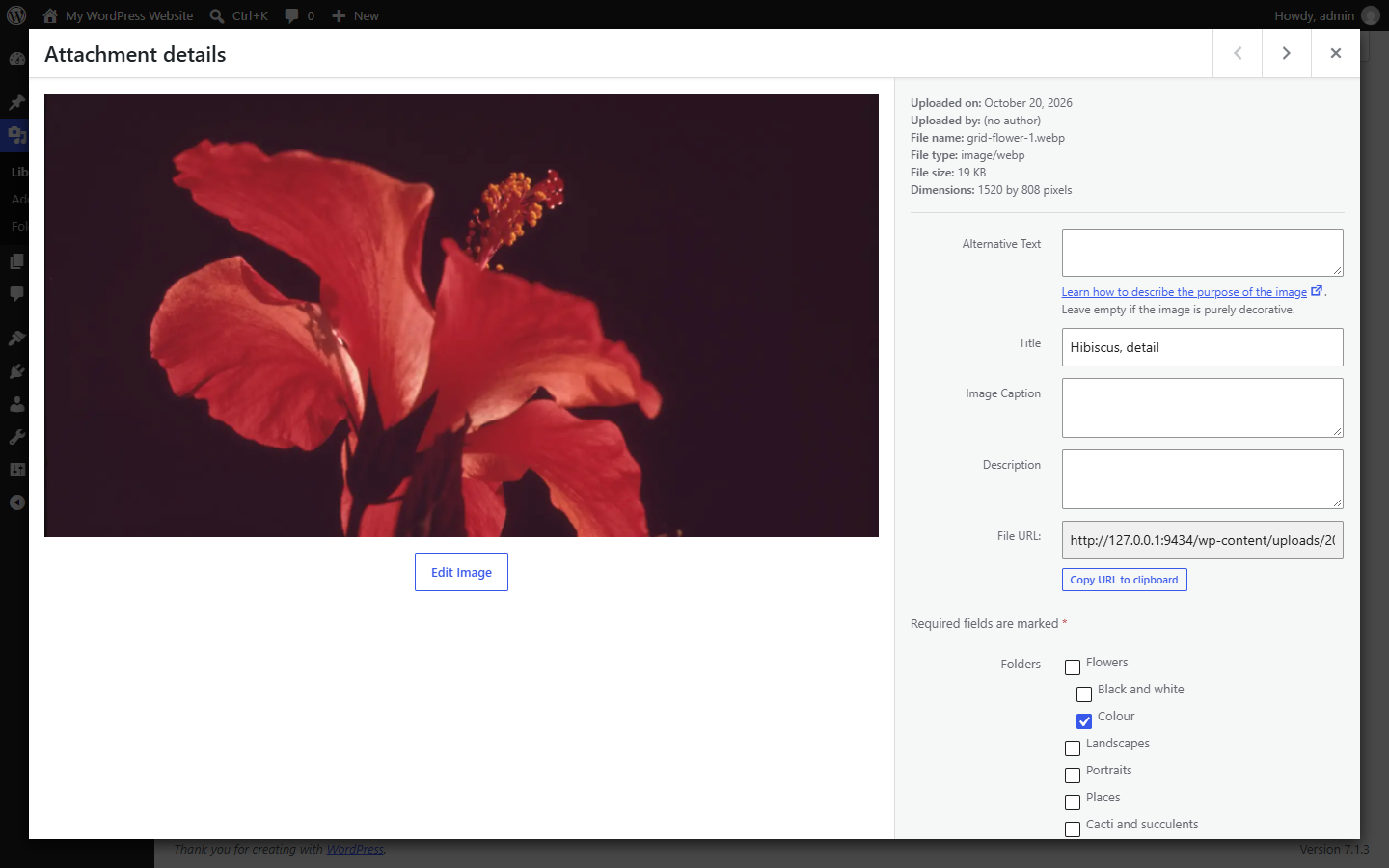

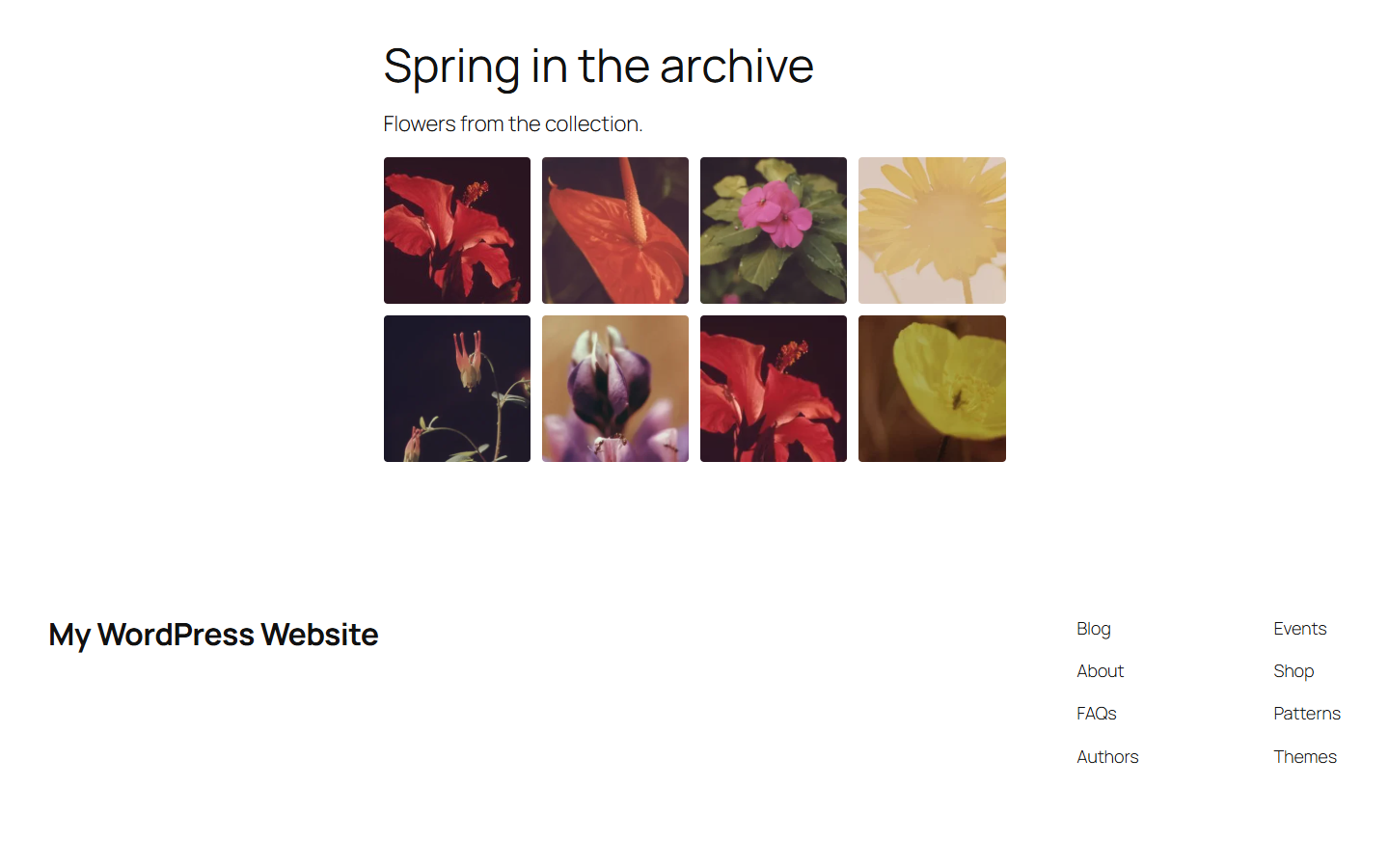

Put your Media Library in folders. Drag, drop, done.
Shelfwright adds a folder tree beside the WordPress Media Library. Open a folder to see its files, drag files onto a folder to move them, and upload straight into the folder you are in. Unlimited folders and subfolders, free.
Switching from Enhanced Media Library?
Enhanced Media Library has not been updated since July 2024, and its filters no longer fit the media dialogs of WordPress 7. Shelfwright is built to take over without any migration:
- Your categories are already there. Shelfwright uses the same
media_categorytaxonomy, so every category shows up as a folder, with its subcategories and files. Nothing is copied or converted. - Your galleries keep working.
[gallery media_category="flowers,mosses"],[gallery media_category="california+flowers"],type,limit,orderbyand[playlist]work the same way. - Extra taxonomies stay. Taxonomies you created in Enhanced Media Library, and Categories or Tags you put on media, are registered again with the same names.
- Category pages keep their address, if you used them.
- Activate Shelfwright, deactivate Enhanced Media Library. That is all.
Coming from another folder plugin?
Shelfwright finds the folders of FileBird, Real Media Library, Media Library Folders, Folders, HappyFiles, WP Media Folder, Wicked Folders and Media Library Assistant, and imports them with one click, subfolders and all. The other plugin’s data is only read, never changed, so you can try Shelfwright without risk.
Files already on your server?
Media Import from server adds files that are already on the server (put there by FTP, restored from a backup, or left by another tool) to the Media Library, and turns their folders into Shelfwright folders with the same structure.
- Nothing is copied or changed. Files inside the uploads folder are registered where they are. Only the file types WordPress allows are imported, and files that are already in the Media Library are skipped.
- The site owner decides which folders can be read: the uploads folder, plus any folder listed in the
SHELFWRIGHT_IMPORT_ROOTSconstant in wp-config.php (or added with theshelfwright_import_rootsfilter). You choose a folder inside those. Paths are checked, symbolic links are never followed, and only administrators can use it. - You see what will happen first: how many files and folders would be imported, and what is skipped and why.
- Folders outside the uploads folder can only be imported by copying the files into uploads, and only when you tick a box that says so. The originals stay where they are.
- It can be stopped and continued. Progress is kept on the server, and thumbnails and file details are made in small batches, so large folders do not run into time limits.
- Failures are listed, never skipped: every file that could not be added, put into its folder or given thumbnails is shown with the reason, with Retry and a CSV list.
Coming from Add From Server? Import the folder with the option to also put files that are already in the Media Library into the folders, and they get the structure they never had.
Features
- Folder tree beside the Media Library, in grid and list view, with file counts, “All files” and “In no folder”.
- Drag and drop: drag files onto a folder to move them (hold Ctrl or Alt to copy), drag selected files together, drag folders to nest or reorder them.
- Uploads go into the open folder.
- Subfolders as deep as you like; rename in place (double-click or F2), right-click for more.
- One file, several folders: a logo can be in “Brand” and in “Press kit” at the same time, without a copy.
- Folder filter in the editor’s media dialogs, laid out for WordPress 7.
- Folder checkboxes in the attachment details, a Folders column and a folder filter in list view.
- Import from server: files that are already on the server, with their folders, without copying them.
- Folder gallery block: show the images of a folder; images you add later appear automatically. Also
[gallery folder="logos"]. - Keyboard and screen reader friendly: the tree follows the WAI-ARIA tree pattern (arrow keys, Enter, F2, Delete, Shift+F10).
- Your files never move. Folders are virtual, so URLs, links and image sizes stay exactly as they are.
- No new database tables. Folders are a standard WordPress taxonomy, so backups, exports and other plugins understand them.
Shelfwright Pro
Shelfwright Pro adds:
- AI sorting: an image-recognition model looks at your images and suggests the right folder for each one, using your own folder names. It runs in your browser, so your images are not sent anywhere. Review the suggestions and apply them in one click.
- Sort new uploads automatically into the folder the AI suggests.
- Folder colours.
- Download a folder as a ZIP file.