

Serverless Radio
v0.9.0Sandeep Verma · 2020年12月17日 上架
A serverless MP3 linear streaming plugin that lets you create AutoDJ-like playlists from public MP3 folders — no VPS required.
- 正在使用
- 50+
- 评分
- 5.0 / 5
- 累计下载
- 5,753
- 最近更新
- 2026年3月6日
贡献者
 Sandeep Verma
截图
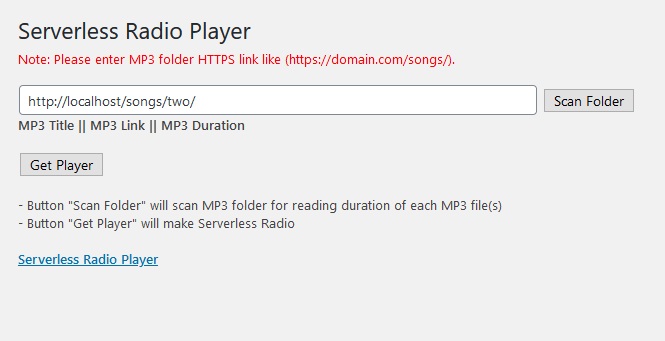
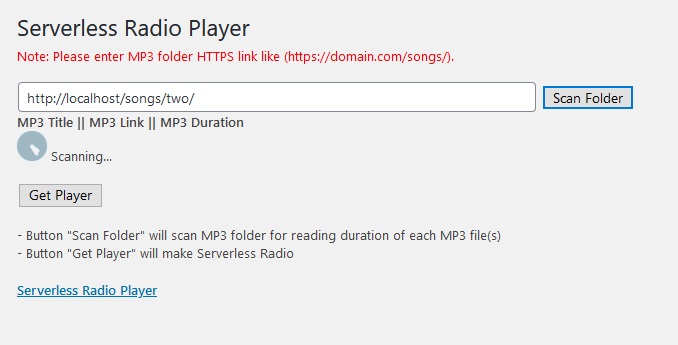
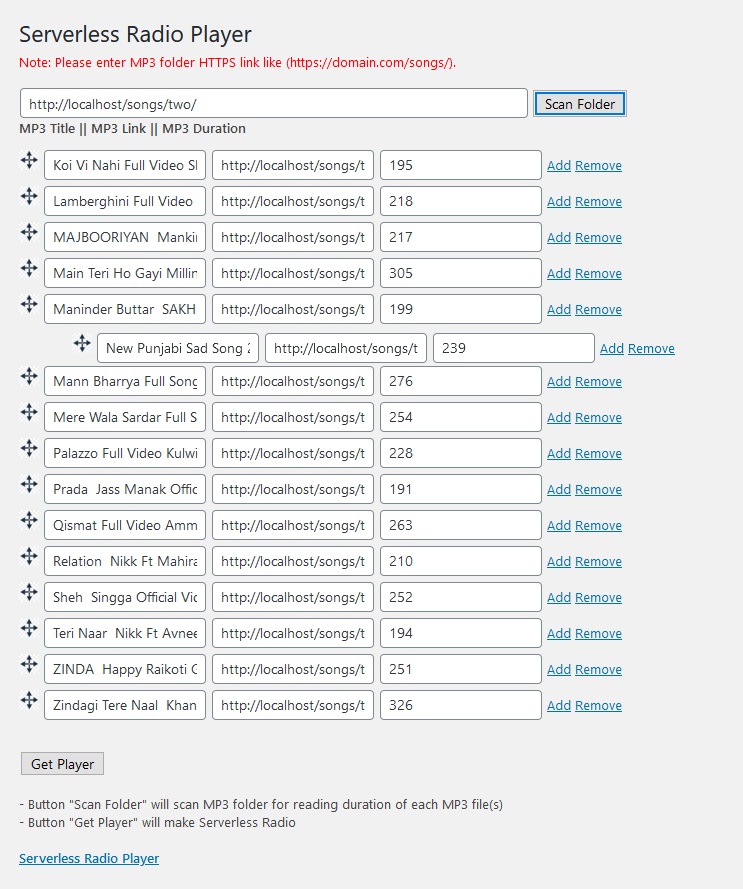
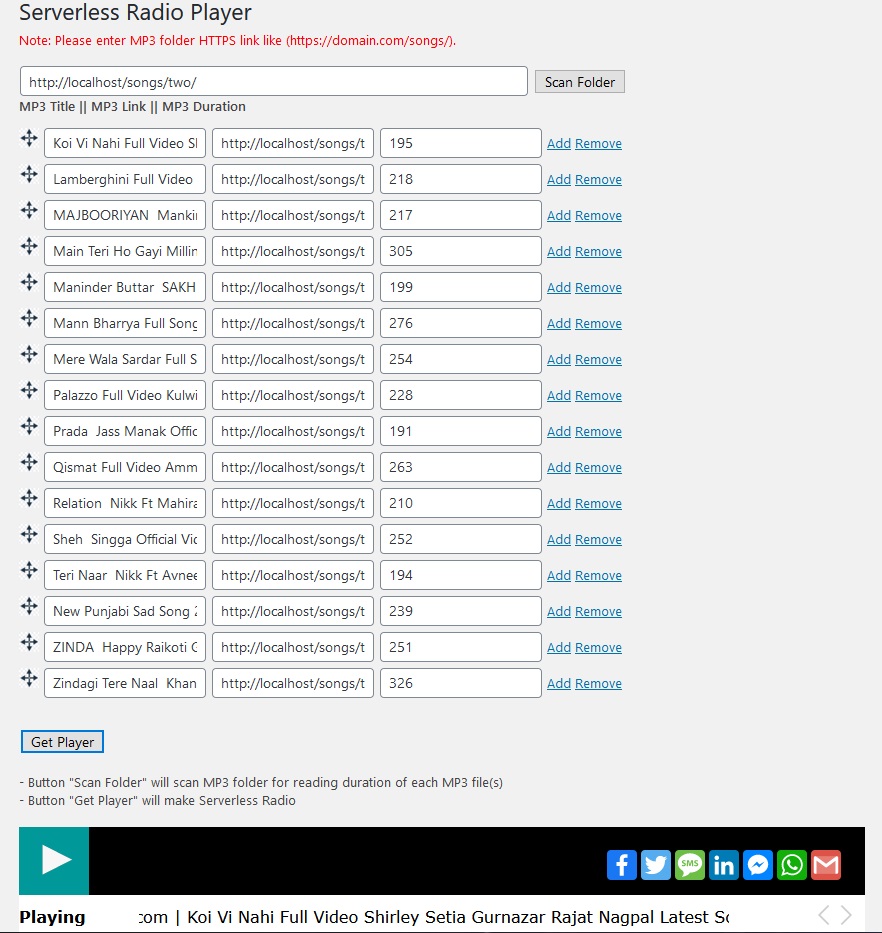
Serverless Radio is a lightweight plugin that allows you to stream MP3 files in linear fashion — just like AutoDJ — without needing a VPS or dedicated streaming server. You can run a complete radio station from a standard shared hosting environment!
This plugin provides a JavaScript-powered linear stream from a public MP3 folder. Schedule your playlist, embed a player on your site, and start gaining listeners across the globe — even without going live.
Perfect for:
– Internet radio stations
– Podcasts
– Continuous audio playback
– Time-based playlists from hosted MP3s
🔥 Key Highlights
- No VPS or dedicated server needed
- Auto-generates playlist from your public MP3 folder
- Works like AutoDJ in “virtual mode”
- Allows you to schedule linear playback
- Embed player anywhere with iframe
- Show current, last, and next song info
- Built-in playlist drag-and-drop customization
- Includes YouTube demo and live example
🎥 Watch Demo on YouTube
🔊 Try Live Demo
Features
- Linear MP3 streaming via public folder
- Supports public MP3 folder URLs
- Automatically scans MP3 files and their durations
- Add/remove items from playlist manually
- Embed radio player using iframe
- Shareable and customizable player
- Display song metadata: Current / Last / Next
- Drag-and-drop playlist sorting
- Social sharing integration
How to Create a Serverless Radio
- Upload your MP3 files to a public directory.
- Use that directory URL in plugin settings.
- The plugin will auto-scan and build a playlist from the MP3 files.
- You can reorder and manage the playlist using drag-and-drop.
Note: The MP3 folder must be publicly accessible with direct file links.
Support
Need help or have a question? Contact us:
💬 https://www.serverlessradio.com/contact/