
Server Status for MC by MrDino
v0.0.6MrDino · 2025年11月28日 上架
Display your Minecraft server status on your WordPress site. Basic mode works without any Minecraft plugin.
- 正在使用
- 30+
- 评分
- 5.0 / 5
- 累计下载
- 858
- 最近更新
- 2025年12月11日
贡献者
 MrDino
截图
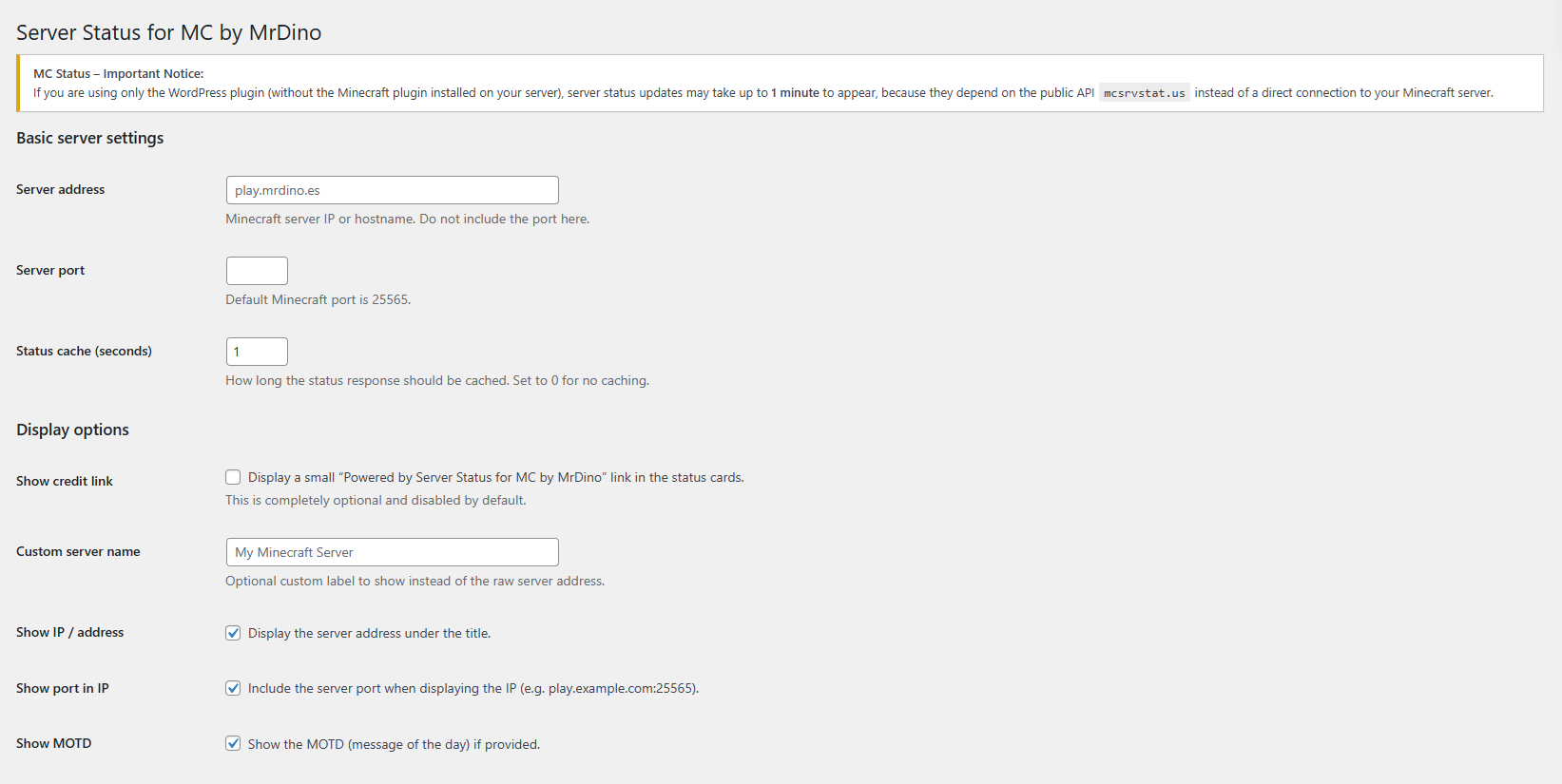
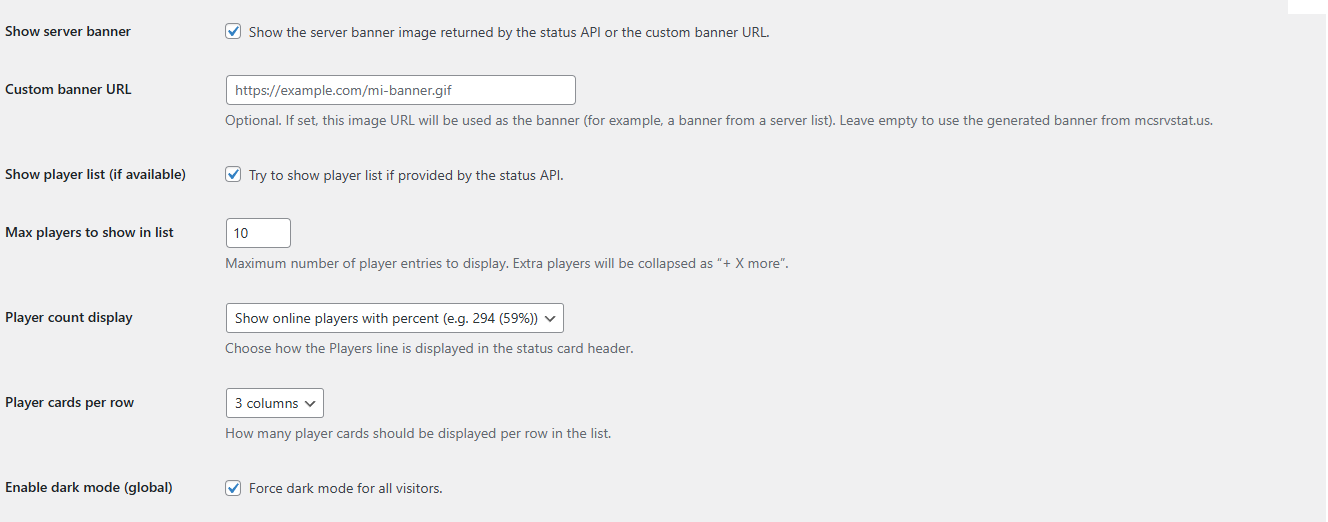
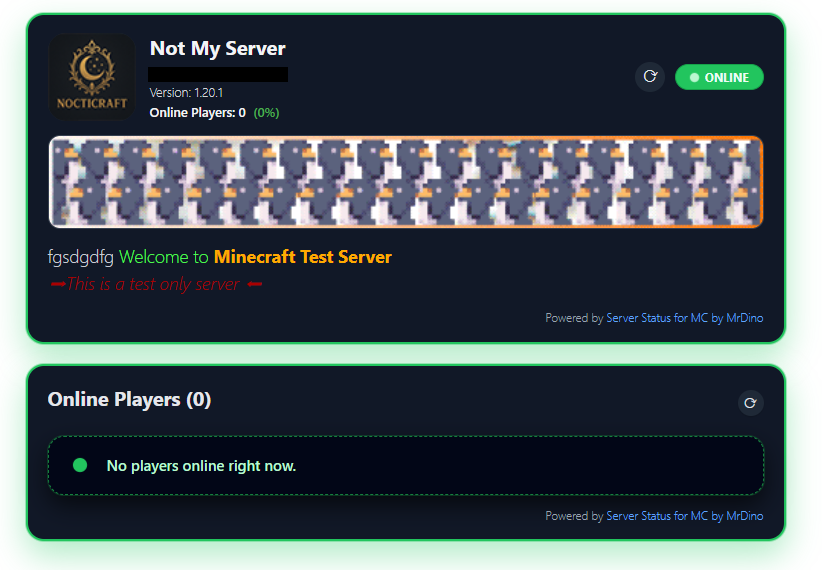
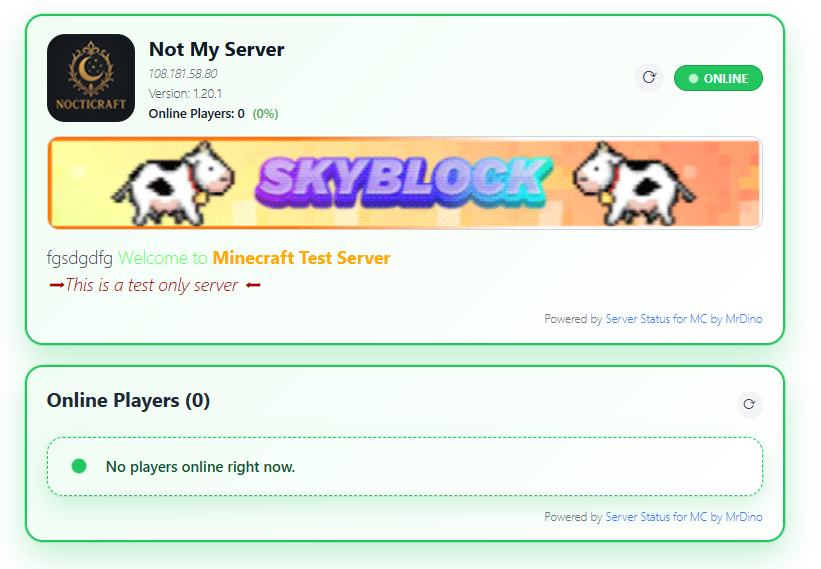
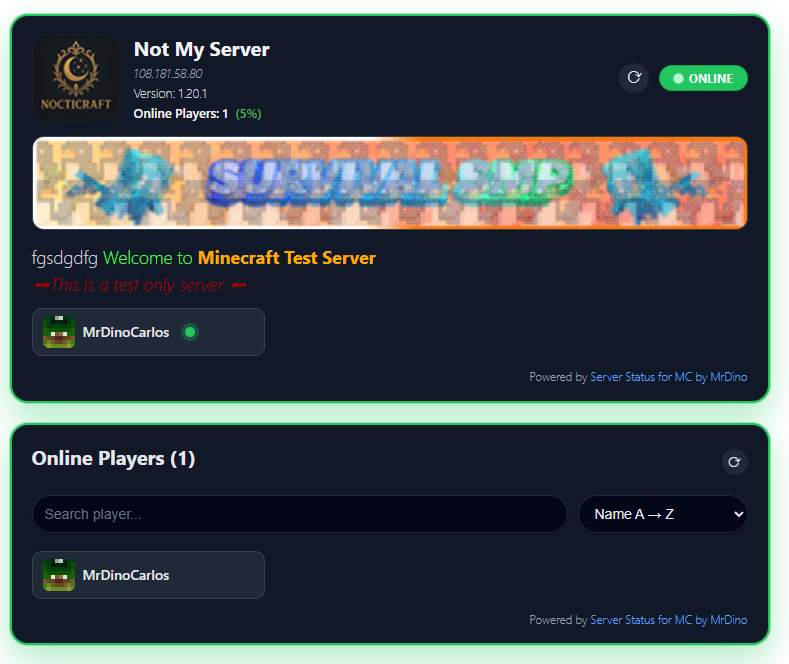
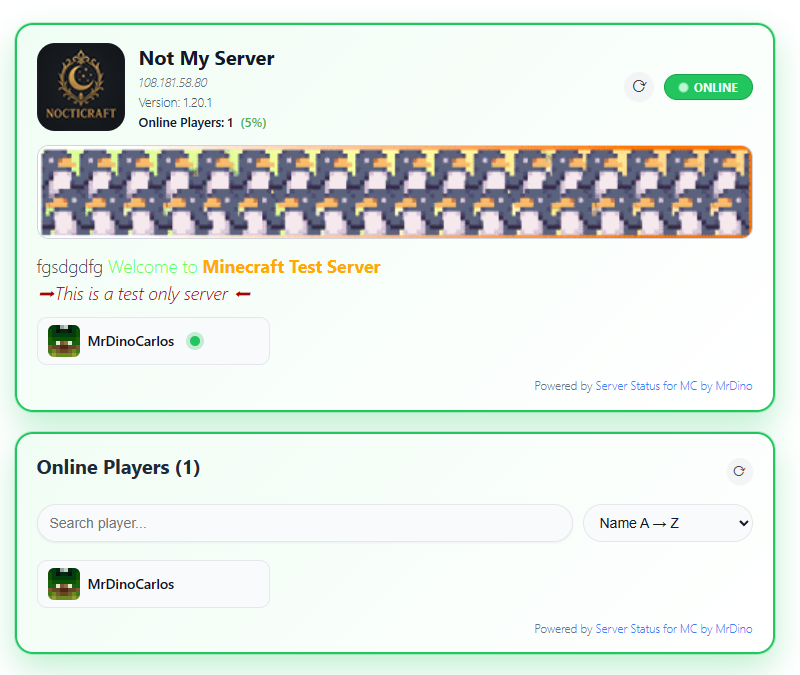
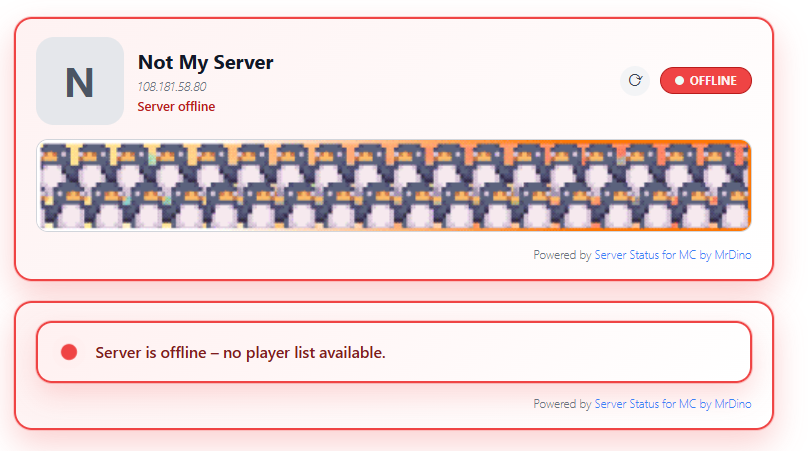
Display your Minecraft server status on your WordPress site. Basic mode works without any Minecraft plugin.
Server Status for MC by MrDino lets you show a clean, modern status card for your Minecraft server.
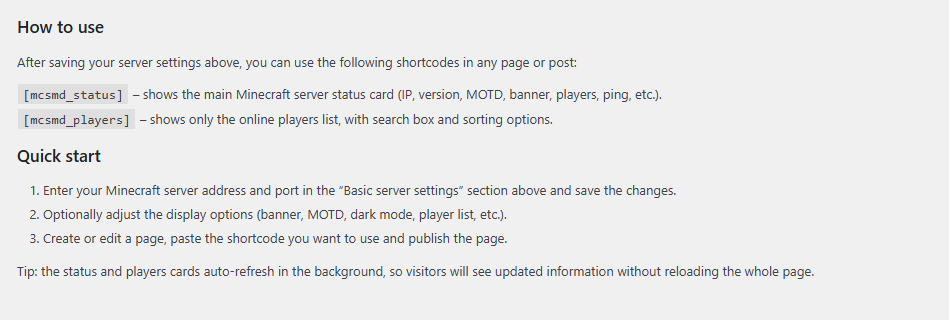
Quick start
Enter your Minecraft server address and port in the “Basic server settings” section above and save the changes.
Optionally adjust the display options (banner, MOTD, dark mode, player list, etc.).
Create or edit a page, paste the shortcode you want to use and publish the page.
Tip: the status and players cards auto-refresh in the background, so visitors will see updated information without reloading the whole page.
External services
This plugin is developed and maintained by MrDino (https://mrdino.es).
All live status and avatar features are powered by the external services listed below.
Your WordPress site does not send any data to mrdino.es beyond the normal plugin links and metadata.
This plugin connects to two external services to display live Minecraft data and player avatars.
mcsrvstat.us API
This service is used to fetch live status information (online state, players, MOTD, version, ping, etc.) and an optional banner image for the Minecraft server you configure in the plugin settings.
* What data is sent: the server address (host and port) that you enter in the plugin settings.
* When data is sent: whenever the status or player list shortcodes are loaded on a page, or when they refresh via AJAX in the background.
* Service website and API documentation: https://mcsrvstat.us/ (API at https://api.mcsrvstat.us/)
* Legal / privacy: please refer to the legal information and privacy details linked from their website.
MCHeads (mc-heads.net)
This service is used to generate square avatar images (“heads”) for Minecraft players based on their in-game name.
* What data is sent: the Minecraft player name(s) reported by your server (no WordPress user data is sent).
* When data is sent: when the player list is displayed and an avatar image needs to be shown for an online player.
* Service website: https://mc-heads.net/
* Terms of use: https://minecraft-heads.com/terms-of-use
* Privacy policy: https://minecraft-heads.com/privacy-policy