

Servantly Ask – Private Q&A with Spam-Blocking Moderation
v2.1.5WhoKnew.io · 2026年8月11日 上架
Collect, moderate, and vote on live Q&A from any audience — conference, classroom, or church — then run it on a projector. No caps. Free.
- 正在使用
- 10 以下
- 评分
- 暂无
- 累计下载
- 478
- 最近更新
- 2026年9月25日
贡献者
 WhoKnew.io
截图
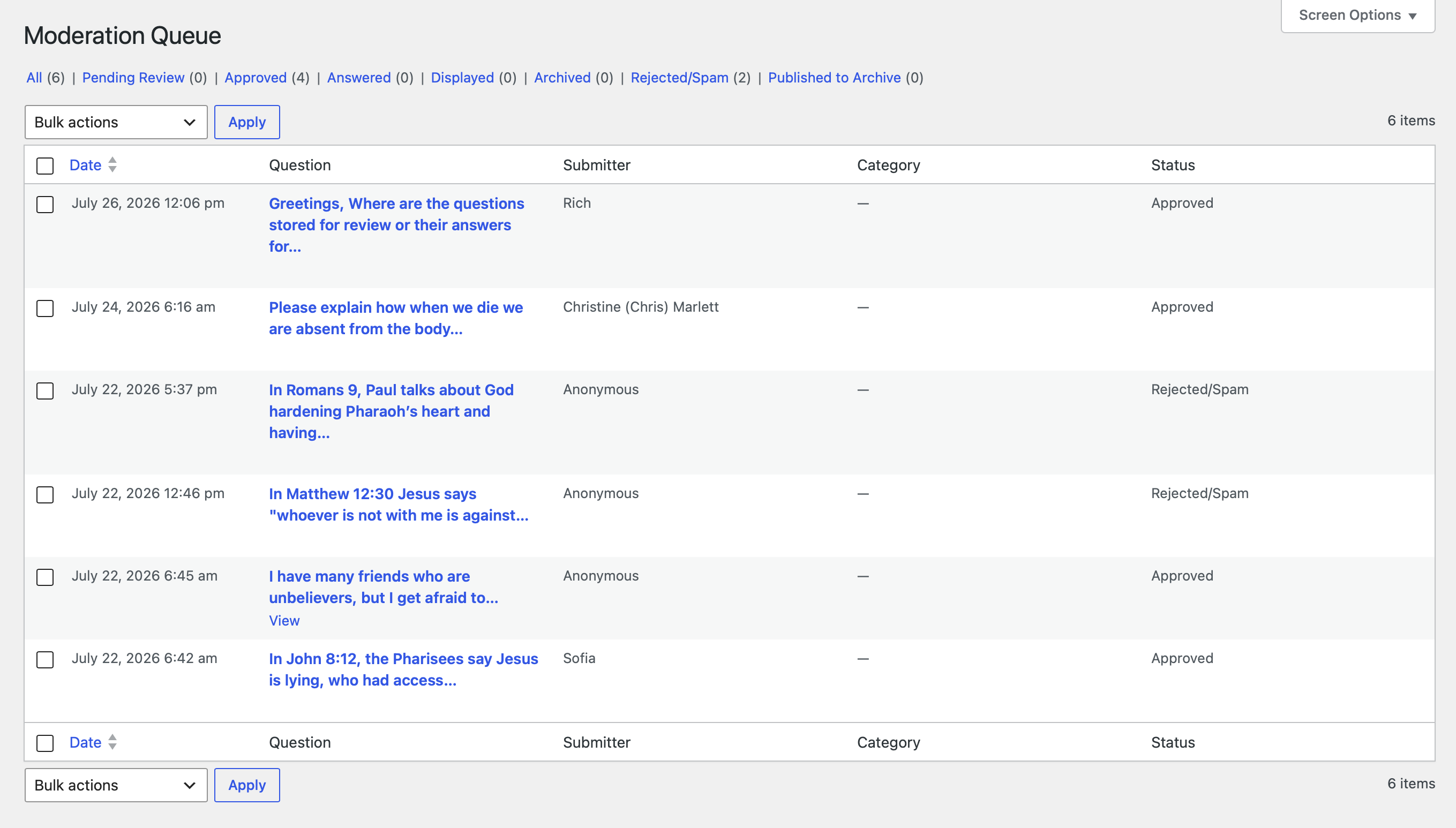
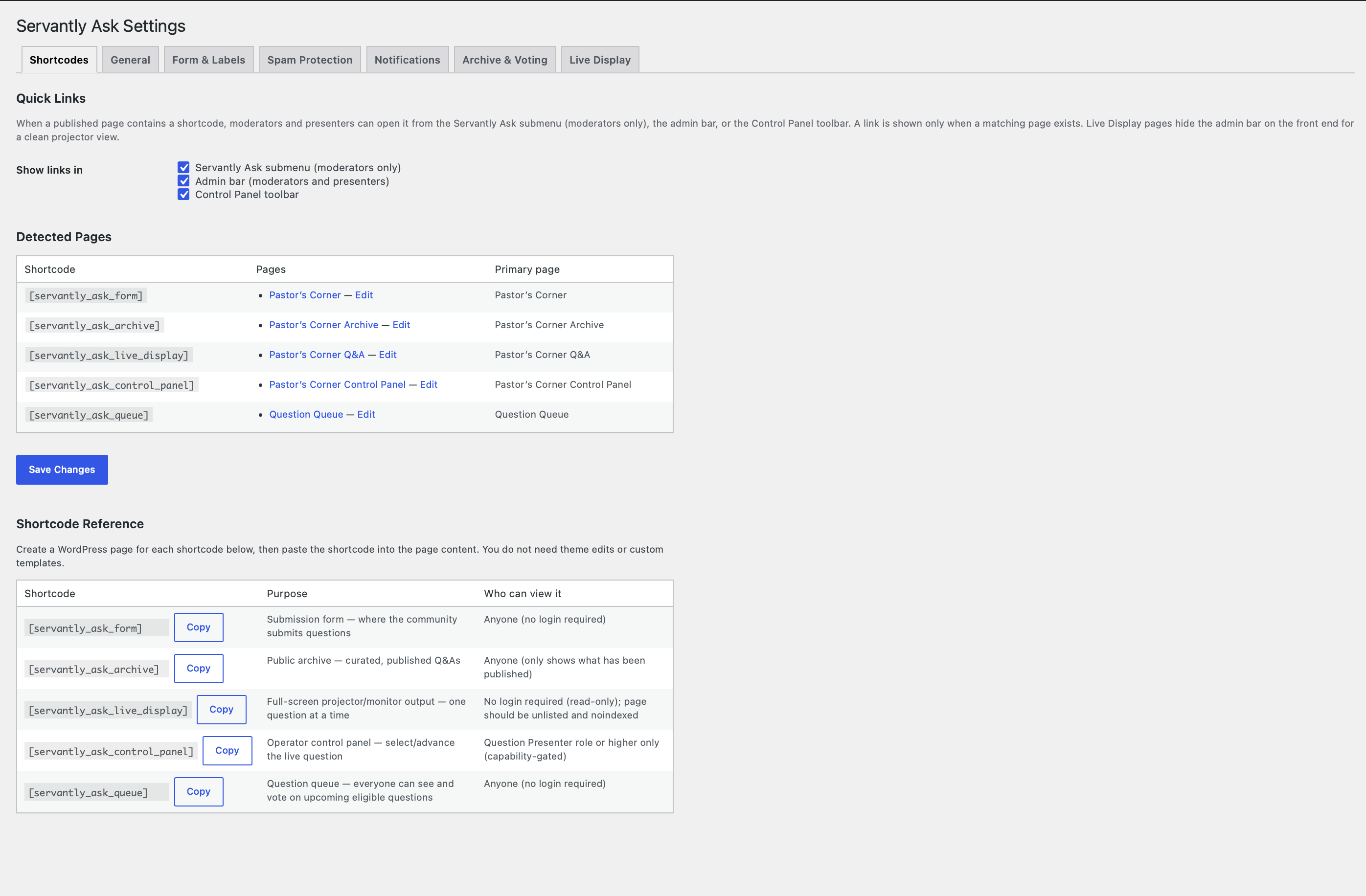
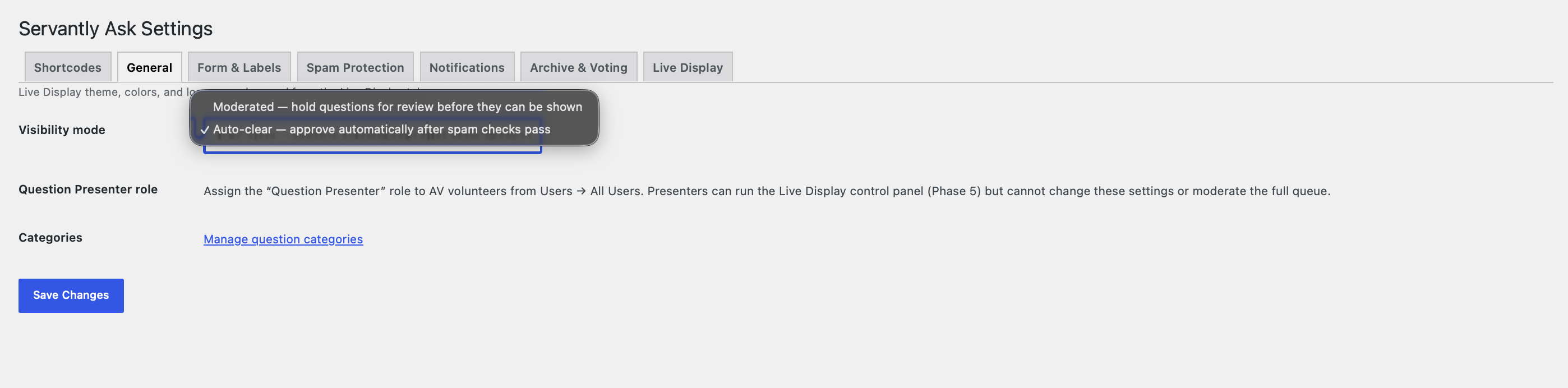
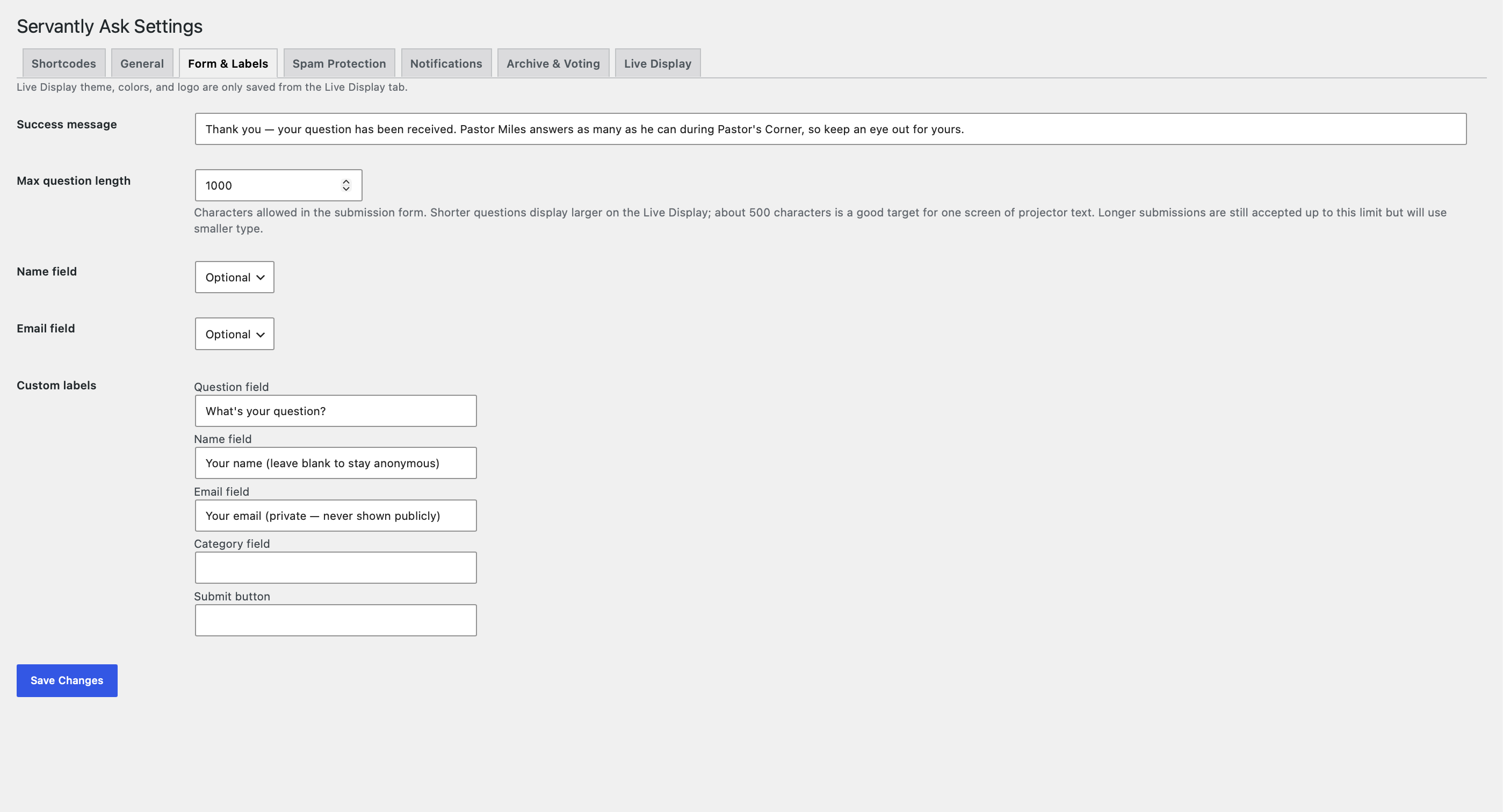
Stop paying for live Q&A tools with participant limits. Servantly Ask is completely free and runs on your own WordPress site, letting any audience — a conference or convention session, a company town hall, a classroom, or a congregation — submit questions, get them moderated, and see them live on a projector.
Conventions, schools, churches, companies, and event organizers all run into the same problem: they need a way to collect questions from a room (or a wider community) without a free-for-all, without a recurring SaaS bill, and without bots flooding the queue. Servantly Ask gives you a public Q&A submission form anyone can use (no login required), a private moderation queue for whoever’s running the session, optional public archive and upvoting/polling, and a Live Display + Control Panel pair for projector or monitor output during any live Q&A segment — a Sunday service, a lecture, a panel, a keynote, or a WordCamp talk.
What It Does, At a Glance
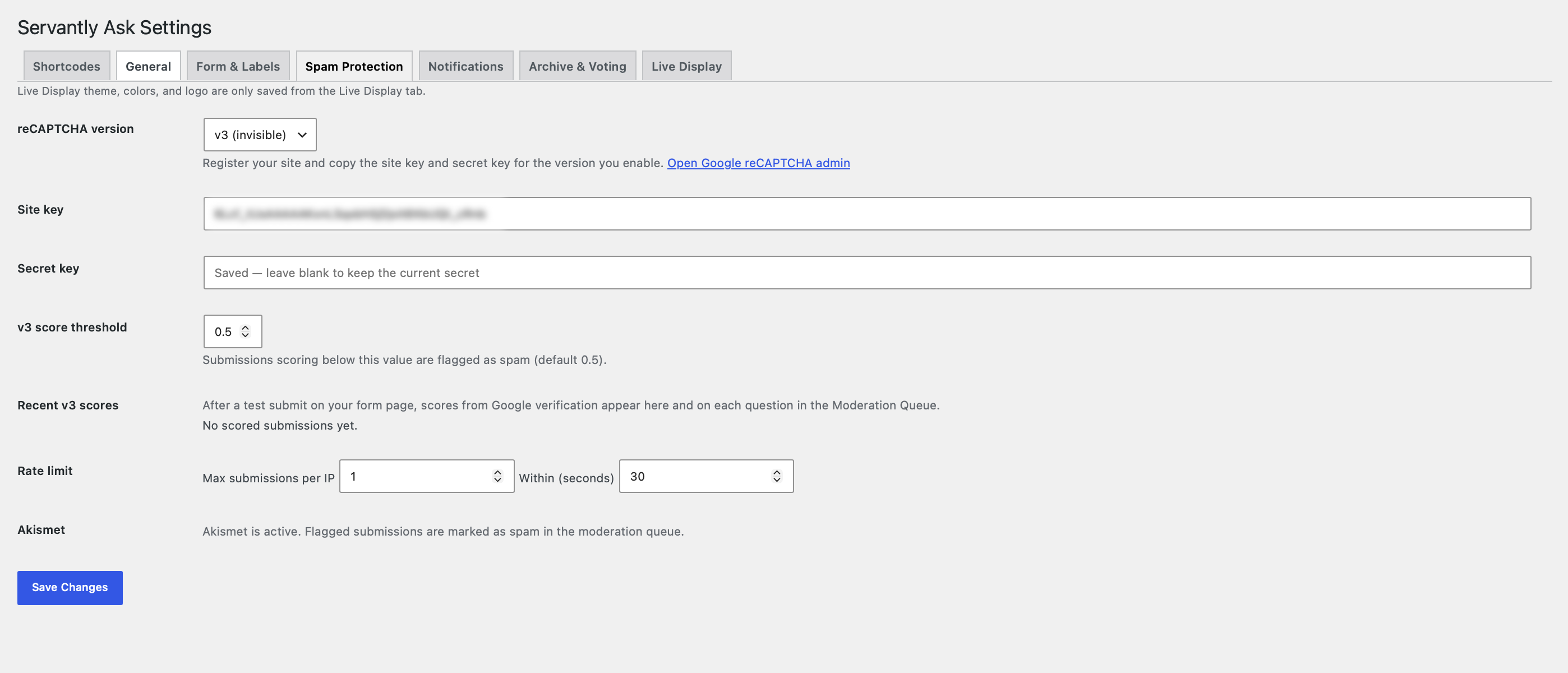
- Public Q&A submission form (no login) with honeypot, rate limiting, optional reCAPTCHA and Akismet spam protection
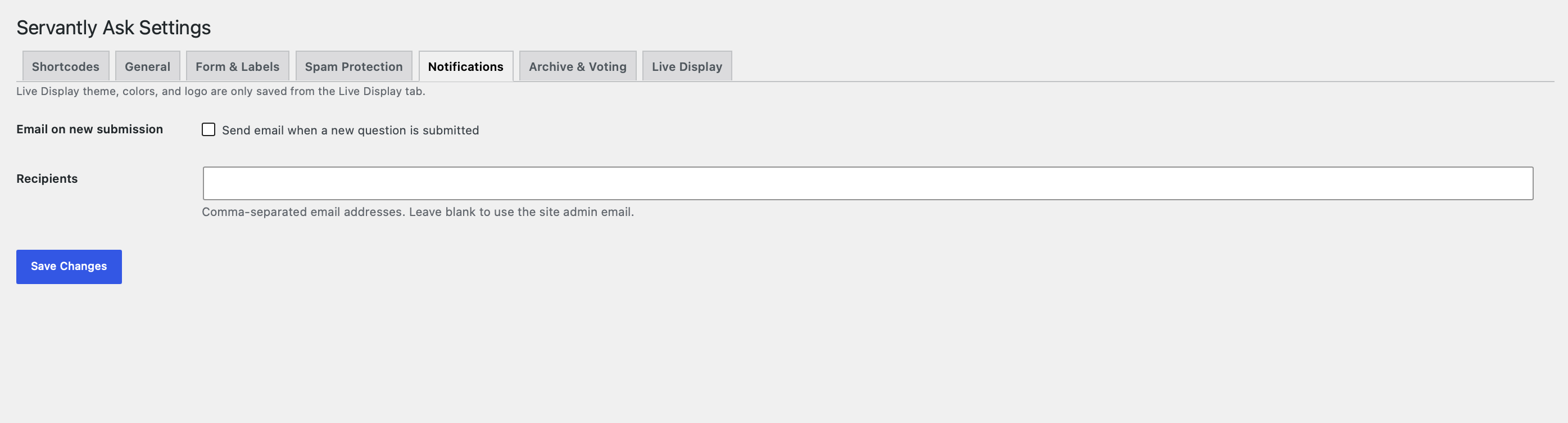
- Private moderation queue with bulk actions and new-submission email alerts
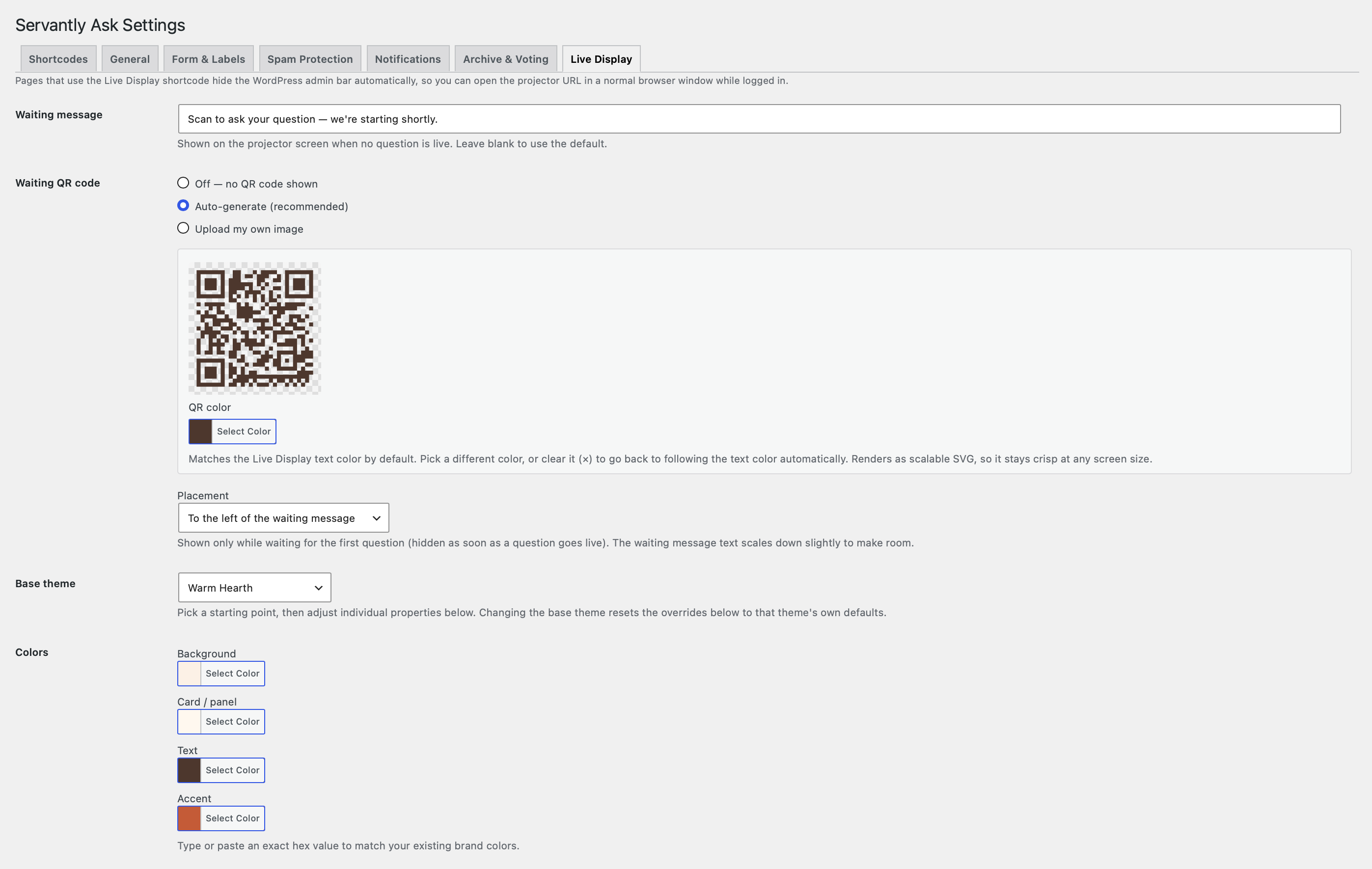
- Live Display + Control Panel for projector Q&A — 13 themes, self-hosted fonts, mobile-friendly, usable by a solo speaker with no AV volunteer
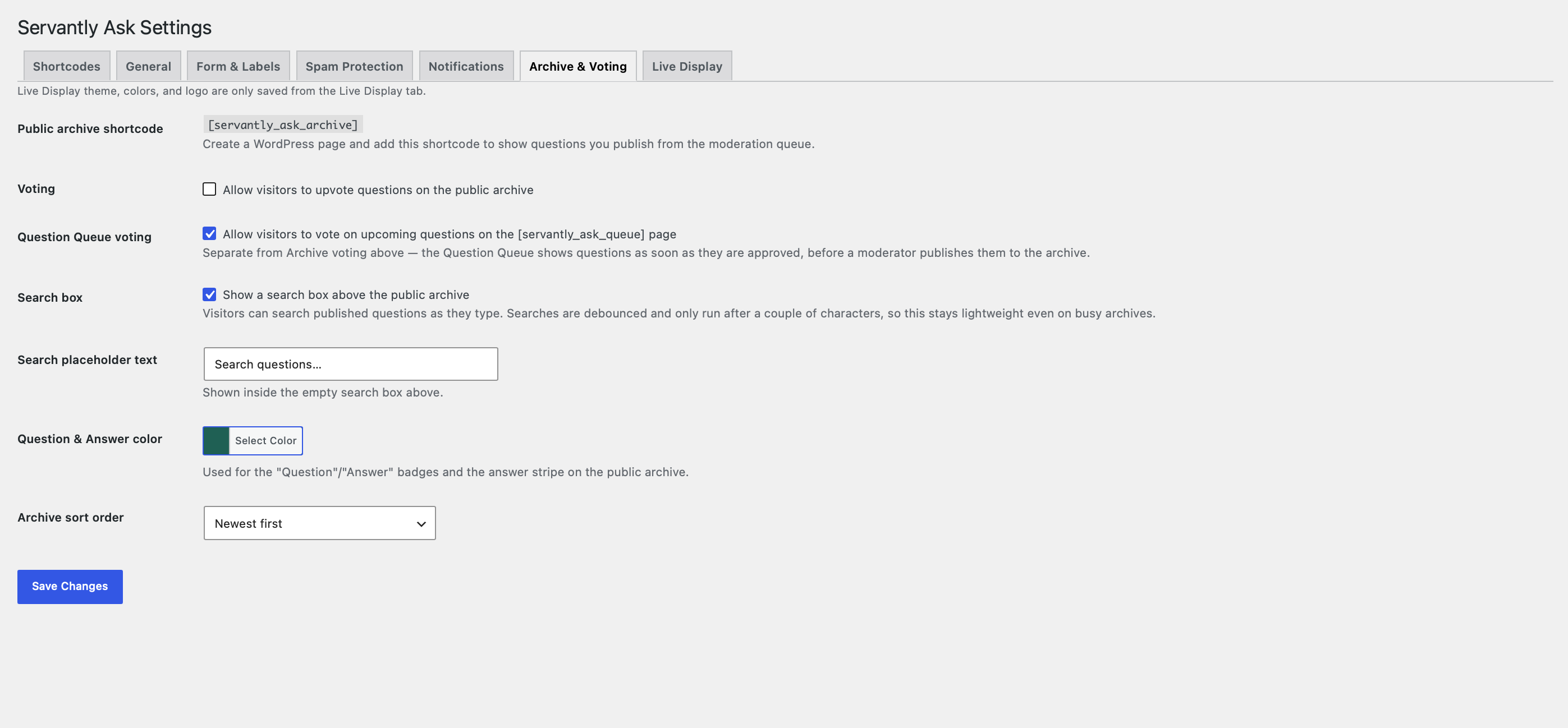
- Public Question Queue with optional voting/polling, engineered to stay fast for crowds of any size, from a classroom to a stadium
- Optional public archive with anonymous, cookie-based voting — no accounts, no IP tracking, GDPR-friendly
- Auto-generated, printable QR codes linking straight to your submission form, for room doors, slides, or a check-in table
- Sessions — run several independent Q&A sessions at once (WordCamps, multi-room conferences, multi-track events), each with its own queue, Live Display, Control Panel, and QR code, plus optional e-mail invites (secret, no-login links) for guest presenters
- Layered spam protection: honeypot, rate limits, reCAPTCHA, Akismet, and optional WhoKnew Shield integration
- Free forever — no per-participant pricing, no feature paywall, self-hosted on your own WordPress site
Built for conference and convention organizers, churches, schools, companies, and community events of any size — from a dozen people in a classroom to a stadium-sized crowd.
External Services
This plugin may connect to the following third-party services when you enable the related features.
Google reCAPTCHA (Google LLC)
When: If you enable reCAPTCHA v2 or v3 under Spam Protection and provide site and secret keys.
What is sent: Form submission tokens are verified server-side with Google’s siteverify endpoint. The reCAPTCHA script may load in the visitor’s browser when the form is shown.
Akismet (Automattic)
When: Only if the Akismet plugin is active on your site.
What is sent: Question text and submitter fields Akismet expects for a spam check, per Akismet’s API.
WhoKnew Shield Pro (optional)
When: Only if WhoKnew Shield Pro is installed, licensed, and the bot-report API is available — used to report honeypot catches (IP and plugin source metadata).
What is sent: Honeypot-triggering client IP and report metadata to your own site’s Shield Pro installation (not to WhoKnew.io servers for core Ask functionality).
Servantly Ask does not phone home to WhoKnew.io for question content or moderation data.