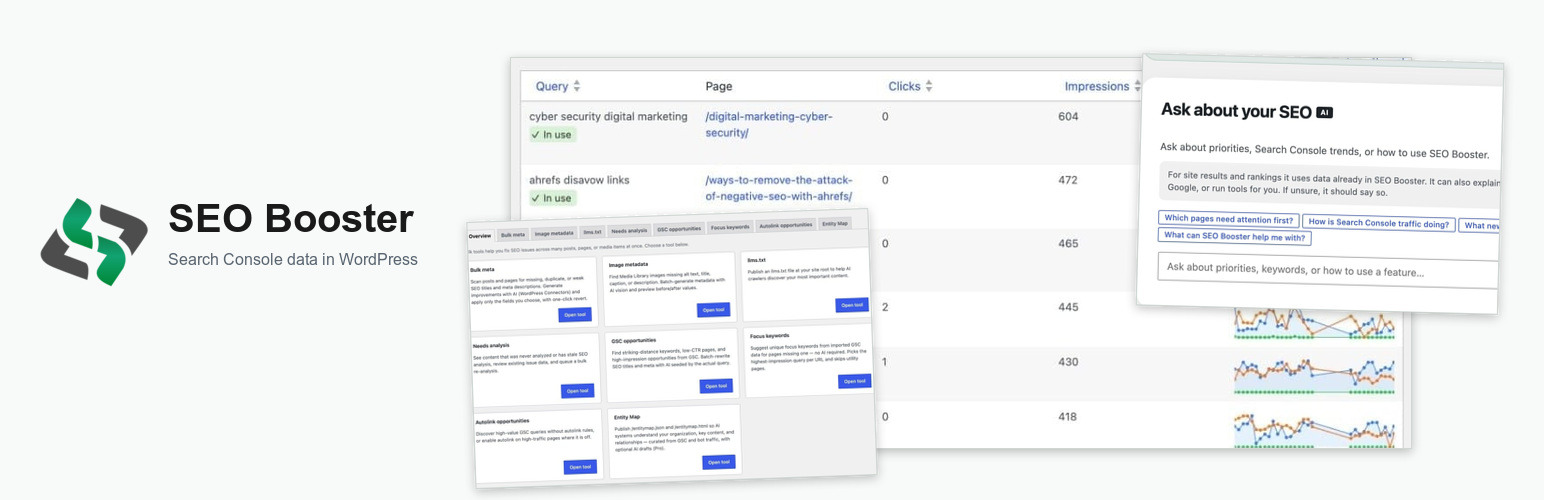

SEO Booster
v7.5.4cleverplugins · 2017年6月26日 上架
Improve Yoast or Rank Math with Search Console, on-page analysis, a fix list, automatic links, and AI crawler tracking in WordPress.
- 正在使用
- 800+
- 评分
- 4.8 / 5
- 累计下载
- 21 万
- 最近更新
- 2026年11月22日
 cleverplugins
 Lars Koudal
 Freemius
截图
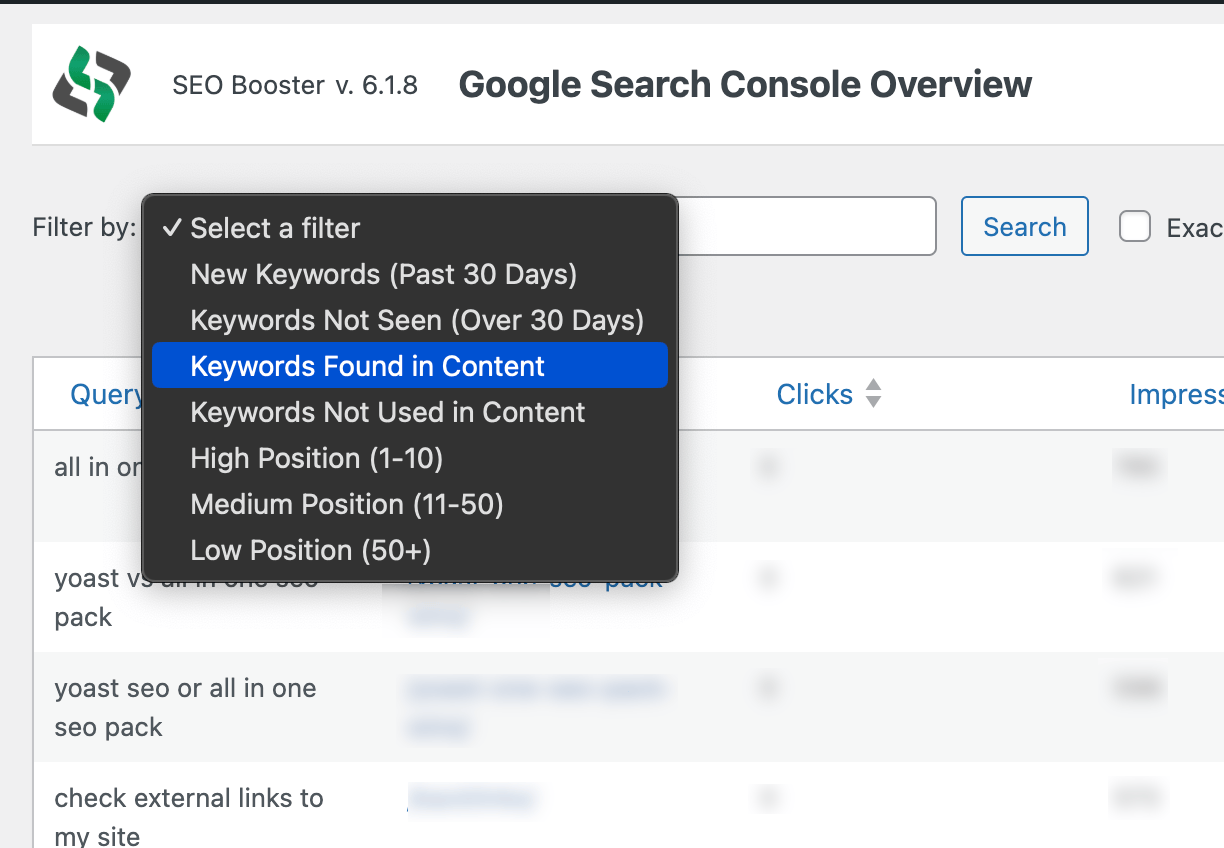
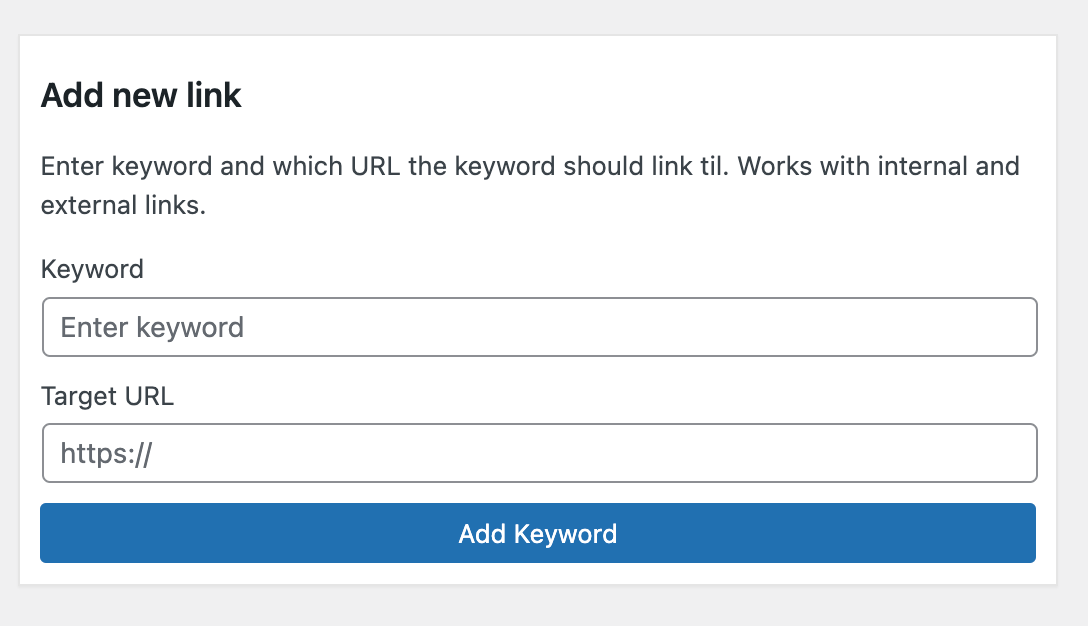
Improve the SEO plugin you already use. SEO Booster Pro does not replace Yoast SEO, Rank Math, All in One SEO, SEOPress, or The SEO Framework. It adds Google Search Console, on-page analysis, a prioritized fix list, automatic internal links, and AI bot tracking where you edit.
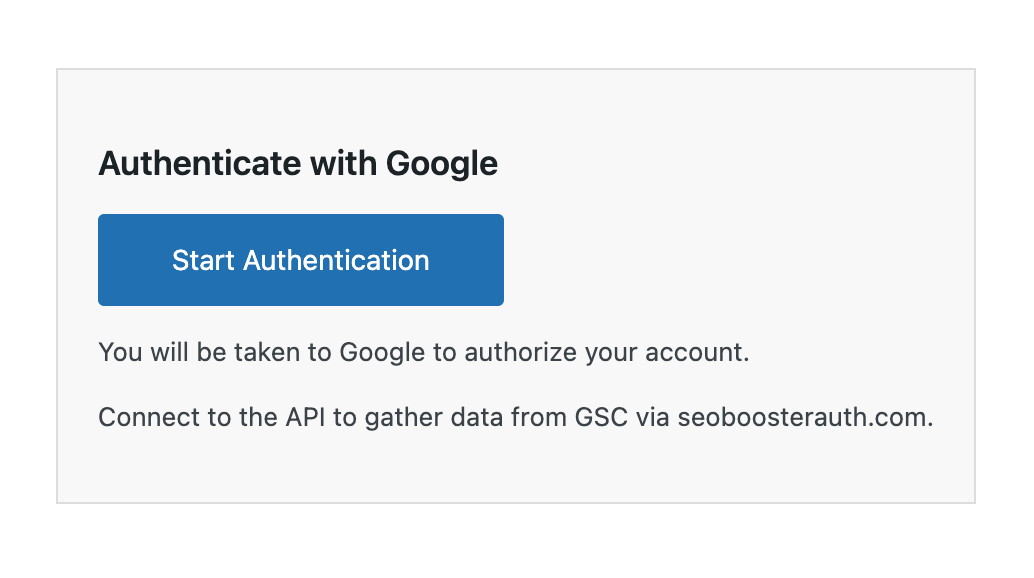
Connect Search Console once, import your keyword data, and see real search performance on every post, page, and taxonomy. Bulk meta and focus keyword tools write into your active SEO plugin’s fields. On-page analysis and automatic links work without AI.
Free features
Google Search Console
- Connect your site via OAuth; import 7, 30, or 90 days of keyword data with scheduled refresh
- Searchable GSC Overview with filters for new or stale keywords, content usage, and position bands
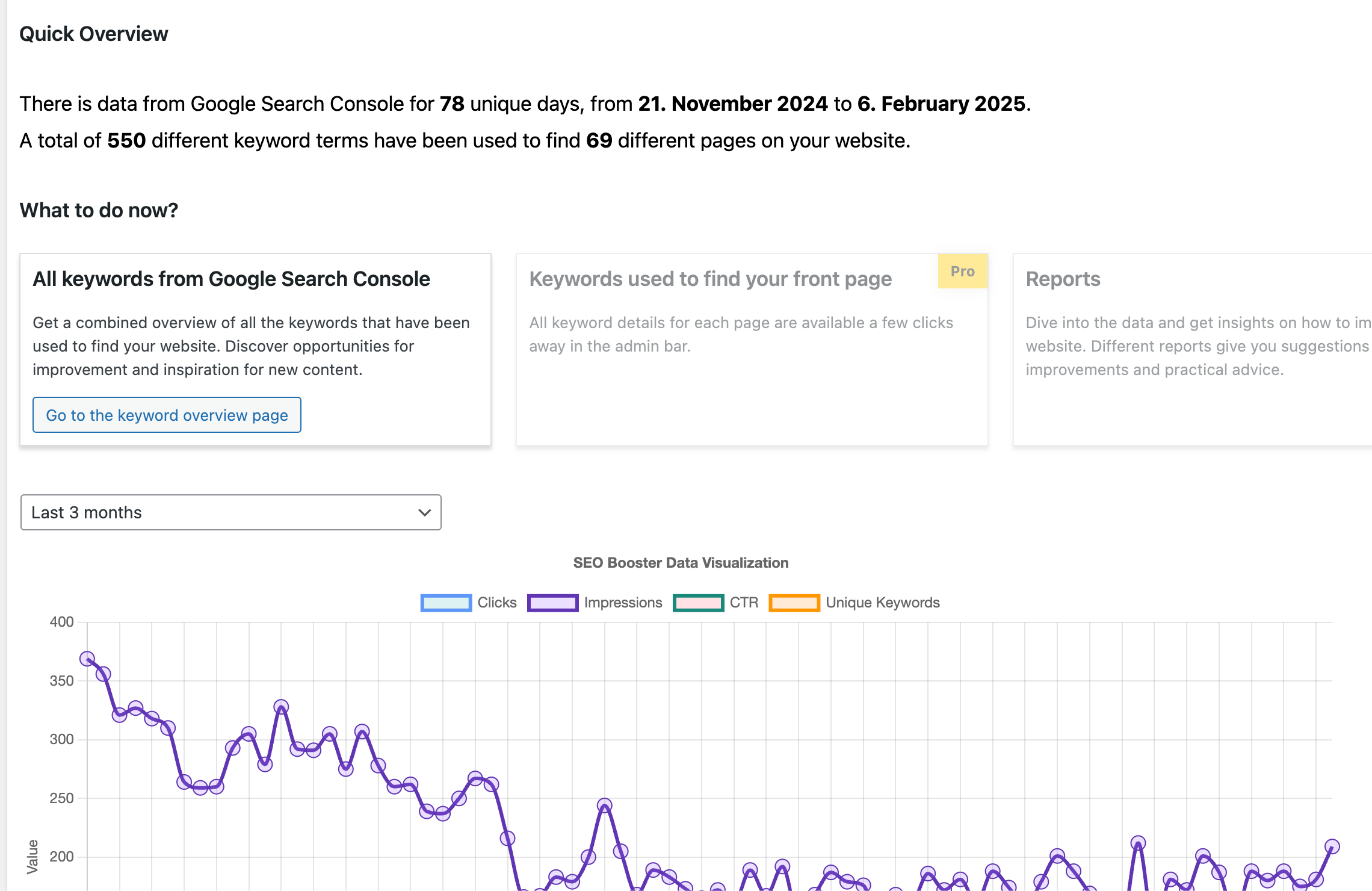
- Dashboard with 30-day trends, charts, top keywords, and period-over-period comparison
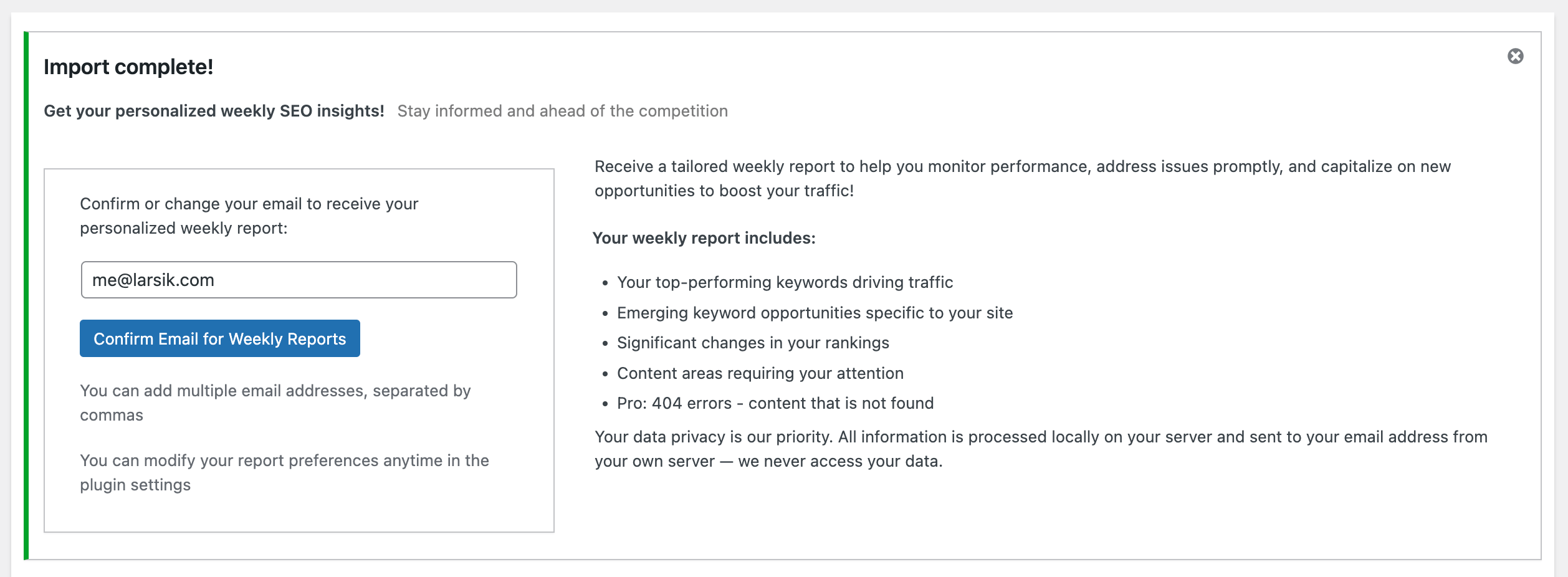
- Weekly email reports with key metrics: all processed on your server, not sent to third parties
Keyword insights where you work
- GSC metabox on posts, pages, taxonomies, and WooCommerce products
- Admin bar Page overview while browsing the frontend or editing: SEO score, issues/opportunities, saved AI suggestions, and compact top keywords (read-only)
- Optional frontend keyword highlighting to see GSC terms in your content
- Per-keyword history charts in the editor Keywords tab
AI (optional): WordPress Connectors or SEO Booster Credits
Optional AI features can use WordPress Connectors (WordPress 7+, your own key under Settings Connectors) or SEO Booster Credits (prepaid balance at seoboosterpro.com/credits/, no API key of your own). Choose the provider under SEO Booster Settings AI/LLM. New Credits accounts get 20 welcome credits; unused welcome credits expire after 90 days of inactivity (purchased credits do not). GSC import, automatic links, and SEO analysis work fully without AI.
Automatic internal links
- Define keyword-to-URL rules; matching text in body content links automatically site-wide
- WooCommerce products supported; automatic linking works on the published output from Gutenberg, Elementor, Beaver Builder, Divi, and similar page builders
SEO Possibilities
- On-page analysis with a full URL discovery list: expand findings, open the editor, and jump to free Tools
- Pro triage: Do next, work by problem type, Top URLs by severity and Search Console traffic, Mark as done / Ignore (Possibilities and editor Analysis tab)
- GSC-based opportunities including low CTR, missing keywords, and keyword cannibalization warnings
- Sitewide checks, bulk analysis from post lists, and optional SEO score admin columns
- Auto-scan URLs discovered from GSC imports (configurable frequency)
AI-powered SEO (optional)
- Choose WordPress Connectors (WordPress 7.0+) or prepaid SEO Booster Credits under SEO Booster Settings AI / LLM
- Metabox suggestions, WooCommerce product SEO, and comprehensive audits
- Ask about this page: question chips and free-text Q&A about rankings, issues, and titles on the editor AI tools tab
- MCP (Free and Pro): ChatGPT, Claude, and Cursor connect over MCP. SEO Booster registers WordPress abilities for that connection. Abilities is the WordPress name. MCP is what those apps show you. Requires WordPress 6.9 or later and the official MCP Adapter plugin. Free reads stored Search Console keywords, open SEO Possibilities, llms.txt status, and recent AI crawler visits. Pro also reads content decay, GSC opportunities, Entity Map, Markdown URLs, and logged 404s. This read does not spend Credits and does not contact Google.
- Media Library bulk alt text and title generation
- Image metadata batch processing (vision-capable connector required for image analysis)
Tools
- Tabbed Tools hub: Overview plus bulk utilities for common SEO fixes
- Bulk meta: scan posts and pages for missing, duplicate, or keyword-less SEO titles and descriptions; generate with AI via WordPress Connectors (Yoast SEO, Rank Math, All in One SEO, SEOPress, or The SEO Framework required); one-click revert of the last bulk run
- Image metadata: scan and batch-fix missing alt text, titles, captions, and descriptions (see below)
- llms.txt: generate and serve
/llms.txtfor AI crawlers, curated from your top content (GSC-aware when data exists) - Pro: Needs analysis overview (never analyzed, stale, or open issues)
- Pro: Content decay: pages with declining Search Console clicks (30d vs prior 30d)
- Pro: Entity Map: publish
/entitymap.jsonand/entitymap.htmlwith human + AI curation
SEO Booster Pro
Upgrade at seoboosterpro.com for:
- 404 and redirect monitoring: track broken URLs and redirects with a searchable admin report
- Weekly email Pro insights: content-decay and GSC opportunity counts in the weekly report
- Autolink column: enable or disable automatic linking per post from the posts list and Quick Edit
- Autolink status in GSC popup: see which keywords are auto-linked, or create links in one click from the keyword details view
- Needs analysis (Tools): find content never analyzed or with stale SEO analysis; queue bulk re-analysis from the Tools page
- Content decay (Tools): find pages whose GSC clicks fell over the last 30 days vs the previous 30 days; open Possibilities or queue re-analysis
- Entity Map (Tools): structured
/entitymap.jsonand/entitymap.htmlfor AI discovery; build from GSC + bot traffic, edit relations/chunks, optional AI draft via WordPress Connectors; links from llms.txt when published - Markdown discovery (Tools): optional
*.mdand/index.mdpage versions plus/llms-full.txtfull Markdown export linked from llms.txt; per-page Include Markdown version in the editor - More Pro Tools: GSC opportunities, Focus keywords, and Autolink opportunities
- Ask about this page (editor): Apply focus keyword and create autolink from AI proposed actions (Ask itself is available with Connectors or Credits on free)
- AI bot blocking: block selected AI crawlers at the PHP level when monitoring is enabled
Automatic Links
Automatically turn keywords in your content into internal links. Every time you write “contact us”, it can link to your contact page. No manual linking required.
Works with WooCommerce products and pages built with Gutenberg, Elementor, Beaver Builder, Divi, and similar page builders. SEO Booster adds links when the page is displayed, so your saved page-builder content stays unchanged. See how automatic links work for details.
Image metadata batch tool
Find and fix missing image metadata across your Media Library without opening each attachment one by one. Go to SEO Booster Tools Image metadata.
- Scan JPEG, PNG, and WebP attachments for missing title, alt text, caption, or description; preview matches before you act
- Generate with AI by analyzing the actual image file: choose which fields to apply; only checked fields are saved
- Process in batches: selected images or every match in your library, with live preview while processing
- Fail-safe: if the AI cannot verify an image, nothing is saved; the tool prefers empty fields over wrong alt text
- Works without AI: run scans and review gaps even when AI processing is not configured
- Requires vision-capable AI for generation via WordPress 7 Connectors; text-only connectors cannot analyze images
Learn more in the SEO Booster documentation.
SEO plugin compatibility
SEO Booster works alongside your SEO plugin. It does not replace title tags, sitemaps, or schema. When a supported plugin is active, SEO Booster reads and writes SEO titles, meta descriptions, and (where supported) focus keywords.
Supported plugins
- Yoast SEO
- Rank Math
- SEOPress
- All in One SEO (v4+): not legacy v3. Per-term custom title/description requires AIOSEO Pro (
aioseo_terms); posts and focus keywords work on Lite. - The SEO Framework (v5+)
What SEO Booster writes
- SEO title and meta description: bulk Tools, GSC opportunities, and editor AI “Use” buttons
- Focus keyword: bulk focus keyword tool and editor apply (not available with The SEO Framework)
Which plugin is used?
If more than one supported SEO plugin is active, SEO Booster uses the first match in this order: Yoast SEO Rank Math SEOPress All in One SEO The SEO Framework. Only that plugin receives writes. The Dashboard, Settings, and Tools pages show which plugin is active.
WooCommerce
Product pages use the same integration as posts. Product categories and tags use taxonomy SEO fields from your active plugin.
Without an SEO plugin
GSC import, automatic links, and on-page analysis still work. Analysis uses page content and excerpts when no SEO plugin meta is available.
Bulk meta batch tool
Fix SEO titles and meta descriptions across many posts and pages at once. Go to SEO Booster Tools Bulk meta.
- Requires a supported SEO plugin: Yoast SEO, Rank Math, All in One SEO, SEOPress, or The SEO Framework. SEO Booster writes to your active plugin’s title and description fields (SEO Booster does not replace those plugins)
- Scan for missing titles/descriptions, duplicates sitewide, or meta that omit focus/GSC keywords
- Generate with AI via WordPress 7 Connectors (same engine as the post metabox); seeded with GSC keywords and condensed page content
- Apply selectively: choose title and/or description; fill empty fields by default, with optional overwrite
- Revert: restore previous values from your last bulk run in one click
- Works without AI: scan and review issues even when AI is disabled
llms.txt generator
Help AI crawlers discover your best content. Go to SEO Booster Tools llms.txt.
- Generate curated content in the admin; Download llms.txt to upload manually, or serve dynamically at
/llms.txt(virtual file: no FTP upload; recommended) - Detects an existing physical
llms.txtin your WordPress root and warns if it would override dynamic serving - Curate links from posts, pages, and other public content types (prefers top GSC pages when import data exists)
- Preview the file before publishing
- Pro: optional Markdown URLs (
*.md,/index.md) and/llms-full.txtfull export with discovery signals and per-page control
Disclaimer
This plugin is not affiliated with, endorsed, or sponsored by Google. Google Search Console, Google APIs, and any related trademarks are the property of Google LLC. All product and company names are trademarks™ or registered® trademarks of their respective holders. Use of them does not imply any affiliation with or endorsement by them.