

SenseGap
v0.3.0sensegap · 2026年11月5日 上架
See which AI bots read your site: what they read, how often, and which ones are real.
- 正在使用
- 10 以下
- 评分
- 暂无
- 累计下载
- 340
- 最近更新
- 2026年11月5日
贡献者
 sensegap
截图
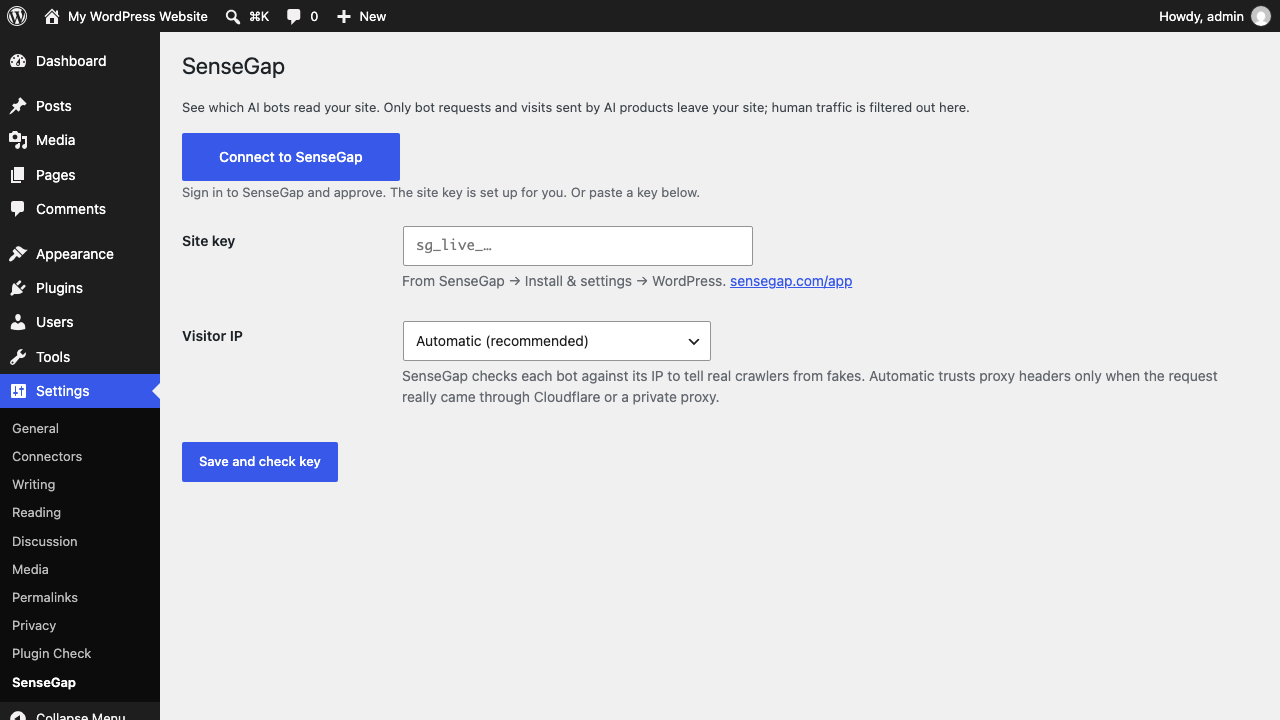

SenseGap shows the AI crawlers and assistants that visit your site (GPTBot, ClaudeBot, PerplexityBot, Googlebot and about 50 more), the pages they read, the errors they hit, and the people AI products send you.
The plugin connects your site to SenseGap (https://sensegap.com), a hosted service where the reports live. The plugin itself is free; SenseGap needs a paid plan, from $9 a month (https://sensegap.com/pricing).
Only bot requests and visits that come from AI products are sent to SenseGap. Plain human traffic is filtered out on your server and never leaves it. IP addresses are used to check that a bot is real, then shortened before they are stored.
External services
This plugin sends data to SenseGap (https://sensegap.com), the service that shows you which AI bots visit your site. Nothing is sent until you connect the plugin, either with Connect to SenseGap or by saving a site key.
- When you click Connect to SenseGap, your browser opens sensegap.com with your site’s domain, the address of this settings page and your site’s time zone. After you approve, the plugin sends a one-time code to sensegap.com and gets a site key back.
- When you save or connect a key, the plugin asks SenseGap which site the key belongs to.
- After that, for each request from a bot, or from someone who arrived from an AI product, it sends the address, time, response status, user agent, referrer and IP address. For AI agents that sign their requests (Web Bot Auth), it also sends the signature headers, so SenseGap can check them. Plain human visits and logged-in users are never sent.
Terms of service: https://sensegap.com/terms
Privacy policy: https://sensegap.com/privacy