

Sendmachine for WordPress
v2.0.5sendmachine · 2015年8月21日 上架
Official Sendmachine plugin featuring subscribe forms, users sync, news feed, email sending and transactional campaigns.
- 正在使用
- 40+
- 评分
- 5.0 / 5
- 累计下载
- 4,725
- 最近更新
- 2026年11月4日
贡献者
 sendmachine
截图
Sendmachine’s official plugin will enable you to:
Set up signup forms
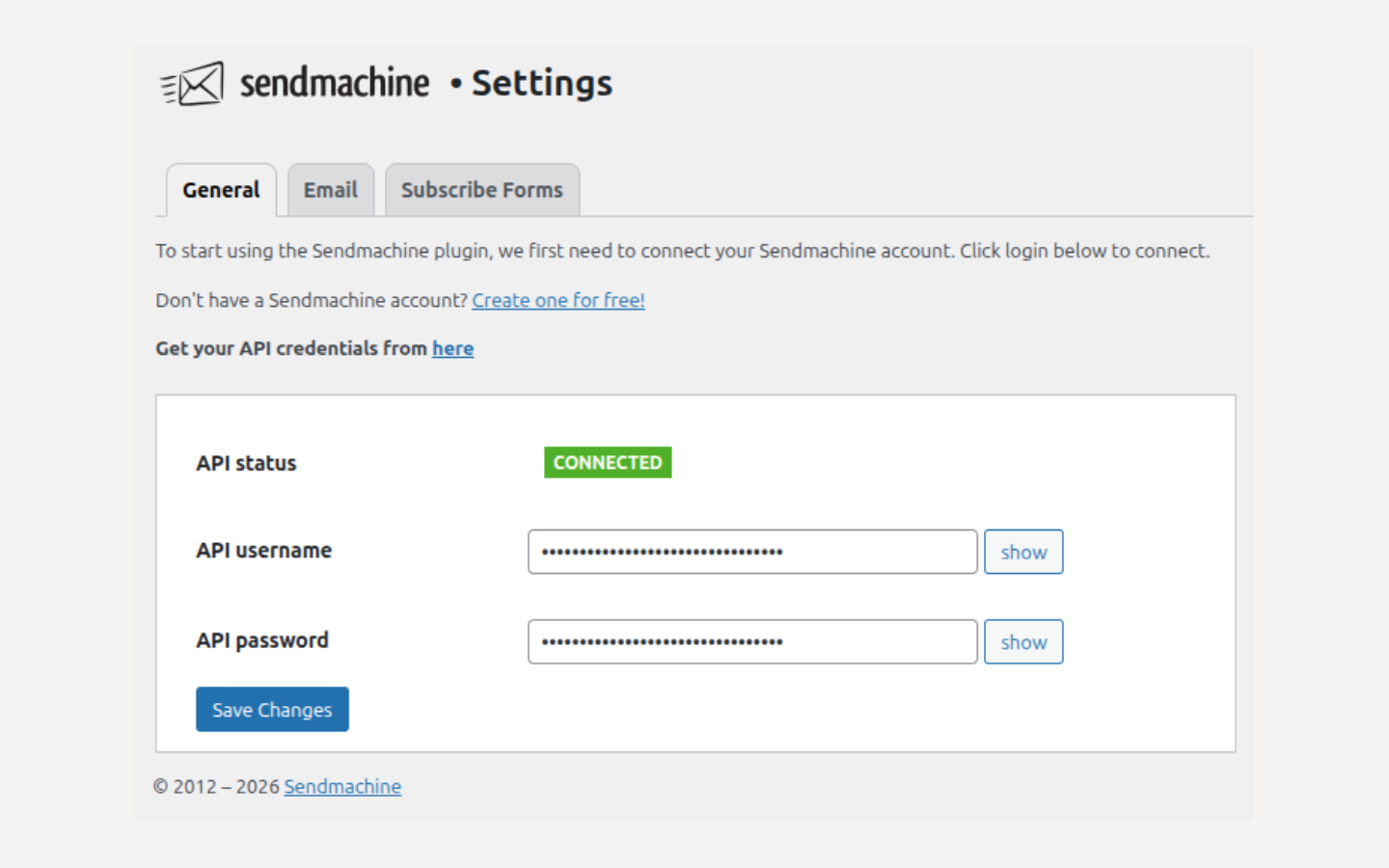
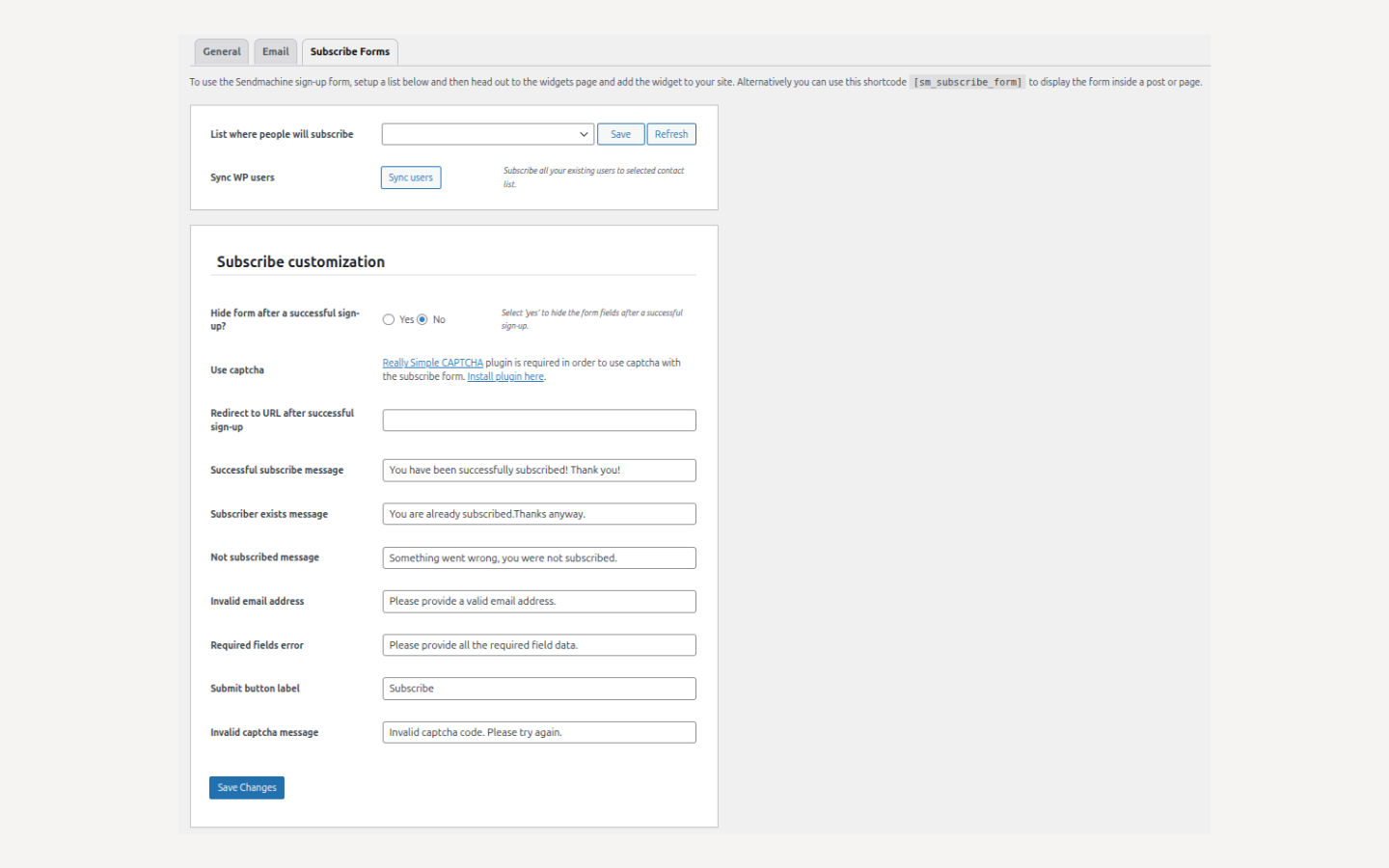
You can set up a signup form in a few easy steps: connect using the provided API credentials, select a contact list where your visitors will subscribe and you’re basically good to go. The signup form is available as a widget (in your widget area) or as a shortlink by pasting [sm_subscribe_form] in a post or page.
Add subscribe checkboxes
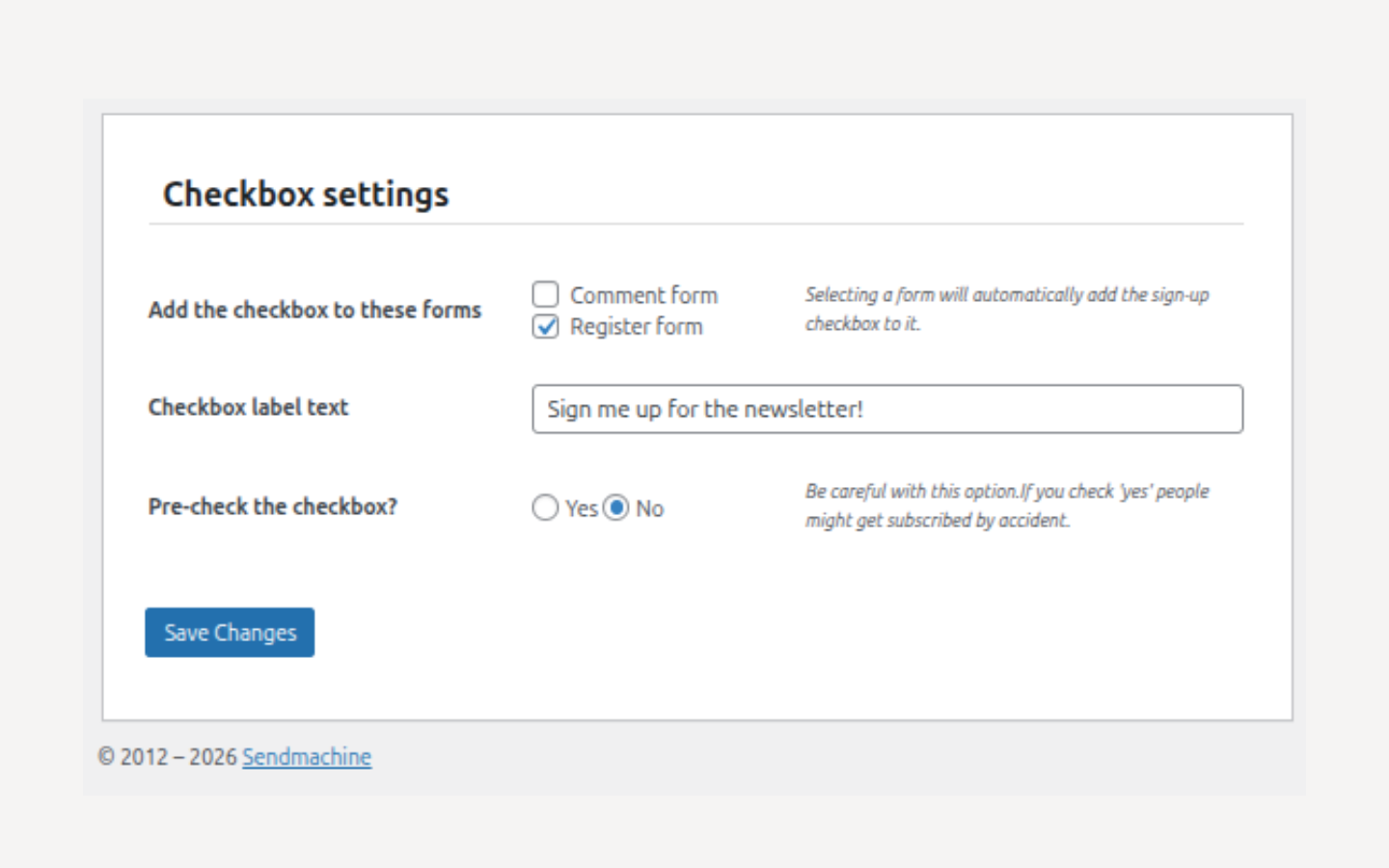
Allow users to subscribe to your contact list only by checking a checkbox in certain website areas like comment form or register form.
Sync your wordpress users with a specific contact list
You want to send emails to all your users but don’t know how? Well, don’t worry, we can help you with that. After you’ve successfully selected a contact list, you can use the “Sync users” button, to subscribe all your users to that contact list.
Send emails through our services
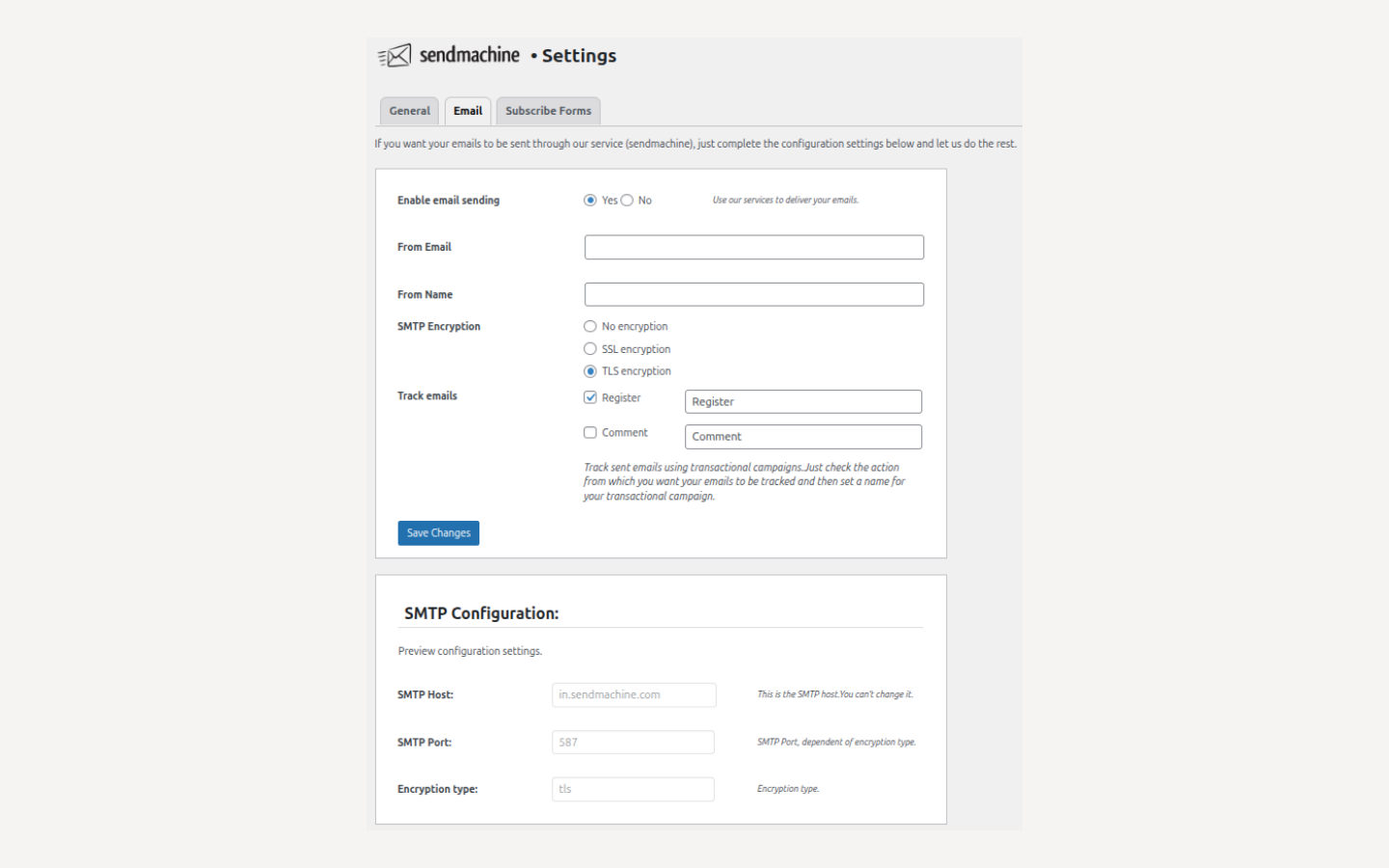
No need for nasty, geeky configurations. Just set a from email, an optional from name and you are good to go. Also, make sure that “enable email sending” is set to on.
If you set a from email that doesn’t already exist in your sendmachine account as a sender address, a confirmation email will be generated and sent to that address.
Not quite sure if you’ve done everything right? You can test if everything is ok by sending a test email. If you got the mail, you can sit back and relax: you’ve done it, otherwise something went wrong.
Send transactional emails
No more “dog ate my email” excuses. Using our services you can now monitor an email’s activity (opens, clicks, geolocations, user agents). In order to enable this option, after you install our plugin, go to “email settings” tab and check that “Register” and/or “Comment” checkboxes. Basically, if you tick that checkboxes on each email sent, that coresponds with that action, we add a custom tracking header: X-Sendmachine-Campaign: campaign_name, where campaign_name is the name of the transactional campaign that will be created, or updated if already exists. Campaign’s name can be found/modified next to every action’s checkbox.
Send news feed
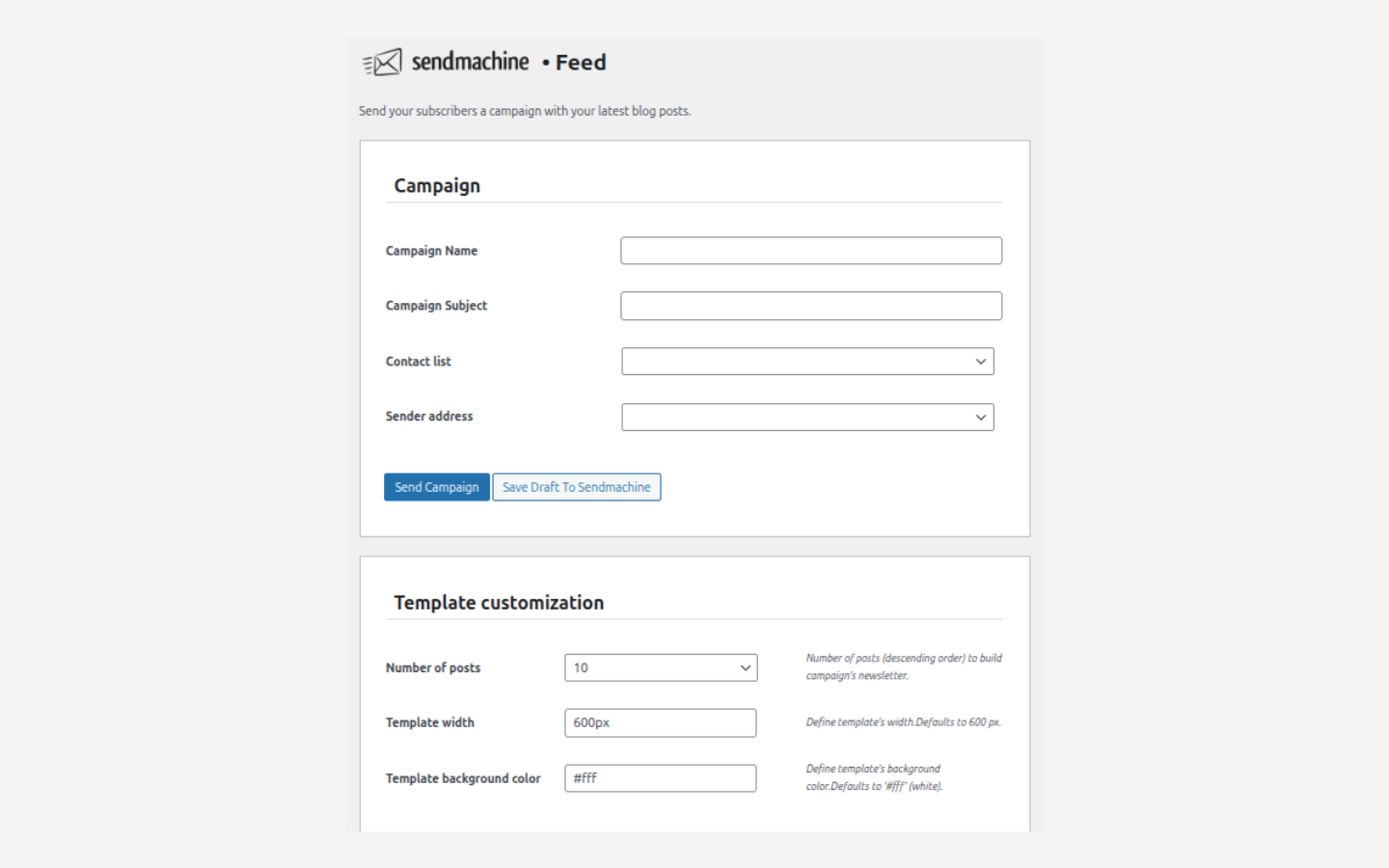
You can send a newsletter directly from the admin panel with the latest posts. You can choose to build your newsletter with the latest 5, 10, 15 or 20 posts, set newsletter’s width, color and content.
External Services
This plugin connects to the following Sendmachine services:
1. Sendmachine REST API
Used for list, campaign management and statistics. Specifically:
- Authenticates your account using your API credentials (username and password).
- Retrieves your contact lists, sender addresses, and SMTP connection settings.
- Subscribes visitors to your chosen contact list, including their email address and any additional form fields they complete.
- Creates, and sends email campaigns containing your latest blog posts.
- Retrieves your account’s email credit usage for the dashboard.
This service is contacted whenever you perform any of the above actions from the WordPress admin or from a front-end subscribe form.
2. Sendmachine SMTP
When the email sending service is enabled and configured, all outgoing emails from your WordPress site are routed through Sendmachine’s SMTP servers. This includes core WordPress emails such as password resets, new user registrations, and comment notifications, as well as any emails sent by other plugins or themes.
- Service: https://www.sendmachine.com
- Privacy Policy: https://www.sendmachine.com/confidentialitate.html
- Terms of Service: https://www.sendmachine.com/termeni-si-conditii.html