

Semrush Content Toolkit
v1.2.1SEMrush CY LTD · 2023年4月27日 上架
Create SEO-friendly content that brings traffic.
- 正在使用
- 2,000+
- 评分
- 2.6 / 5
- 累计下载
- 3 万
- 最近更新
- 2026年11月6日
贡献者
 SEMrush CY LTD
截图
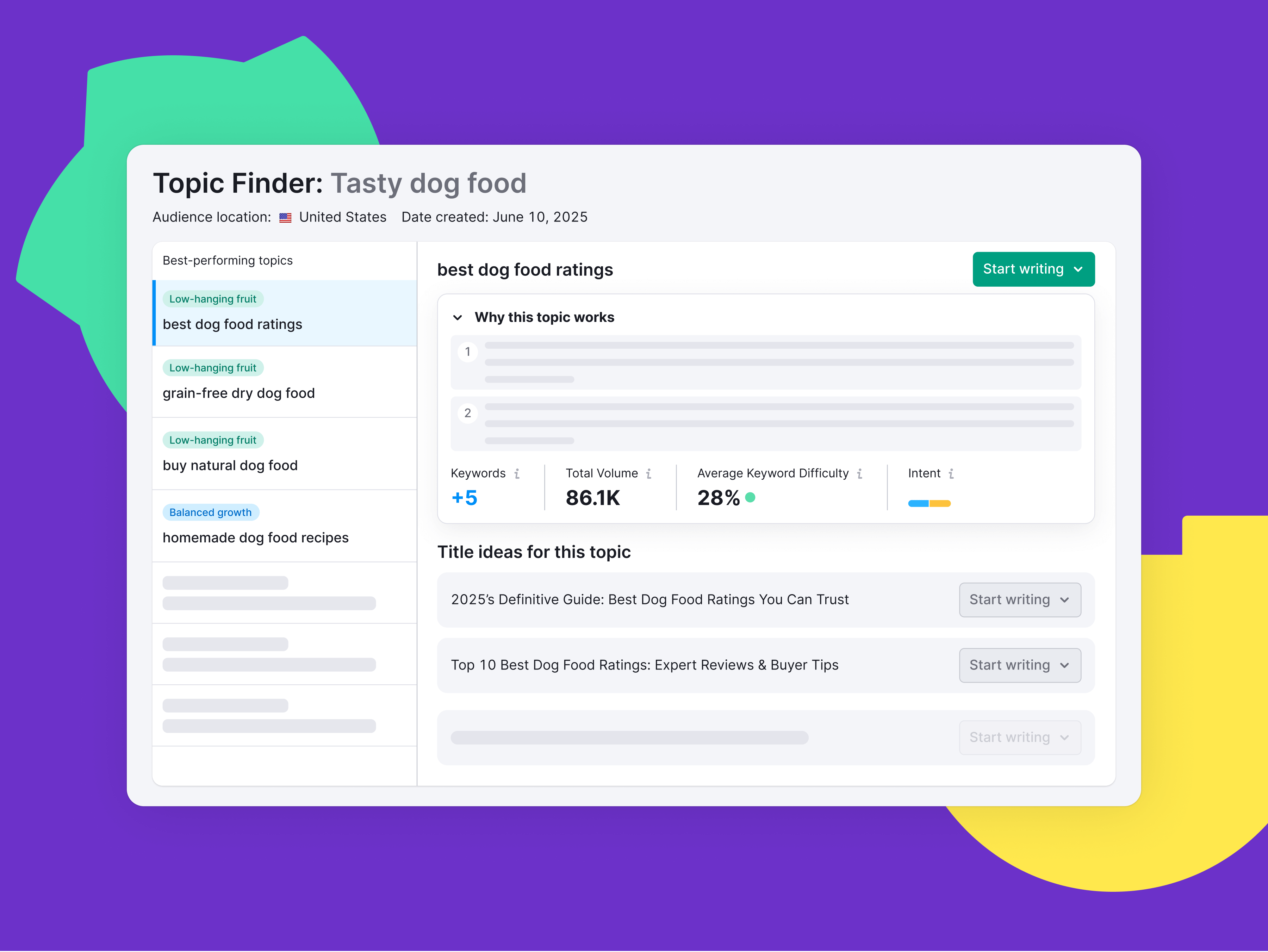



The Semrush Content Toolkit is a smart AI writing tool that finds data-driven content for your website, creates SEO-ready briefs, and generates long-form content using real-time data.
Use it to write articles for your blog, optimize your existing drafts, and guide the entire content creation process.
It integrates with WordPress, allowing you to post articles created with the tool directly to your blog.
Key Features
- Find keyword and topic ideas for your website
- Create SEO content briefs
- Generate SEO-friendly long-form content
- Edit and optimize your drafts
- Generate AI images
- Post directly to WordPress
How does it work?
Using the Semrush Content Toolkit plugin, you can publish articles created with the tool straight to your WordPress website.
To install the plugin, check this quick guide or follow the steps below:
- Click “Download” at the top of this page. The plugin will automatically save as a .zip file. You can also head to WordPress and search for the Semrush Content Toolkit in the “Plugins” tab.
- Log in to the admin area of your WordPress account
- Find “Plugins” in the main menu, and click on “Add New”
- Find and click “Upload Plugin” at the top of the page and select the .zip file.
Once the plugin has been installed, go to “Settings”, find “Semrush Content Toolkit” and copy the connection token.
Finally, log in to the Content Toolkit and paste the token to connect your WordPress site.
To use WordPress integration once you have your article ready, click the “Share” button and choose the WordPress option.
With just one click, you can publish your article directly to the WordPress site.
Limits
To use the Content Toolkit, you need to have a Semrush account and have a paid (or trial) account for the tool.