

Season Spark
v1.0.0Shahzad Shahab · 2025年12月24日 上架
Lightweight seasonal and holiday visual effects for WordPress, including snow, fireworks, hearts, and more, with accessibility-friendly controls.
- 正在使用
- 40+
- 评分
- 暂无
- 累计下载
- 742
- 最近更新
- 2025年12月25日
需要 WordPress 5.4+已测试到 6.9.12PHP 7.2+
贡献者
 Shahzad Shahab
截图
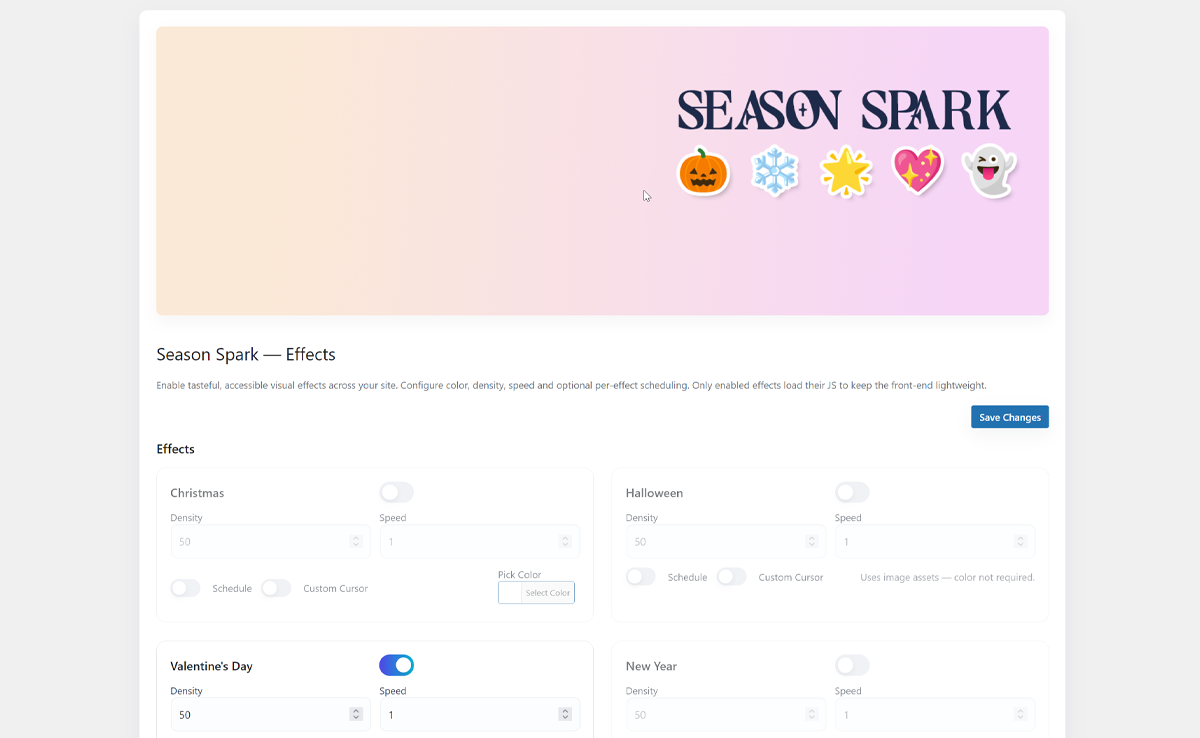
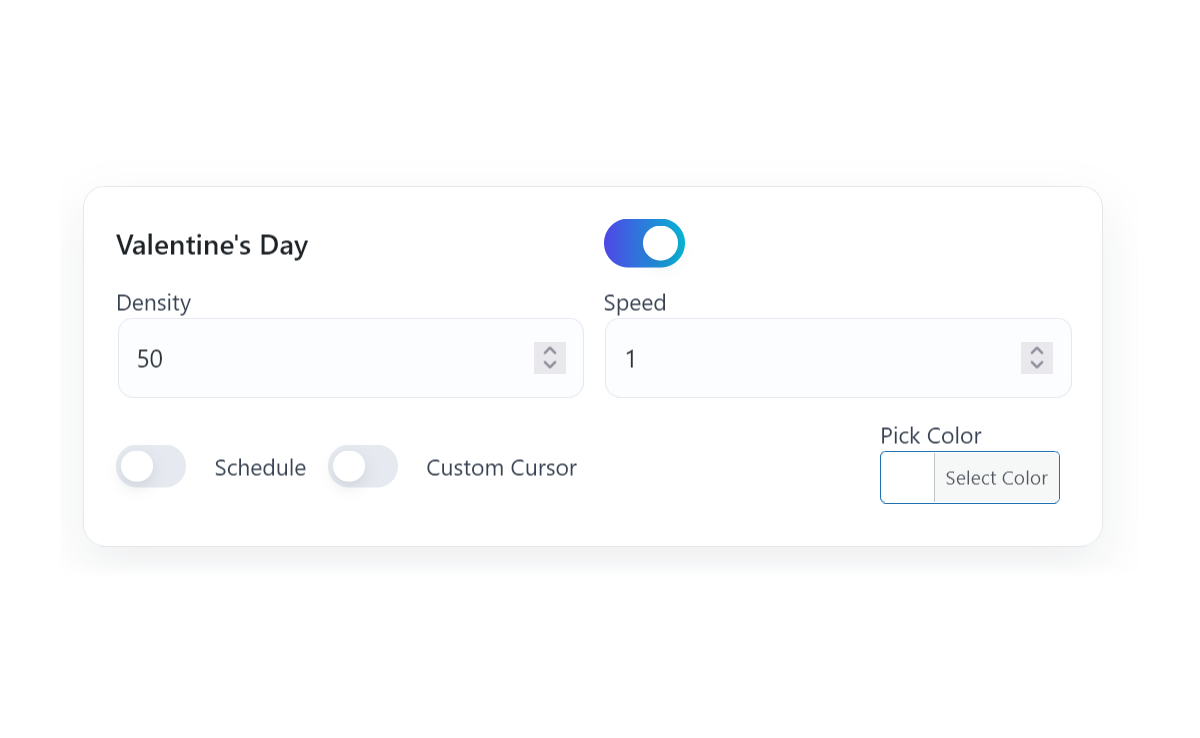
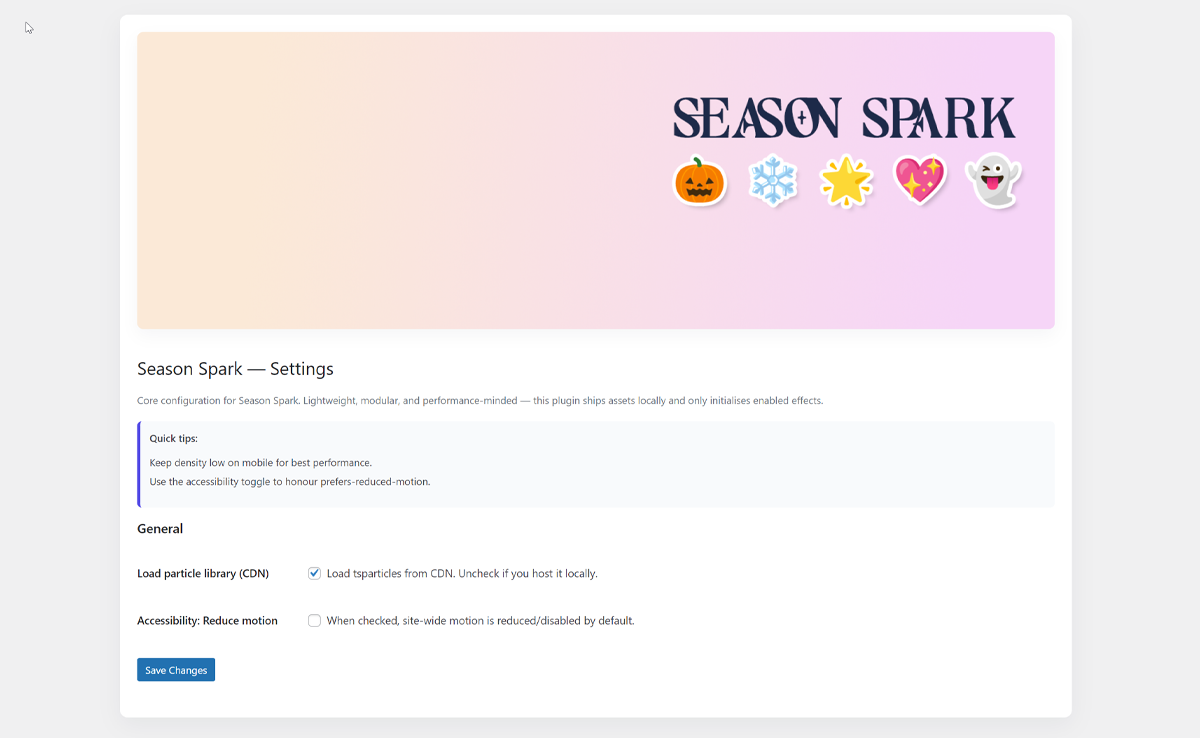
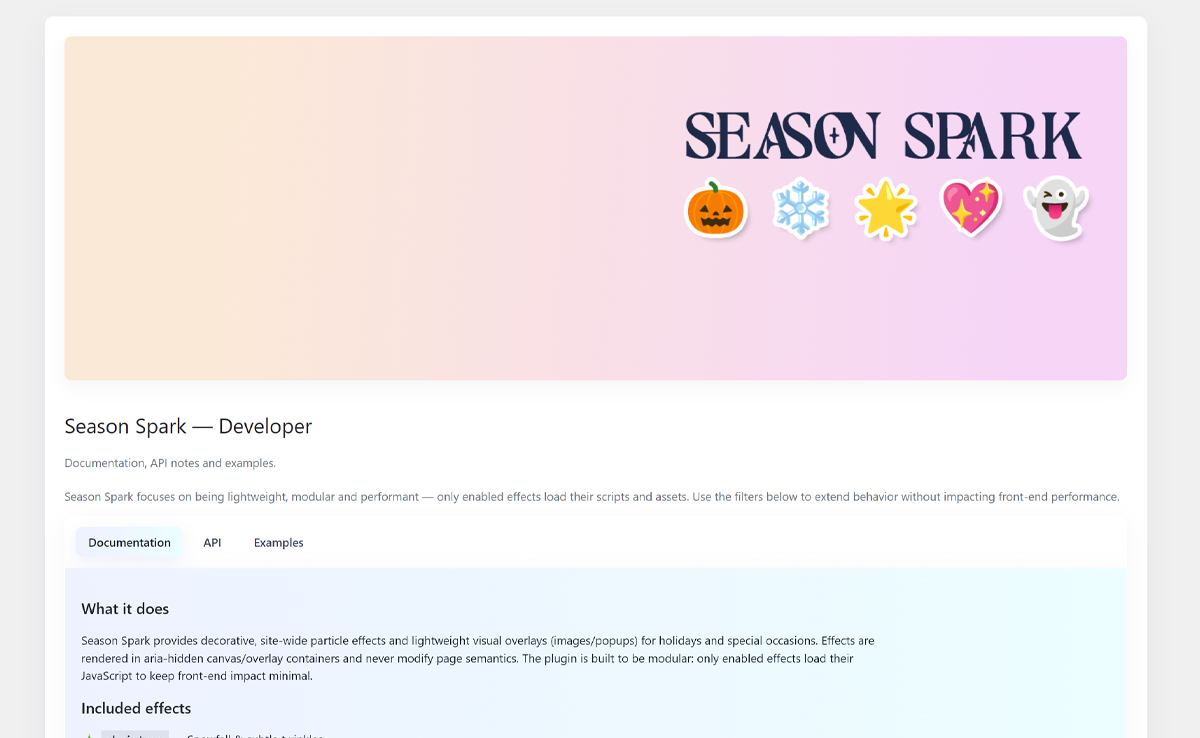
Season Spark loads tasteful front-end particle effects and lightweight visual overlays. The plugin’s implementation and admin UI provide the following behavior and options (exactly as implemented in the plugin):
- Included effects:
christmas(snow/twinkles),halloween(ghosts/pumpkins + fog overlay),valentines(hearts + confetti),newyear(occasional fireworks bursts),easter(eggs & bunnies, occasional large egg drop),thanksgiving(falling leaves + occasional turkey popup),independence(fireworks + occasional flag/spark bursts),diwali(lights/diya sparkles + occasional diya popup),hanukkah(menorah sparkles + occasional menorah popup), andgeneric(custom graphics: rain/stars/bubbles or an uploaded background). - Per-effect configuration:
enabled, optionalschedulewithstart/enddates,density,speed, andcolorfor effects that use color (the admin shows color pickers only for effects that accept color). - Custom Graphics support: the
genericeffect can use an uploaded background (custom_bg) and an uploaded custom cursor image (custom_cursor_image). Whencustom_bgis set the plugin creates a lightweight animated background element instead of particles. - Custom Cursor support: when a per-effect
custom_cursoris enabled the front-end will attempt to use a providedcustom_cursor_imageor bundled SVG image as an overlay cursor (implemented by the public JS initializer). - Accessibility: the plugin respects the user’s
prefers-reduced-motionsetting, supports a site-levelmotion_reducedadmin toggle, and prints a small per-user motion toggle (stored inlocalStorage). When reduced motion is active, visual initialization is skipped. - Performance: only enabled effects have their per-effect JS files enqueued; the plugin localizes
seasonSparkSettingsandseasonSparkImagesfor front-end initialization and ships thetsparticlesbundle underassets/vendor/tsparticles/.
Admin and developer features (as implemented):
- Admin pages: top-level “Season Spark” menu with the subpages
Effects,Settings, andFor Devs. - Settings: global toggles (load particle library, reduce motion) and default density/speed values; the Effects page exposes per-effect controls, schedule toggles, density/speed inputs, color pickers for color effects, and WP Media-based selectors for custom background/cursor on the
genericeffect. - Developer filters present in the code:
seasonspark_get_registered_effects(modify the list of effects),seasonspark_settings_for_js(filter settings passed to front-end JS), andseasonspark_images_for_js(filter the image mapping sent to JS).
Notes:
- Default activation: by default only the
valentineseffect is enabled on activation. - Assets: effect scripts, images and styles are bundled under
assets/; the plugin enqueues only enabled effect scripts to keep the front-end lightweight.