
SearchWP Modal Search Form
v0.5.7Syed Balkhi · 2019年6月26日 上架
Quickly and easily insert modal search forms into Menus, as a Block, or directly within theme templates.
- 正在使用
- 5,000+
- 评分
- 5.0 / 5
- 累计下载
- 8.9 万
- 最近更新
- 2025年12月16日
贡献者
 Jon Christopher
 Pavlo
截图
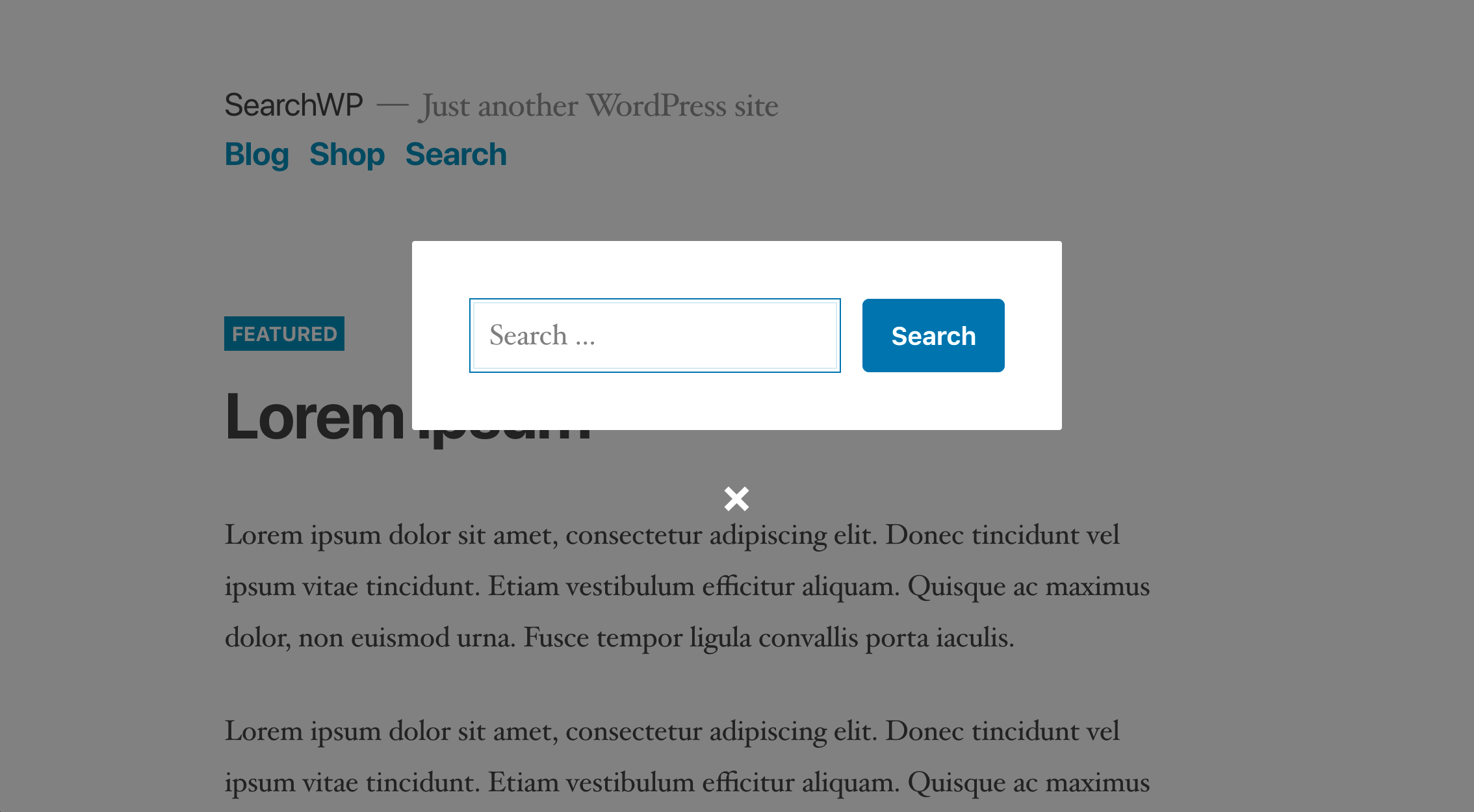
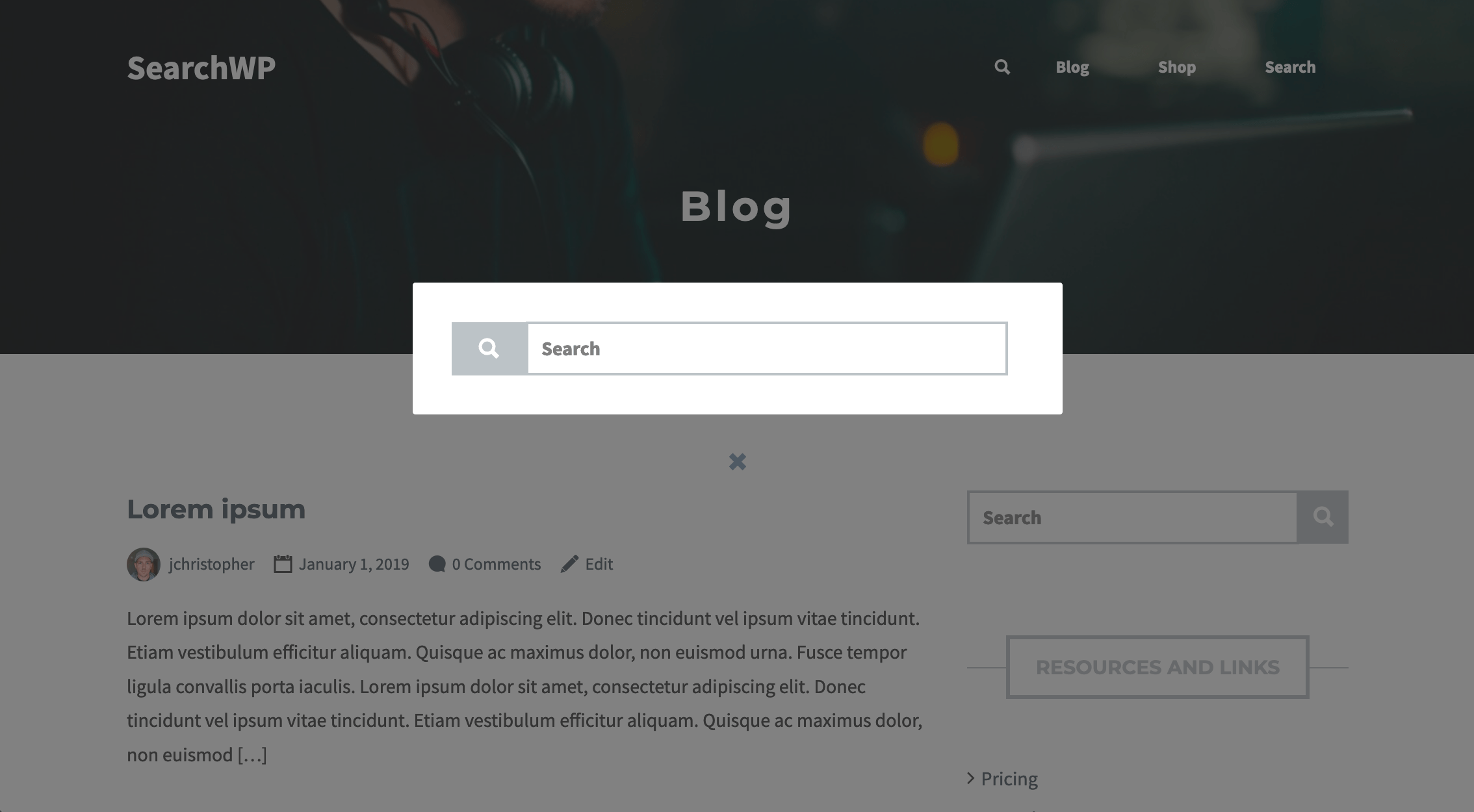
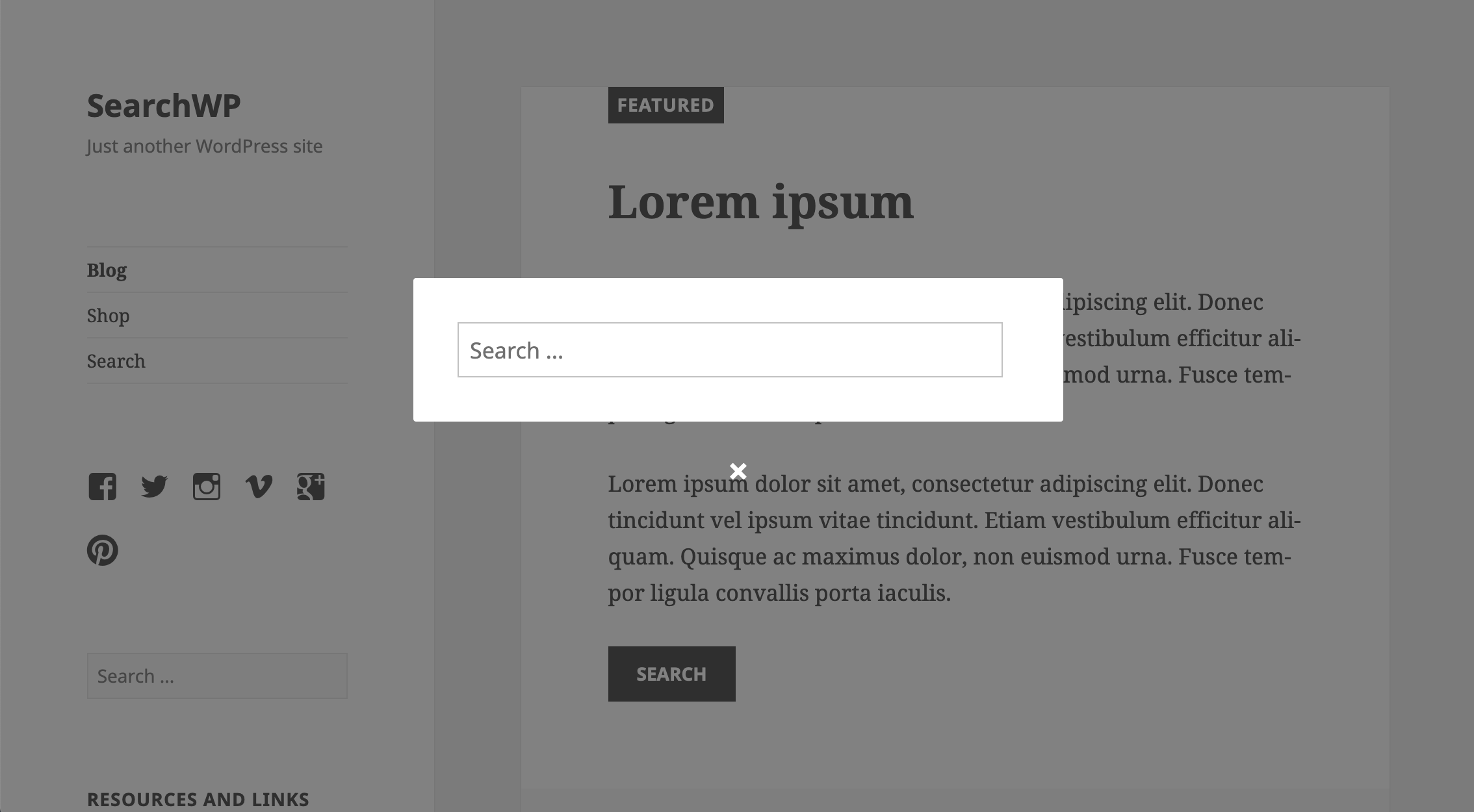
Use SearchWP Modal Search Form to easily integrate an accessible, lightweight modal search form into your WordPress website! SearchWP Modal Search Form does not require SearchWP but it will utilize SearchWP if it’s installed and activated! 👍
Beyond the information made available in this README there is full documentation available as well.
What makes it different from other modals?
The philosophy behind SearchWP Modal Search Form is to make it easy to implement accessible and lightweight modal search forms but perhaps even more important make it a great developer (and user) experience.
SearchWP Modal Search Form directly integrates with WordPress in the way you use it, and the default modal form theme builds upon the styles put in place by your active theme, making the overhead as small as possible. There’s a full template loader built in as well, allowing you to fully customize your SearchWP Modal Search Form with minimal hassle.
Check out the default template for an example of how easy it is to customize 🤓
Adding modal forms to your site
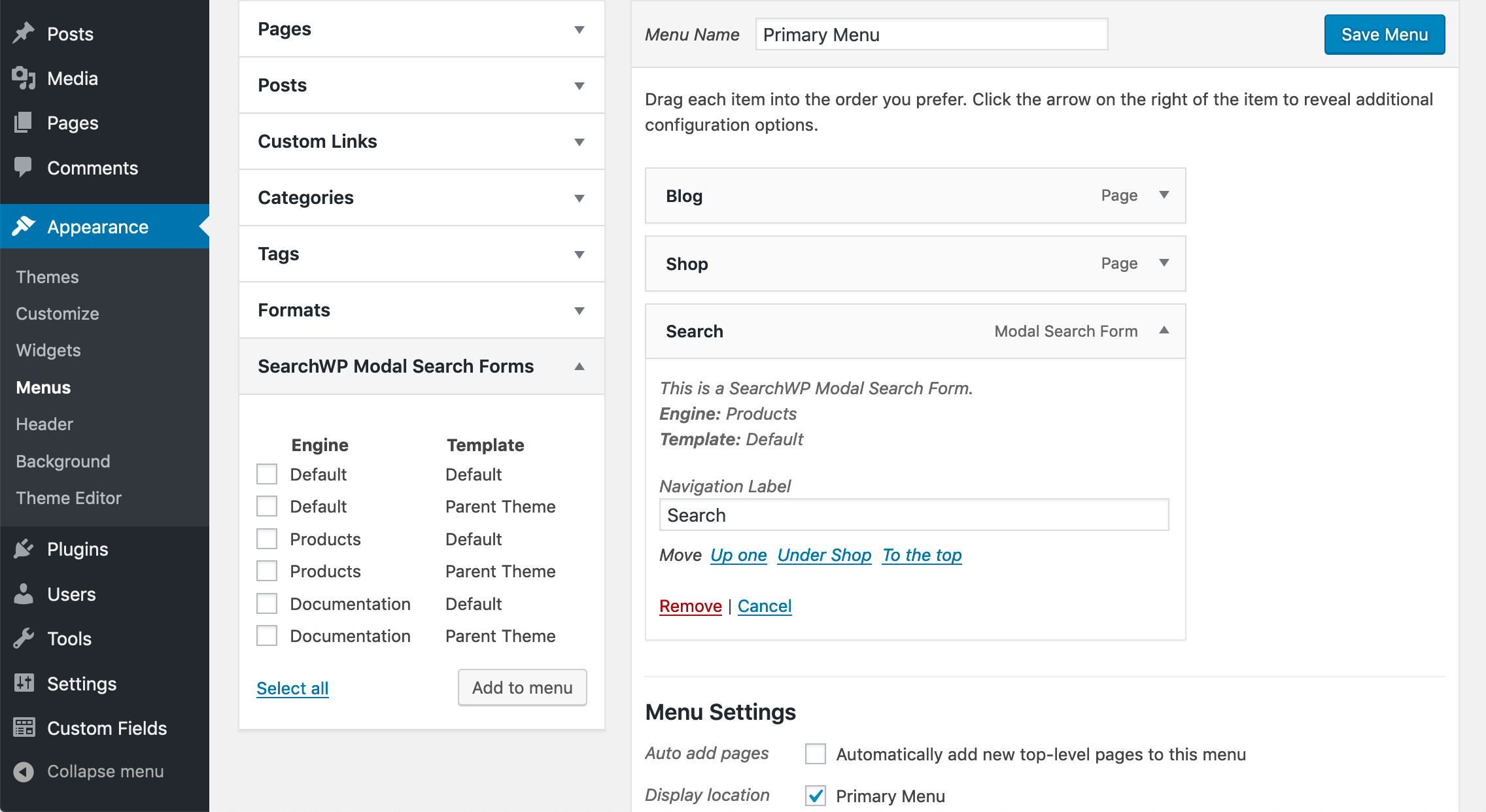
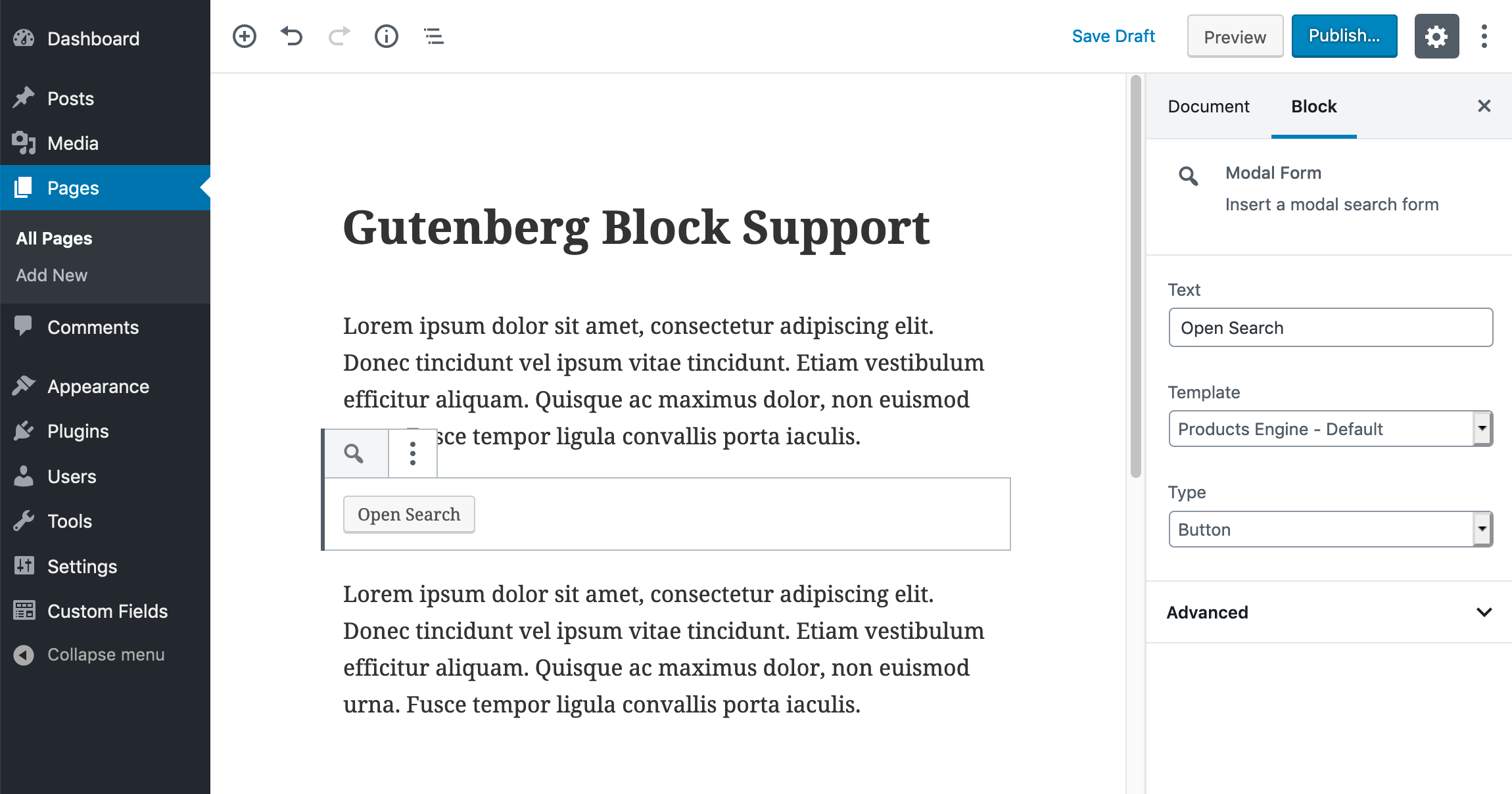
SearchWP Modal Search Form makes it easy to implement modal search forms anywhere in your WordPress website. The following methods are built in and available to you:
- As a Menu Item
- Using a Shortcode
- As a Gutenberg Block
- Within your template(s) programmatically
Template Customization
SearchWP Modal Search Form integrates a proper template loader for displaying search forms in any number of templates, allowing you to fully customize what the modal looks like per template.
The most straightforward way to create a custom template is as follows:
- Create a folder named
searchwp-modal-formwithin your theme - Create a file within that folder named
template.php(or any name ending in.php) - Copy the contents of the default template into that file
- Customize the
SearchWP Modal Form Namevalue in the header comment block - Make any other customizations you\’d like to the markup/style, paying attention to the documentation
There are (jQuery) events that fire when modals are opened and closed. jQuery is not a dependency, but if jQuery is loaded the events will fire.
// Add a callback when a modal is opened:
jQuery('body').on('searchwpModalOnShow', function(e) {
    // Focus an input in the template.
    e.el.find('input').focus();
});

// Add a callback when a modal is closed:
jQuery('body').on('searchwpModalOnClose', function(e) {
    alert('Modal closed!');
});
Please review the full template documentation for more detailed information.