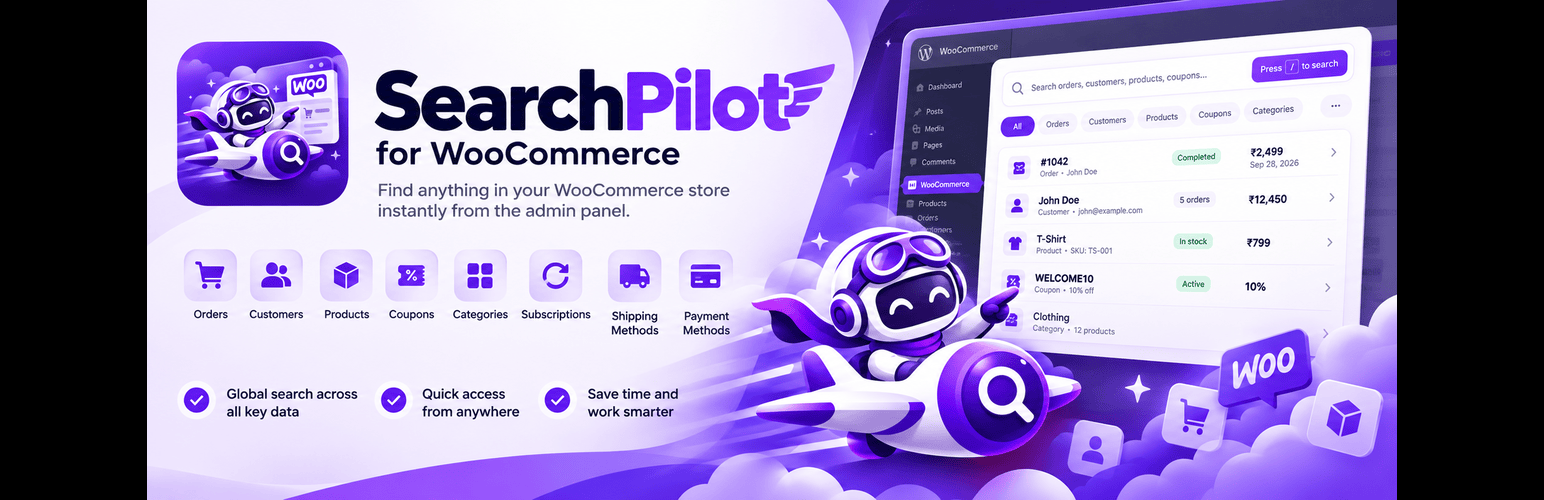

SearchPilot for WooCommerce
v1.0.2thennarasan22 · 2026年9月29日 上架
Press F anywhere in wp-admin to instantly find WooCommerce orders, customers, products, coupons, subscriptions, shipping and payment methods.
- 正在使用
- 10 以下
- 评分
- 5.0 / 5
- 累计下载
- 227
- 最近更新
- 2026年9月30日
贡献者
 thennarasan22
截图


SearchPilot for WooCommerce gives your WooCommerce admin one fast search box for finding the information you need.
Press F, type what you’re looking for, and jump directly to the matching order, customer, product, coupon, category, subscription, shipping method, or payment method — without navigating through multiple admin screens.
One search. Your entire store
- Fast admin search — Press
Ffrom anywhere in wp-admin to open the search. - Search your WooCommerce data — Find orders, customers, products, variations, coupons, categories, subscriptions, shipping methods, and payment methods.
- Smart search — Search using order numbers, names, email addresses, phone numbers, SKUs, coupon codes, and more.
- Scope your search — Choose exactly what you want to search with the All / Orders / Customers / Products / Coupons / Categories / Shipping Methods / Payment Methods selector.
- Context-aware search — When opened from supported WooCommerce admin screens, the search can automatically select the relevant search scope.
- Recent searches — Quickly return to recently opened results without searching again.
- Keyboard navigation — Use Up/Down, Enter, Esc, and Tab to navigate the search without reaching for the mouse.
- Responsive interface — Works across desktop, tablet, and mobile admin screens.
- Direct results — Click a result to go directly to its relevant WordPress or WooCommerce admin screen.
- Quick copy — Copy an order number, customer email, SKU, or coupon code straight from the results, no need to open the record.
- HPOS compatible — Designed to work with WooCommerce’s High-Performance Order Storage.
Search supported
Orders
Search WooCommerce orders by order number and other supported order information.
Customers
Find WooCommerce customers by name, email, phone number, or user ID.
Products
Search products and variations by name, SKU, or other supported product information.
Coupons
Find coupons quickly by coupon code or name.
Categories
Search product categories by name.
Subscriptions
When WooCommerce Subscriptions is active, search subscriptions and jump directly to the subscription.
Shipping methods
Find configured shipping methods across your WooCommerce shipping zones.
Payment methods
Search registered WooCommerce payment gateways and open their settings directly.
Built for WooCommerce admins
SearchPilot for WooCommerce is designed to reduce the time spent navigating through WooCommerce’s separate admin screens.
Instead of:
Orders search Customers search Products search
use:
Press F Search Open
Keyboard shortcuts
F— Open search↑/↓— Navigate resultsEnter— Open selected resultEsc— Close searchTab— Move between search controls