

sBird Post Slug Block
v1.1.3sysbird · 2026年7月16日 上架
This is a block for the Site Editor that displays the slugs of posts, categories, and custom post types.
- 正在使用
- 10 以下
- 评分
- 暂无
- 累计下载
- 464
- 最近更新
- 2026年10月19日
需要 WordPress 6.9+已测试到 7.1.5PHP 7.4+
贡献者
 sysbird
截图
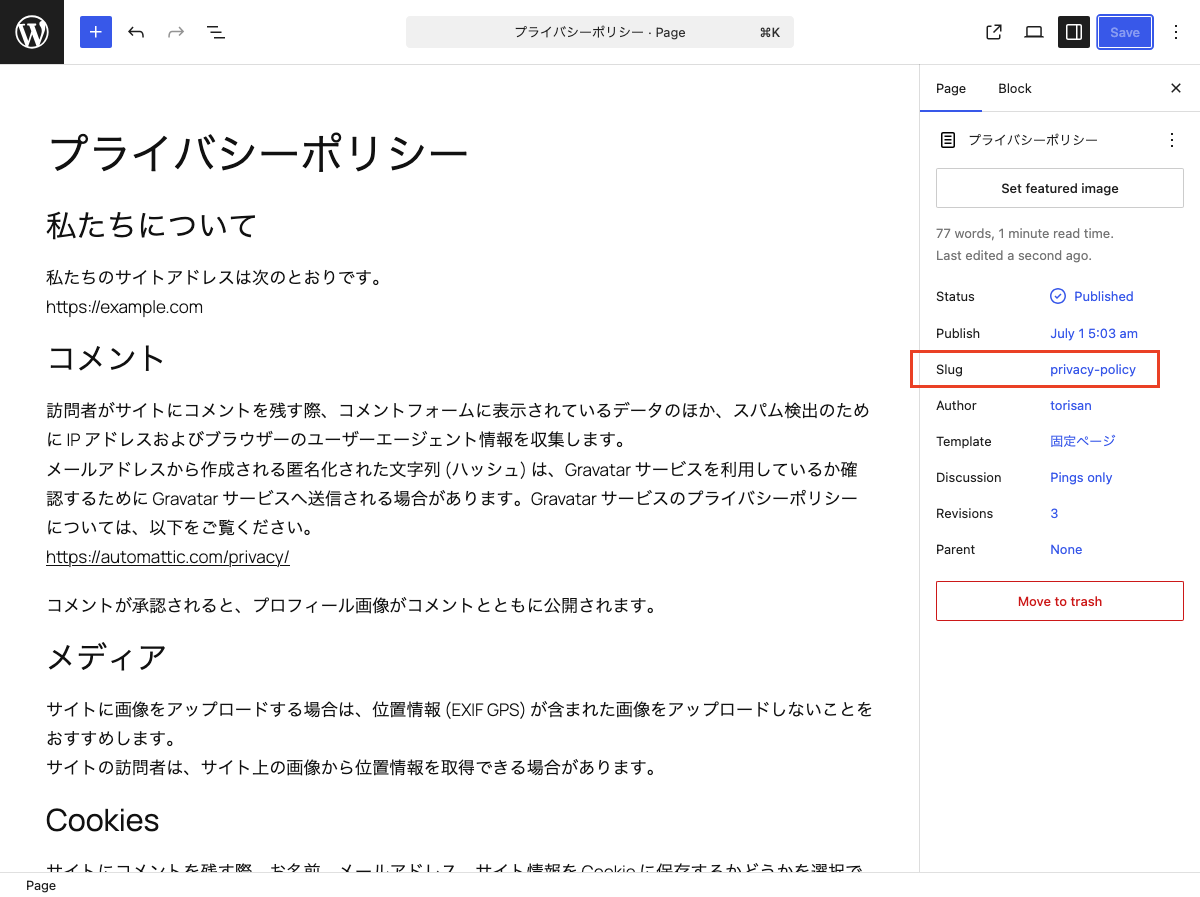
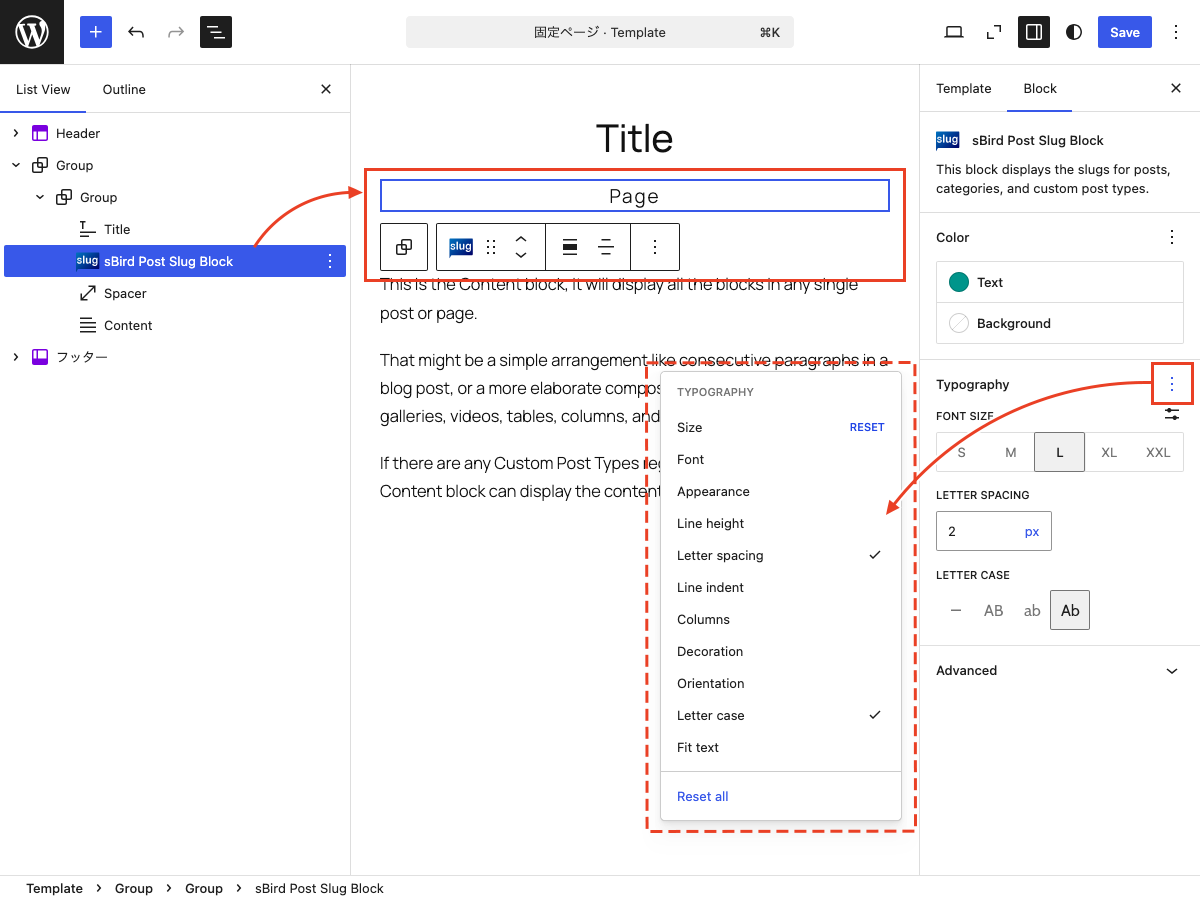
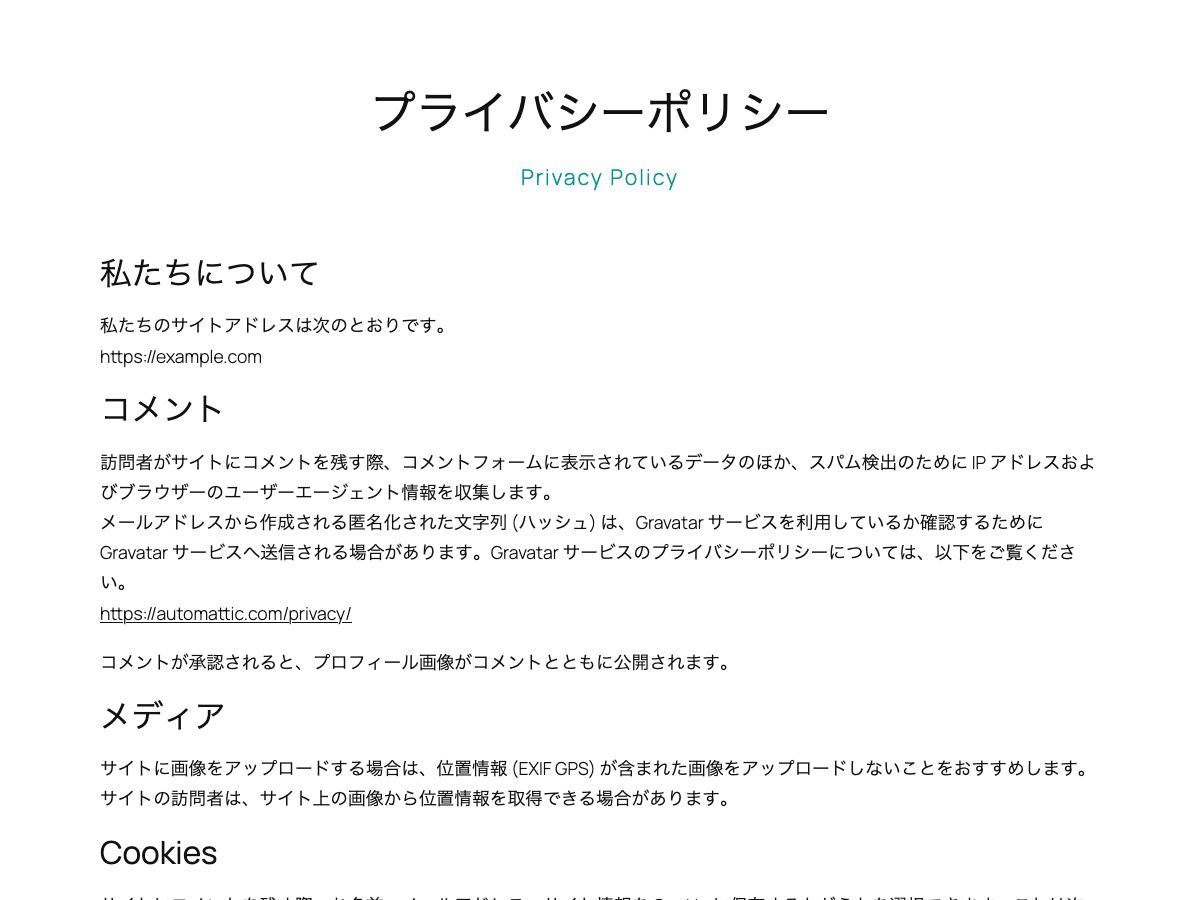
This block is designed for use in templates in the Site Editor. It displays the current post’s slug on single posts and pages. On archive pages, it displays the slug of the current category or custom post type.
Hyphens in slugs are displayed as spaces.
You can use the displayed slug as supporting text for the page title or as a design accent.
It extends the core Paragraph block, so you can use the same styling options available to Paragraph blocks.
Usage
- Add the “sBird Post Slug Block” to a template in the Site Editor.
- You can use the block on single posts, pages, and archive pages.
- As with the Paragraph block, you can customize the text color, background color, font size, and typography.