

Save & Continue for Contact Form 7
v1.2.5Maidul · 2025年5月22日 上架
Let visitors save a partly filled Contact Form 7 form and finish it later from a resume link, which they can also email to themselves.
- 正在使用
- 10+
- 评分
- 暂无
- 累计下载
- 2,715
- 最近更新
- 2026年11月21日
贡献者
 Maidul
截图
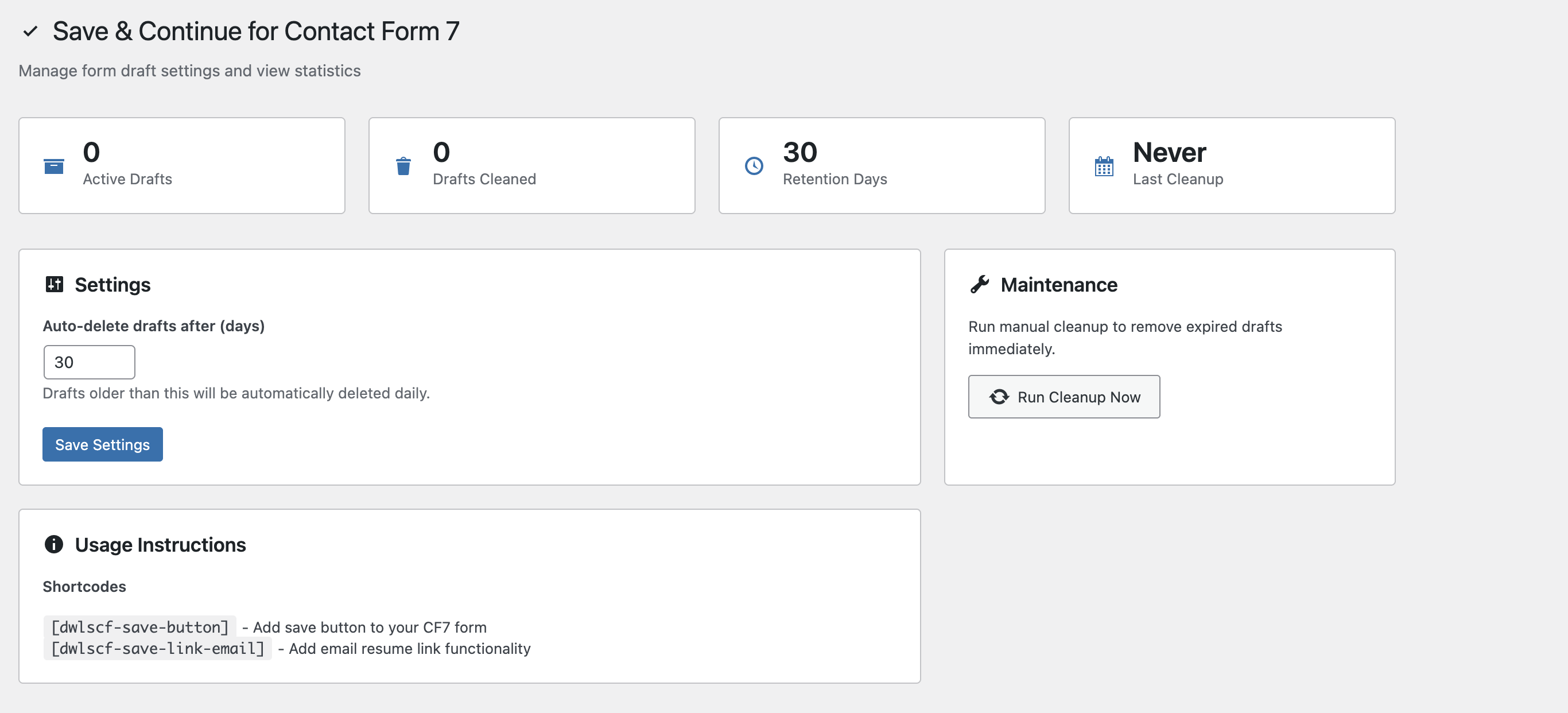
Save & Continue adds a “save and continue later” button to your Contact Form 7 forms. A visitor who is not ready to send a long form can save it, get a private resume link, and come back later to find the fields filled in again.
It is made for forms that people need time to fill:
* Job application forms
* Registration forms
* Survey and feedback forms
* Any form requiring research or document gathering
Features
- Automatic draft saving – answers are saved on your site shortly after a visitor leaves a field
- Resume links – a random token in the link identifies the draft
- Email resume option – the visitor can email the link to themselves
- Admin settings – choose how many days drafts are kept (default 30), with a daily clean-up and a manual clean-up button
- Field types – text, textarea, select, checkbox and radio fields are saved. File and password fields are never saved
- Rate limiting on saving drafts and on sending resume emails
- No external services, no tracking, no ads
Good to know
- Works with single-page Contact Form 7 forms. Multi-step form plugins are not supported; see the FAQ.
- Saved answers are stored in your WordPress database until the draft expires. Tell your visitors in your privacy policy.
Support
For support, feature requests, or bug reports:
* Visit the WordPress.org support forum
* Check our documentation
Privacy
This plugin stores what visitors type in your forms in your WordPress database until the draft expires (30 days by default), and a random token in the visitor’s browser (localStorage). The resume link contains the token. If a visitor asks for the link by email, the address they type is used to send that one email. This plugin does not send data to any external service. It does not add WordPress privacy export or erase tools; add a line to your privacy policy.
Requirements
- WordPress 6.2 or higher
- PHP 7.2 or higher
- Contact Form 7 plugin (active)
- Modern browser with JavaScript enabled