
SapphireIT Editorial Workflow
v1.2.0Md. Readush Shalihin · 2026年10月18日 上架
Editorial approval workflow with an enforceable publish gate and a complete audit trail. AI can draft it. A human approves it.
- 正在使用
- 10 以下
- 评分
- 暂无
- 累计下载
- 282
- 最近更新
- 2026年11月19日
 Md. Readush Shalihin
截图


AI can draft it. A human approves it. You can prove who approved what, and
when.
SapphireIT Editorial Workflow puts a real review step between writing content
and publishing it, on the posts, pages and custom post types you already have:
- Enforceable review. A publish gate for each content type, with three
modes. Off changes nothing. Log only lets people publish but records
every publish that skipped approval. Enforce stops content from going live
until it has been approved in the workflow. Every content type starts at Off. - A complete audit trail. Every time managed content is published or
unpublished, the plugin records who did it, when, and which workflow status
the content was at in that moment. This happens even with the gate off. - Notifications. Opt-in emails when a reviewer is assigned, when content is
submitted for review, when changes are requested, when content is approved
and when a workflow comment is added. - Governance. Evidence of how content was made and who signed it off:
- declared AI use on every item (Human-written, AI-assisted or AI-generated),
set by people in the editor or by agents through the REST API. AI use is
declared, not detected: the plugin never inspects your text, it records
who made each declaration and when; - optional review attestation: approvers confirm they reviewed the content,
and the confirmation is stored with the approval; - CSV export of the full audit trail;
- a governance report: how much was published after approval, what went out
while the gate was off, blocked publishes, declared AI use and overdue
reviews; - an opt-in “Reviewed by” disclosure block and shortcode for published
content.
- declared AI use on every item (Human-written, AI-assisted or AI-generated),
Every managed post gets a workflow status, an assigned reviewer, a due date,
workflow comments and a complete activity history, managed from a Gutenberg
sidebar, a classic editor meta box and an admin dashboard.
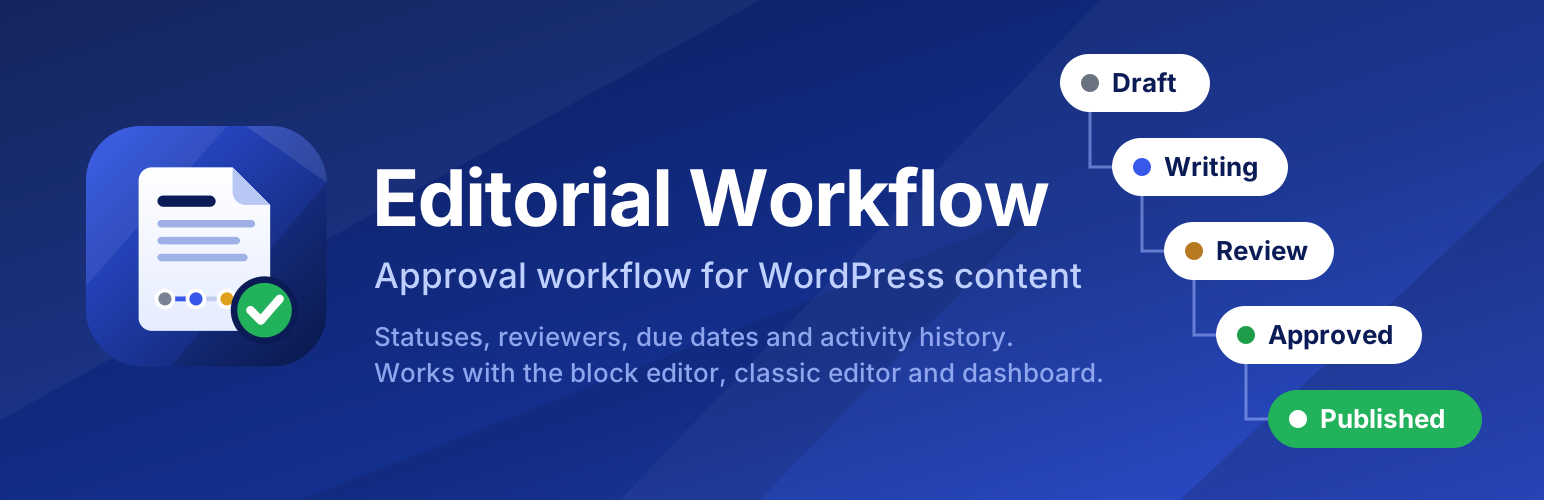
Six statuses, one clear path: Draft Writing Review Needs Changes
Approved Published, with explicit paths for sending content back and for
re-editing something that is already live.
A Getting Started page (the Help link in the plugin’s header, or
Workflow Getting Started) walks you through the setup steps, explains who can
do what and what each setting does, and links to tutorials, docs and support.
The page makes no external request until you click a link.
What it does
- A real state machine. Only the moves in the transition graph are possible.
Nobody jumps a draft straight to approved, whatever their role. - Server-side enforcement. Every transition is re-checked in PHP against the
graph, the capability map and the post’s current stored status. The editor UI
shows you what you can do; it does not decide it. The publish gate works the
same way: the editor offers Submit for Review instead of Publish when
the gate would refuse, and the server refuses by the same rule whatever the
client sends. - Seven dedicated capabilities, granted to roles at activation and editable
with any capability-management plugin. No hard-coded role checks. - Reviewer assignment and due dates, with an “overdue only” filter computed
in your site’s timezone. - Workflow comments that stay in the editorial log and never appear on the
front end. - A complete activity history in a dedicated indexed table: who changed
what, when, including every publish, unpublish, blocked publish and publish
without approval. - Conflict protection. If two editors act on the same post at once, the
second one is told the post moved instead of silently overwriting the first. - An admin dashboard with server-side search, filtering, sorting and
pagination, row actions, and bulk actions across up to 100 posts. - A documented REST API under
sit-cwm/v1. Everything the UI does is an
endpoint you can call yourself. - Works with what you have. Posts, pages and any custom post type, through
post meta. No custom post type of its own, and nothing to migrate.
What it deliberately does not do
Being straight about this matters more than a longer feature list:
- It does not publish anything. Reaching the “Published” workflow status
records that the editorial process finished — it does not touch the
WordPress post status. Publishing stays a deliberate action by a human. The
two are separate fields on purpose, so that scheduled posts keep their
schedule and live content can be re-edited without being unpublished. - It does not judge whether AI wrote your text. AI use is declared, not
detected: people or agents state it, and the plugin records the statement
and who made it. It records who approved content, not a verdict on who or
what wrote it. - It does not guard database writes made by other code. Code that updates
post_status inwp_postsdirectly through$wpdb, without WordPress’s
publishing functions, is not seen by the publish gate. - No Slack, no editorial calendar, no multiple workflows, no rules engine. Those
are on the roadmap, not hidden behind an upsell in this plugin.
Who can do what
- Draft, Writing, Review —
sit_cwm_change_workflow - Needs Changes —
sit_cwm_review_content - Approved —
sit_cwm_approve_content - Published —
sit_cwm_approve_contentplus WordPresspublish_post - Publish unapproved content while the gate is set to Enforce —
sit_cwm_bypass_publish_gate (recorded every time it is used)
Every change also requires WordPress’ own permission to edit that specific post.
By default administrators get everything, editors can review and approve,
authors and contributors can move their own content up to Review, and
subscribers get nothing. Only administrators can publish past the gate.
Developers
The plugin is built as a thin React client over a PHP workflow engine, and fires
actions and filters at every lifecycle point (sit_cwm_status_changed,
sit_cwm_can_transition, sit_cwm_transition_map,
sit_cwm_publish_gate_passes, sit_cwm_notification_recipients and more) so
it can be extended without editing its files.
Privacy
The plugin stores, in your own database: the user ID of whoever makes each
workflow change, the user ID of the assigned reviewer, the text of workflow
comments and the time of each action. It also stores the user ID of whoever
publishes or unpublishes managed content, or tries to publish it while the
publish gate blocks them. This information is visible to users who have the
sit_cwm_view_activity capability. None of it is sent off your site.
When email notifications are turned on, the plugin sends email to the
registered email addresses of your site’s users, through WordPress’s own
wp_mail(). Mail is delivered however your site already sends email.
Usage data (opt-in). The plugin uses the Freemius SDK. On first activation
an administrator is asked whether to share usage data with Freemius; nothing
is sent unless they opt in, and Skip leaves every feature working. Opting
in shares:
- your WordPress user’s first and last name and email address;
- the site’s homepage URL and title, WordPress and PHP versions and site
language; - the plugin and SDK versions, and whether the plugin is active or uninstalled;
- the names, slugs and versions of your installed plugins and themes, and
whether each is active (this item can be switched off on the opt-in screen).
You can opt out at any time from the Opt Out link under the plugin on the
Plugins screen, or from Workflow Account.
When you deactivate the plugin you may be offered a short, optional feedback
form. If you answer it, your answer is sent to Freemius, anonymously unless
you choose otherwise, even if you never opted in.
If you buy the Pro add-on and activate its licence, that connects the site to
Freemius and also registers this plugin there, even if you clicked Skip.
The usage data listed above is then shared, as if you had opted in.
Hints about Pro. The plugin’s links about Pro go to the author’s site and
send nothing from yours. When a manager dismisses one of the plugin’s hints
about Pro, the choice is stored in that user’s profile (user meta
sit_cwm_dismissed_hints) on your site and is never sent anywhere.
Freemius’s privacy policy: https://freemius.com/privacy/