
Ruby Markup Converter
v1.3.0Foriba · 2026年5月21日 上架
Converts ruby and emphasis mark notation from Japanese novel-sharing sites for WordPress, without modifying the original text.
- 正在使用
- 10 以下
- 评分
- 暂无
- 累计下载
- 584
- 最近更新
- 2026年10月28日
贡献者
 Foriba
截图
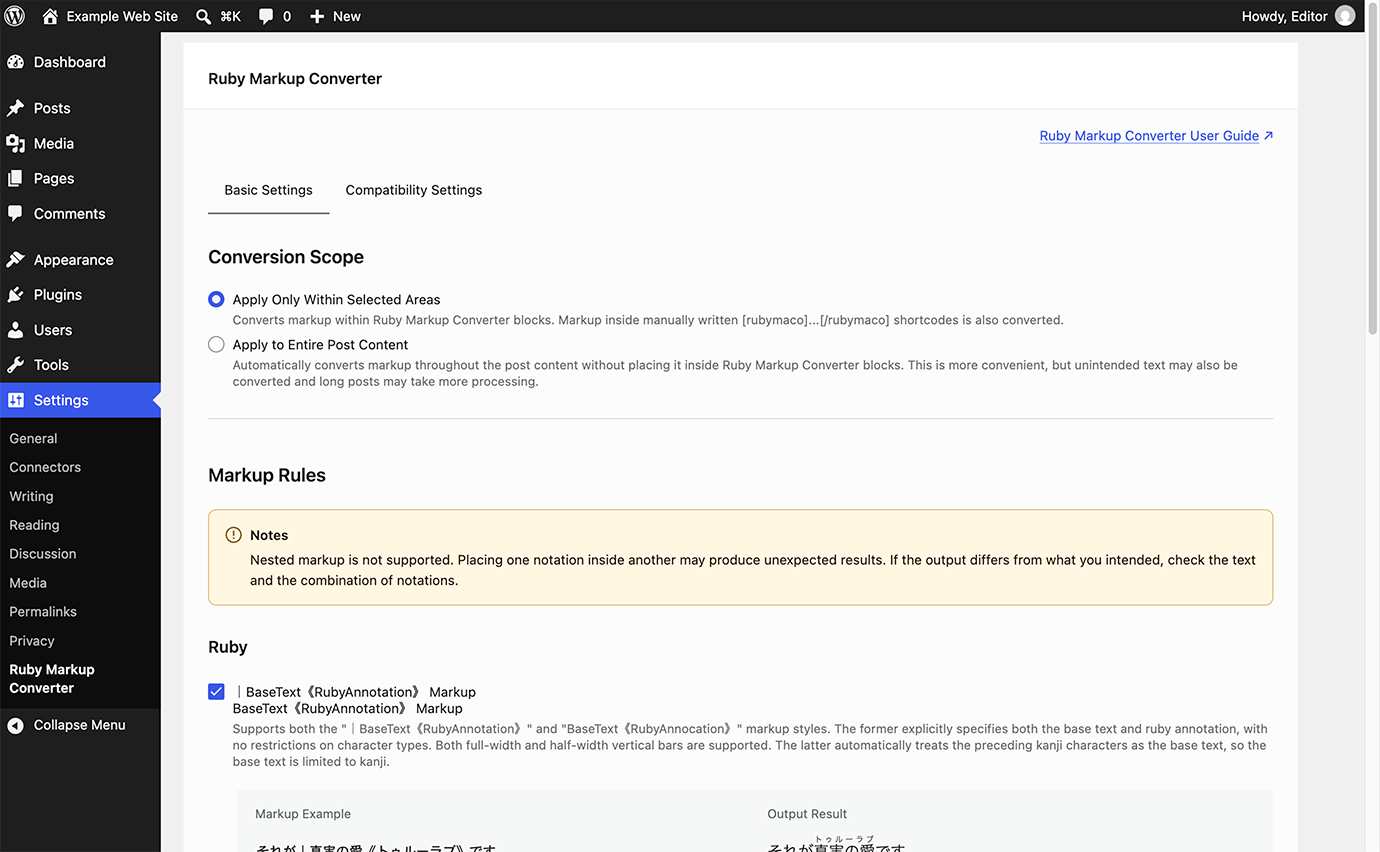


Want to Publish Your Manuscripts Written for Japanese Novel-Sharing Sites on WordPress, Too?
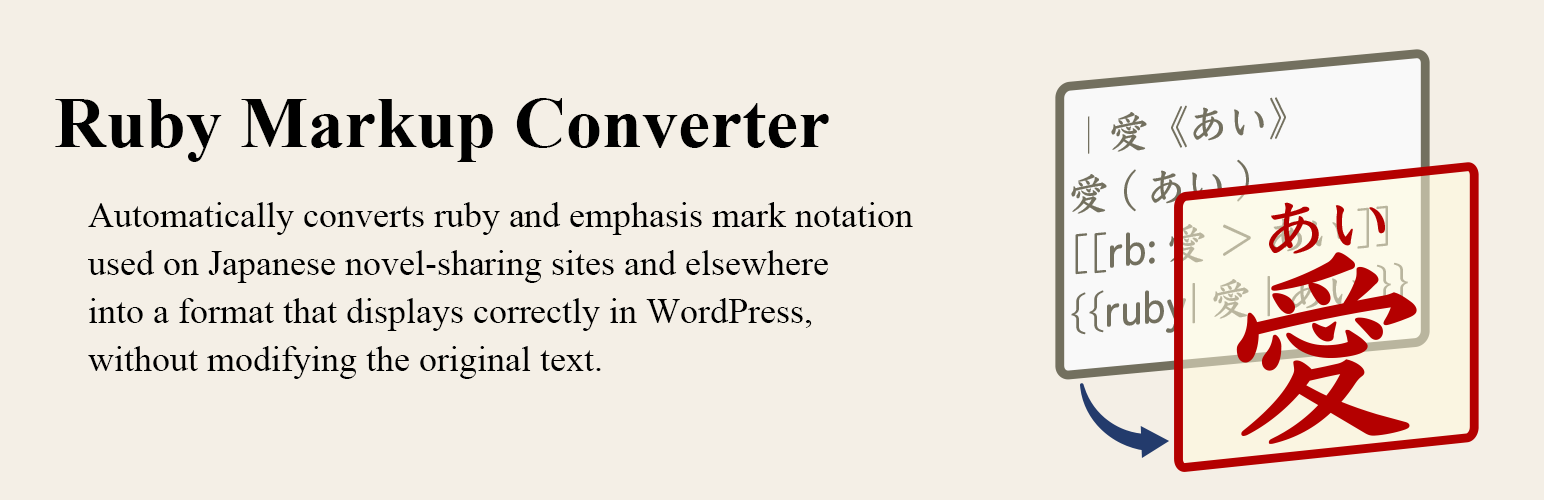
Ruby Markup Converter is a plugin that automatically converts ruby (furigana) and emphasis mark (bouten) notation used on Japanese novel-sharing sites and elsewhere into a format that displays correctly in WordPress, without modifying the original text.
Simply copy and paste your manuscript from a text file. There’s no need to add ruby annotations or emphasis marks one by one. Of course, you can also type the same notation directly into the WordPress editor.
Key Features
- Convert by category or by post: Select a category to convert every post in it, or choose for each post and page whether to convert it. No need to add blocks to each post.
- Use your original manuscripts as they are: Supported ruby and bouten notation is converted automatically, so there’s no need to rewrite your text.
- Easy to use: Simply paste your manuscript into a post in a selected category, or into the Ruby Markup Converter block.
- Choose where to convert: Convert only part of a post with a dedicated block, or convert all posts and pages.
- Flexible settings: Enable or disable individual markup rules and choose how bouten marks are displayed.
Support for Languages Other Than Japanese
Although Ruby Markup Converter is designed with Japanese typography and novel-writing conventions in mind, it is not limited to Japanese. Text in other languages can also be converted as long as it follows the supported markup rules.
Supported Markup Styles
-
Ruby:
|BaseText《RubyAnnotation》BaseText《RubyAnnotation》BaseText(RubyAnnotation)[[rb:BaseText > RubyAnnotation]]#BaseText__RubyAnnotation__#{{ruby|BaseText|RubyAnnotation}}
-
Bouten (Emphasis):
《《Emphasis》》
Usage
Ruby Markup Converter offers several ways to choose where ruby and bouten notation is converted:
By Category
Open Posts > Categories, edit a category, and check the Ruby Markup Converter option. The full text of posts in that category and its child categories is converted.
By Post or Page
In the block editor, open the Ruby Markup Converter panel in the sidebar. You can convert the full text of that post or page, or turn conversion off for it, regardless of other settings.
Ruby Markup Converter Block
Add the Ruby Markup Converter block to a post or page, then paste or type your text inside it. Supported notation within the block is converted when the content is displayed.
Shortcode
Wrap your text in [rubymaco]...[/rubymaco] to convert supported notation within that section. This method is also available in the Classic Editor.
Entire Post Content
Enable Apply to Entire Post Content in the plugin settings to convert supported notation throughout all posts and pages, except those set not to be converted.
Documentation
For detailed instructions, examples, configuration options, and troubleshooting, see the Ruby Markup Converter User Guide.