

RowVista Slider
v1.1.0Faisal Liaqat · 2026年7月1日 上架
Create responsive WordPress post carousels and multi-row sliders with seven layouts, custom navigation, animations, Gutenberg and Elementor support.
- 正在使用
- 10 以下
- 评分
- 暂无
- 累计下载
- 411
- 最近更新
- 2026年10月16日
需要 WordPress 6.0+已测试到 7.0.9PHP 7.4+
贡献者
 Faisal Liaqat
截图

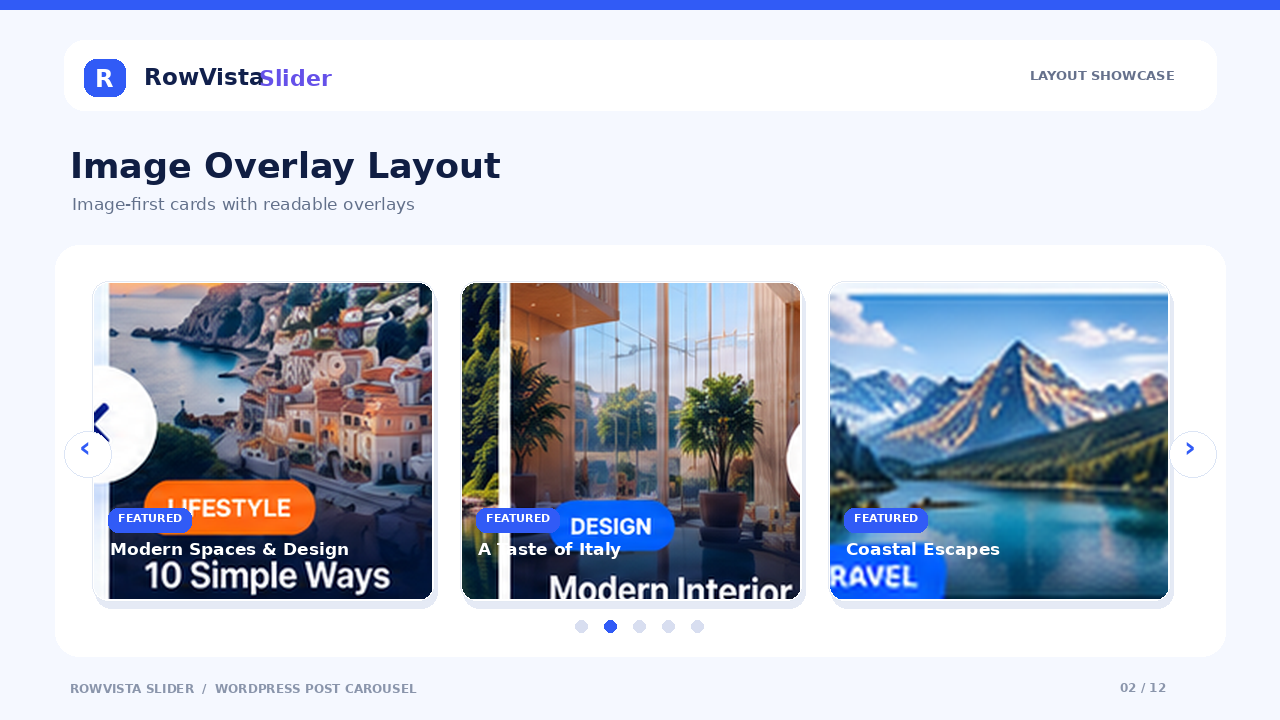
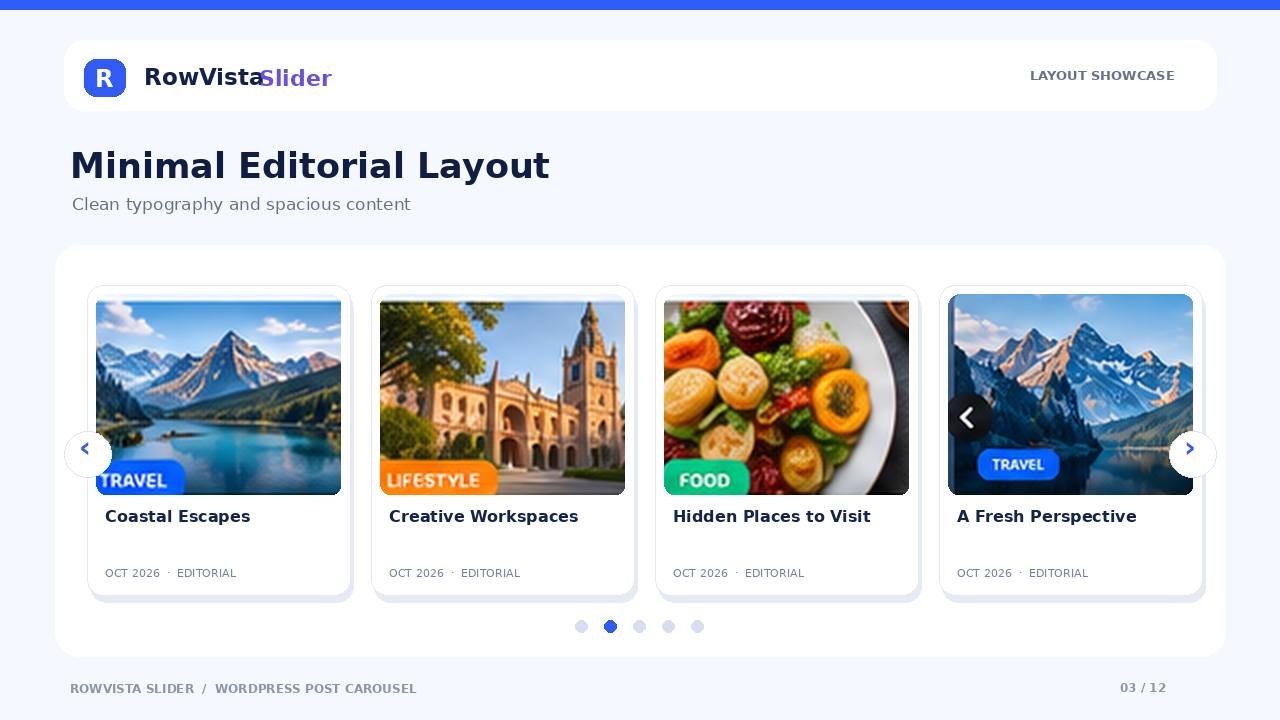


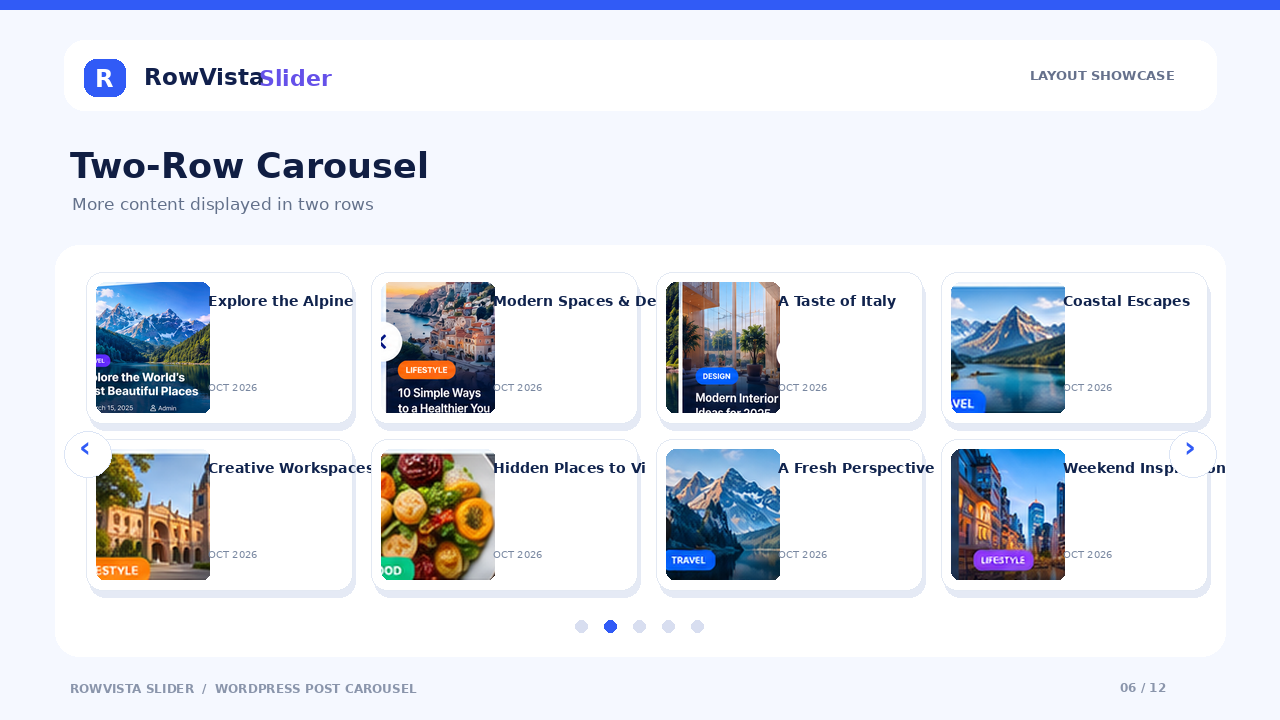


RowVista Slider makes it easy to showcase WordPress posts and public custom post types in responsive, reusable carousels. Create sliders for blogs, news, portfolios, or WooCommerce product posts, then insert them using a shortcode, Gutenberg block, or Elementor widget.
Seven card layouts
- Image Overlay: Text appears over featured images.
- Modern Card: Featured images and content in clean cards.
- Minimal: Simple, lightweight content presentation.
- Glass: Translucent, glass-style image overlays.
- Editorial: Magazine-inspired cards with accent borders.
- Bordered: Crisp, outlined cards.
- Gradient: Color-gradient content panels.
Flexible slider controls
- Single-row and two-row carousels, with adjustable visible columns for desktop, tablet, and mobile.
- Custom navigation arrows with icon, shape, color, size, and placement controls.
- Pagination dots with selectable styles and placement.
- Optional autoplay, pause/play control, progress indicator, infinite loop, and hover pause.
- Slide transitions, supported entrance animations, and image hover effects.
- Appearance controls for image sizing, font stack, text, background and accent colors, spacing, and rounded corners.
- Optional post title, category, date, excerpt, and read-more text.
- Content ordering, post limits, and optional taxonomy/term-ID filtering.
- Reusable sliders with independent settings and shortcodes.
- Gutenberg block and Elementor widget (when Elementor is active).
- Lazy-loaded featured images and reduced-motion support.
Quick start
- Open RowVista Slider > Create New Slider in the WordPress dashboard.
- Select a post type and choose one of seven layouts.
- Configure rows, responsive columns, arrows, pagination, and appearance.
- Publish your slider and copy its shortcode.
- Insert
[rowvista_slider id="123"]in a page or post (replace 123 with your slider ID).
Useful examples
- Blog and news posts: select the built-in
posttype. - Portfolio carousel: select a public portfolio post type provided by your theme or another plugin.
- WooCommerce product posts: select
productwhen WooCommerce is installed. Product-specific pricing/cart templates are not included. - Multiple carousels: insert different slider IDs on the same page.
Compatibility
The legacy [rowvista_slider] and [rowvista-slider] shortcodes remain available for existing global settings. New reusable sliders use an id attribute.