Rouergue Creation Slider Native Cover Block
v1.0.1Rouergue Création · 2026年8月27日 上架
Add responsive "slider" and "slideshow" styles primarily using CSS to the native WordPress Banner block.
- 正在使用
- 10 以下
- 评分
- 暂无
- 累计下载
- 400
- 最近更新
- 2026年11月1日
 Rouergue Création
截图


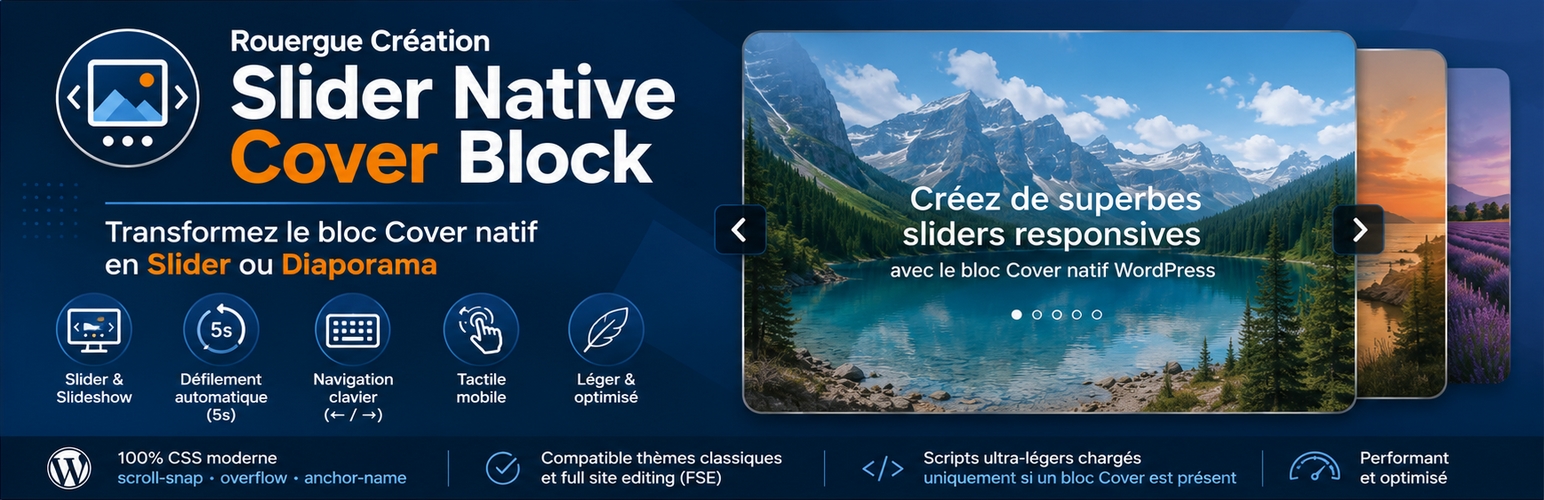
This plugin adds two alternative styles (“Slider” and “Slideshow”) to the native WordPress Cover block (Gutenberg).
The slider relies on modern native CSS features (scroll-snap,overflow,anchor-name), complemented by a very lightweight script for keyboard navigation, touch support, and automatic scrolling in slideshow mode.
✅ Compatible with classic themes and block themes
Features:
- “Slider” & “Slideshow” Styles: Select the desired style directly in the Styles panel of the native Cover block.
- Automatic Scrolling (Slideshow): Smooth fade transitions every 5 seconds with automatic pause on mouse hover.
- Smooth Navigation: Native scroll buttons provided by the browser, mobile touch gesture support (swipe), and endless looping.
- Keyboard Navigation: As soon as the “slider” receives focus, navigate easily using the Left Arrow () and Right Arrow () keys.
- Lightweight and optimized: Ultra-lightweight CSS and JS scripts loaded only on pages containing a Cover block.
How to use
- Install and activate the Rouergue Creation Slider Native Cover Block plugin.
- Open a page or post in the Gutenberg editor.
- In the block editor (Gutenberg), insert a parent Cover block, then add your child Cover blocks inside it (which will serve as slides).
- Setting Recommendation: For a harmonious and uniform visual appearance, apply the same Aspect Ratio or Minimum Height setting (e.g., 500px) to all your Cover blocks (parent and children).
- In the Styles panel of the root block settings, select the Slider or Slideshow style.
- View the Cover block transformed into a Slider or Slideshow on the front end.
Demo
Discover the plugin in action on our Demo Site.
Translations
- English
- French
Discover our other plugins
🔹 Editor Custom Color Palette
🔹 Easy Custom Event Tickets
🔹 Filter Bar Custom Post Type
🔹 Slider Galerie Native Responsive
🔹 Rouergue Creation Top Notice Bar
🔹 Rouergue Creation Events Sidebar
🔹 Rouergue Creation Carousel Style Query Loop