

Rotating Hero Image
v1.0.8wsxplugindev · 2022年3月29日 上架
Automatically rotate multiple hero banner images on a schedule — no slideshow bloat, just fast, clean image rotation.
- 正在使用
- 30+
- 评分
- 暂无
- 累计下载
- 2,893
- 最近更新
- 2026年10月8日
贡献者
 wsxplugindev
截图

Hero images on websites are great, but having the same one appear all the time gets… really boring. And using a slideshow on a page can add too much bloat to your code, slowing things down way too much.
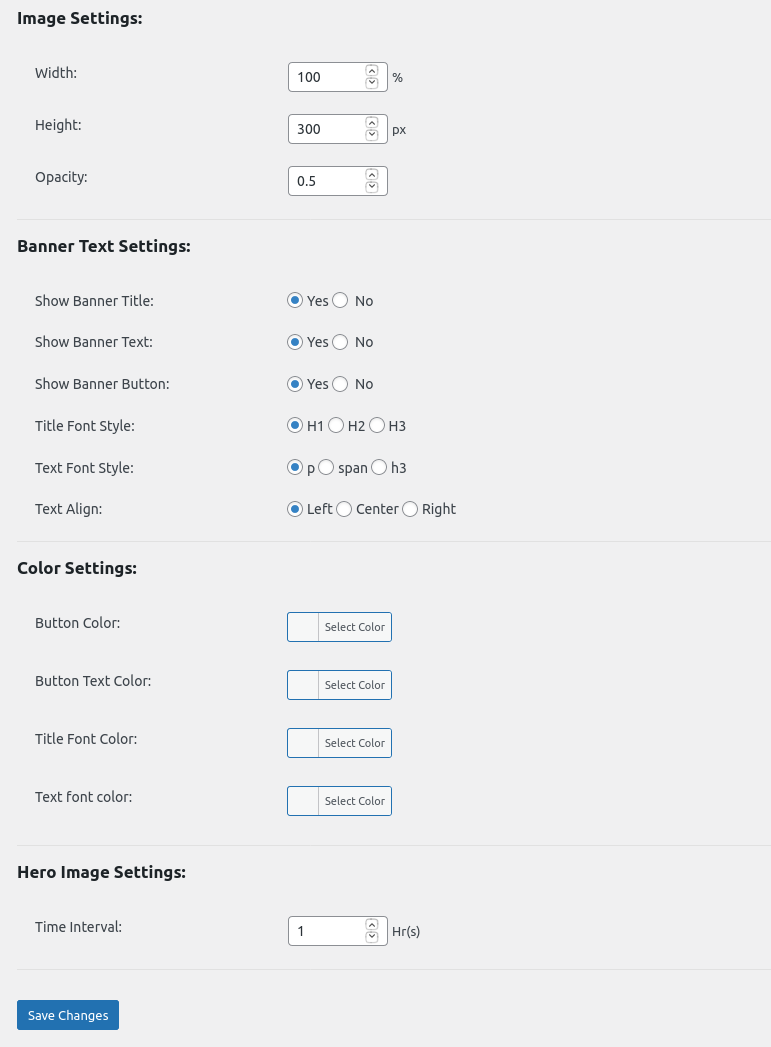
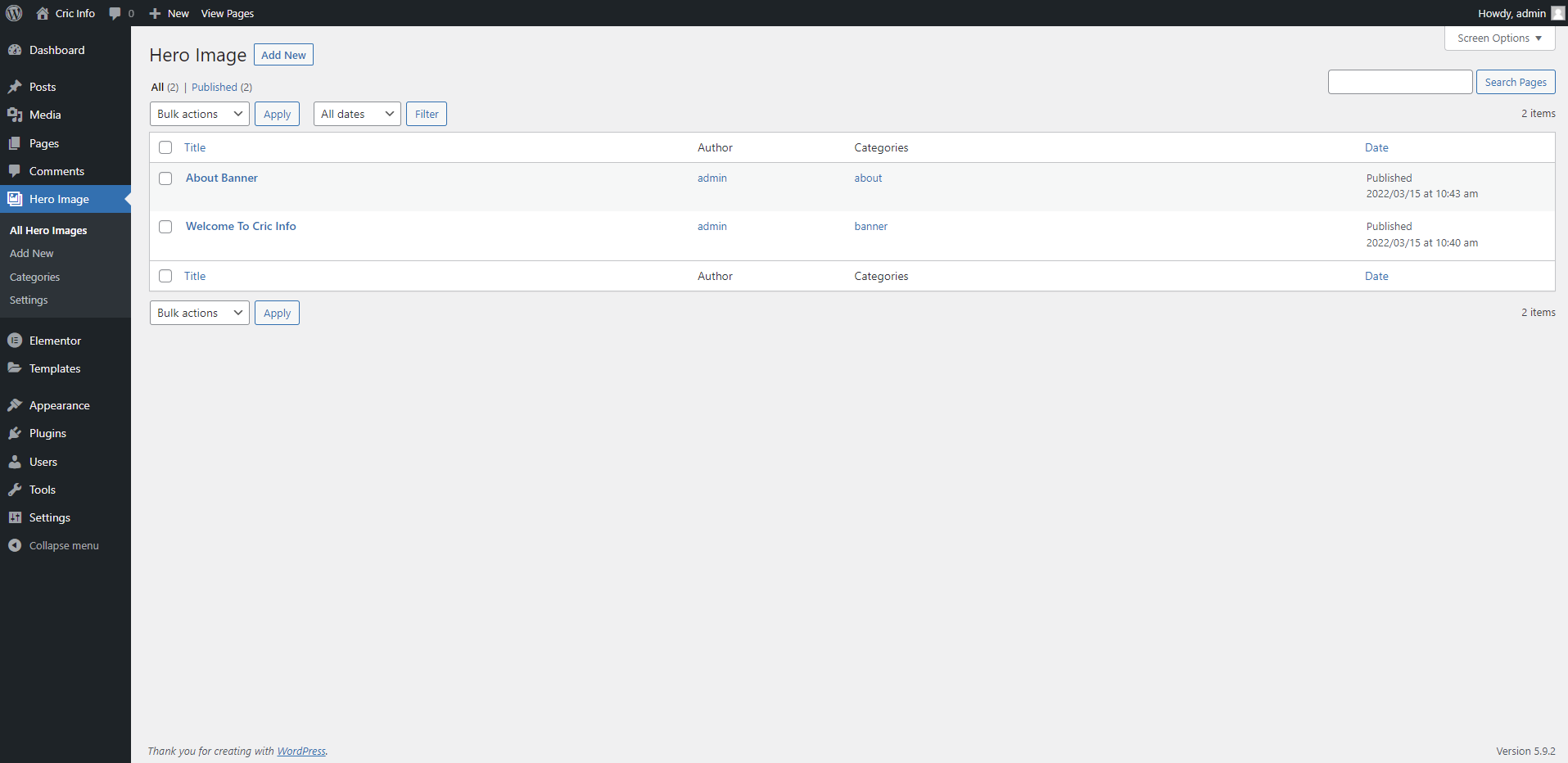
Here’s a plugin that rotates multiple hero images automatically – with no code bloat. Images can change hourly if you like or set it to daily (24 hours) – or whatever you want.
This is a plugin made by a website design company. We use this plugin on our clients’ sites all the time. Now you can, too.
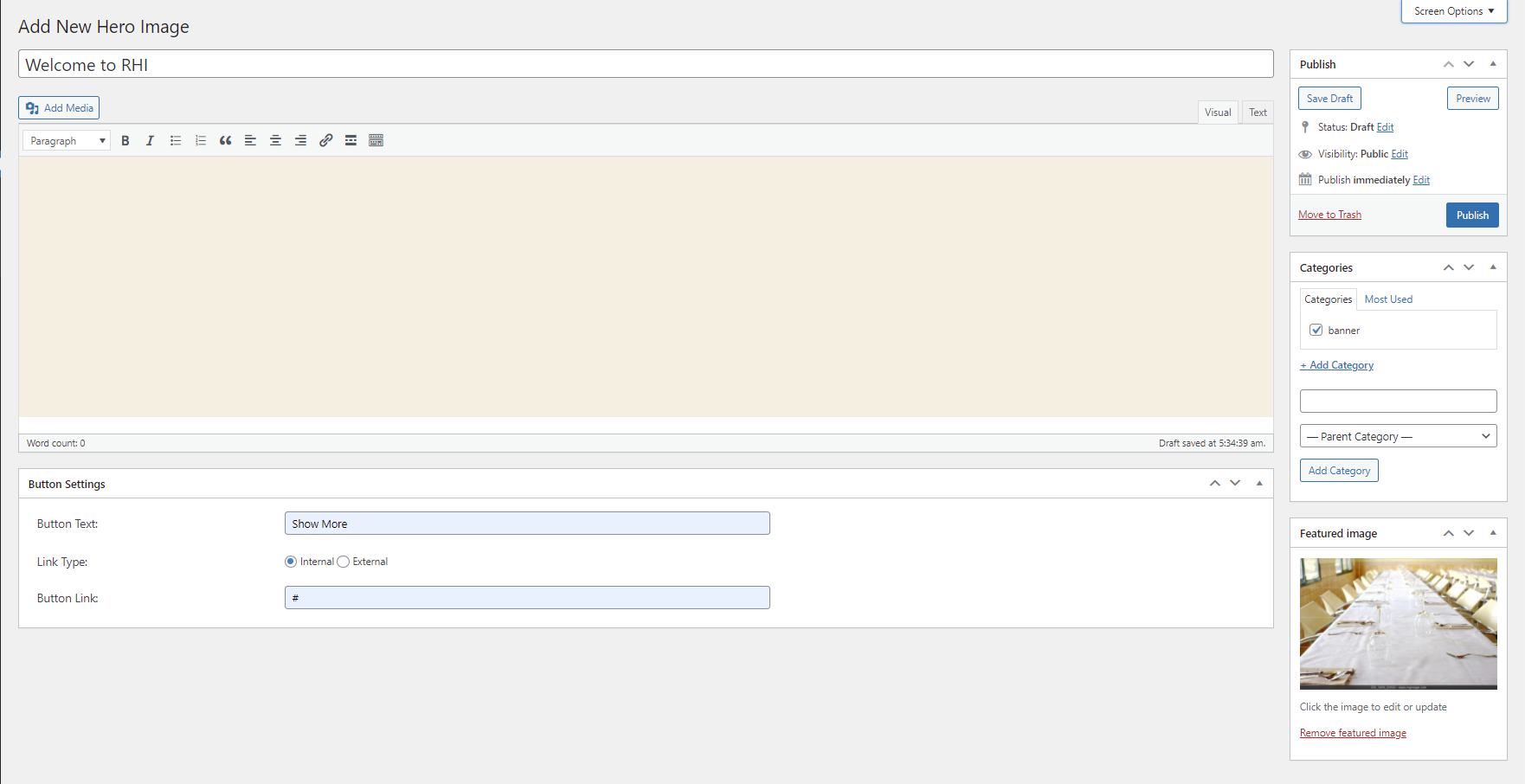
Display a hero banner on a page using a background image, title, description, and action button.
Add a hero image to your website’s home page or inside page of your website that automatically changes after a set amount of time. Using this plugin, the image will change, but no extra code is necessary on the front side.
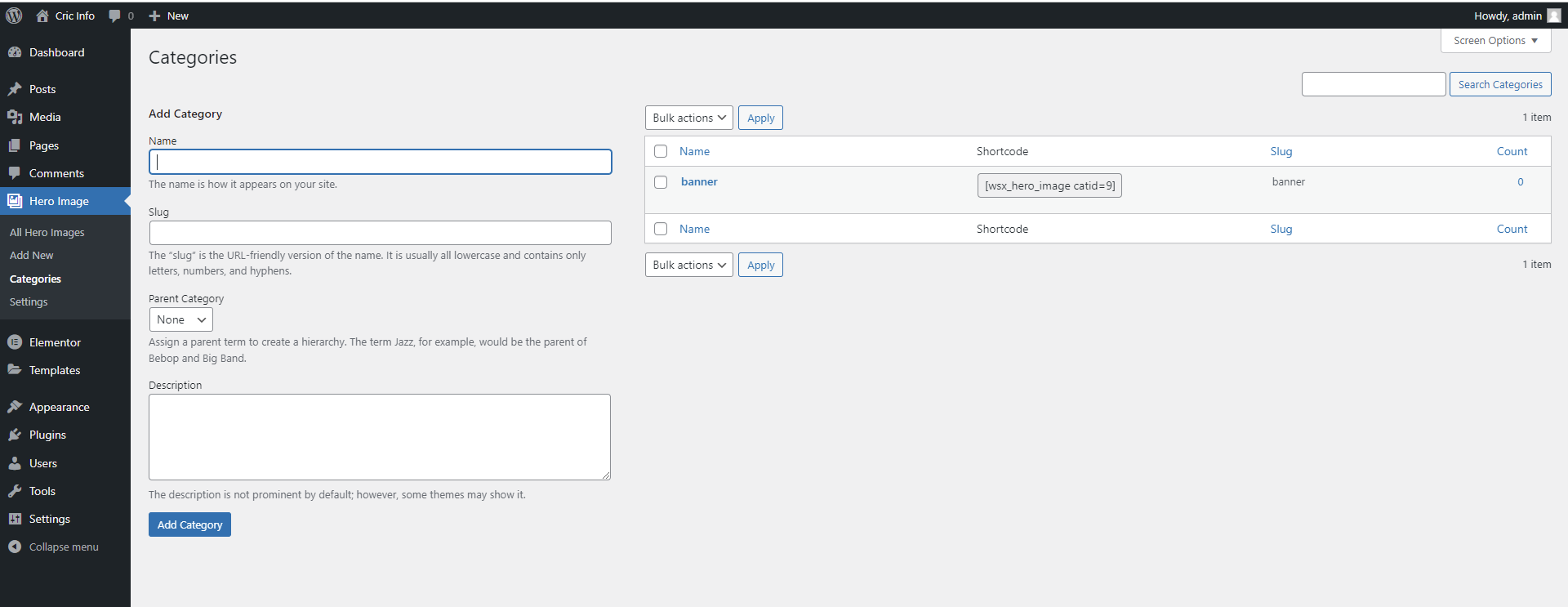
You can also create a hero image on category pages. Change any of them on an hourly basis.
How to use shortcodes on your homepage or other page/post:
Use this shortcode in the editor shortcode block and it will rotate all hero images:
[wsx_hero_image]
Use this shortcode for a specific category using the category ID:
[wsx_hero_image catid="1"]
If you want to add this functionality to your template/PHP file, use the following code:
<?php echo do_shortcode('[wsx_hero_image catid="1"]'); ?>