

RootsPersona
v4.6.0urryes · 2011年1月19日 上架
A real WordPress page for every person of your family tree, made from a GEDCOM file: photos, maps, sources, search and a front page for the tree.
- 正在使用
- 400+
- 评分
- 4.6 / 5
- 累计下载
- 3.8 万
- 最近更新
- 2026年11月25日
 ed4becky
 urryes
截图
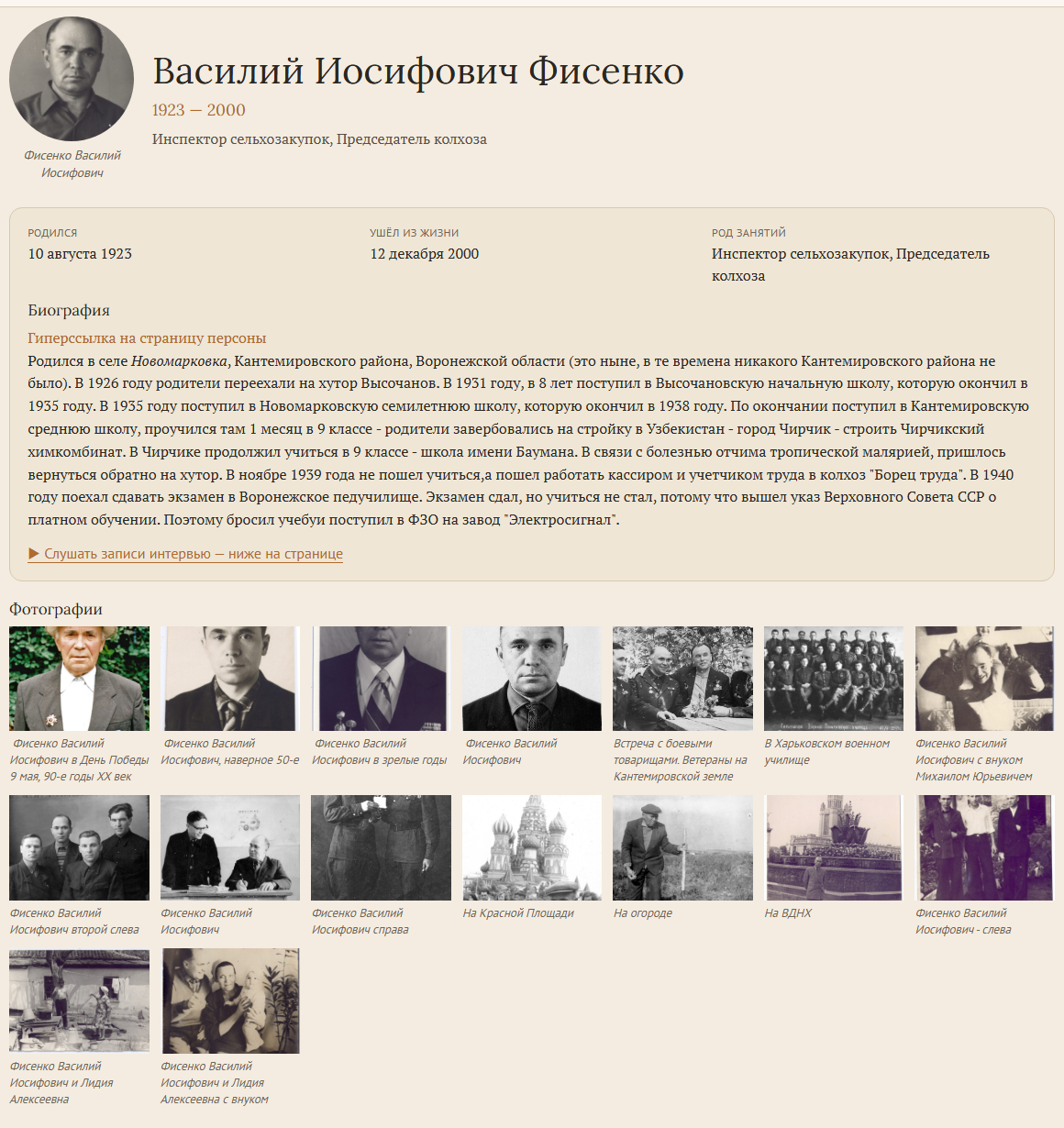
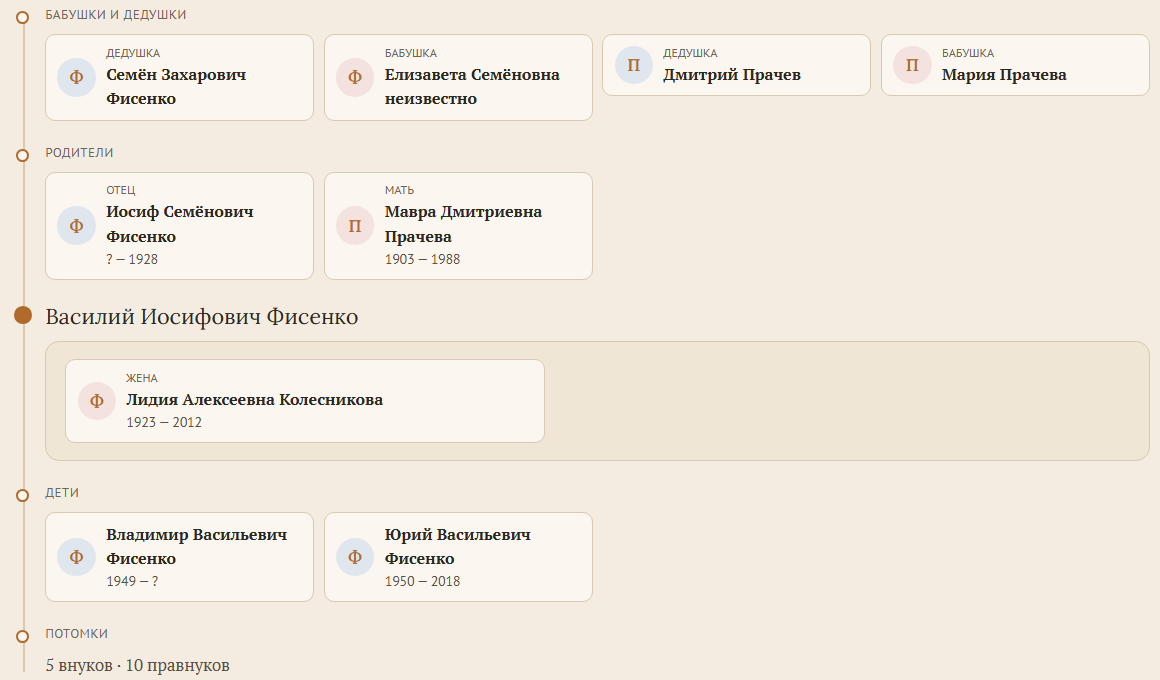
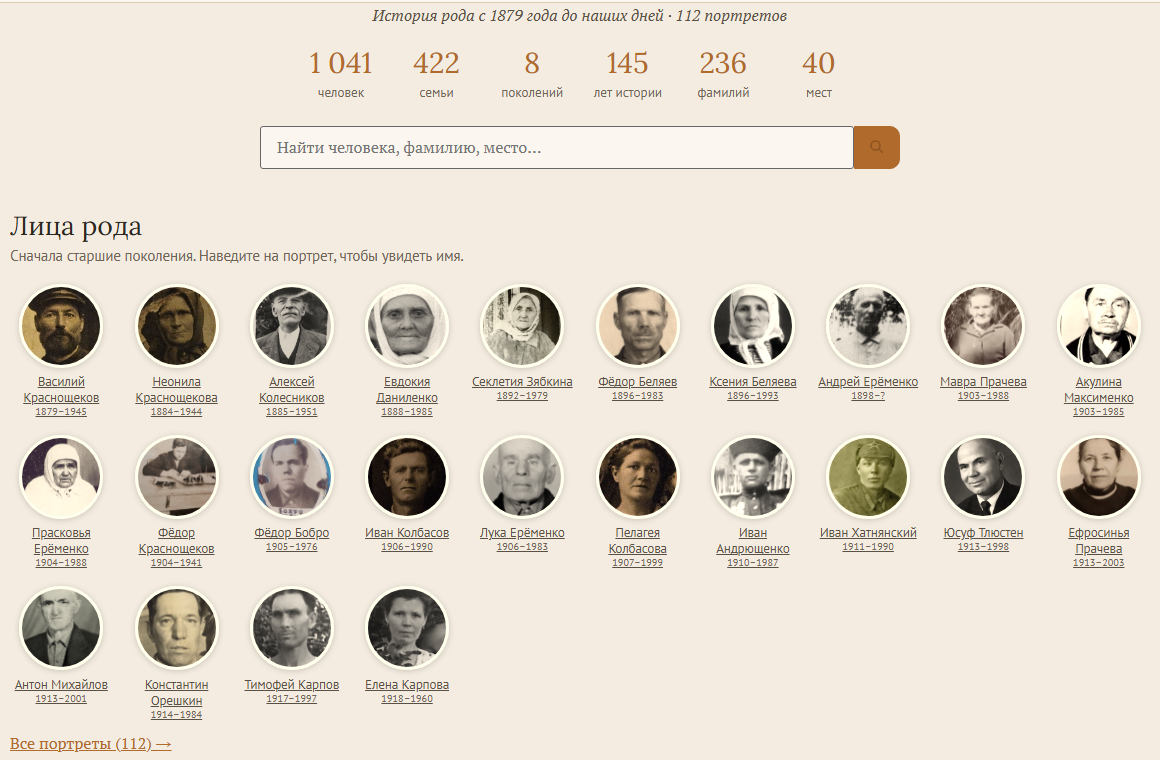
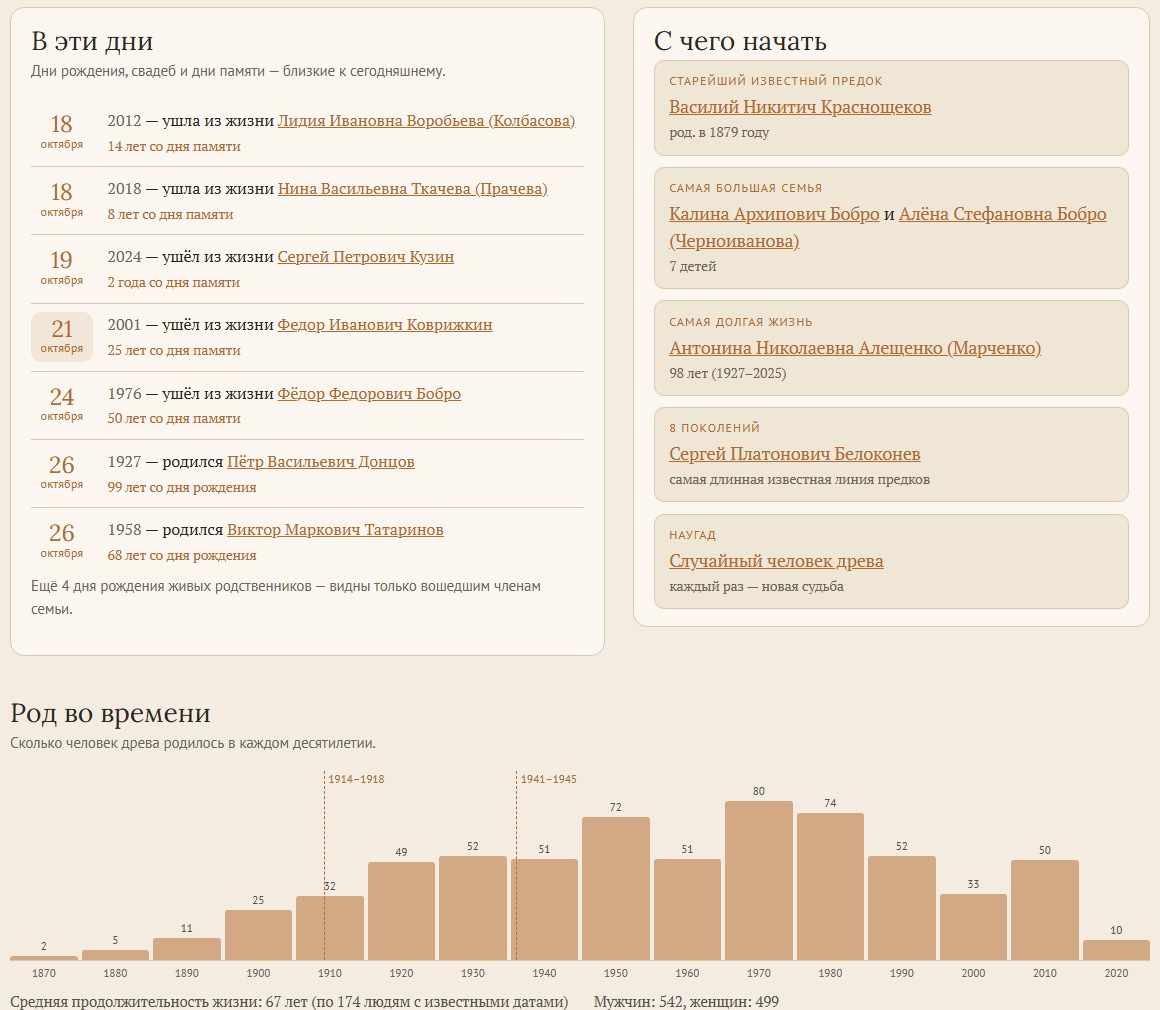
RootsPersona turns the GEDCOM file of your genealogy program into a family history website. Every person gets a real WordPress page with their name in the title — found by Google, linked from your posts, open for comments, editable in your page builder. When the tree changes, upload the new file: pages, addresses and photos stay with their people.
Everything is free. No account, no external service, your data stays on your site.
Try RootsPersona in your browser with a sample family, or visit the RootsPersona documentation and support site for help with your own tree.
From your genealogy program
- GEDCOM 5.5, 5.5.1 and 7.0 / 7.1 from any program, also as a GEDZIP archive (.gdz) or a .zip with the photos.
- Any encoding: UTF-8, UTF-16, ANSEL, Windows code pages (Cyrillic “ANSI” files are recognised).
- Tags of common programs: married names (_MARN, _MARNM), adoption (_FREL, _MREL), other names (_AKA), the main photo (_PRIM), the person codes (_UID, FamilySearch ids).
- Large trees are imported in small steps with a progress bar, so the host’s time limit does not stop them. A report after the import tells what was loaded.
- Re-importing updates the tree. People renumbered by your program are recognised by their code, by name and birth year or by their relatives. If the file looks like another tree, the import stops before anything is changed.
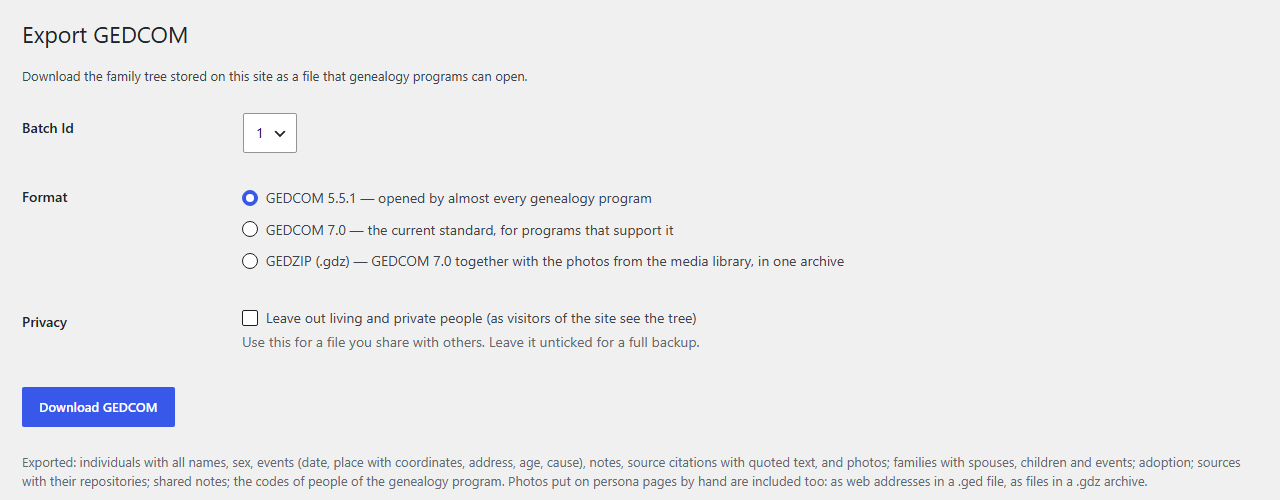
- Export back to GEDCOM 5.5.1, GEDCOM 7.0 or GEDZIP with the photos: a backup, or a copy for relatives and other programs, with or without living people.
The persona page
- Names (birth, married, also known as, nickname), events and facts with dates, places, addresses, age and cause, notes, sources with the cited page and quoted text.
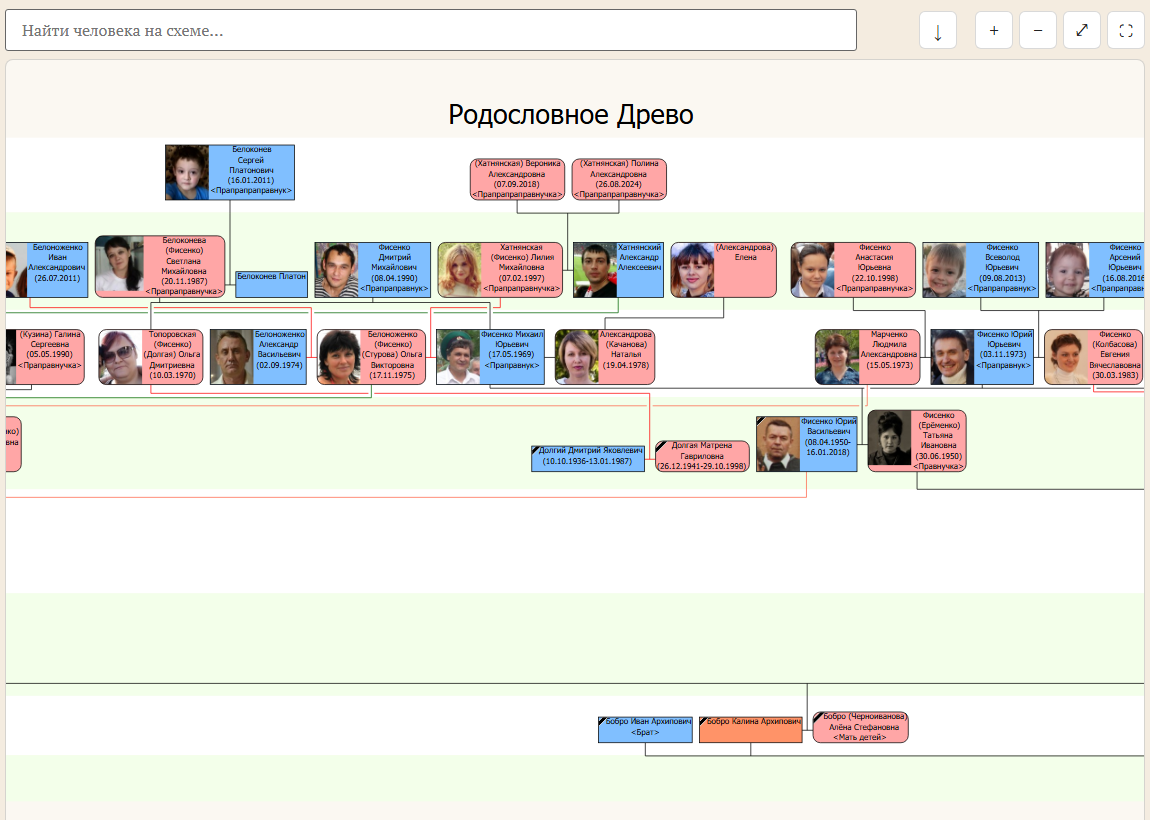
- Parents, spouses, children, divorce, adoption and fostering, and a three-generation tree.
- Dates in the site language: “15 March 1822”, “about 1890”, “between 1852 and 1854”. Julian (Old Style) dates show the New Style too: “15 (27) March 1822”.
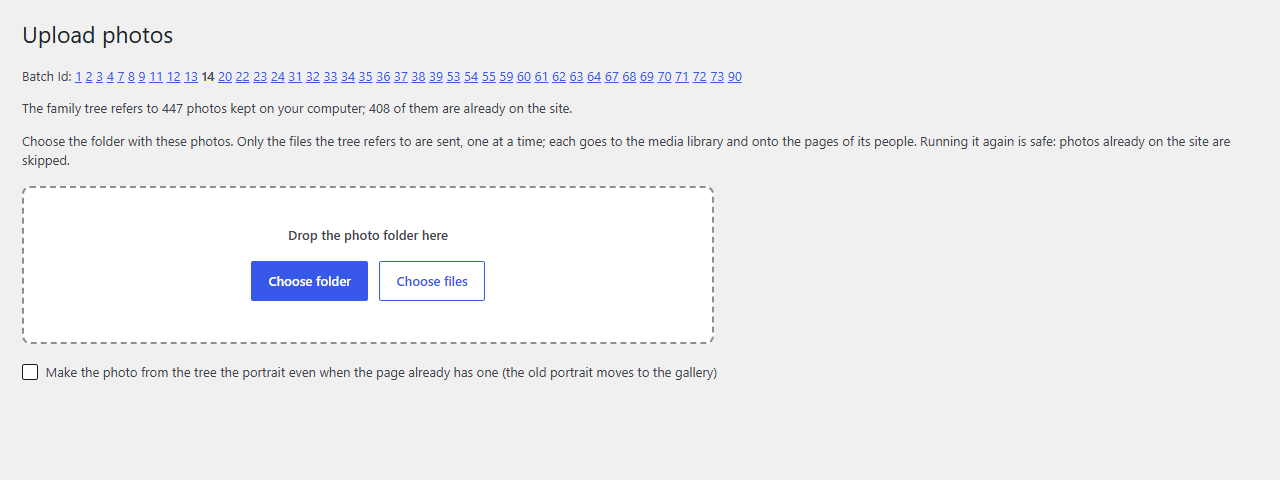
- Any number of photos: the portrait and a gallery with a lightbox. The photos your program links to people go onto their pages by themselves (see the FAQ).
- A map of the places of the person’s life (OpenStreetMap), when the GEDCOM file has coordinates.
- Three layouts — Classic, Archive card and Chronicle — with colour sets and a live preview. A page can be printed in parts, so your own text, memoirs or audio can sit between them, in the block editor or in Elementor.
- schema.org markup (Person) for search engines.
Family archive
Link a story, photograph or scanned letter to the people it concerns. In the Media Library, select a person to link to their page, or enter a name as a plain caption. Draw a region on a photograph to show the name on hover, keyboard focus or tap. Leave the region empty to associate the whole document with a person.
For visitors
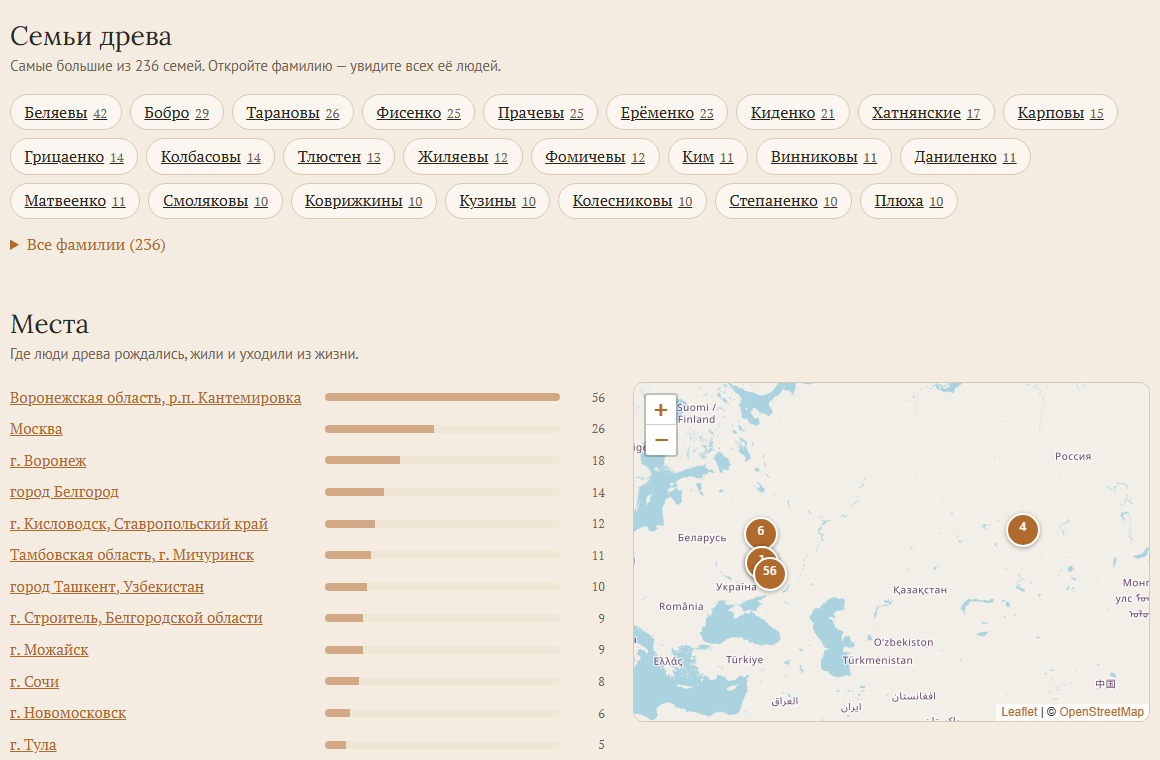
- A front page for the tree: the tree in numbers, faces of the older generations, remembrance days around today, ways into the tree, births per decade, families by surname, places on a map.
- Instant search over people (all their names, places and years) and the posts of the site; it also finds names that sound alike (Fesenko — Fisenko, Petroff — Petrov, Latin or Cyrillic letters).
- An index of people and a top surnames widget.
- Family book: the descendants or the ancestors of one person as a book to print or save as PDF — title page, contents, a chapter per generation with numbered people (1.2.3 for descendants, Ahnentafel for ancestors), dates, places, biography, photo, marriages, children and an index of names (Tools Family book).
- This day in the family: a widget with the birthdays, wedding days and days of remembrance around today, and a letter every Monday with those of the coming week.
- “How are you related?”: a visitor marks themselves once (“This is me”), and every persona page tells how its person is related to them — great-grandfather, second cousin once removed, wife of a first cousin — with the chain of people between; any two people can be compared. Russian sites get the Russian terms (двоюродный дядя, внучатый племянник, свёкор, деверь…).
- “Suggest a correction” at the end of a persona page: relatives write what is wrong or missing, they can attach one JPEG, PNG or PDF up to 1 MB for private review under Tools Suggested corrections; the note comes to the keeper of the tree (switch it on in Settings RootsPersona Pages and other).
Privacy
- Each person is Public, Members only or Private; the default for living people is a setting.
- A person without dates is judged by their own events and by their relatives.
- Hidden people get “Private” as their page title, a noindex tag, and are left out of sitemaps, menus, search, the front page and the export. Visitors can be sent to a page you choose.
Editing on the site
If RootsPersona is your “system of record”, people and their facts can be edited online and new people added, without a genealogy program.
In Pages All Pages, administrators can choose Edit tree data under a person’s name. Use the persona editor to change their biography, portrait, gallery or visibility. If you keep your tree on the site, you can also edit names and events, or search for a father, mother, existing parent couple or spouse. Choose the matching relative and press Save. To change the page layout or the text you added in WordPress or Elementor, use the usual page editor.