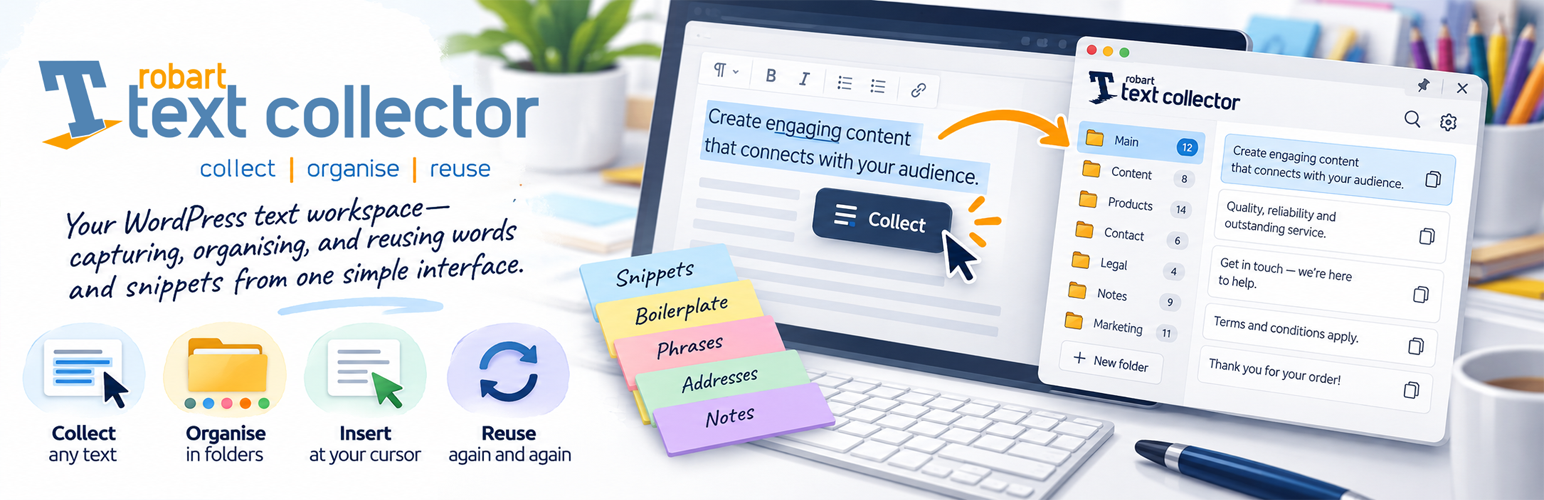

RobArt Text Collector
v0.5.16Rob Art · 2026年7月17日 上架
Save text once. Reuse it anywhere you edit on your WordPress site. Collect snippets, organise folders and insert text at your cursor.
- 正在使用
- 40+
- 评分
- 5.0 / 5
- 累计下载
- 2,957
- 最近更新
- 2026年11月7日
贡献者
 Rob Art
截图
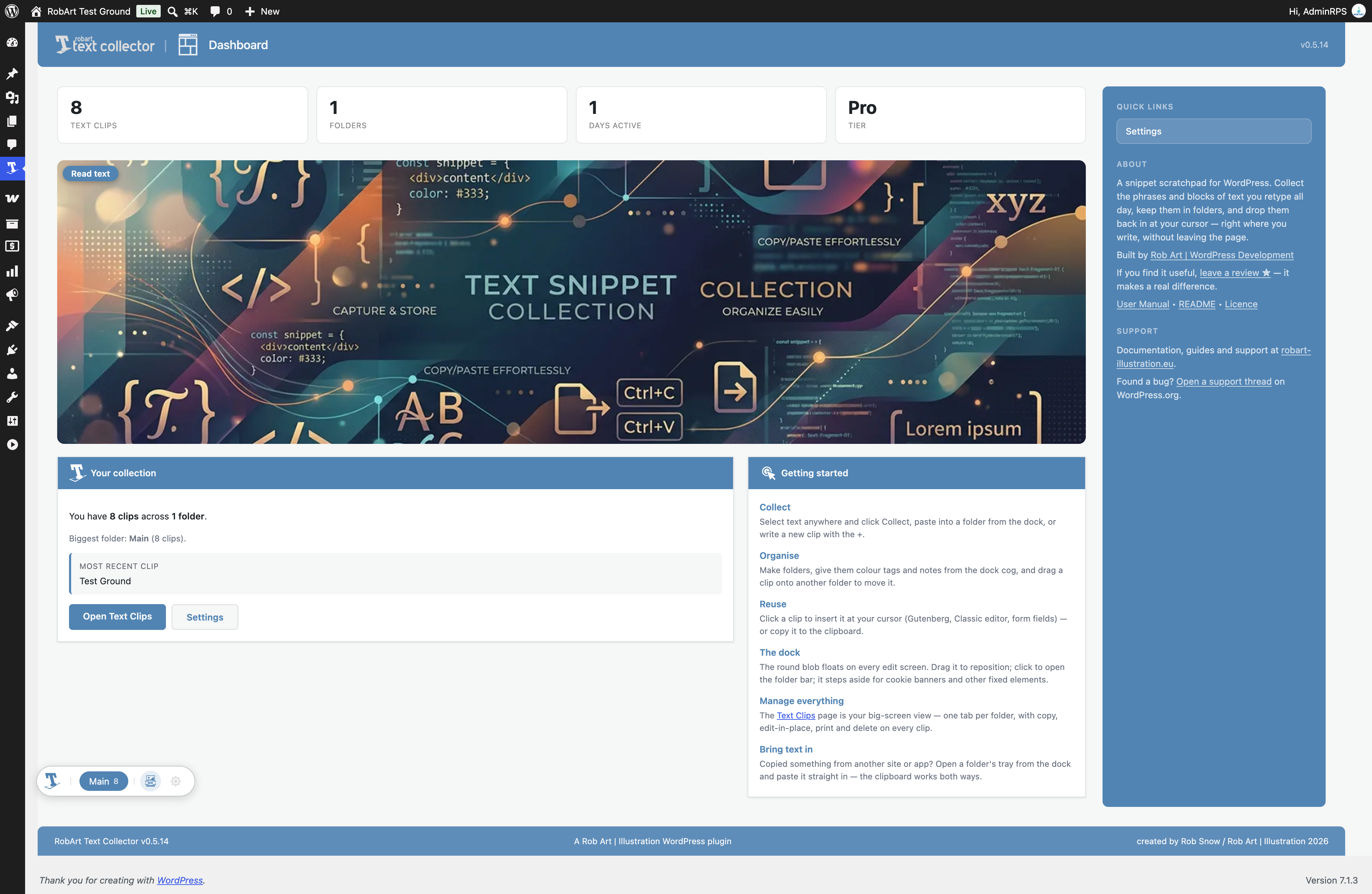
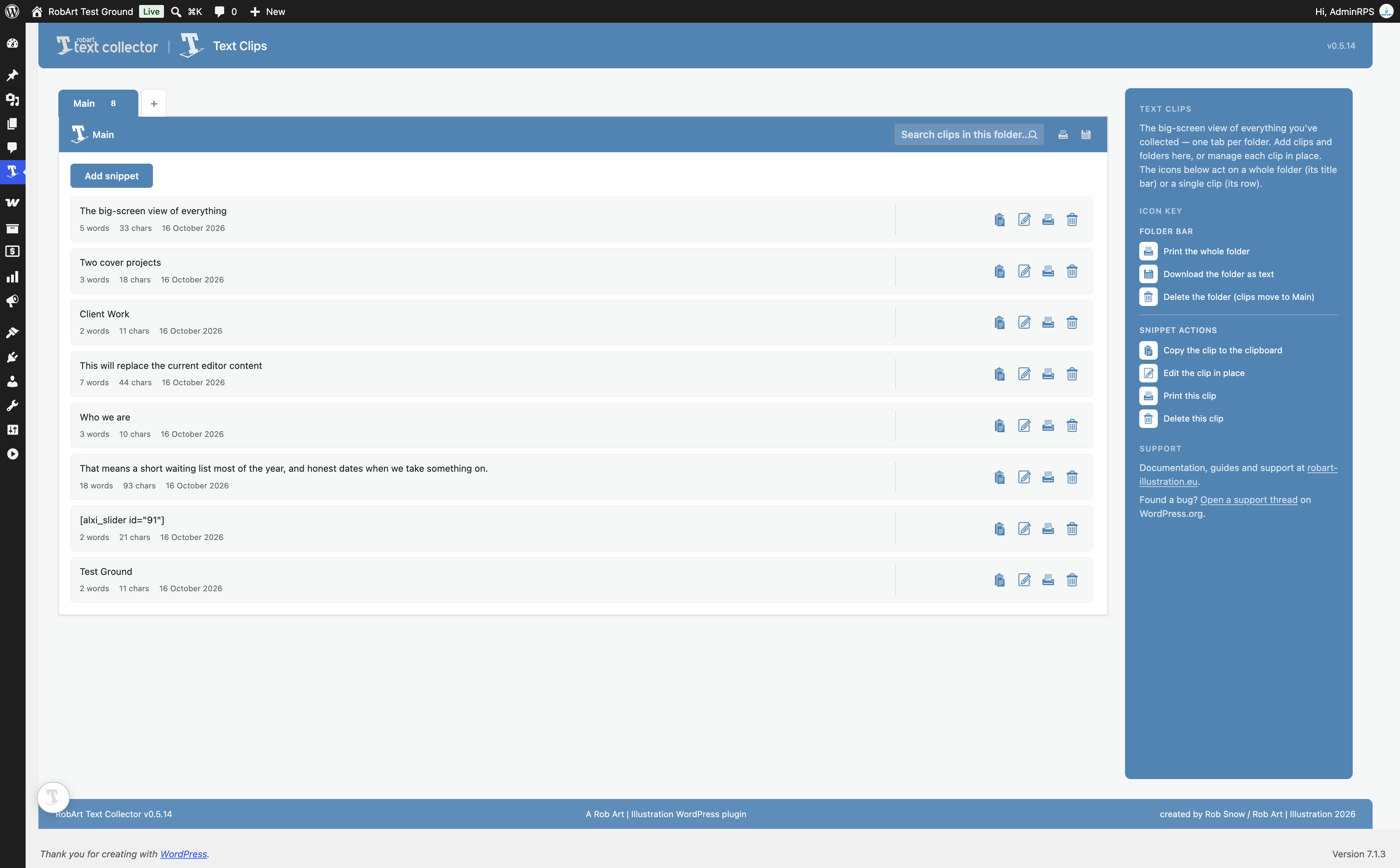
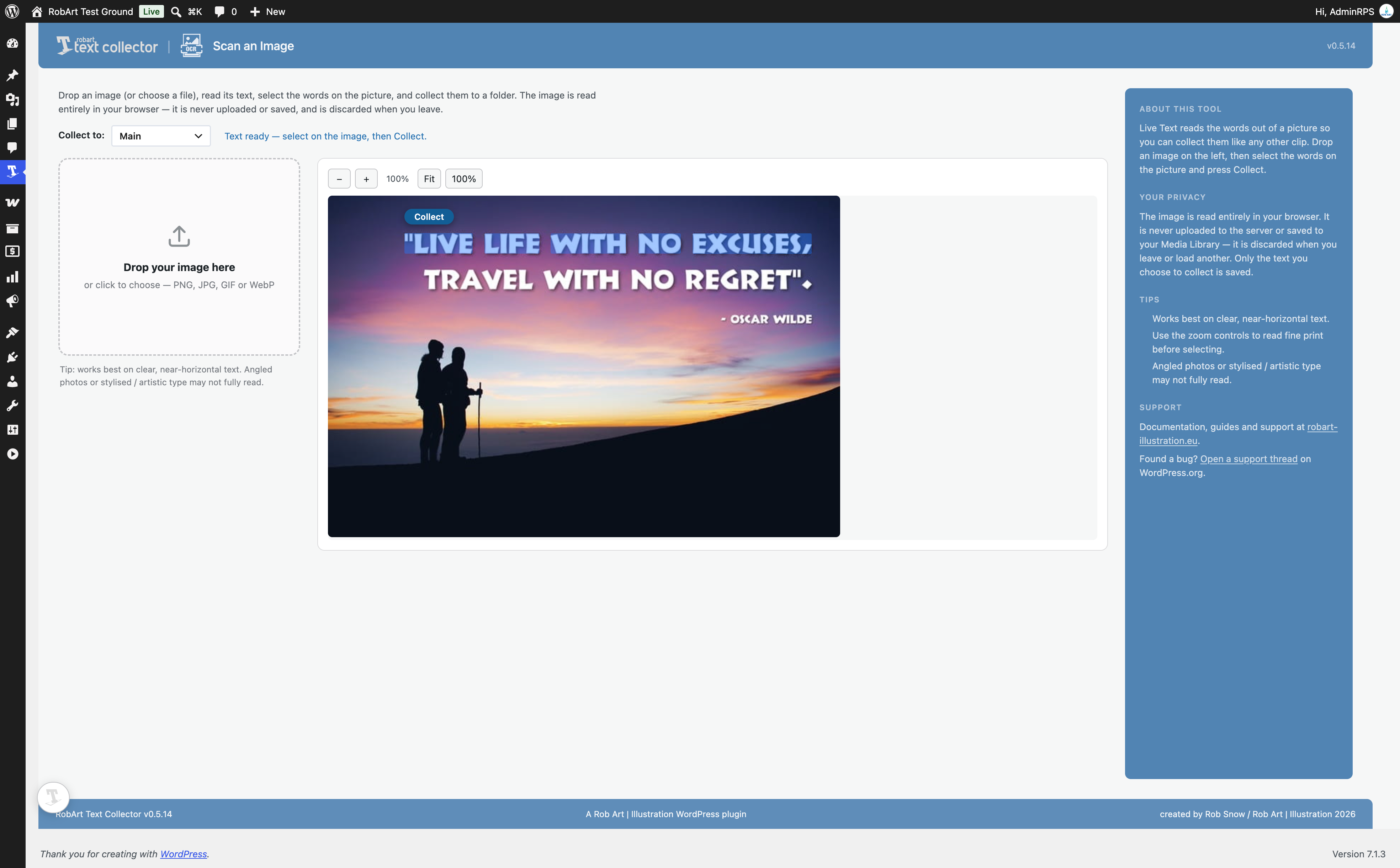
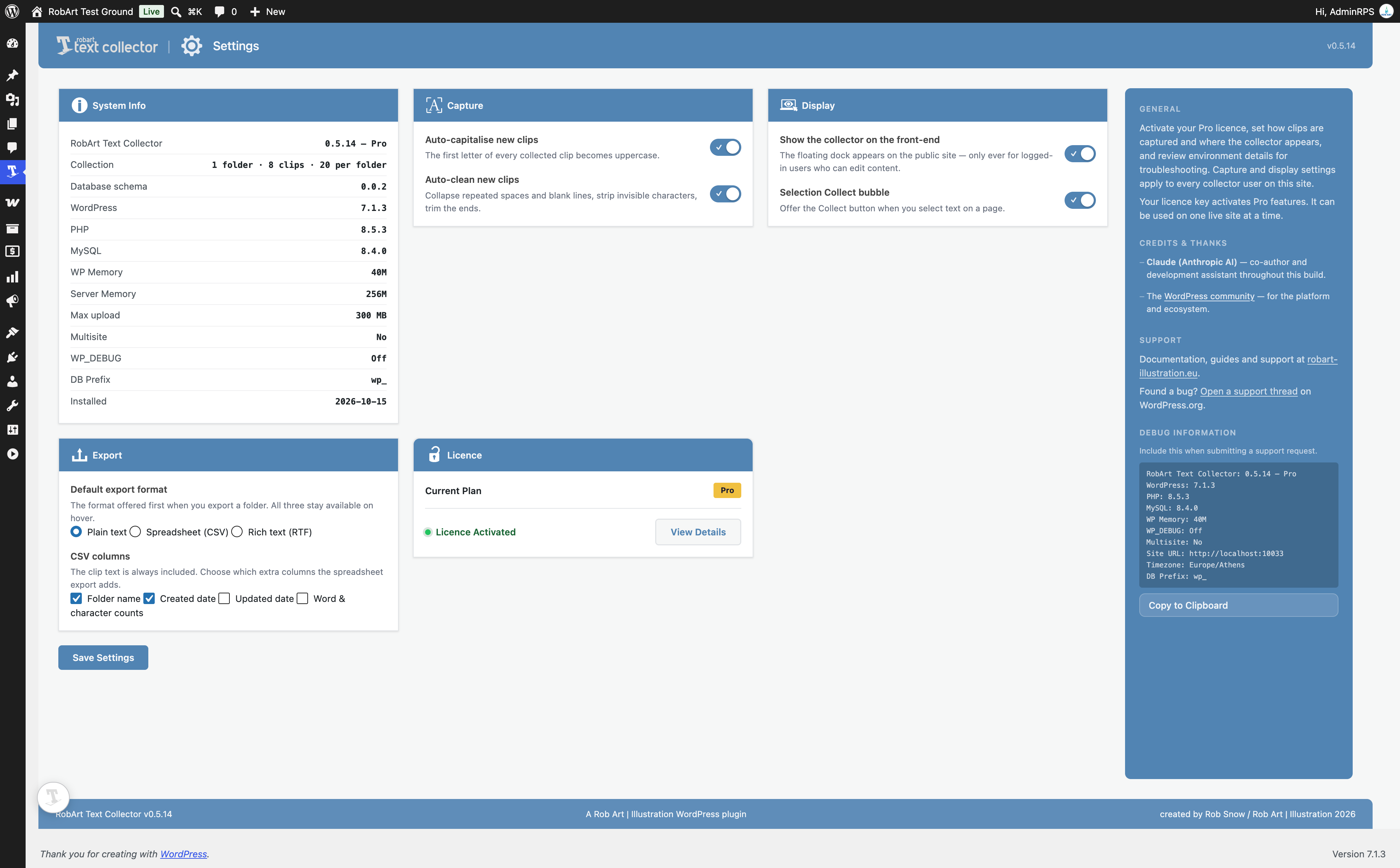
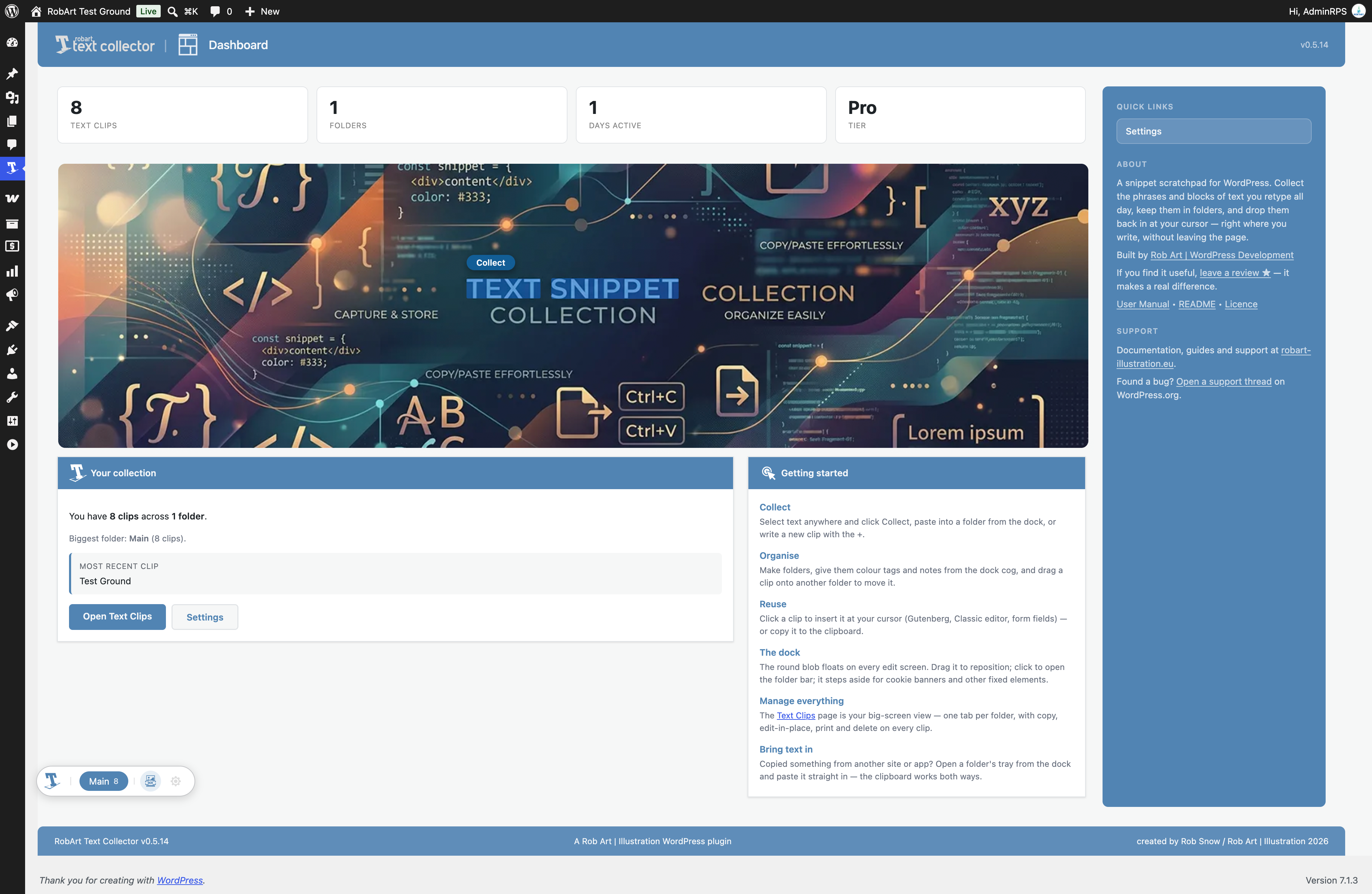
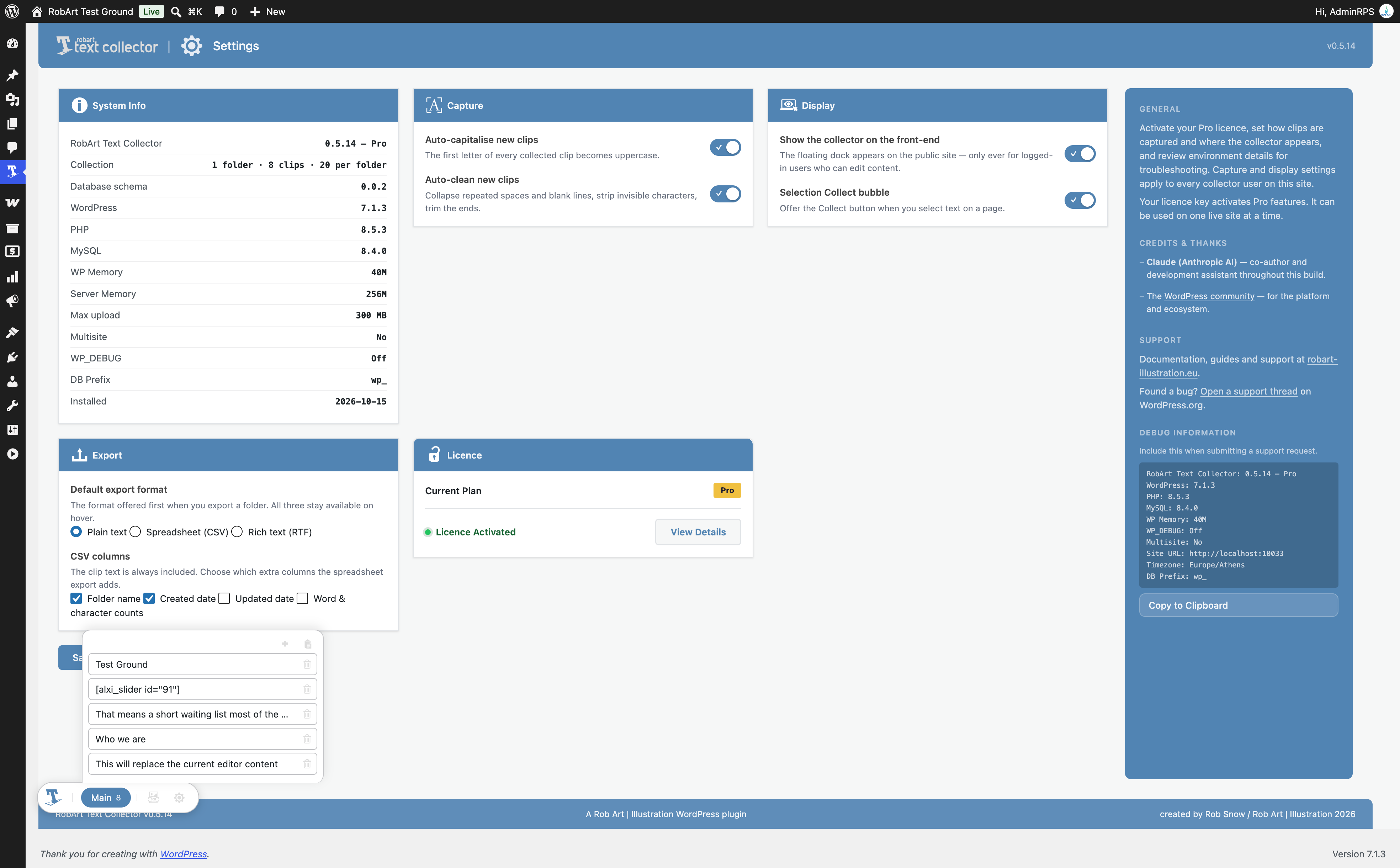
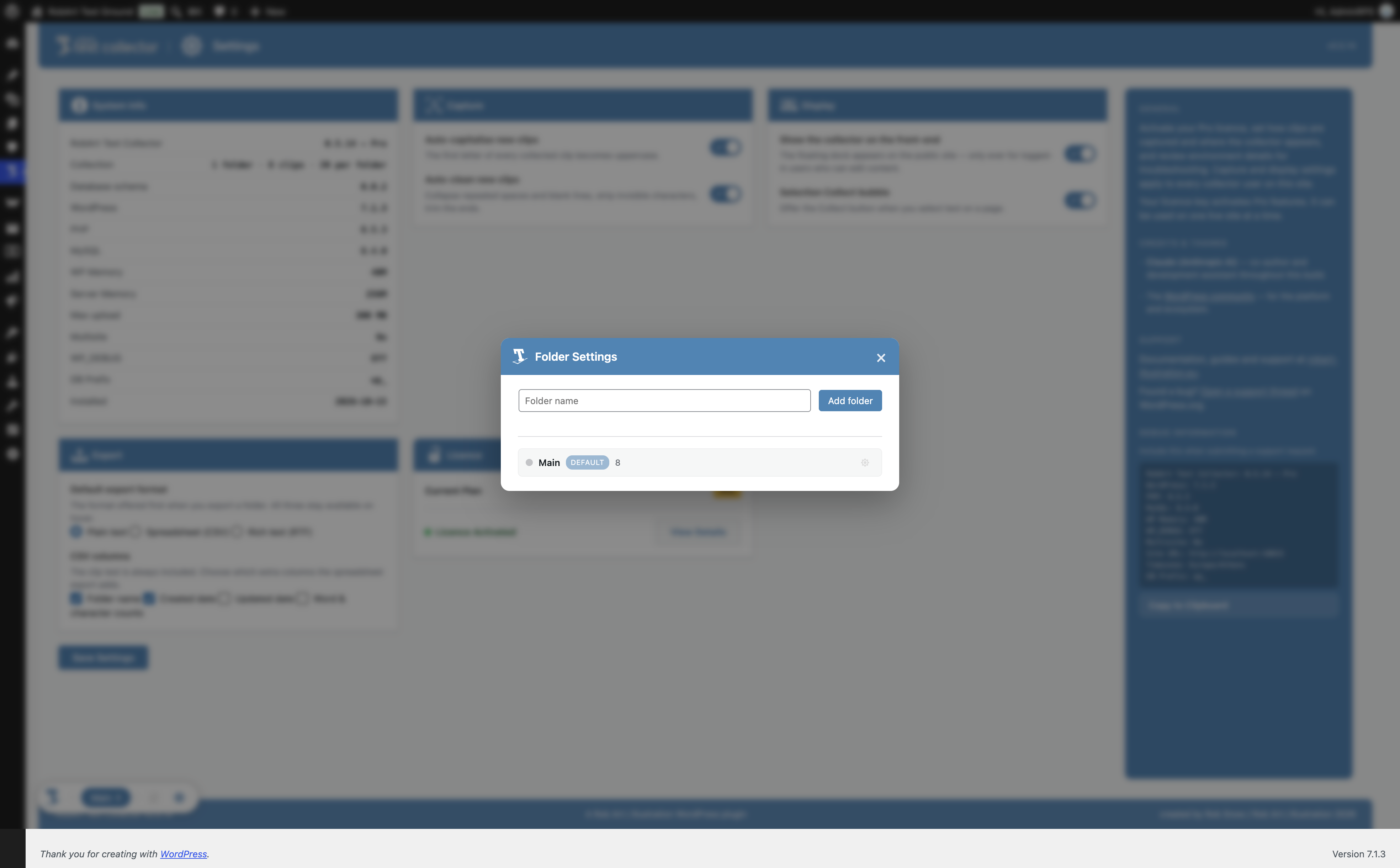
Stop typing the same words over and over. Save your frequently used text in a handy floating collector, then reuse it wherever you write on your WordPress site.
Product descriptions, introductions, customer replies, addresses, disclaimers and favourite phrases: keep them organised, close at hand and ready to insert in a click.
Select. Collect. Reuse. Highlight text and click Collect. Your snippet is saved to your personal library. When you need it again, click the saved clip to insert it at your editing cursor, or copy it to the clipboard.
Why use Text Collector?
- Collect text from the front end or admin area of your own WordPress site while logged in.
- Keep a floating scratchpad nearby as you work, with a draggable dock and quick-access folders.
- Save selected text or paste from your clipboard without opening another application.
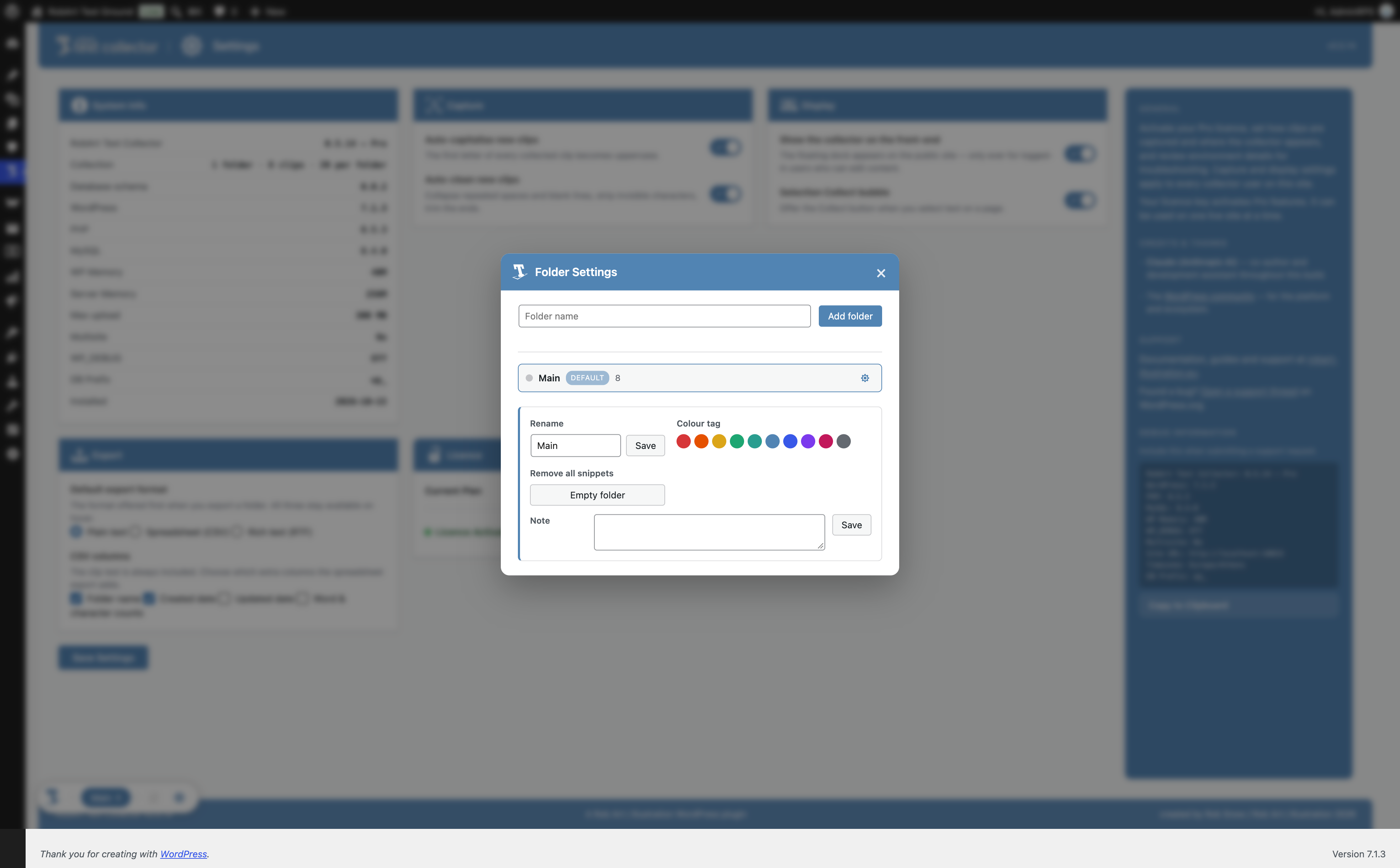
- Organise clips in colour-tagged folders, with optional folder notes.
- Insert text at your cursor in the block editor, Classic editor and supported text fields.
- Manage your library on a dedicated Text Clips page: edit, copy, print or delete clips.
- Move clips between folders and export folders as plain-text files.
- Keep snippets private to your account, stored in your own site’s database. The free plugin makes no external service requests.
A simpler workflow for repeated text
1. Collect: Select a sentence, paragraph or short block of text and click Collect. Optional cleanup can capitalise the first letter, collapse extra whitespace and remove invisible characters.
2. Organise: File it in your Main folder or create colour-coded folders for product copy, client responses, legal notices, notes or anything else. Folders are unlimited; each holds 20 clips by default, and developers can change the capacity with filters.
3. Reuse: Open the floating dock and click a saved clip to insert it where you are writing. If no insertion point is active, copy it to the clipboard instead.
Unlike layout-focused reusable blocks, Text Collector is designed for everyday words and passages you want to use again.
Free features
The free version includes the complete collect, organise and reuse workflow: floating dock, selection Collect bubble, folders, colour tags, notes, insertion at cursor, clipboard actions, Text Clips management and plain-text export.
Additional tools in Pro
- Live Text: Recognise and collect text from images hosted on your site, directly in your browser. No image is uploaded for recognition.
- Scan an Image page: Choose, drop or paste an image, inspect its zoomable preview and collect recognised text.
- Search and filter saved clips.
- Alt-drag reordering of folders and clips.
- CSV and RTF export, including column choices.
Pro is a separate, one-time purchase that includes version 1.x updates. Only the Pro add-on contacts the licence server; the free plugin does not.
Privacy and external services
The free plugin stores your folders and clips in your site’s database, scoped to your user account, and makes no external requests. The optional Pro add-on validates licences through robart-illustration.eu, which checks Lemon Squeezy. It transmits the licence key and site URL during activation, deactivation and periodic verification, not the content of your clips. See the External Services section below for details.
External Services
The free plugin makes no external requests — your clips are stored only in your own site’s database.
The paid RobArt Text Collector Pro add-on (a separate download, not part of this free plugin) validates your licence key with the author’s licence server so Pro features can be unlocked on your site. This applies only if you install the Pro add-on and enter a key.
- Service: RobArt / WPRobarts licence server at robart-illustration.eu, which in turn verifies the licence with Lemon Squeezy (the payment processor).
- What is sent, and when: your licence key and your site URL — sent only when you activate a licence, deactivate it, or during a periodic background re-check of an active licence. No personal data, and nothing about your clips, is ever sent.
- Why: to confirm the licence is valid and tied to your site, and to release Pro updates to licensed sites.
- Terms & privacy: see the author’s site at https://robart-illustration.eu/ for the privacy policy and terms of service, and Lemon Squeezy’s policies at https://www.lemonsqueezy.com/privacy and https://www.lemonsqueezy.com/terms .
Support
Questions, bug reports and feature requests are welcome on the plugin’s support forum on WordPress.org. Documentation and guides are available at https://robart-illustration.eu/plugins-wordpress-development/ .
Uninstall
Deleting the plugin from the Plugins screen removes all of its data: your folders and clips (the plugin’s two custom tables), its settings and licence record, its transients, and the per-user “Main folder” reference. Deactivating the plugin keeps everything — only Delete removes data.