
RobArt CatchNet
v0.8.13Rob Art · 2026年10月13日 上架
Find the CSS behind layout shifts, FOUC flashes, phantom scrolling and stubborn overlays. Inspect page-load frames and reproduce visual bugs.
- 正在使用
- 10 以下
- 评分
- 暂无
- 累计下载
- 340
- 最近更新
- 2026年10月28日
贡献者
 Rob Art
截图
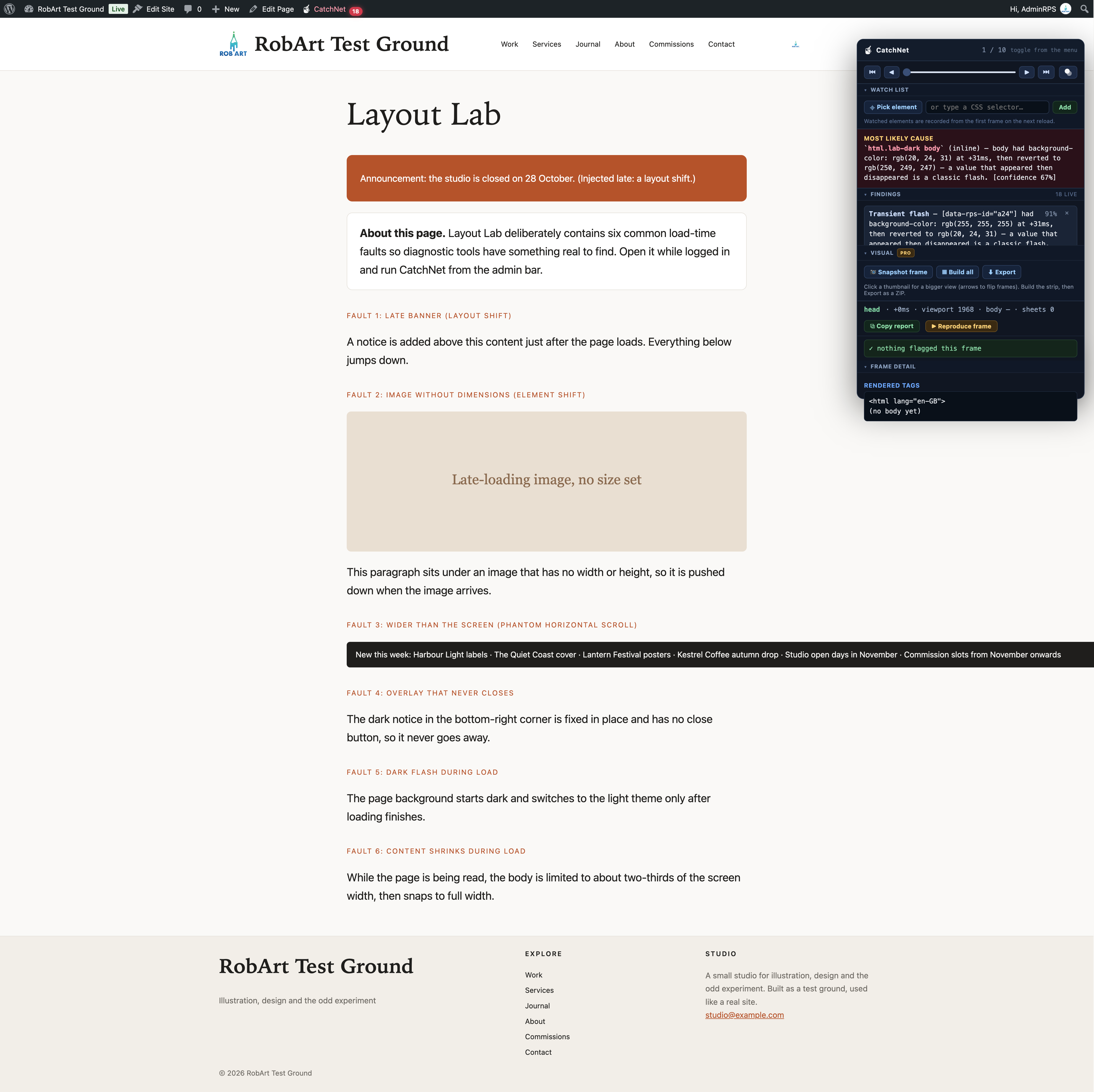
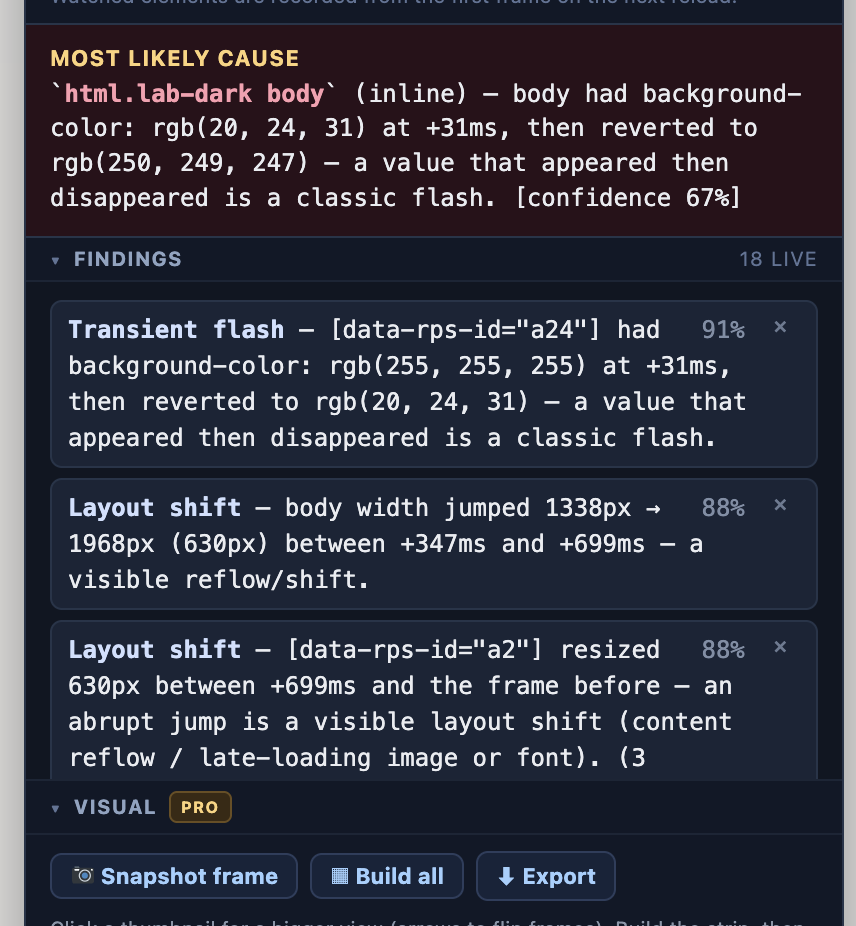
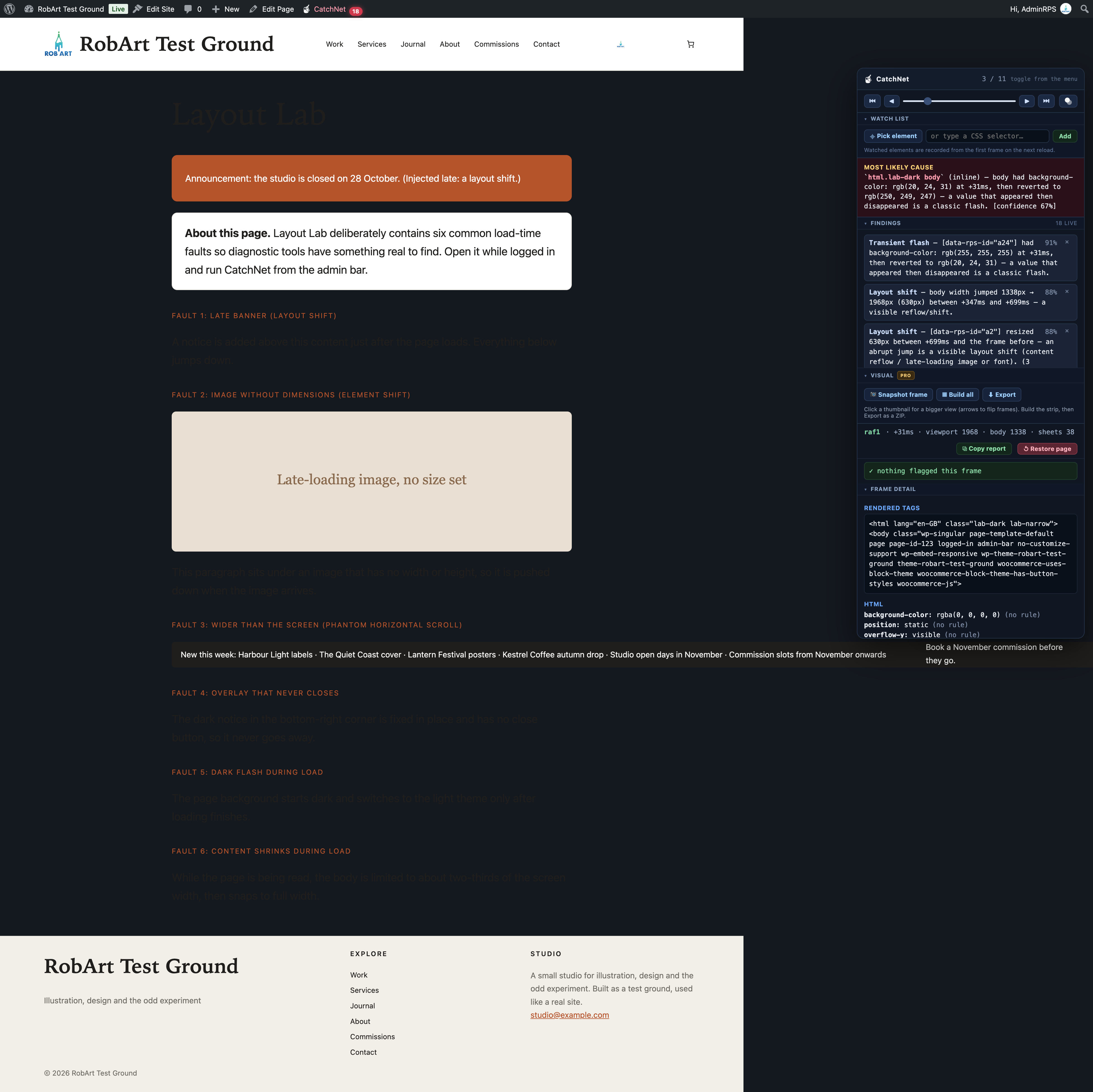
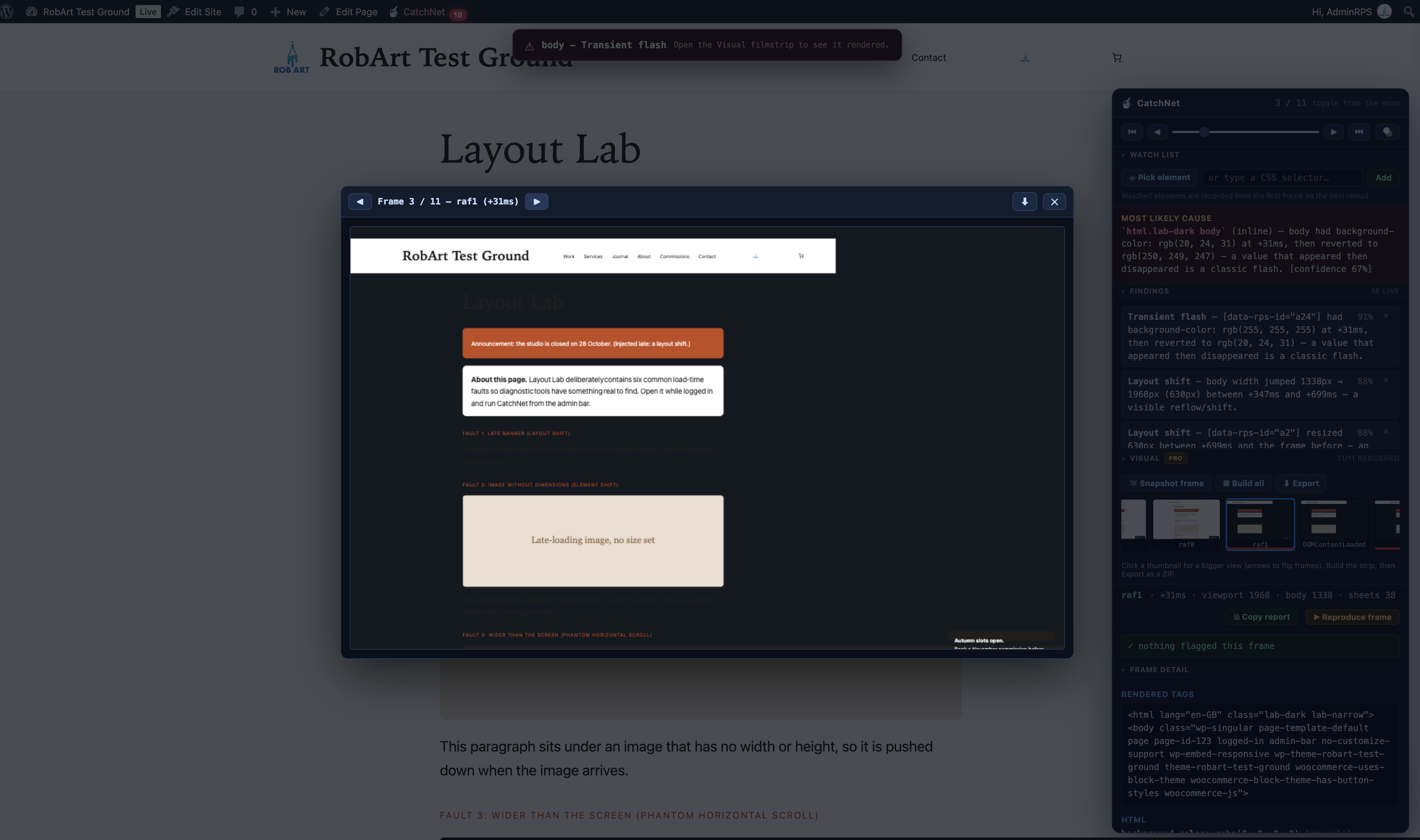
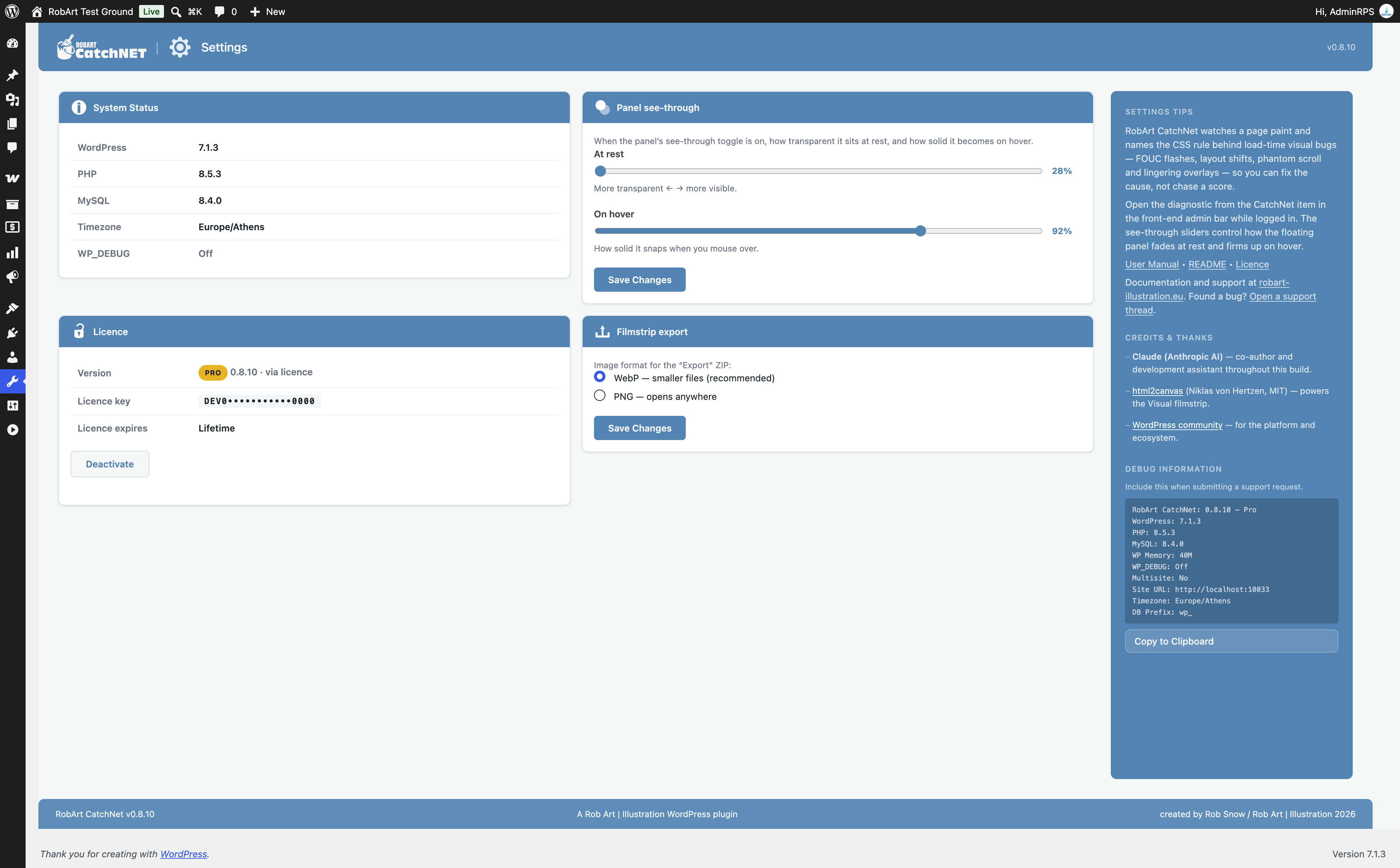
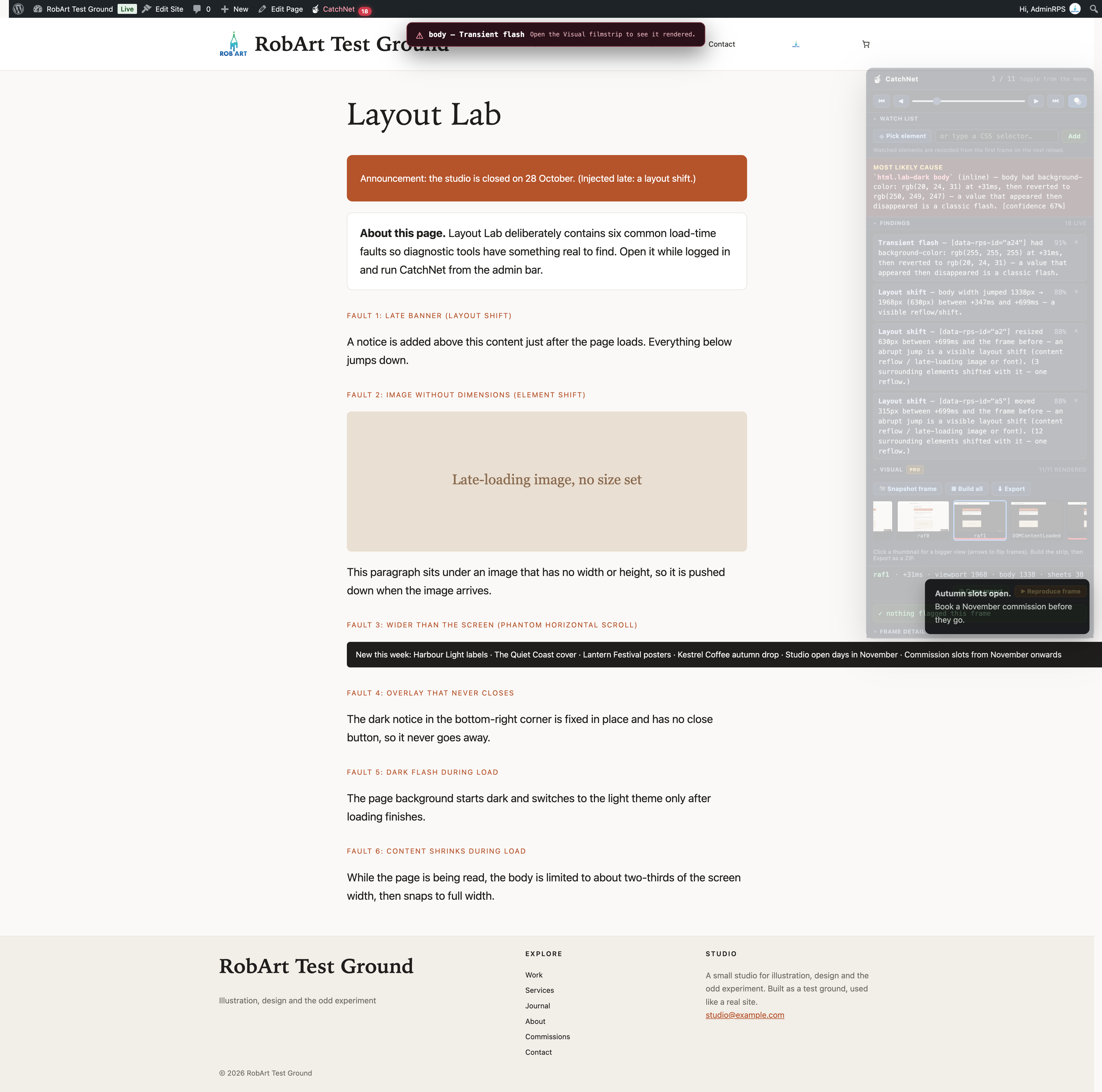
Your page flashes, jumps or scrolls sideways. Which CSS rule caused it?
RobArt CatchNet is a front-end visual debugging tool for WordPress administrators. It records the early moments of a page load, flags suspicious visual changes and helps you trace them to the responsible element and CSS rule. Instead of another performance score, you get actionable findings you can inspect and reproduce.
Find elusive front-end bugs faster:
- FOUC and unstyled flashes: catch elements that briefly appear without their intended styling.
- Layout shifts: locate elements that jump or resize during loading.
- Phantom horizontal scrolling: find content extending beyond the viewport.
- Transient flashes: spot styles that appear briefly and then revert.
- Lingering overlays: identify splash screens and overlays that fail to disappear.
- Rogue positioning and shrinking content: track unexpected movement and size changes.
From symptom to CSS culprit
- Open a front-end page while logged in as an administrator and select CatchNet in the admin bar.
- Review the ranked findings and the most likely cause, including the implicated selector, recorded frame and confidence estimate.
- Scrub through the page-load frames to inspect the CSS properties and winning rules at each moment.
- Reproduce a recorded frame on the live page, then restore the original state.
- Copy a plain-text report for a developer, support ticket or AI-assisted debugging session.
Use the element watch list to inspect a specific selector. Enable the see-through floating panel to observe the page underneath as you investigate.
Built for developers, site maintainers and agencies: useful when a header flashes unstyled, a late-loading image pushes content down, a modal remains on screen or an unexplained scrollbar appears.
Lightweight and private by design
CatchNet’s diagnostics run in your browser for logged-in administrators only. Ordinary visitors do not load its diagnostic interface. The free plugin does not transmit your page data to an external service.
Free vs Pro
Free includes the complete diagnostic workflow: page-load recorder, ranked verdict and findings, CSS/frame inspection, frame reproduction, copyable reports, element watch list and see-through panel.
Pro adds the Visual Filmstrip: browser-generated image reconstructions of recorded frames, highlighted frames with findings, larger pop-out previews with navigation, and ZIP export in WebP or PNG. The paid add-on contacts the author’s licensing server to validate its licence; visual reconstructions stay in your browser.
Note: CSS attribution is best-effort. When JavaScript applies inline styles or the cause cannot be reliably identified, CatchNet reports that limitation rather than inventing a selector.
Uninstall
When you delete RobArt CatchNet from the Plugins screen, its uninstall script runs automatically and removes everything the plugin stored in your WordPress database:
- The see-through opacity settings and the filmstrip export format
- The stored licence record and its cached licence tier (Pro)
- Older settings left over from before the plugin was renamed
CatchNet keeps nothing else on your server. Your dismissed findings, watch list and panel layout are saved in your own browser (local storage), not on the site, so they stay in that browser until you clear its site data.
Deactivating the plugin without deleting it keeps your settings.