

RIACO Size Guide for WooCommerce
v1.0.0robertoiacono · 2026年7月18日 上架
Add size guides to WooCommerce products via a visual table builder with tab, popup, or inline display.
- 正在使用
- 10+
- 评分
- 暂无
- 累计下载
- 363
- 最近更新
- 2026年7月18日
需要 WordPress 6.0+已测试到 7.0.9PHP 7.4+
贡献者
 robertoiacono
截图
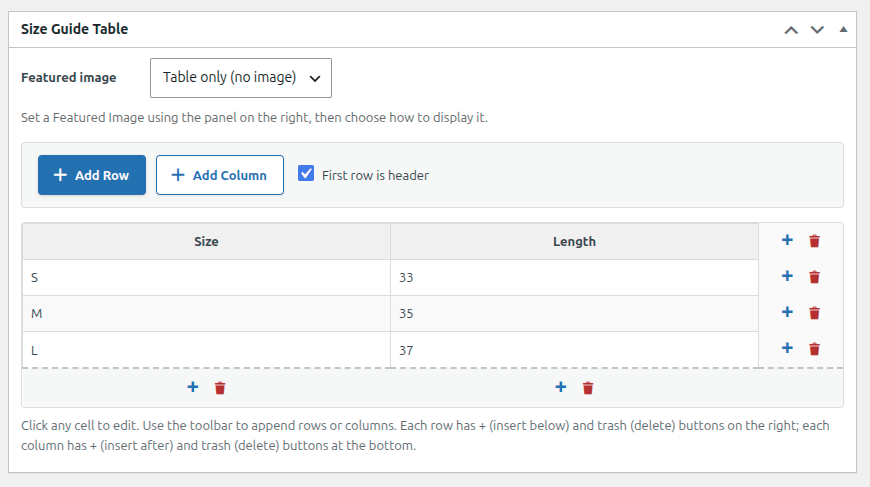
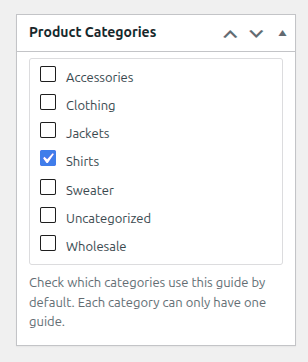
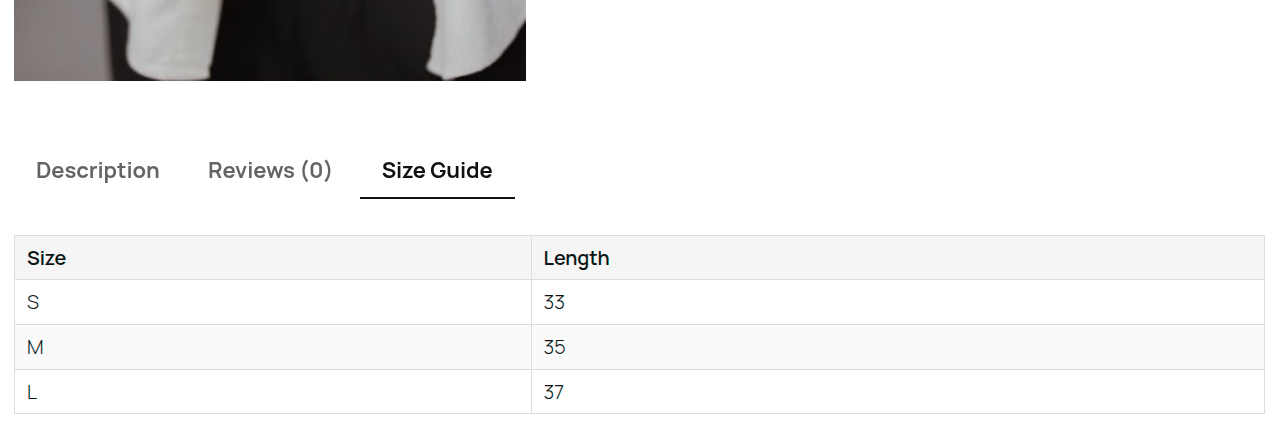
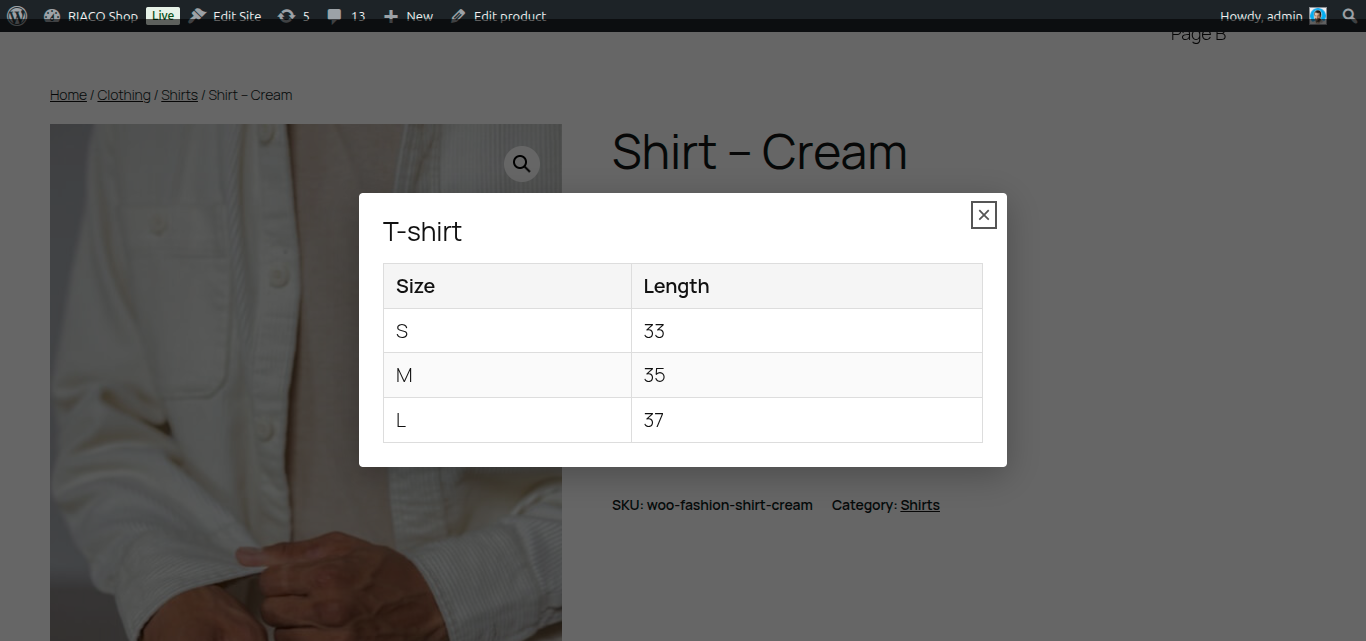
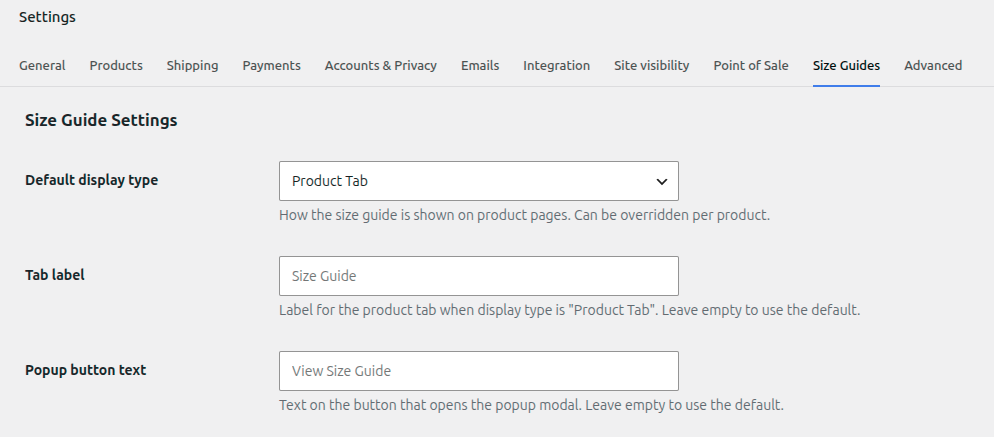
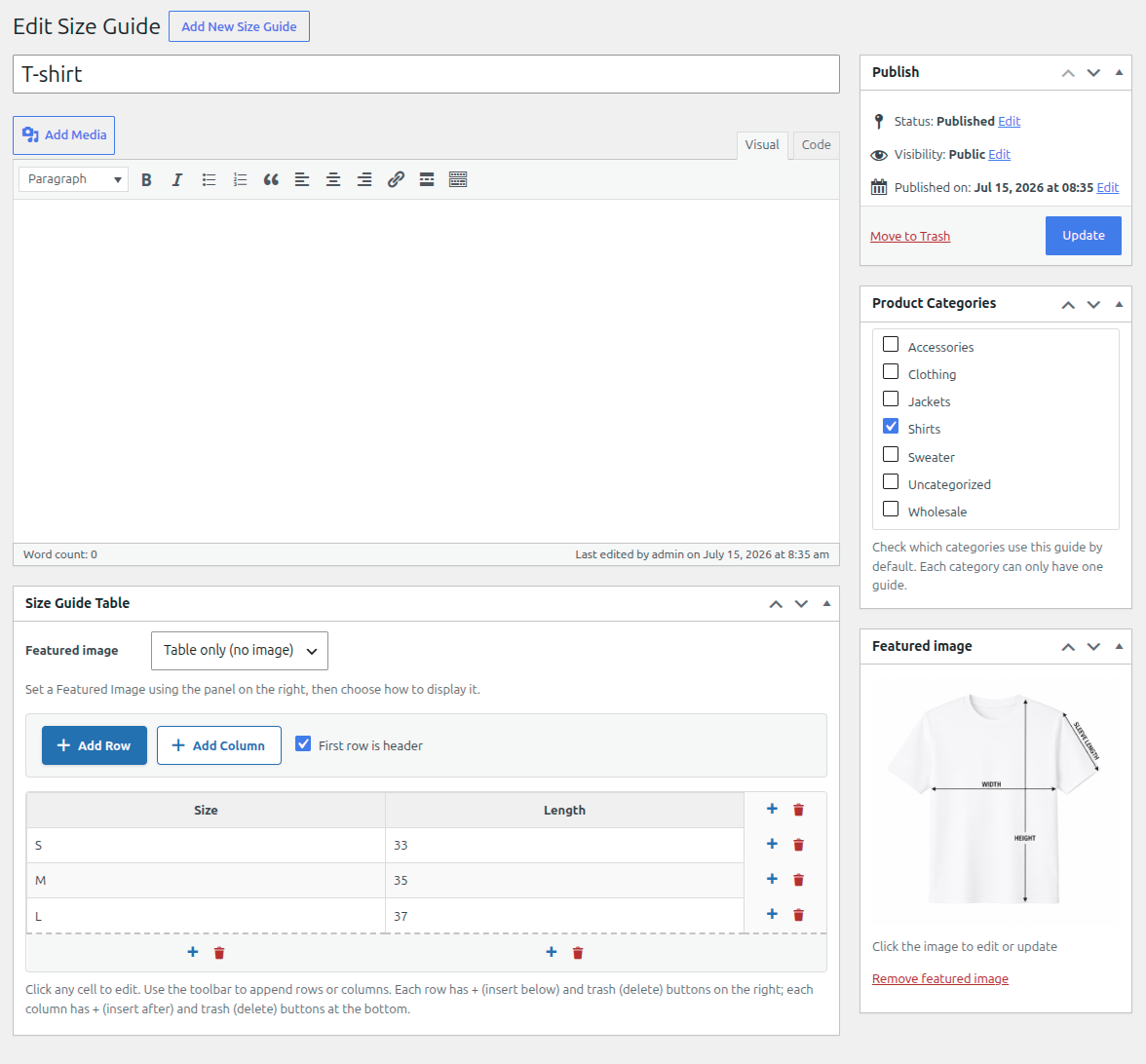
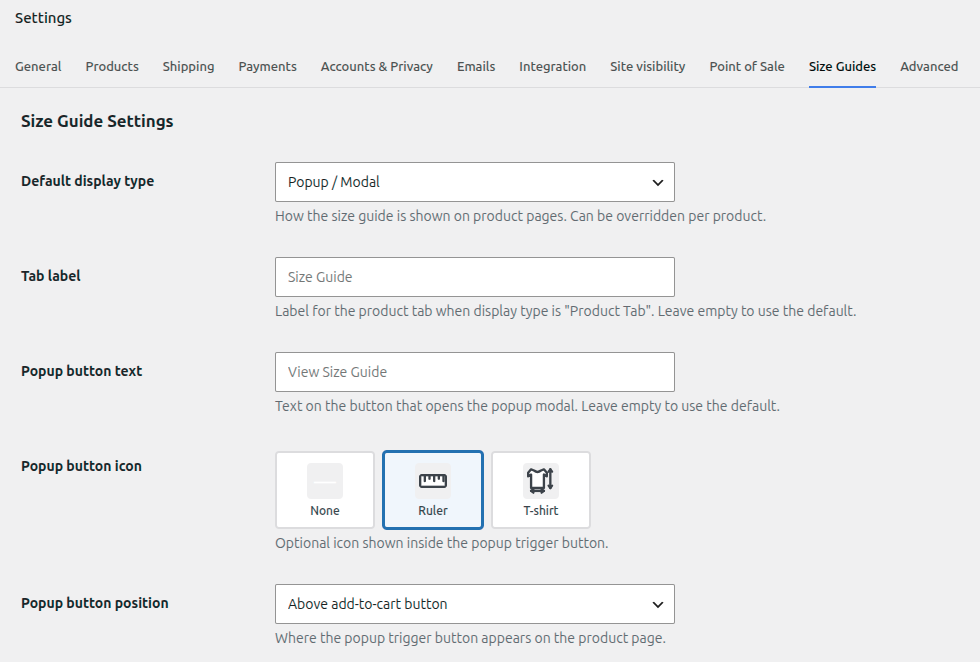
RIACO Size Guide for WooCommerce lets store owners create size guide templates with a visual table builder, assign them to product categories or individual products, and display them on product pages.
Key Features
- Visual table builder — add, remove, and reorder rows and columns directly in the editor, no coding required.
- Featured image support — attach a size guide image and choose whether it appears above the table, below the table, or instead of it.
- Flexible display modes — show the guide as a product tab, a popup/modal triggered by a button, or inline above or below the add-to-cart button.
- Category assignment — assign a guide to one or more product categories from the guide edit screen; products inherit the guide automatically.
- Per-product override — override or disable the guide on any individual product from the WooCommerce product data panel.
- Accessible modal — the popup modal is keyboard-navigable and uses proper ARIA roles.
- Developer hooks — four filters let developers override guide resolution, display type, HTML output, and tab arguments.
- HPOS compatible — declared compatible with WooCommerce High-Performance Order Storage.
Developer Filters
riaco_sgfw_chart_for_product— swap or suppress the resolved guide for any product.riaco_sgfw_display_type_for_product— override the display type per product.riaco_sgfw_chart_html— modify the full guide HTML before output.riaco_sgfw_tab_args— change tab label, priority, or callback.