

RevoStock Media Gallery
v1.1.1cshepherd · 2011年5月31日 上架
The RevoStock Media Gallery plugin displays a gallery of media assets available for purchase from RevoStock.com.
- 正在使用
- 10+
- 评分
- 暂无
- 累计下载
- 4,190
- 最近更新
- 2012年8月2日
贡献者
 NewClarity
 RevoStock
截图
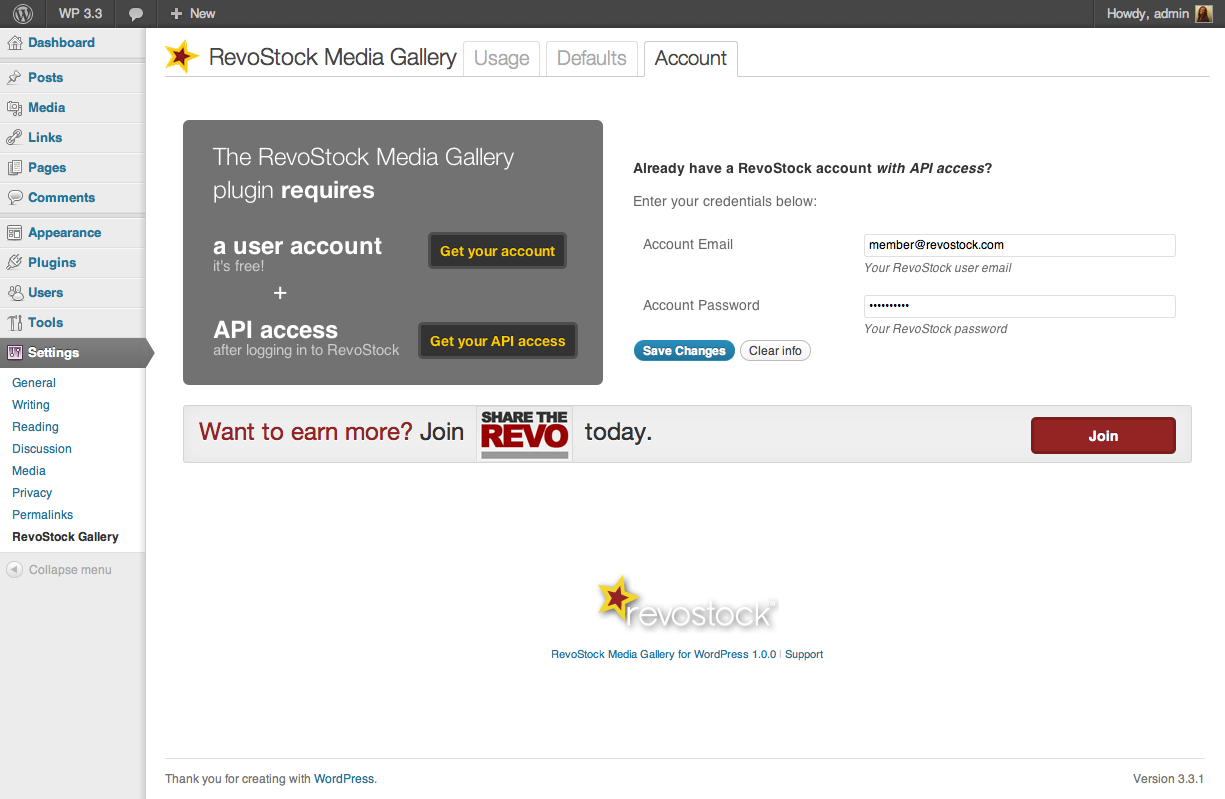


Welcome to the RevoStock Media Gallery WordPress plugin! This plugin allows RevoStock members to insert a gallery of RevoStock media items (video, audio, AfterEffects templates, Apple Motion templates) into WordPress posts or pages, using the shortcode or the added RevoStock star button on the post editor.
A thumbnail image and description are displayed for each media file, and display of the gallery is controlled by the shortcode attributes – or default values specified on the plugin settings page. For your convenience, you can either manually add the shortcode with your desired attributes, or just click the RevoStock Media Gallery editor button to have it inserted for you.
Choose from one of the four bundled color schemes (black-and-white, grey, red, blue), or add your own custom CSS by specifying a prefix.
Requires WordPress 3.1 and PHP 5.2
How-to video:
Current gallery display options
- Display a particular RevoStock file
- Display files from a particular RevoStock mediabox
- Display files from a specific RevoStock producer
- Display files of a particular type: Audio, Video, AfterEffects, Motion
- Display files containing search terms
- Display files from a specific RevoStock group: Newest, Most Downloaded, or Editor’s Choice
- Limit the number of files displayed – from 1 to 40
- Choose from one of the four bundled color schemes (black-and-white, grey, red, blue)
- Add a custom CSS prefix to provide your own custom CSS