
Revisionize
v2.3.4jamiechong · 2016年10月4日 上架
Draft up revisions of live, published content. The live content doesn't change until you publish the revision manually or with the scheduling system.
- 正在使用
- 4,000+
- 评分
- 4.6 / 5
- 累计下载
- 11 万
- 最近更新
- 2021年3月29日
贡献者
 jamiechong
截图
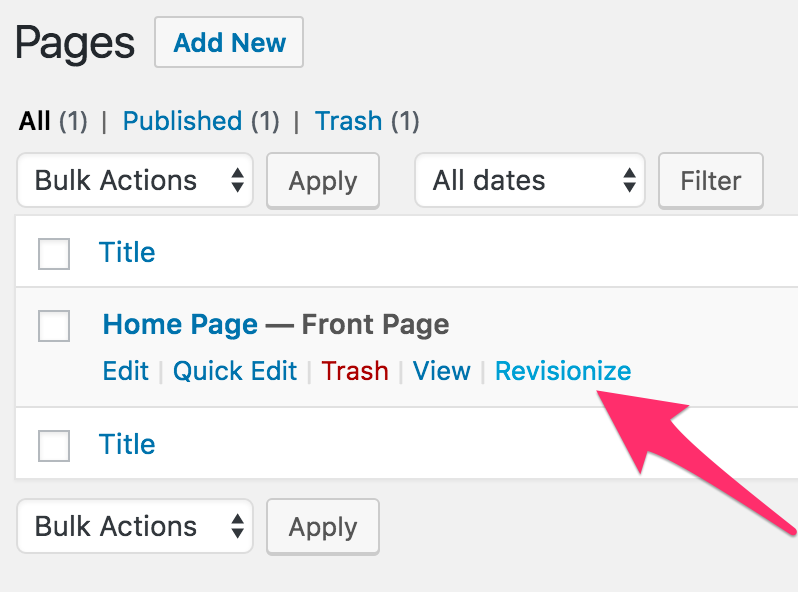
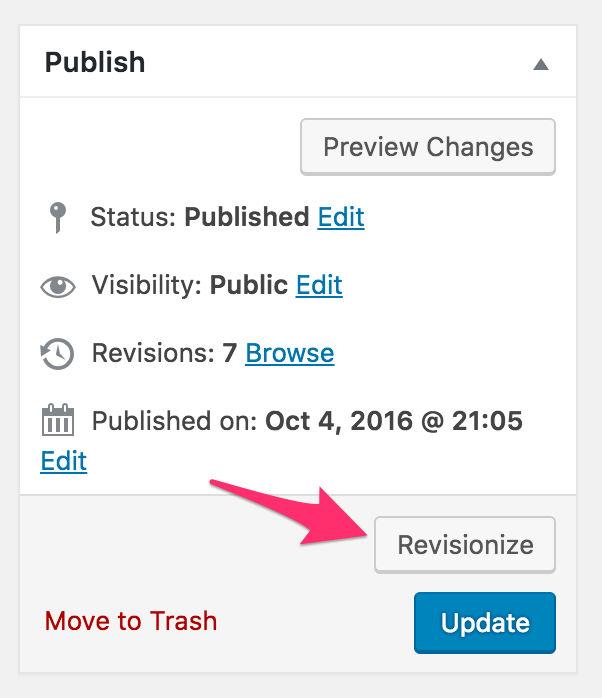


On a busy site you can’t afford to make changes to live, published posts without reviewing and approving them first. Revisionize clones your post, page or CPT to a draft that gives you the freedom to tweak, edit and experiment with the content. Preview your drafted changes and/or share the preview with a 3rd party to approve the changes. When you’re happy, publish the revision, which will copy your content changes to the original post. Alternatively, schedule the revision to publish your content at a specific time.
Official Addons
Visit revisionize.pro to add functionality that makes Revisionize even more powerful.
Compatible with
- Advanced Custom Fields
- Public Post Preview
- Let us know other plugins that you have successfully used Revisionize with
Known Issues
- Gutenberge. Revisionize is not compatible with the default Gutenberg editor. You must install the Classic Editor plugin.
- WP Recipe Maker. There have been reported issues that indicate Revisionize does not work with this plugin. However, we could not verify these reports. Use at your own risk.
- Some plugins store content in their own database tables, which Revisionize knows nothing about. It’s possible that publishing a revision will not save changes for these types of plugins. Revisionize will only work with content stored in the
wp_postsandwp_postmetatables.
Please post in the support section for help before leaving a negative review!