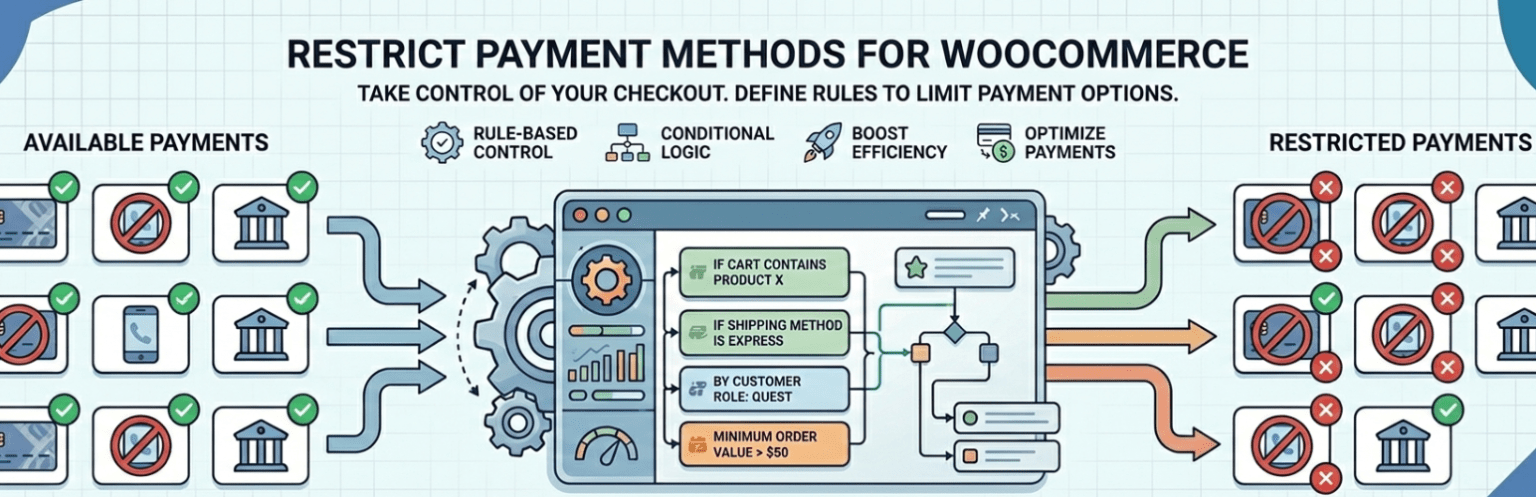

Restrict Payment Methods for WooCommerce – Conditional Payment Gateway Rules
v1.0.0theme funda · 2021年9月26日 上架
Restrict, hide, or enable WooCommerce payment gateways at checkout with flexible conditional rules based on cart total, products, shipping, user role, …
- 正在使用
- 100+
- 评分
- 5.0 / 5
- 累计下载
- 3,519
- 最近更新
- 2026年11月14日
贡献者
 theme funda
截图


Restrict Payment Methods for WooCommerce gives store owners precise control over which payment gateways customers see at checkout. Build conditional rules from cart contents, customer details, shipping options, and dates, then automatically enable or disable specific payment methods whenever those conditions are met — all from a fast, modern React-powered rule builder built directly into your WordPress admin.
Whether you need to stop Cash on Delivery abuse, hide bank transfer for small orders, or reserve certain gateways for wholesale customers, this plugin turns payment-method visibility into a simple, no-code rule instead of a custom development project.
Why store owners choose this plugin
- Reduce fraud and failed orders by disabling risky payment methods under the wrong conditions
- Encourage prepayment for high-value or international orders
- Offer B2B or wholesale customers gateways that retail shoppers never see
- Keep checkout clean and relevant by showing only the payment methods that make sense for each order
- Build unlimited rules with a fast, searchable, no-page-reload admin interface
⭐ FREE FEATURES
- Easy installation and setup — no code required
- Create multiple restriction rules
- Enable or disable specific payment gateways per rule
- Combine multiple conditions in a single rule
- Fast, modern rule builder with searchable dropdowns and live product search
Available Conditions (Free Version)
✔ Cart subtotal
✔ Cart quantity
✔ Specific products
✔ User login status (logged in / guest)
✔ User roles
✔ Specific users
✔ Shipping method
✔ Billing country and state
✔ Shipping country and state
✔ Day of week
✔ Date range
🚀 PRO FEATURES
Upgrade to the Pro version to unlock advanced payment restriction conditions.
Additional Conditions Available in Pro
✔ Product category
✔ Product tag
✔ Product brand
✔ Product type
✔ Stock status
✔ Shipping class
✔ Billing name, company, address, and email
✔ Shipping name, company, and address
Why Upgrade?
- More granular checkout control
- Advanced B2B/B2C payment logic
- Category- and brand-based restrictions
- Address- and email-based gateway control
💡 Example Use Cases
- Show PayPal only if the cart subtotal is $50 or more
- Hide Cash on Delivery when cart quantity exceeds 10 items
- Allow bank transfer only for logged-in users
- Restrict a gateway to specific billing countries or states
- Disable a payment method outside a specific date range
- Reserve a gateway for a specific user role or list of users
- Combine several conditions in one rule for precise targeting
⚙ How It Works
- Install and activate the plugin (WooCommerce required).
- Go to Payment Rules in the WordPress admin menu.
- Click Add New Rule.
- Add one or more conditions.
- Choose which payment methods to enable or disable.
- Save the rule and test checkout.