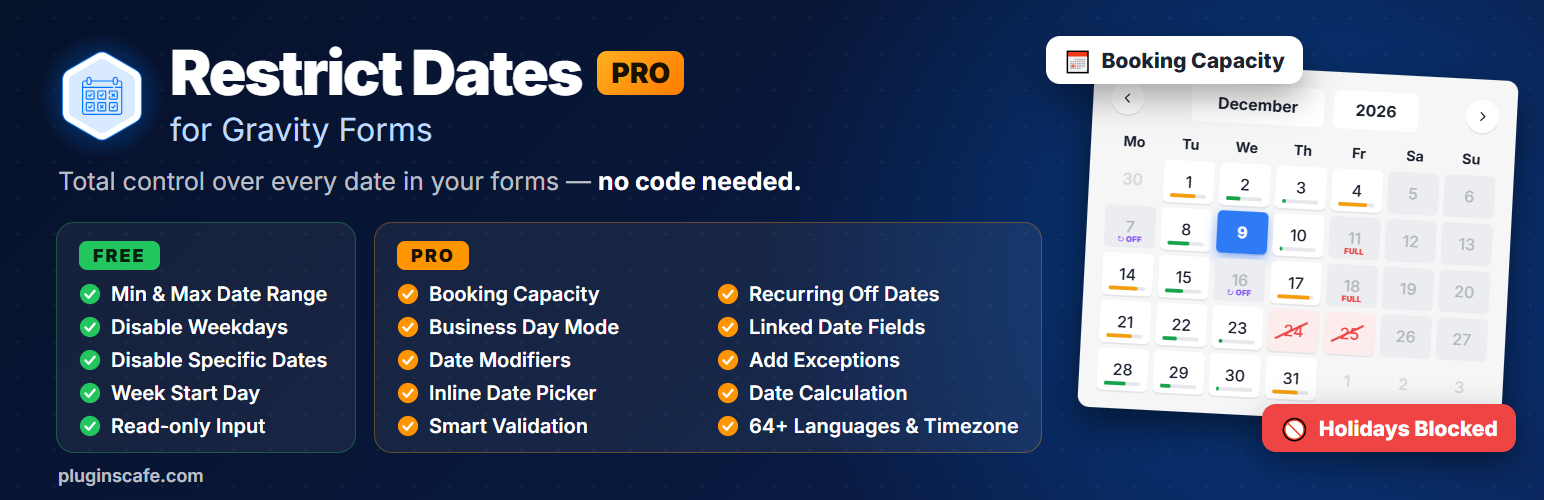

Restrict Dates Add-On for Gravity Forms
v1.2.6PluginsCafe · 2021年9月1日 上架
Restrict selectable dates in the default Gravity Forms date picker: set min/max dates, disable weekdays and specific dates, and more.
- 正在使用
- 500+
- 评分
- 5.0 / 5
- 累计下载
- 9,259
- 最近更新
- 2026年11月4日
 Kaisar Ahmmed
 PluginsCafe
截图


Restrict Dates Add-On for Gravity Forms gives you full control over which dates visitors can pick in the default Gravity Forms date picker field. Set a minimum and maximum date, disable off days or specific dates, and keep your bookings accurate. The Pro version adds booking slots, recurring disable dates, link dates, business day mode, validation, timezone support and more.
View Pro Demo | Documentation | Buy Pro
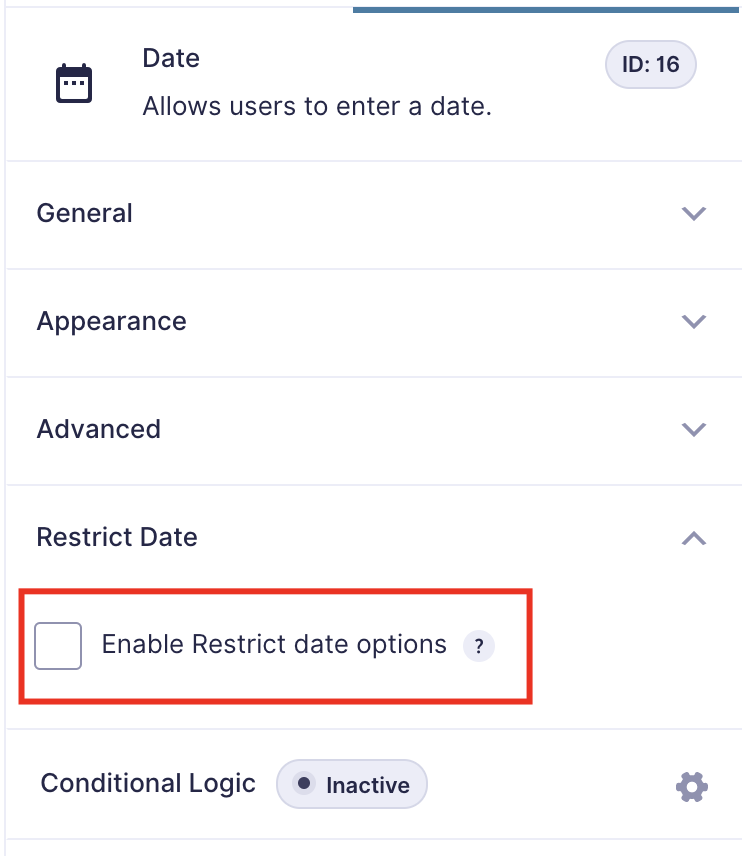
How to use: Install and activate the plugin, then open a form in Gravity Forms and add a Date field. Open the field settings, tick the Enable Restrict Date checkbox, configure the options you need and save the form. You’re done!
Free Features
- Minimum date: set to the current date or a specific date
- Maximum date: set to the current date or a specific date
- Disable week/off days (e.g. Saturday and Sunday)
- Disable specific dates
- Week start day of the calendar
- Read-only option to disable manual input
Pro Features
Everything in Free, plus:
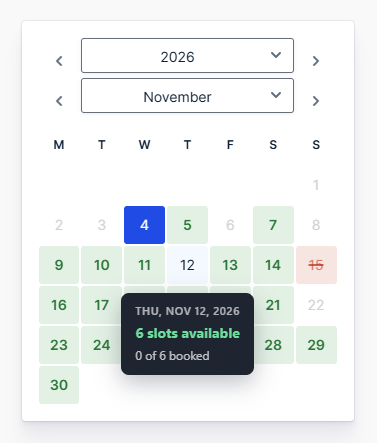
- Booking Slots (NEW) – Limit how many times a date can be booked. Fully booked dates are disabled automatically.
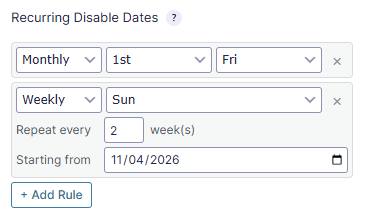
- Recurring Disable Dates (NEW) – Block dates that repeat every year, such as holidays and annual closures.
- Link Dates (NEW) – Connect two date fields, so the End Date minimum updates from the Start Date.
- Business Day Mode (NEW) – Skip disabled days when calculating the next available date.
- Frontend Validation – Blocks restricted dates, including manually typed ones.
- Backend Validation – Prevents submission of restricted dates.
- Date Modifiers – Add or subtract days, months or years from the current date (e.g. +7 days).
- Add Exceptions – Keep specific dates selectable even inside restricted ranges.
- Inline Date Picker – Show the calendar directly in the form instead of as a popup.
- Timezone Support – Uses your WordPress timezone settings.
- Language Support – Date picker and messages in 30+ languages.
- Date Calculation – Calculate the number of days between two date fields.
- Custom Validation Text – Write your own error messages.
Requirements
- PHP 7.4
- Gravity Forms 2.9 or 3.0 or latest