

Responsive Sliding Menu
v1.4.6Lekcie · 2020年7月15日 上架
Responsive Sliding Menu is a plugin that generates a side-opening menu shortcode. The menu is fully customizable
- 正在使用
- 200+
- 评分
- 4.9 / 5
- 累计下载
- 9,285
- 最近更新
- 2024年9月3日
10 条评价需要 WordPress 5.7+已测试到 6.4.15PHP 8.0+
贡献者
 Lekcie
截图
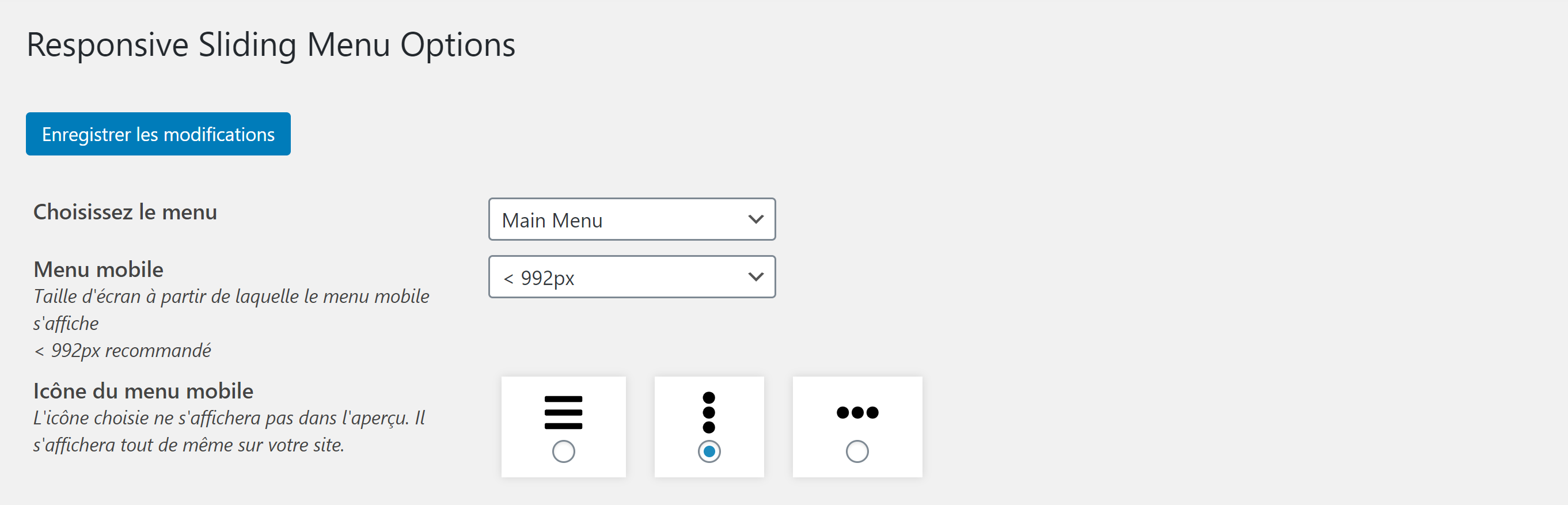


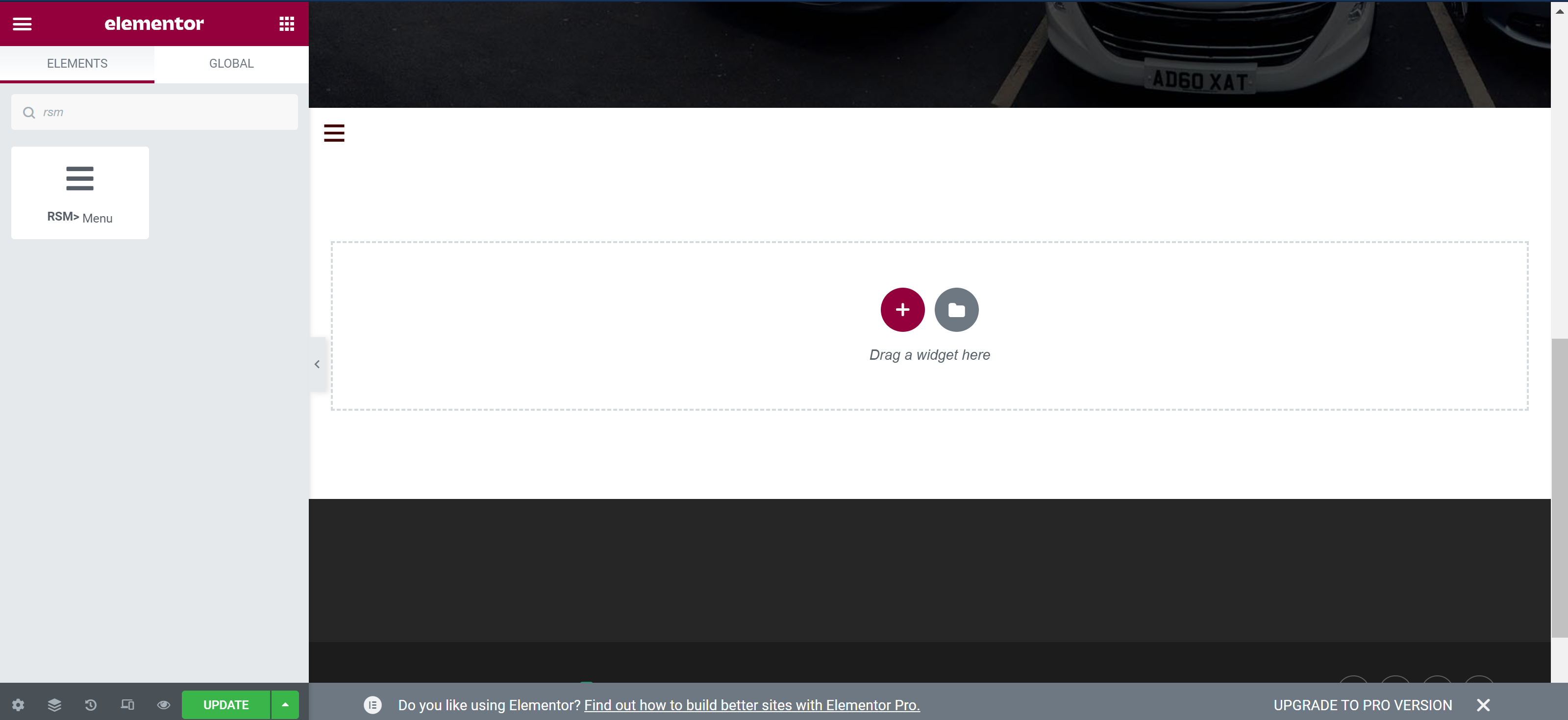
Responsive Sliding Menu allows you to generate a shortcode to integrate into your site via a page builder (Elementor, Oxygen, Divi, Gutenberg…) or via PHP.
A preview of the rendering is available in the WordPress plugin settings interface.
In particular, you can modify the colors, font sizes or even the icon of the burger menu (responsive). You can also use Elementor Widget RSM Menu to display (or not) your Responsive Sliding Menu.
A brief Markdown Example
- Modify Responsive Sliding Menu settings
- Save the changes
- Copy/paste the [responsive_slider_menu] shortcode into your page builder
- You can also copy/paste the instruction in your PHP header.php file