

Remove & Disable XML-RPC Pingback
v1.6cleverplugins · 2014年3月18日 上架
Prevent pingback, XML-RPC and denial of service DDOS attacks by disabling the XML-RPC pingback functionality.
- 正在使用
- 7,000+
- 评分
- 3.0 / 5
- 累计下载
- 9.7 万
- 最近更新
- 2023年7月25日
 cleverplugins
 Lars Koudal
截图
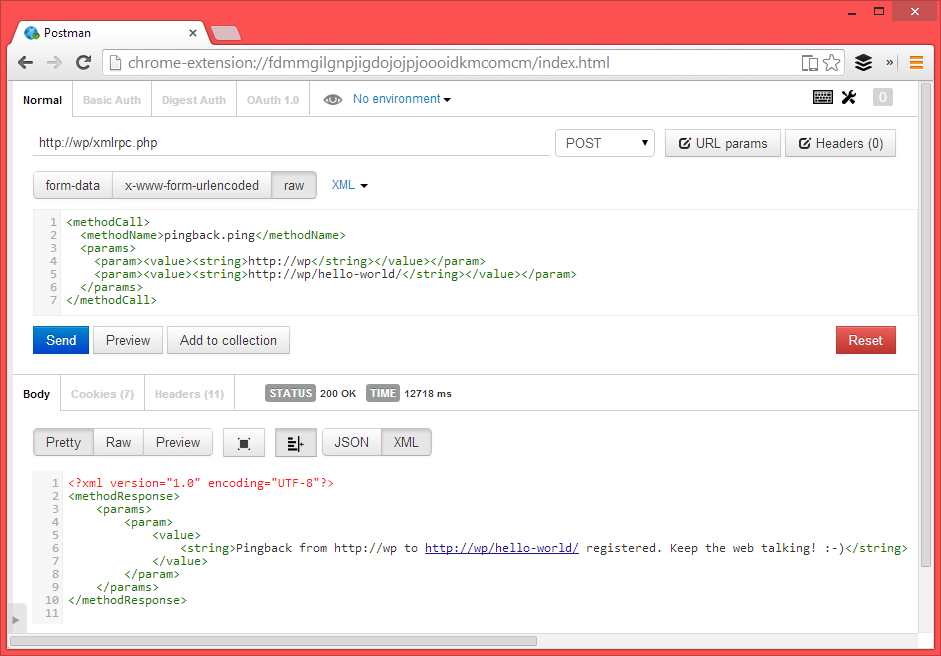
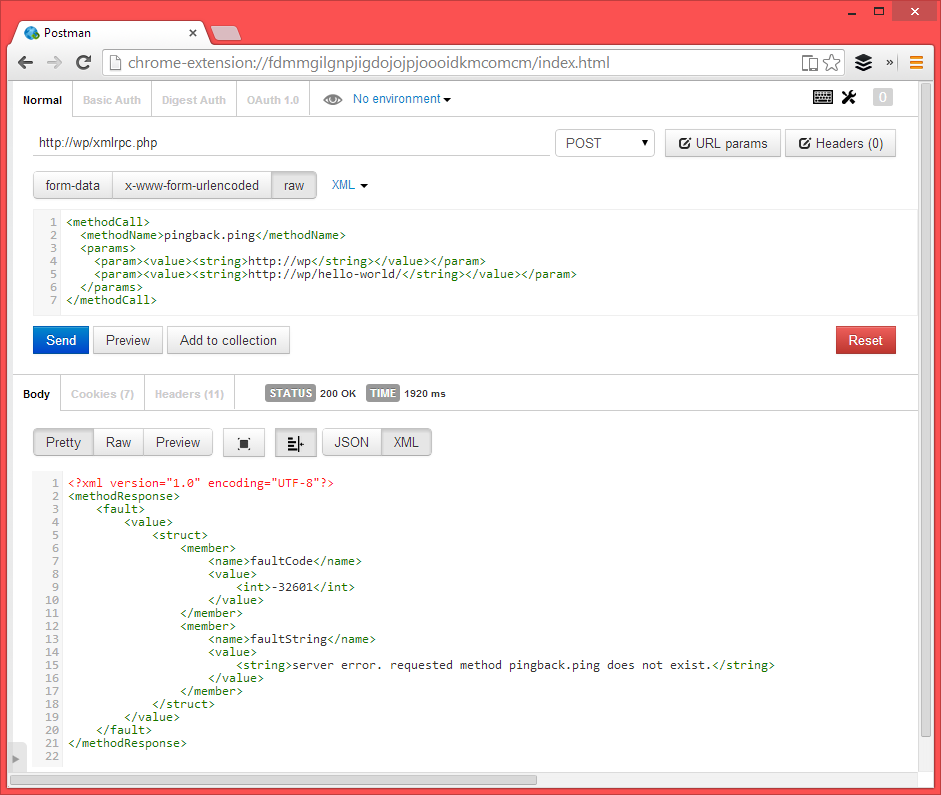
Prevent your WordPress site from participating and being a victim of pingback denial of service attacks. After activation the plugin automatically disables XML-RPC. There’s no need to configure anything.
By disabling the XML-RPC pingback you’ll:
* lower your server CPU usage
* prevent malicious scripts from using your site to run pingback denial of service attacks
* prevent malicious scripts to run denial of service attacks on your site via pingback
From sucuri.net:
Any WordPress site with Pingback enabled (which is on by default) can be used in DDOS attacks against other sites.
Learn More
- How To Prevent WordPress From Participating In Pingback Denial of Service Attacks – wptavern.com
- More Than 162,000 WordPress Sites Used for Distributed Denial of Service Attack – sucuri.net
- xmlrpc.php and Pingbacks and Denial of Service Attacks, Oh My! – hackguard.com
Is Your Site Attacking Others?
Use Sucuri’s WordPress DDOS Scanner to check if your site is DDOS’ing other websites
Why Not Just Disable XMLRPC Altogether?
Yes, you can choose to do that, but if you use popular plugins like JetPack (that use XMLRPC) then those plugins will stop working. That is why this small plugin exists.