

Redaquest Connector
v3.0.12Tomáš Martinčok · 2026年6月30日 上架
Sync WordPress and WooCommerce content with RedaQuest and schedule social posts straight from the block editor.
- 正在使用
- 10 以下
- 评分
- 暂无
- 累计下载
- 758
- 最近更新
- 2026年7月6日
贡献者
 Tomáš Martinčok
截图
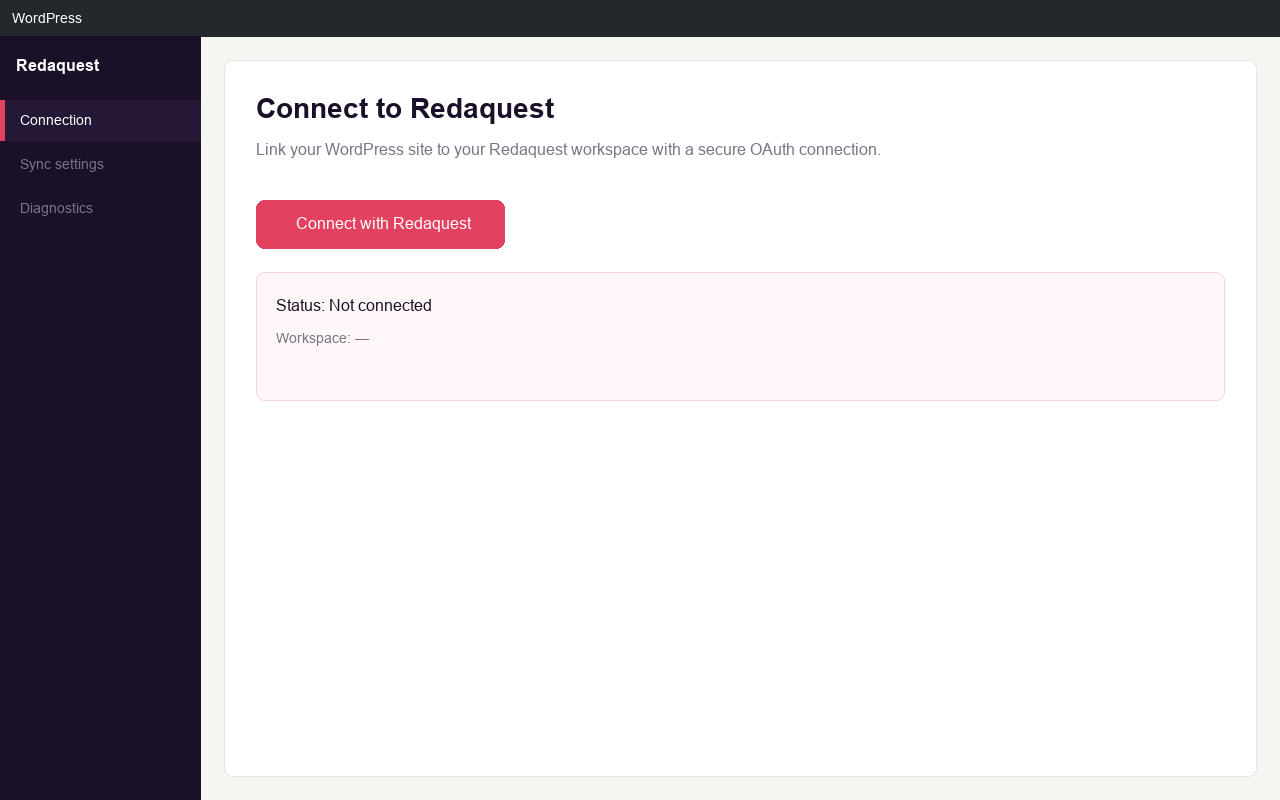
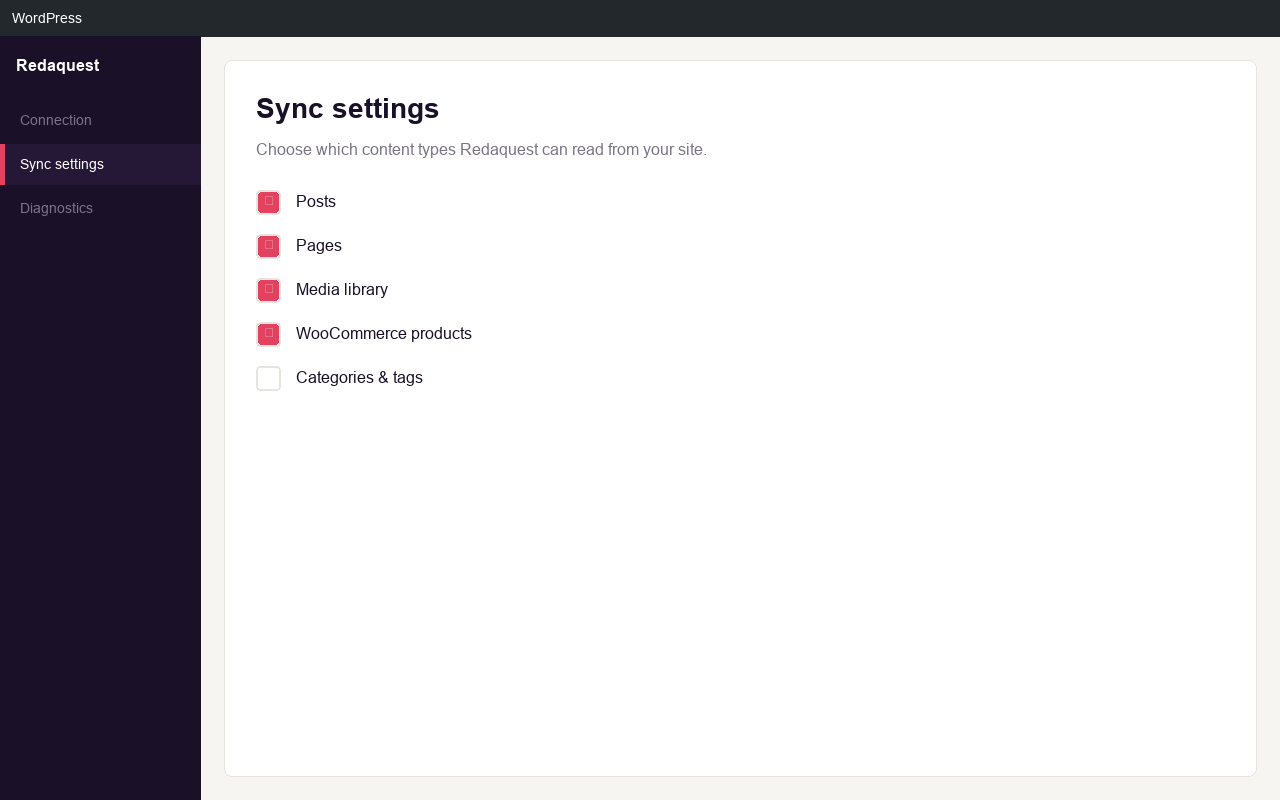
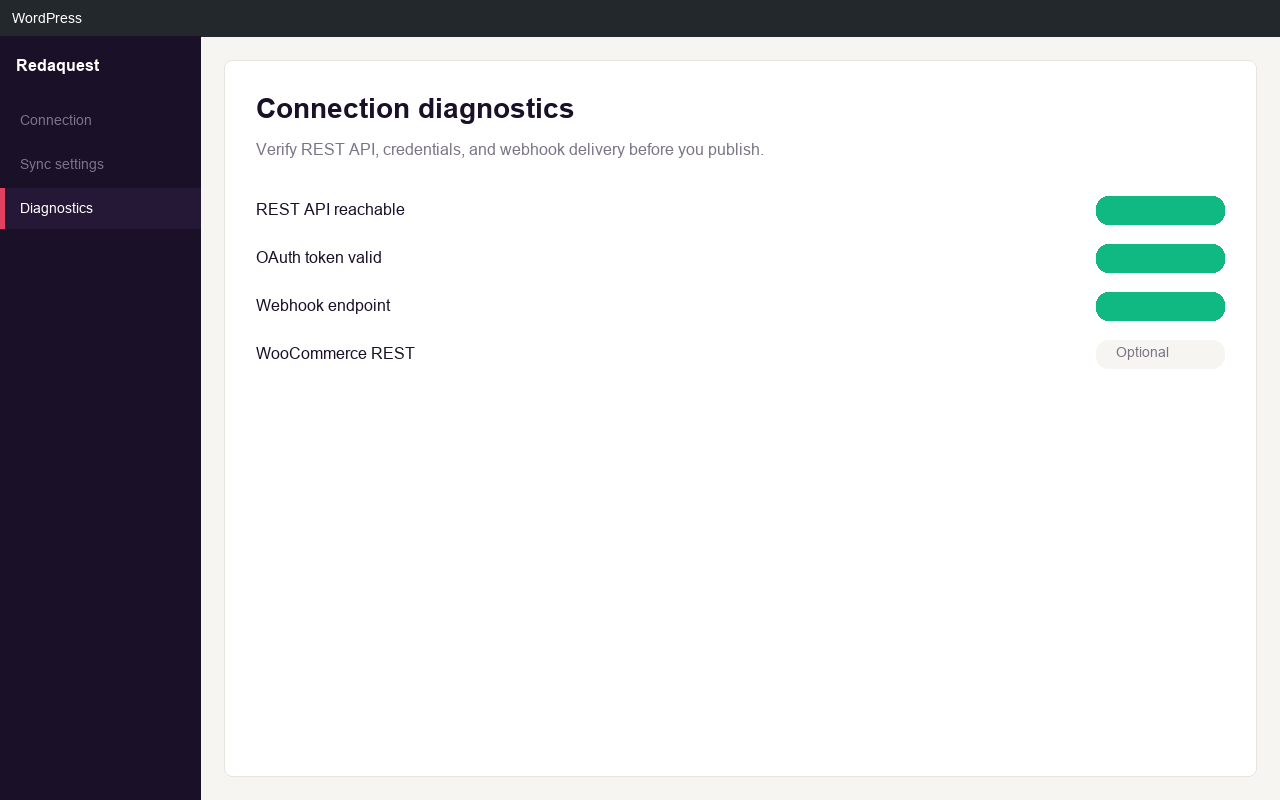
Redaquest Connector links your WordPress site to RedaQuest, an AI content marketing and social media platform. It does two things:
1. Content & product sync (API key). RedaQuest reads your published content so you can repurpose it into social posts and plans:
- WordPress pages and posts
- Custom Post Types (portfolio, references, services, and more)
- WooCommerce products (when WooCommerce is active)
- Post and product categories
- Custom Fields from ACF, Meta Box, Pods, and native WordPress meta
It can also create and update posts on your site from RedaQuest when you enable writing.
2. Social scheduling from the editor (Connect). After you connect your site to a RedaQuest workspace, a panel appears in the block editor. From any article you can:
- Generate per-platform social copy from the article with AI
- Generate a brand image and set it as the featured image
- Pick the connected social accounts to post to
- Schedule the social posts to publish on the article’s date, in one click or automatically when you publish the article
The connection uses a secure server-to-server token. No keys are typed into the browser, and you can disconnect at any time.
External services
This plugin connects to RedaQuest to provide content sync and social scheduling. A RedaQuest account is required for these features.
What data is sent, and when:
- Content sync: when RedaQuest requests content through this plugin’s REST API (authenticated with your API key), the selected posts, pages, and products are returned to RedaQuest.
- Connect: when you connect a site, the site URL and site name are sent to RedaQuest to issue a connection token that is stored on this site.
- Social scheduling: when you prepare a social post from an article, the article text and metadata (title, URL, excerpt), the chosen platforms and account IDs, the scheduled date, and optionally the featured image URL are sent to RedaQuest. RedaQuest generates the copy/image and schedules the posts through its publishing provider.
Endpoints used: the RedaQuest web app at https://app.redaquest.com (connection approval screen) and the RedaQuest API at https://*.supabase.co/functions/v1 (token exchange and the editor bridge).
Service provider: RedaQuest, https://redaquest.com
Terms of Use: https://redaquest.com/terms
Privacy Policy: https://redaquest.com/privacy