
Recover Fees for Gravity Forms
v2.1.9mycustomsoftware · 2024年5月13日 上架
Plugin allow you to add a customizable field to your forms, enabling customers to cover these fees.
- 正在使用
- 20+
- 评分
- 暂无
- 累计下载
- 2,604
- 最近更新
- 2026年8月25日
贡献者
 mycustomsoftware
截图
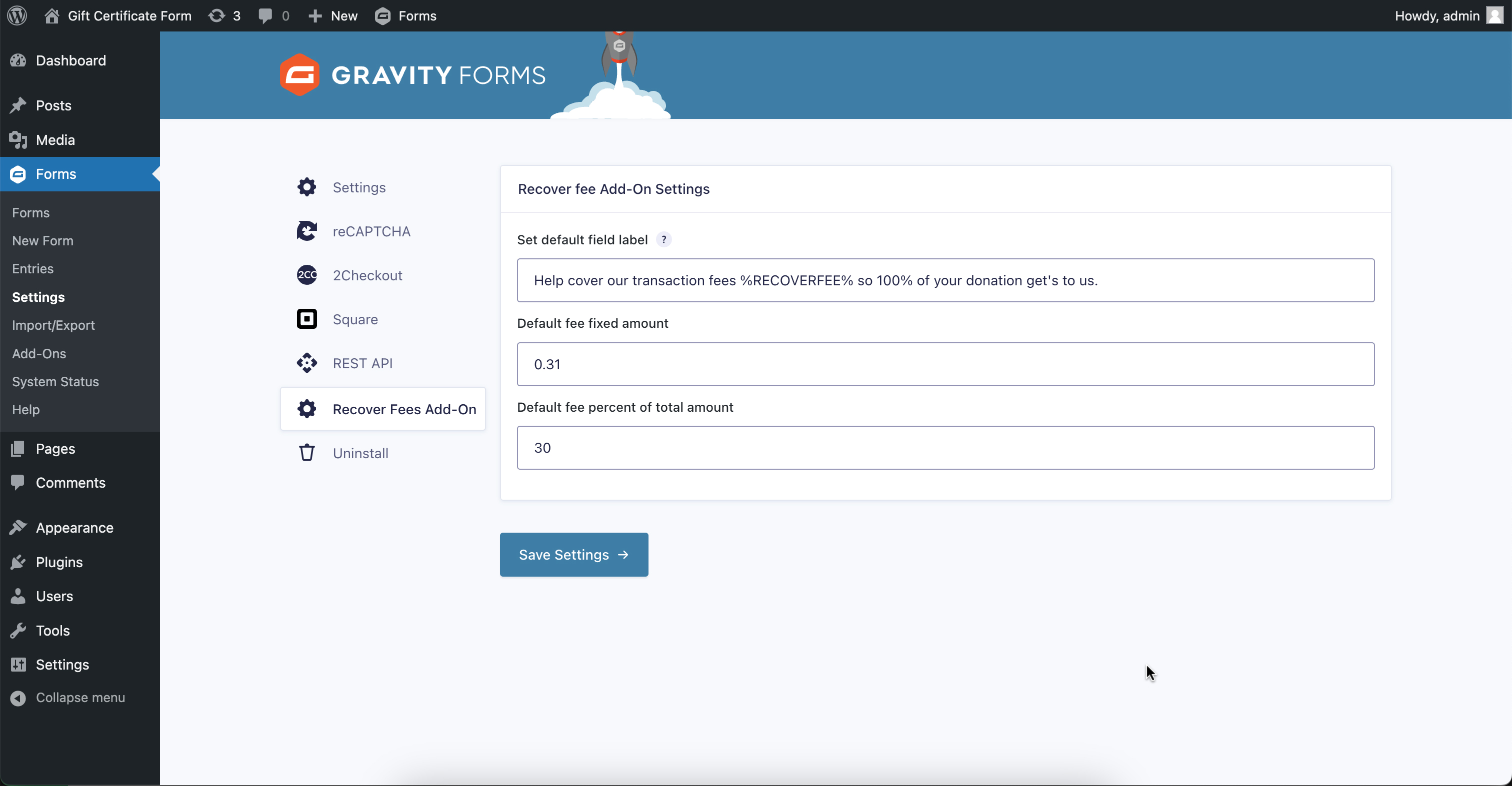
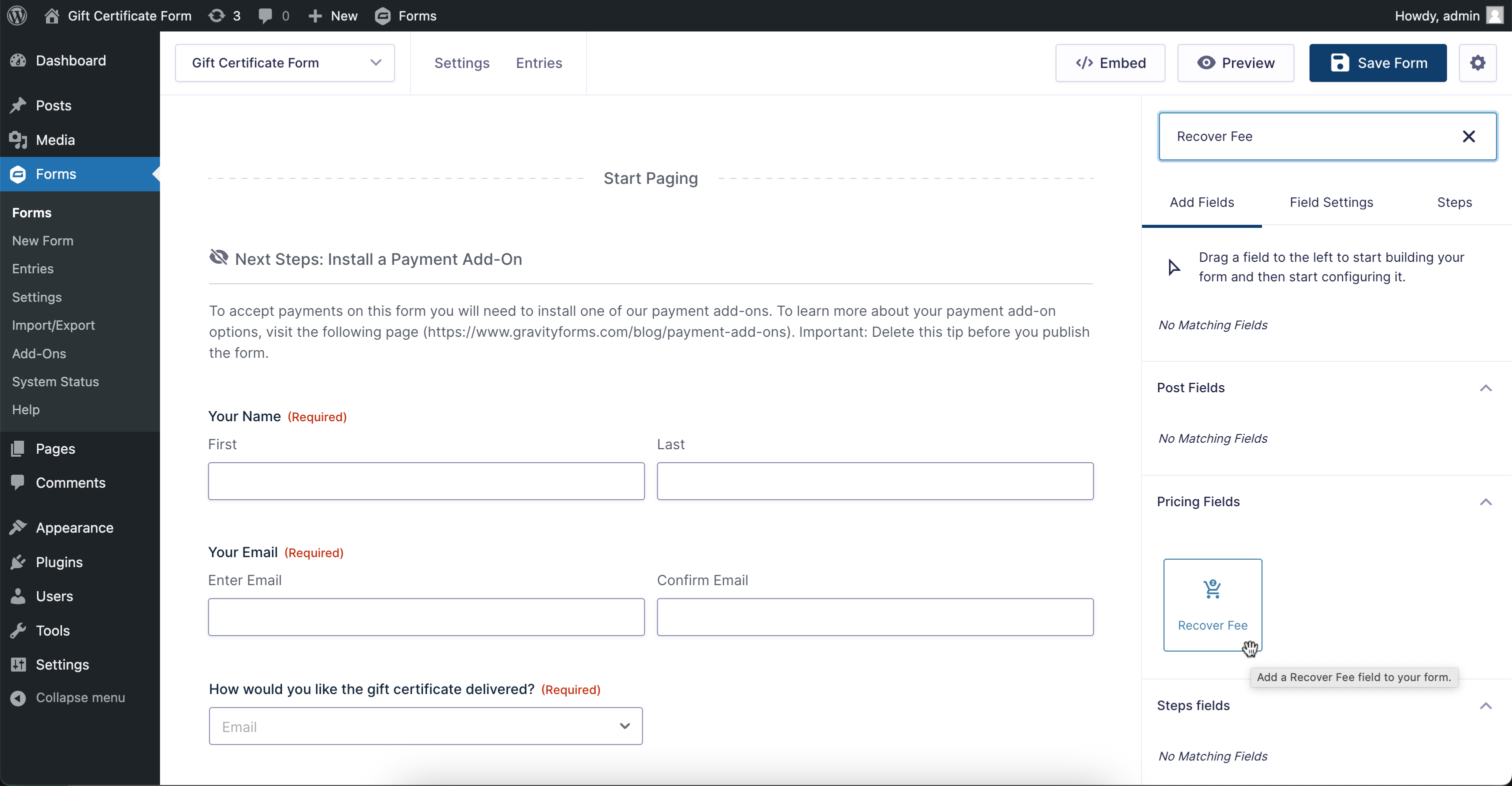
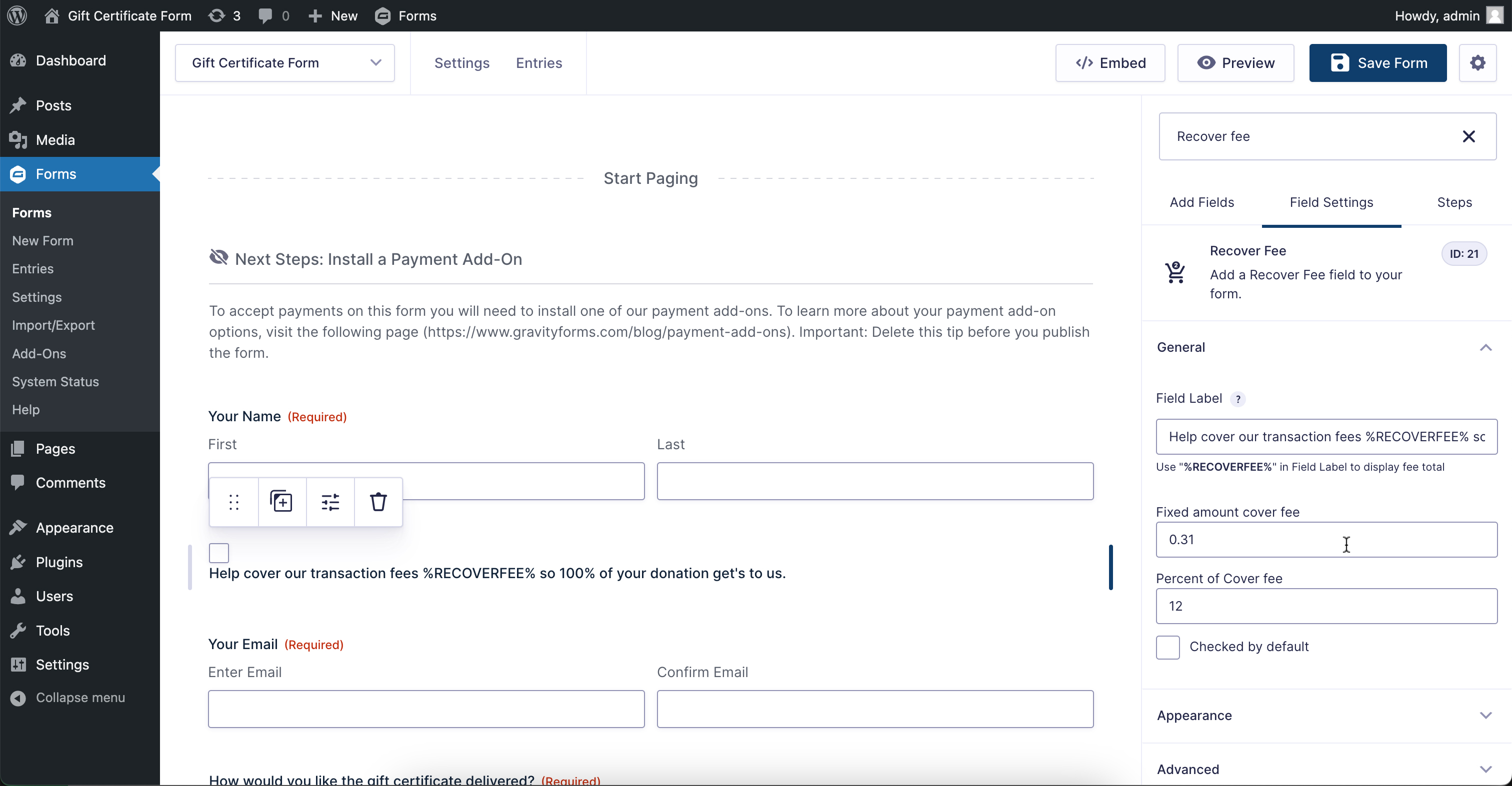
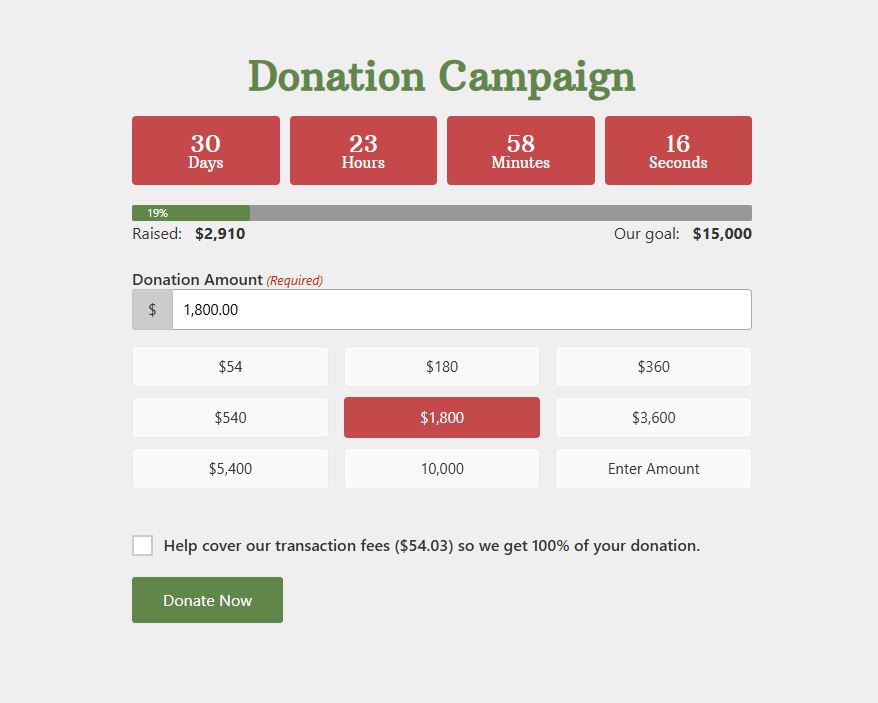
Recover Fees for Gravity Forms – Maximize Your Earnings
Credit card processing fees can significantly impact your revenue. For instance, nonprofits collectively spend around $3 billion annually on transaction fees. To address this, the Recover Fees for Gravity Forms plugin allows you to add a customizable field to your forms, enabling customers to cover these fees.
Key Features:
Customizable Messaging: Present options like “Include a small processing fee to support our services” or “Add [calculated fee] to cover transaction costs,” with the fee amount displayed inline for clarity.
Flexible Fee Structures: Set percentage-based fees, flat rates, or a combination (e.g., 2.9% + $0.30) to align with your payment processor’s charges.
User Empowerment: Allow customers to choose whether to cover transaction fees, fostering transparency and trust.
Seamless Integration: Easily incorporate the fee field into any Gravity Form, with automatic fee calculation based on the form’s total.
Benefits:
Increased Revenue: By enabling customers to cover transaction fees, businesses and nonprofits can retain more of their earnings.
Enhanced Transparency: Clear communication about fees can improve customer satisfaction and trust.
Who Can Benefit?
Nonprofits: Ensure that donations are fully utilized for your cause.
Small Businesses: Offset processing costs without increasing product prices.
Freelancers: Maintain your full earnings from client payments.
How It Works:
Install and Activate: Add the plugin to your WordPress site and activate it.
Add the Fee Field: In your Gravity Form, insert the “Recover Fees” field where appropriate.
Configure Fee Settings: Specify the fee structure (percentage, flat rate, or both) to match your payment processor’s fees.
Customize Messaging: Edit the default message to align with your organization’s tone and clearly explain the fee to users.
Publish the Form: Once configured, publish the form. Users will see the option to cover the transaction fee, with the amount displayed inline.
Implementing Recover Fees for Gravity Forms empowers your customers to support your organization by covering transaction fees, allowing you to retain the full value of each transaction.