

Recent Products Block
v2.0.5bPlugins · 2022年7月29日 上架
Showcase recently added WooCommerce products anywhere in the Gutenberg editor with flexible display settings.
- 正在使用
- 600+
- 评分
- 3.7 / 5
- 累计下载
- 1.1 万
- 最近更新
- 2026年11月25日
 bPlugins
 Abu Hayat
 MD.SHIHAB SHAMIM
截图
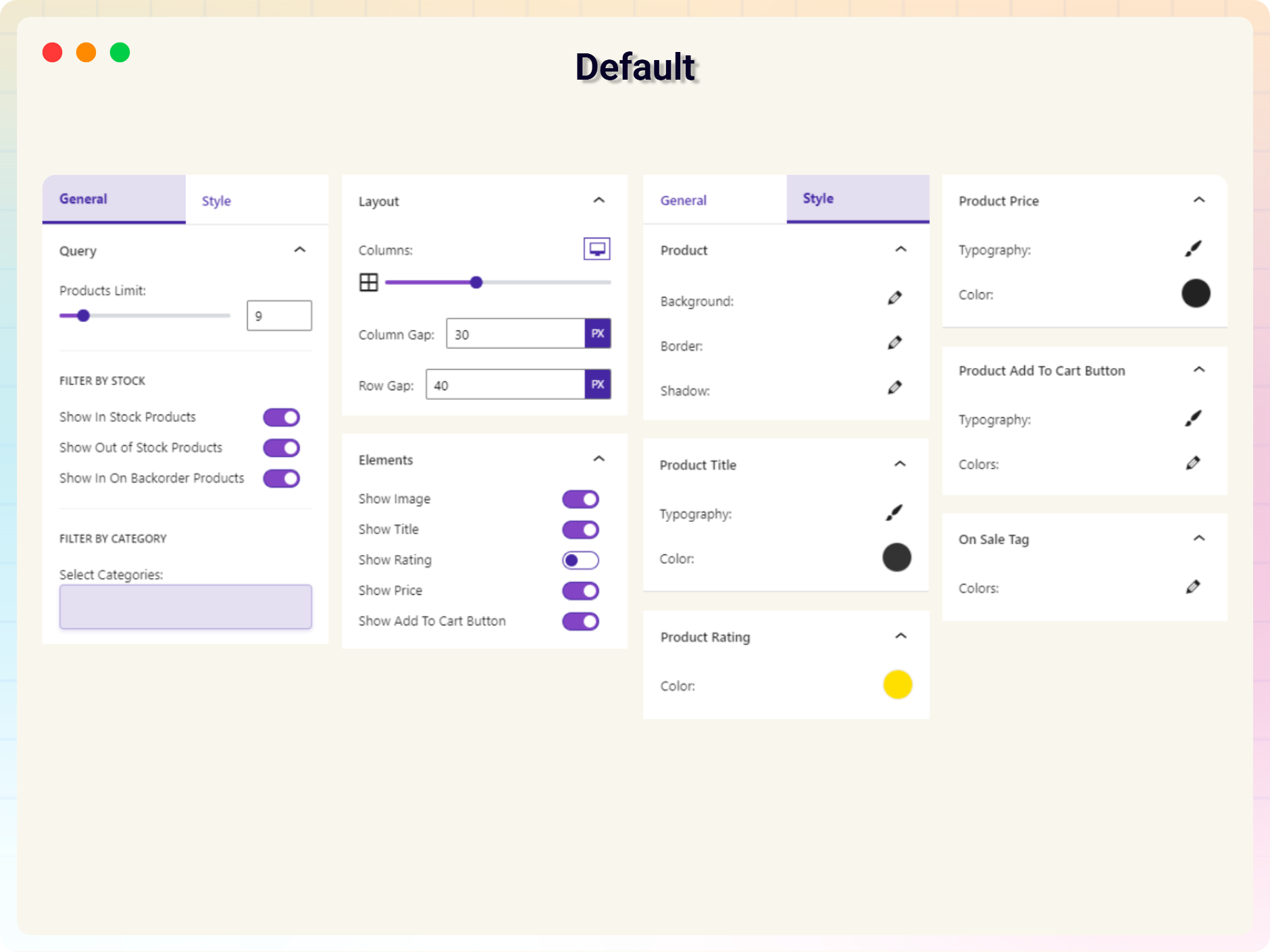
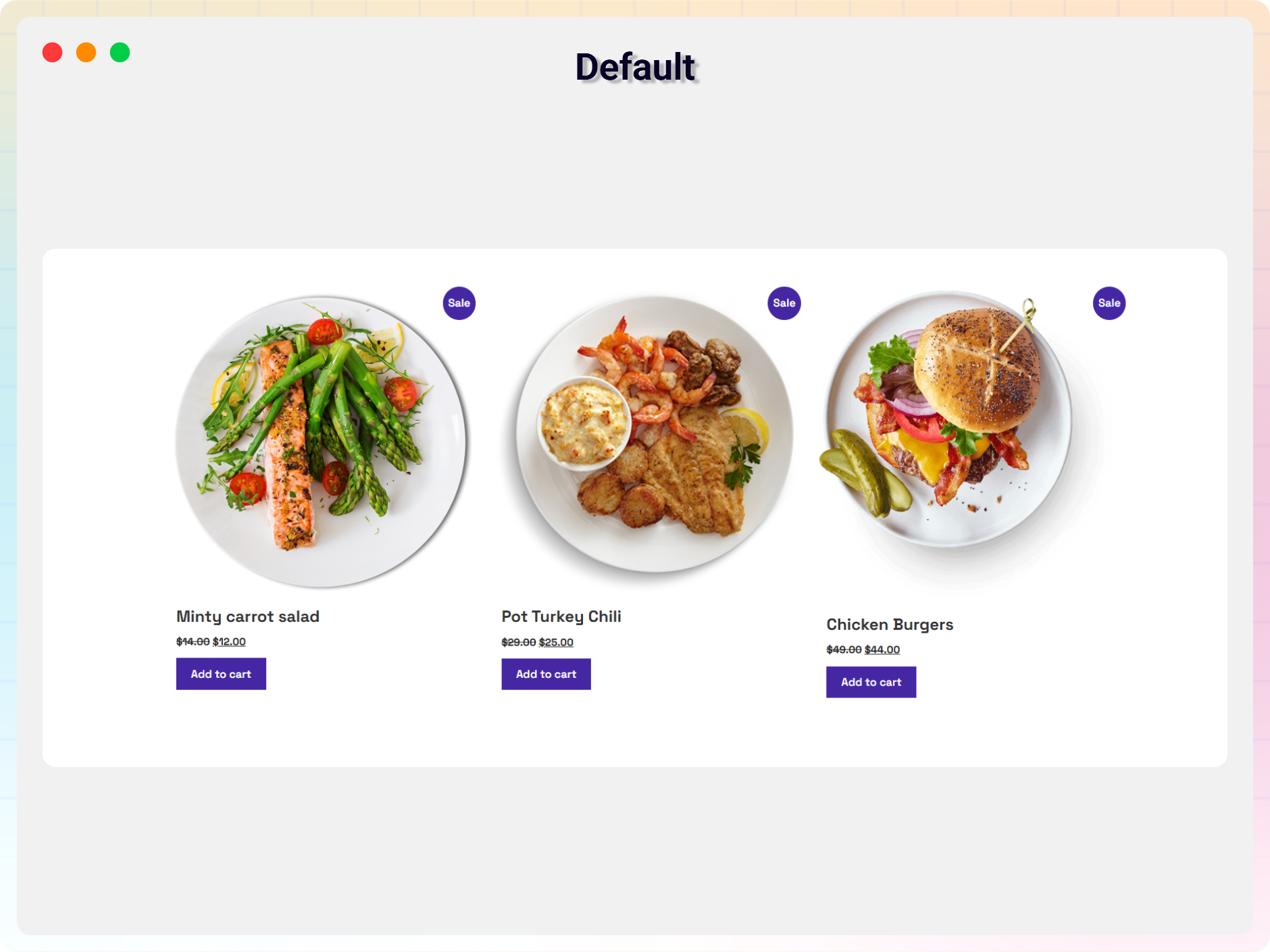
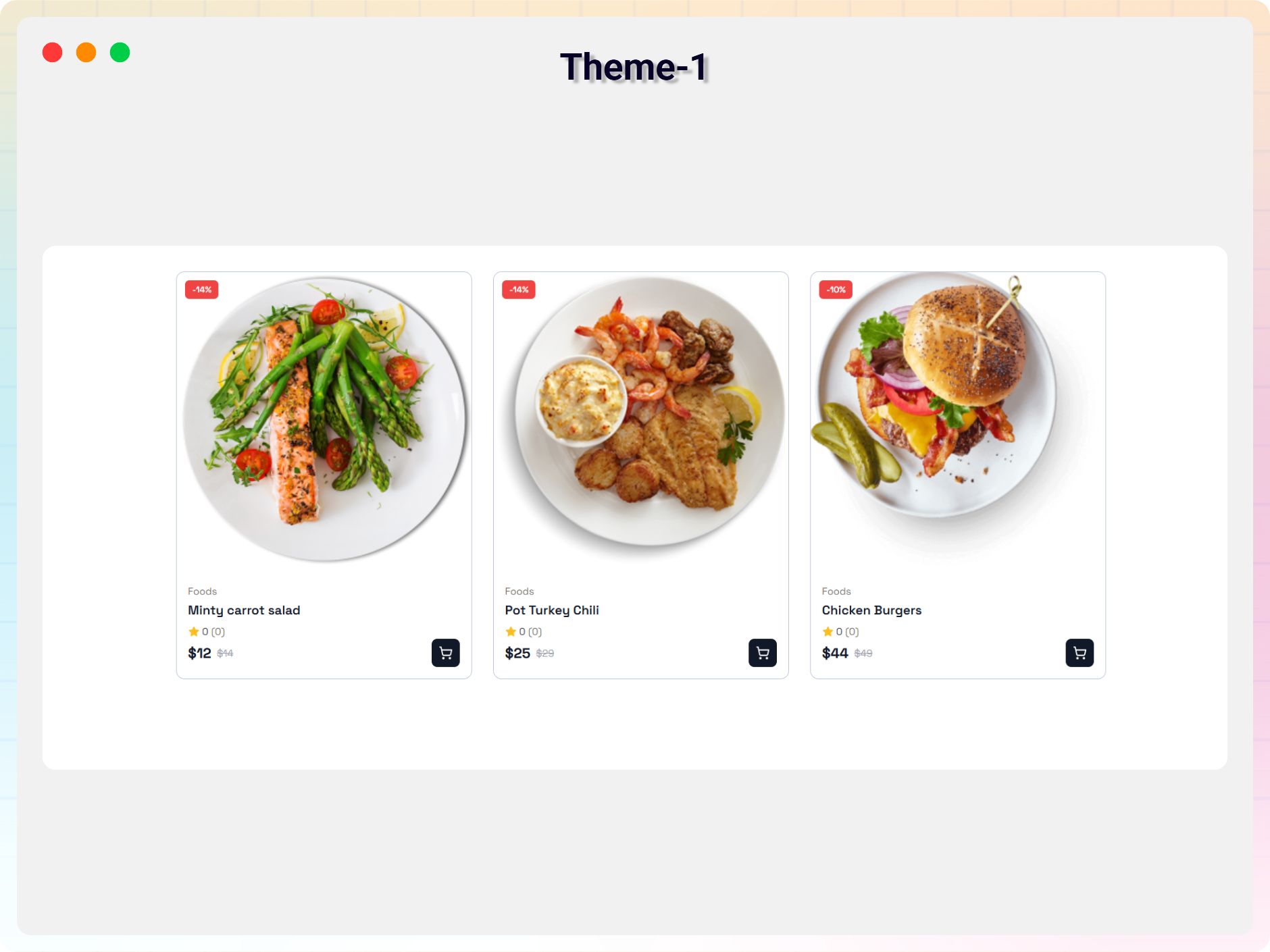
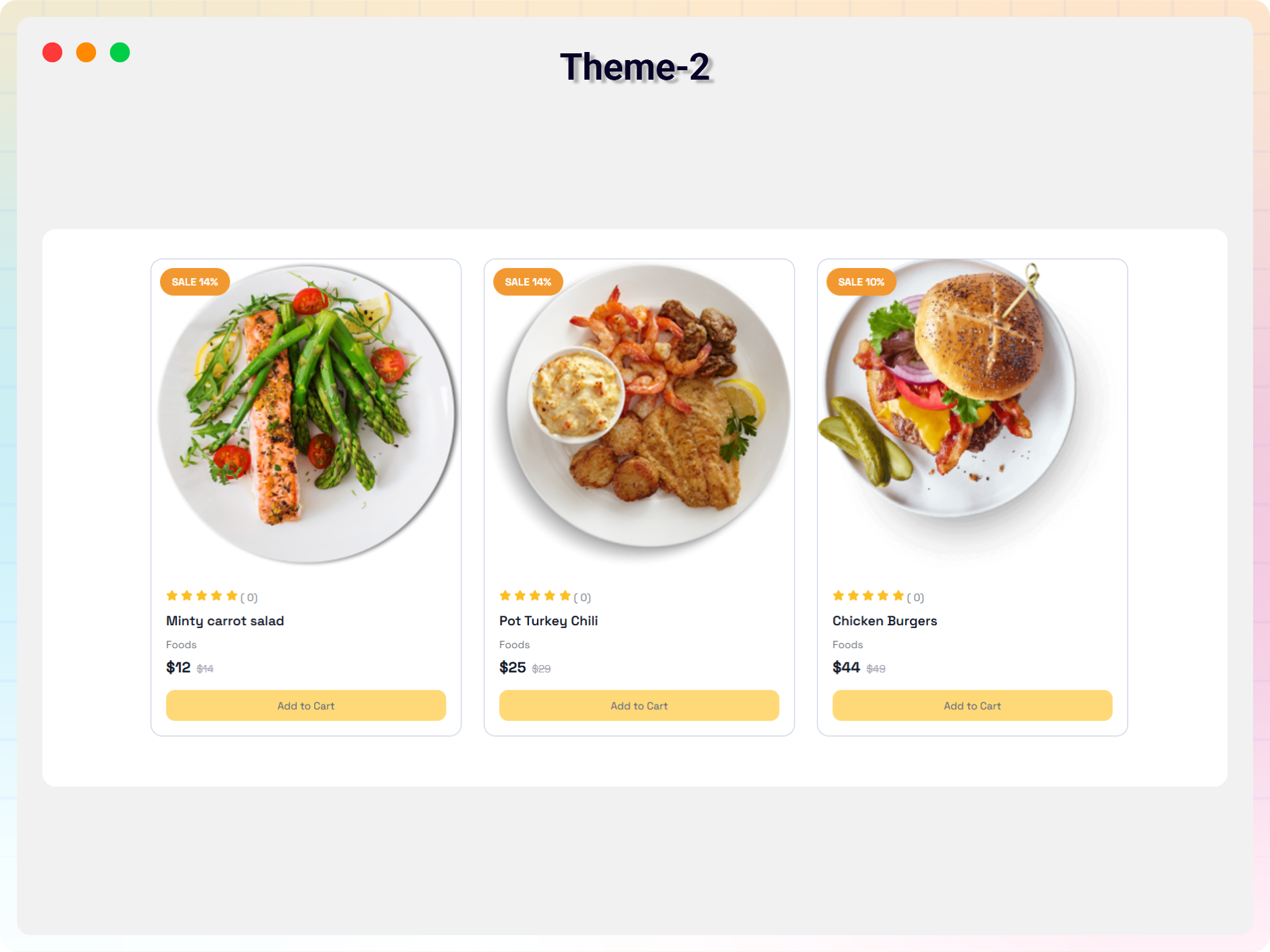
Recent Products Block for WooCommerce is a Gutenberg block plugin that allows you to showcase recently added WooCommerce products anywhere in your website using the block editor.
The plugin integrates seamlessly with the WordPress Gutenberg editor and provides flexible customization options to create attractive product showcases for your customers.
Key Features
- Shortcode support.
- Product query options.
- Filter products by category, stock status, and more.
- Responsive column settings for desktop, tablet, and mobile.
- Custom column and row gap controls.
- Show or hide product elements such as image, title, rating, price, and add to cart button.
How to use
- Install and activate WooCommerce.
- Install and activate the Recent Products Block plugin.
- Open the Gutenberg editor.
- Add the “WooCommerce Recent Products” block from the Widgets category.
- Customize the block settings from the right sidebar.
- Publish and enjoy.
Feedback
Did you like this plugin? Do you have a feature request?
Please share your feedback with us:
support@bplugins.com
Development Source
Source Repository:
https://github.com/bPlugins/recent-products-block-wp
This plugin includes generated build assets in the build directory.
The original source code used to generate those assets is publicly available in the repository above.
Build Instructions:
- npm install
- npm run build
External third-party library
This plugin connects to the following external third-party library from the admin dashboard:
bpl-tools
- Source / GitHub: https://github.com/bPlugins/bpl-tools
- License: GPL-2.0-or-later – https://www.gnu.org/licenses/gpl-2.0.html
- Purpose: Shared utility library providing admin dashboard components and common Gutenberg editor controls.
- External Services: The library may connect to bPlugins, WordPress.org, and Freemius services for product data and checkout functionality. See full details: https://github.com/bPlugins/bpl-tools#external-requests–why-they-are-made