
reCAPTCHA for WooCommerce
v1.5.0Elliot Sowersby / RelyWP · 2022年6月7日 上架
Add Google reCAPTCHA to your WooCommerce Checkout, Login, and Registration Forms. 100% free!
- 正在使用
- 4 万+
- 评分
- 4.6 / 5
- 累计下载
- 36 万
- 最近更新
- 2026年11月10日
 Elliot Sowersby / RelyWP
 RelyWP
截图
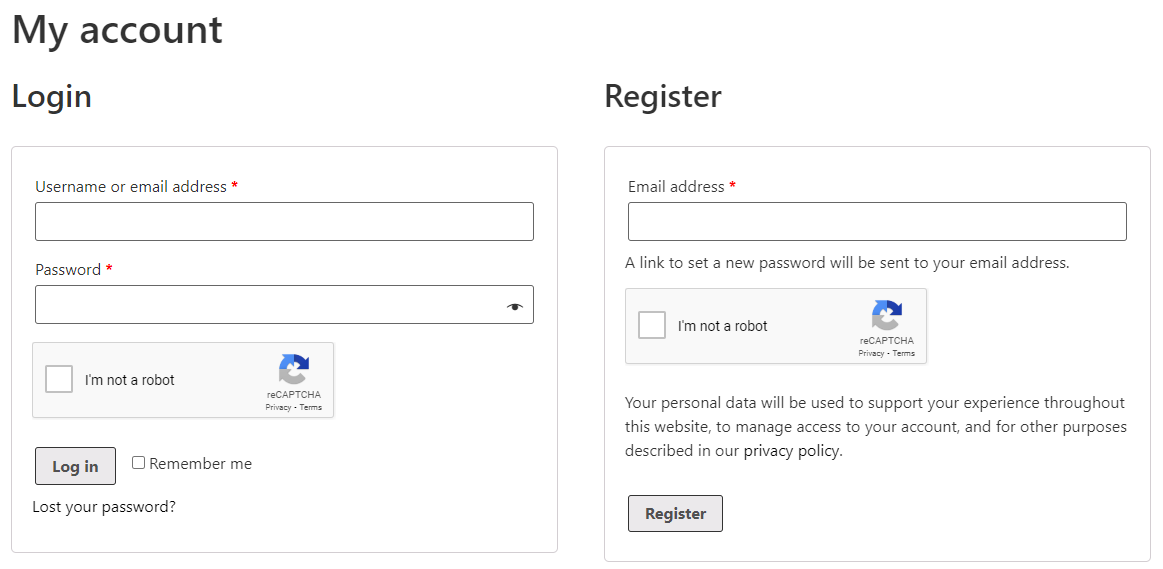
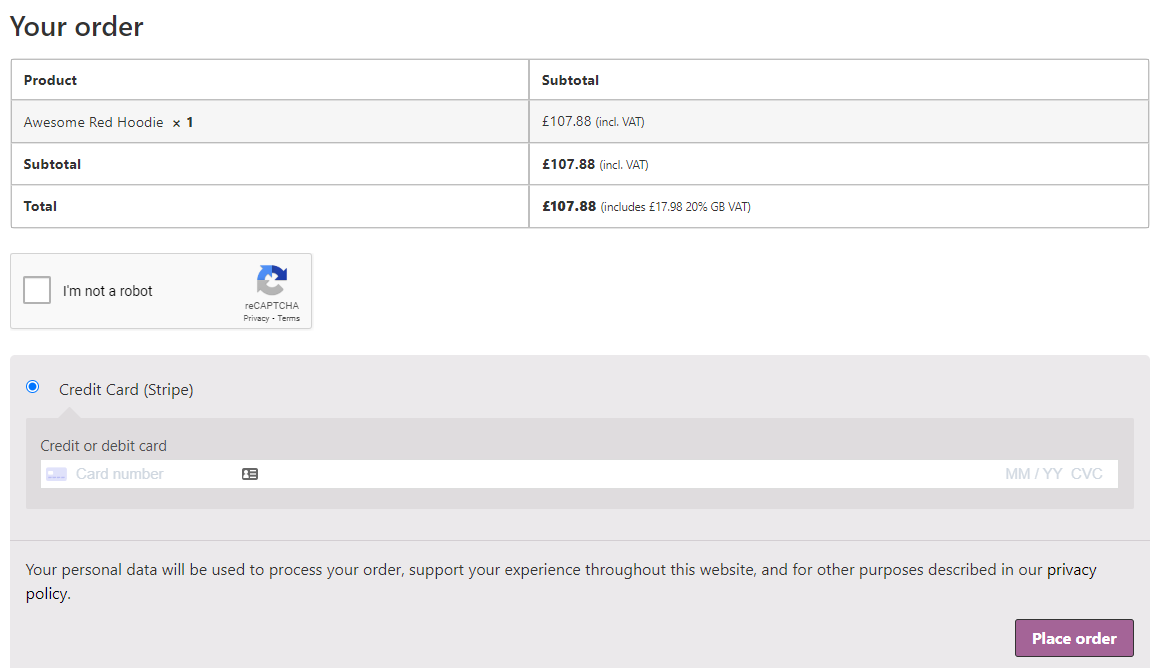
Easily add Google reCAPTCHA to WooCommerce checkout and forms to help prevent spam.
Supported Forms
You can currently enable the reCAPTCHA on the following forms:
WooCommerce
- Checkout (Shortcode & Block)
- Login Form
- Registration Form
- Password Reset Form
WordPress
- Login Form
- Registration Form
- Password Reset Form
Getting Started
Simply generate your Google reCAPTCHA v2 site “key” and “secret” and add these to the settings.
Choose which forms you want it to show on, and set the theme to either dark or light.
A new reCAPTCHA WooCommerce field will then be displayed on your checkout, and other selected forms to protect them from spam!
Localisation
The language for the WooCommerce reCAPTCHA will be automatically set based on your sites default language.
Is it free to use?
Yes, this plugin is completely free with no paid version.
Google reCAPTCHA is also a completely free service. You can view their privacy policy here and terms and conditions here.
Please consider helping out by leaving a review, or donate.
Alternative Plugin
Want a user-friendly, privacy-preserving reCAPTCHA alternative? Check out the Simple Cloudflare Turnstile plugin instead (100% free).