

Rebrandly Redirect
v1.0.3Rebrandly · 2022年2月17日 上架
Connect your WordPress application with Rebrandly and create branded links re-using the same domain name
- 正在使用
- 100+
- 评分
- 暂无
- 累计下载
- 4,447
- 最近更新
- 2026年10月27日
需要 WordPress 3.0.1+已测试到 7.1.5PHP 7.0+
贡献者
 Rebrandly
截图
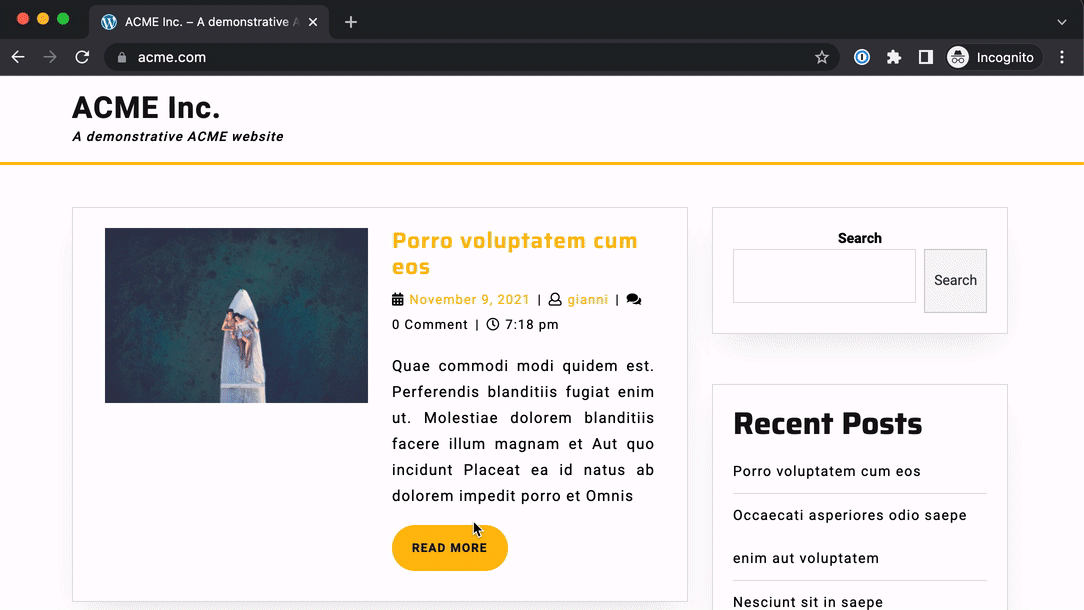

By installing this plugin and configuring it to connect with your Rebrandly account,
you will be able to create branded links using the same domain as of your WordPress website/app.
Unlock the opportunity for your team to freely create branded links via Rebrandly,
while still safely serving your own content from your WordPress application.
Here are a few steps necessary to use this:
- Install the plugin in your WordPress
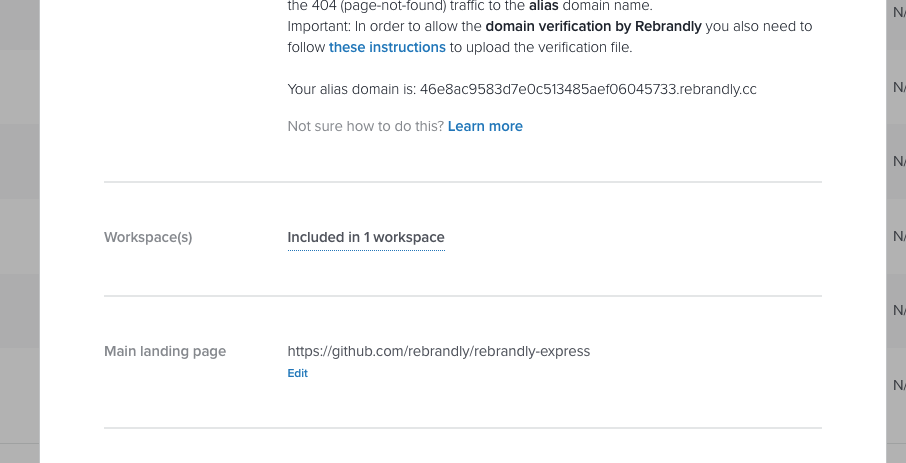
- Connect the domain to Rebrandly as Alias Domain, and take note of the autogenerated value for the alias
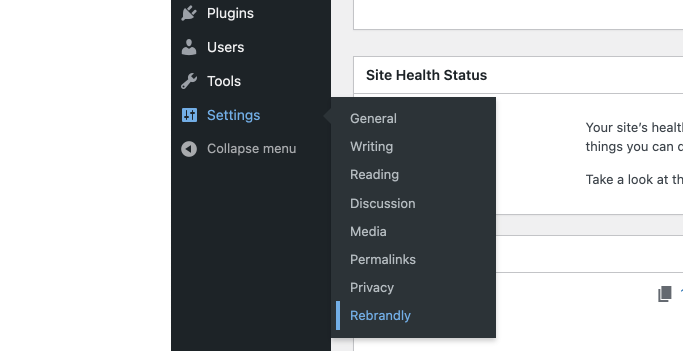
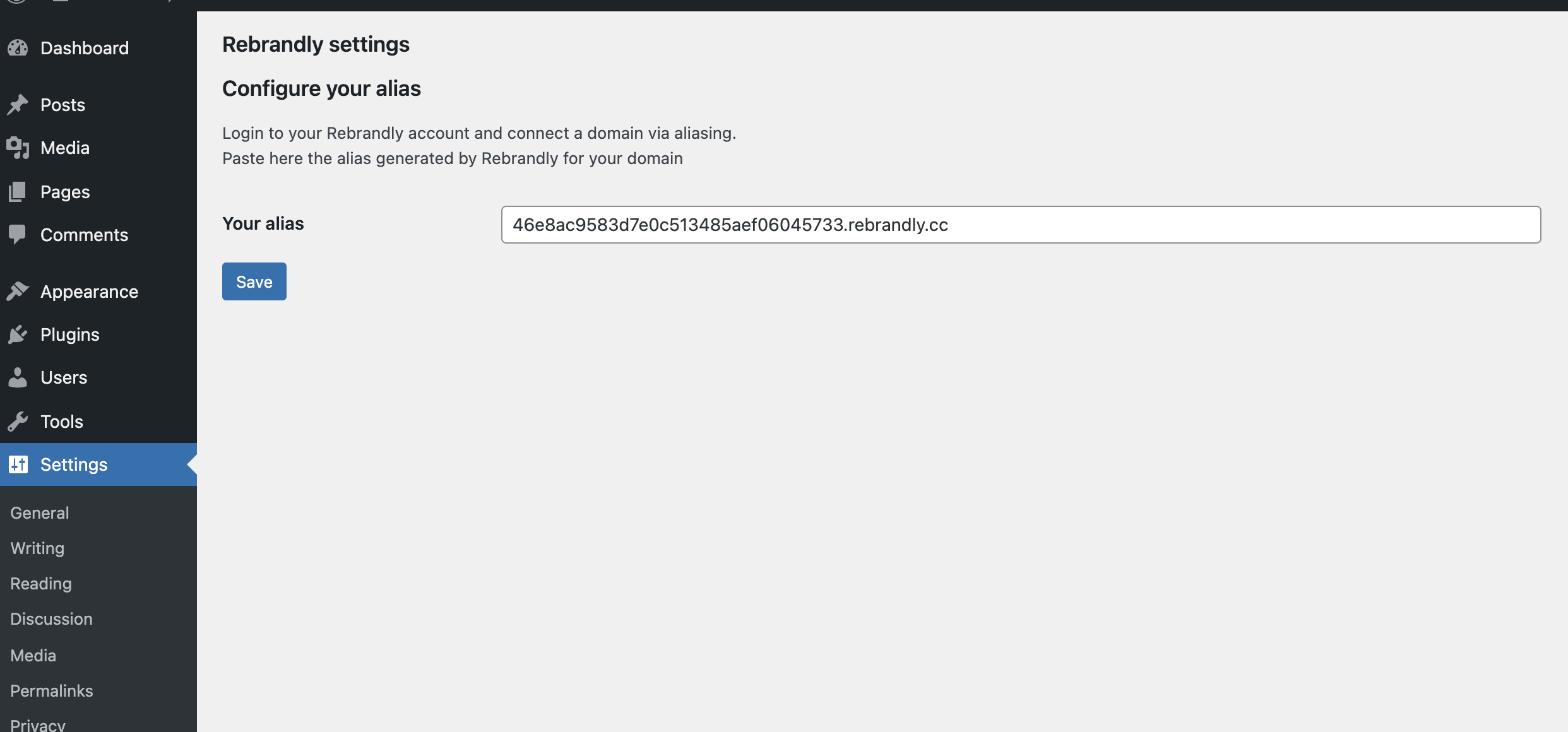
- Set the alias name in the Admin menu (Settings > Rebrandly) and Save your settings