

ReadyGo Express Buy Button for WooCommerce
v1.0.1mkbplatinum · 2026年8月25日 上架
Add a Buy Now button that sends shoppers straight to checkout and skips the cart. Simple and variable products, sticky mobile button, no paywall.
- 正在使用
- 20+
- 评分
- 暂无
- 累计下载
- 455
- 最近更新
- 2026年11月16日
贡献者
 mkbplatinum
截图
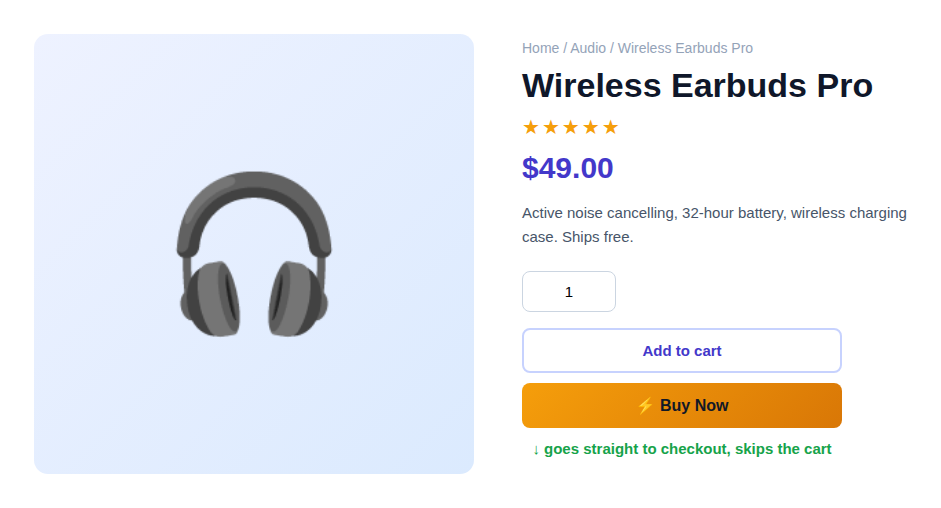
ReadyGo Express Buy Button adds a “Buy Now” button to your WooCommerce products that sends the shopper straight to checkout and skips the cart page entirely. Fewer clicks means fewer abandoned carts and more completed orders, especially on single-item and impulse purchases.
Every option is included free. There is no paid upgrade, no locked feature and no account to create.
How to add a Buy Now button in WooCommerce
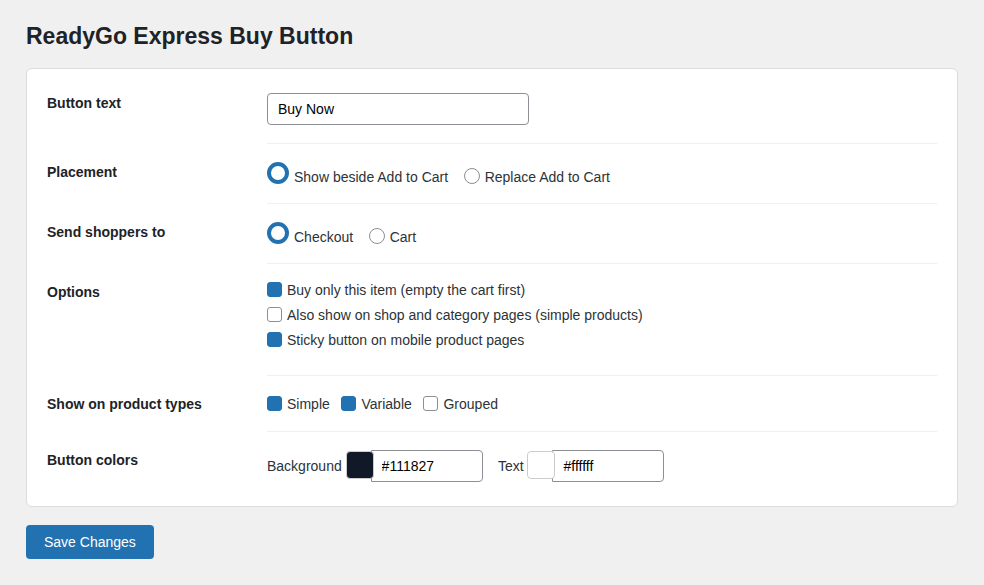
Install and activate the plugin, then open its settings screen. Choose whether the Buy Now button replaces your Add to Cart button or sits beside it, pick where it should send the shopper, set the button text, and save. The button appears on your product pages immediately. No shortcode, no page builder widget and no template editing.
How to enable the Buy Now button on shop and category pages
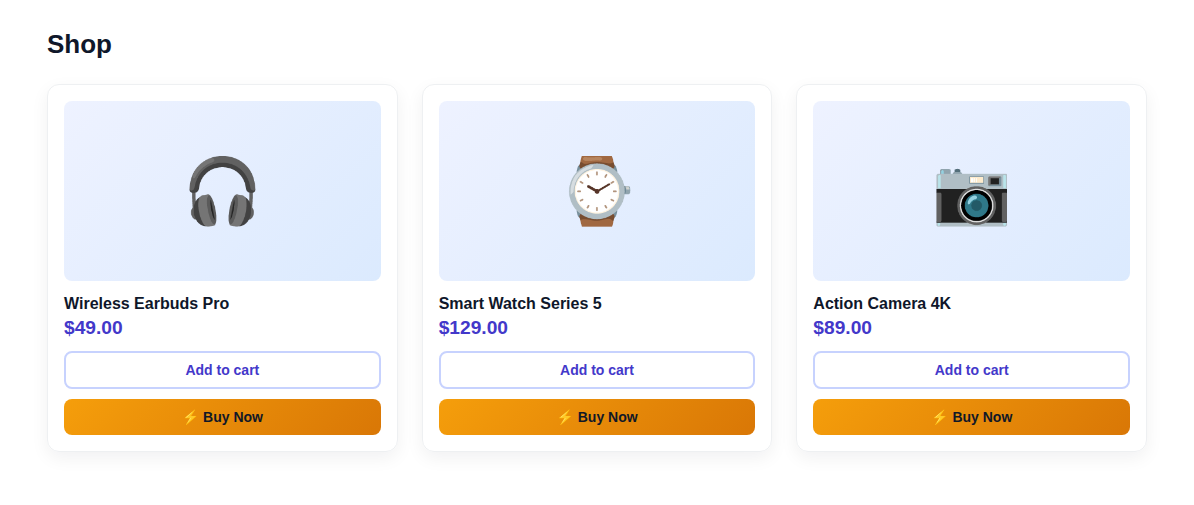
Turn on the shop and category pages option in settings. Simple products then get a Buy Now button in the product grid alongside Add to Cart, so a shopper can go from a category listing to checkout in one click.
What direct checkout actually does
By default WooCommerce sends every Add to Cart through the cart page before checkout. That is a sensible flow for a basket of goods and a poor one for a single item, where each extra screen is another chance to leave. Direct checkout removes that step. Turn on Buy only this item and the cart is emptied first, so a Buy Now purchase is always a clean, single-item order rather than whatever the shopper left behind three weeks ago.
Features
- Buy Now button on product pages that jumps straight to checkout, or to the cart if you prefer.
- Works with simple and variable products. On a variable product the button waits until the shopper has chosen a variation, so it can never add the wrong thing.
- Replace or sit beside Add to Cart. Your choice, set once in settings.
- Buy only this item. Empties the cart first so Buy Now means exactly one product.
- Sticky mobile button that stays in view as the shopper scrolls the product page.
- Optional button on shop and category pages for simple products.
- Per-product control. Hide the Buy Now button on any individual product from its edit screen, for the items where a straight-to-checkout flow does not make sense.
- Custom button text and colour so it matches your theme instead of fighting it.
- Choose the destination. Send the shopper to checkout, or to the cart, per your settings.
Fast, self-hosted and quiet
Assets load only on product, shop and category pages, so the rest of your site is untouched. Nothing is sent anywhere, no external service is contacted, and no data leaves your store.
Who it is for
Stores selling single high-intent items: digital downloads, one-off products, subscriptions boxes, tickets, print-on-demand, courses, and any catalogue where shoppers typically buy one thing at a time rather than filling a basket.
Built by ReadyGo Tools
Plugin page and setup help: ReadyGo Express Buy Button for WooCommerce.
Part of the ReadyGo Tools family of free WordPress plugins. Browse more at readygotools.com.