

Reactions – Emoji Reactions for Posts
v0.2.0Gary Pendergast · 2016年3月7日 上架
Let visitors react to your posts with emoji, Facebook/GitHub-style. Reactions are stored as ordinary WordPress comments.
- 正在使用
- 10+
- 评分
- 3.9 / 5
- 累计下载
- 1.9 万
- 最近更新
- 2026年10月31日
 Gary Pendergast
 George Stephanis
截图
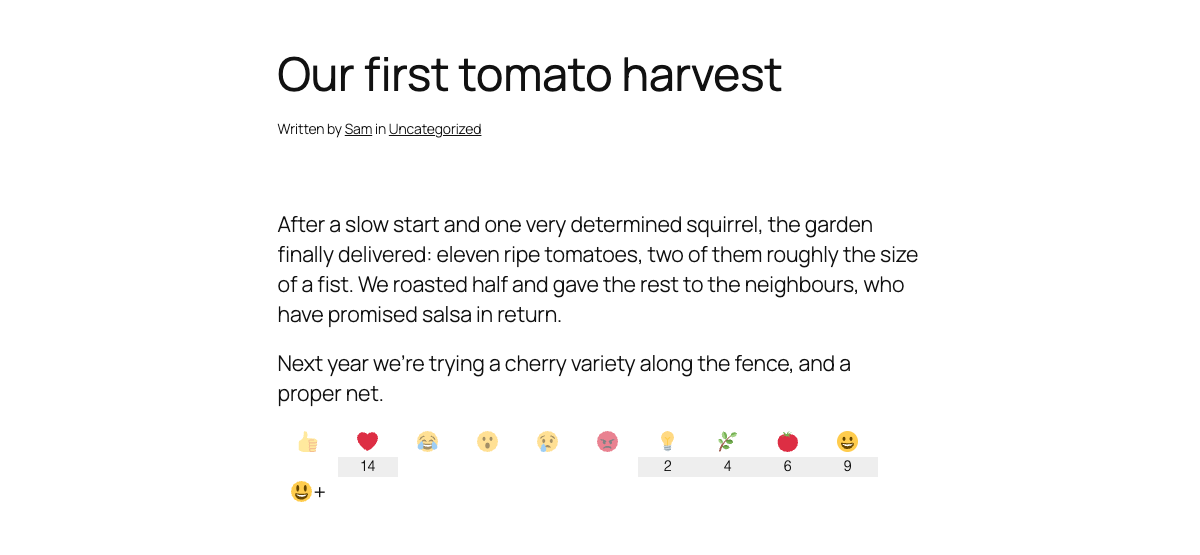
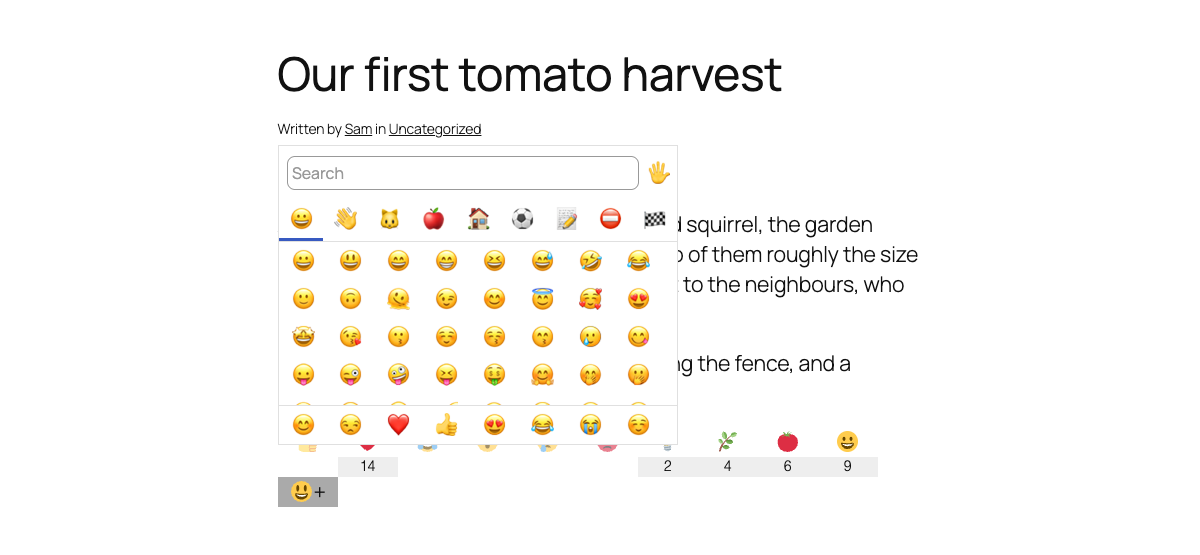
Adds an emoji reaction picker under each post’s content.
Reactions are stored as ordinary WordPress comments (with a reaction comment type), so they inherit your existing comment moderation. They’re also automatically excluded from your theme’s comment list, comment feeds, things like the Recent Comments widget, and the Comments screen in wp-admin, so they never show up twice or inflate your comment count.
Additional background is at https://make.wordpress.org/core/2016/03/07/reactions/.
Settings
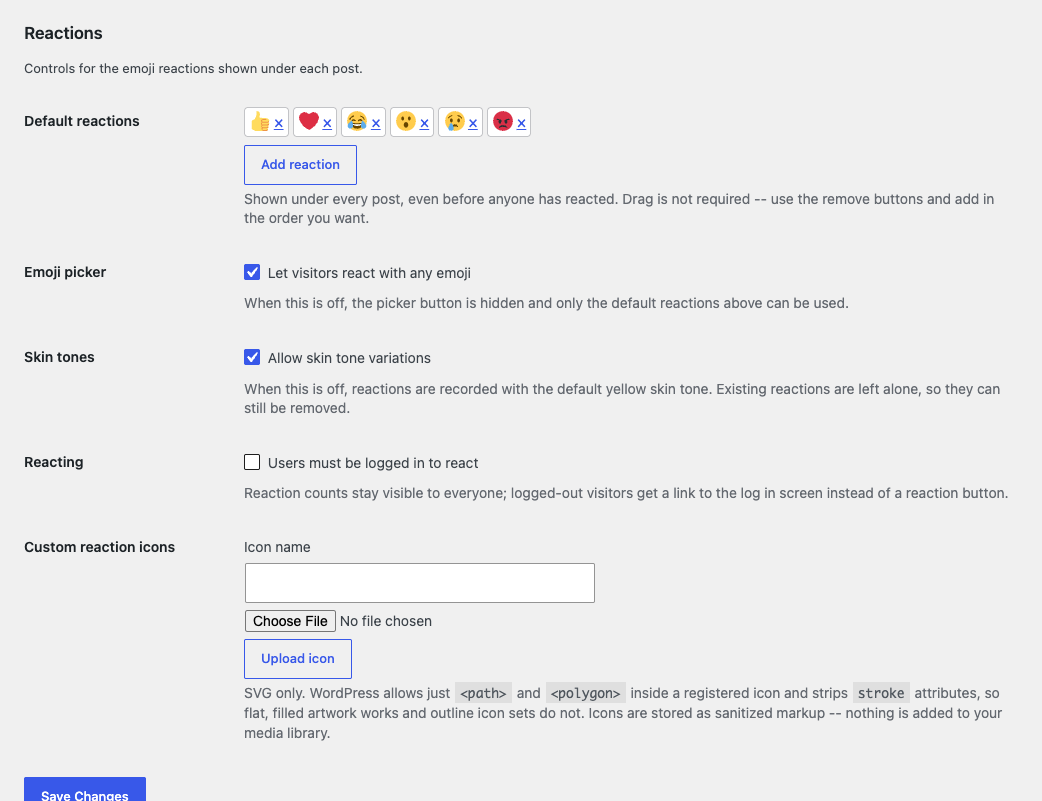
Settings > Discussion gains a Reactions section:
- Default reactions — emoji shown under every post, even before anyone has reacted, so visitors can react in one click.
- Emoji picker — turn off to hide the picker button, restricting reactions to the default set above.
- Skin tones — turn off to record reactions with the default skin tone.
- Reacting — require visitors to be logged in. Reaction counts stay visible to everyone; logged-out visitors get a link to the log in screen instead of a reaction button.
- Custom reaction icons — upload your own SVG icons to use as reactions alongside emoji, registered through the Icon Registration API added in WordPress 7.1.
Changing a setting is never retroactive. Turning off skin tones or the picker, or retiring a custom icon, stops new reactions of that kind without stranding any that visitors have already left — those keep showing, and can still be removed.