

RapidQuizMaker
v2.0.3rapidplugins · 2026年7月18日 上架
RapidQuizMaker is a lightweight quiz manager with standard and practice modes, results, statistics, and CSV/XLSX/PDF export.
- 正在使用
- 10 以下
- 评分
- 暂无
- 累计下载
- 834
- 最近更新
- 2026年11月17日
贡献者
 rapidplugins
截图
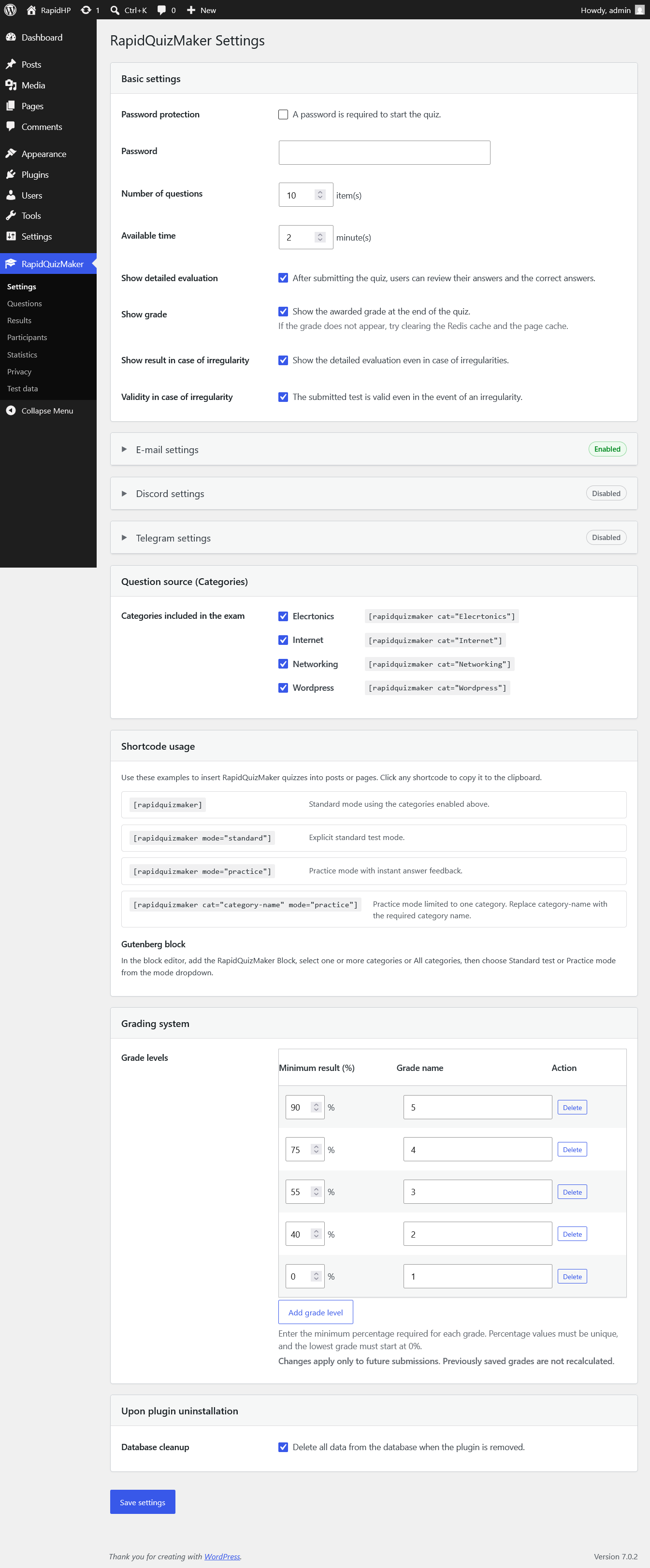
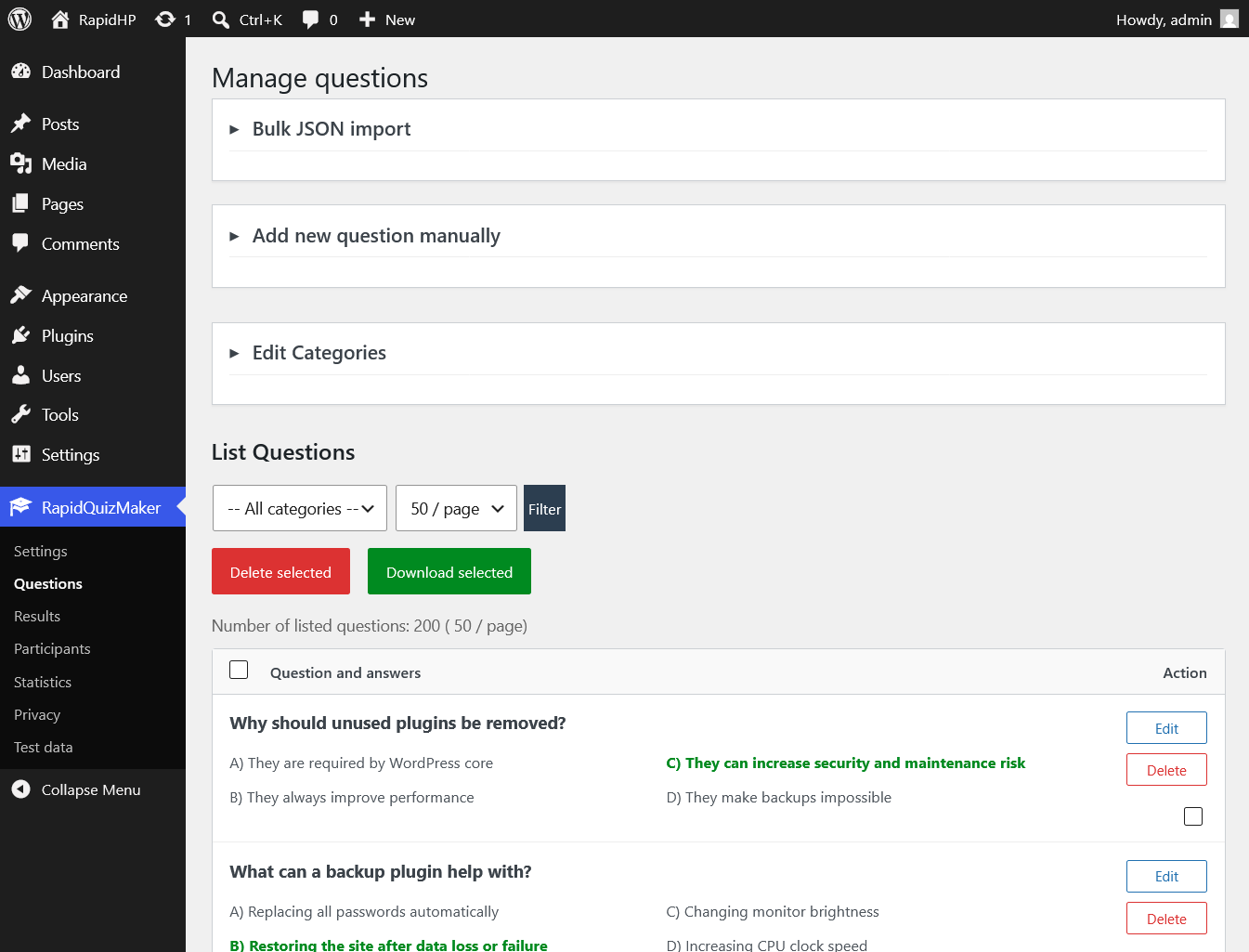
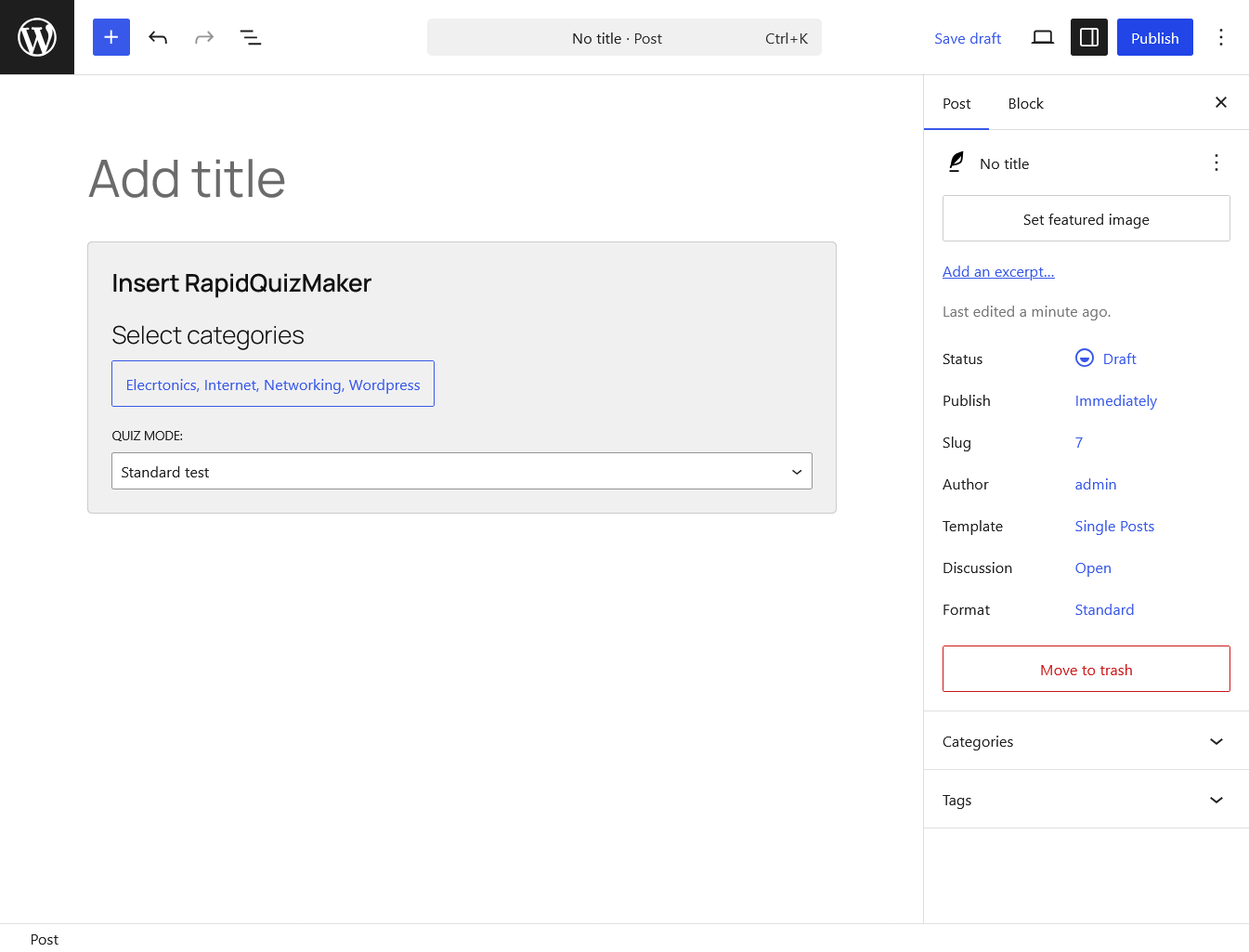

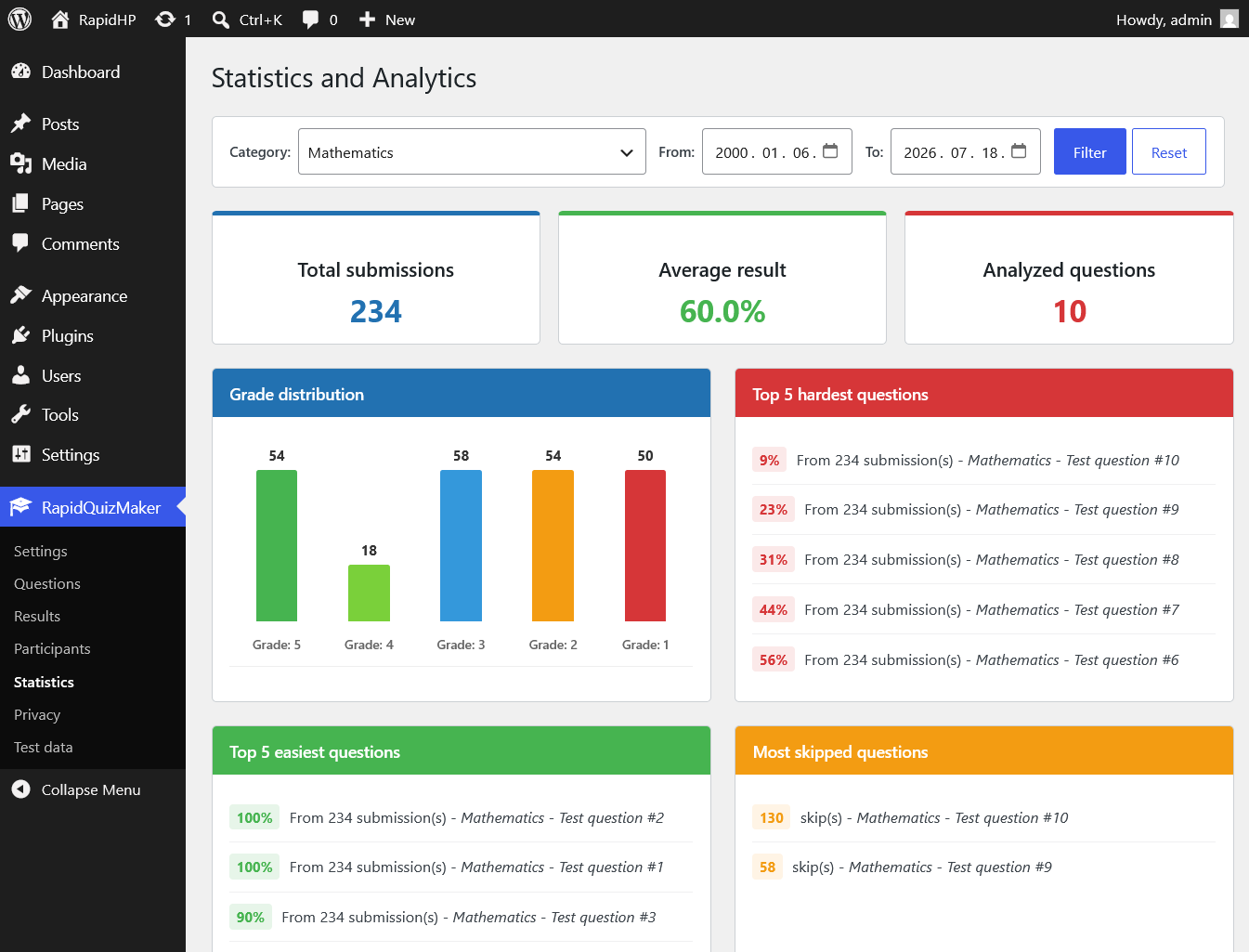
Support contact: admin@rapidplugins.dev
RapidQuizMaker helps you create and manage quiz questions in WordPress, then display tests on the frontend with a shortcode or Gutenberg block that can use one, multiple or all question categories.
Frontend online test: https://rapidplugins.dev/rapid-quiz/
Main features:
- Database-based question bank.
- Question categories.
- Question search, difficulty labels, duplication and bulk category changes in the admin question bank.
- Independent Custom Quizzes with selected categories, question count, time limit, mode, result visibility and per-quiz appearance.
- Optional Media Library image for each question with accessible click-to-enlarge viewing.
- Optional explanation for each question, shown after answering in practice mode and in detailed results when enabled.
- One-click retry of incorrectly answered questions from eligible result pages; retry attempts are saved separately.
- Frontend quiz form with optional access password.
- Standard test mode and practice mode with instant answer feedback.
- Configurable question count and time limit.
- Configurable grading system with custom percentage thresholds and grade names.
- Results storage for submitted tests.
- Participant results page in the WordPress admin area.
- Statistics page.
- Selectable CSV, XLSX and PDF export for results.
- Scheduled e-mail summaries for submitted quizzes with optional CSV/XLSX/PDF result attachments.
- Optional Discord webhook notifications for quiz submission summaries.
- Optional Telegram bot notifications for quiz submission summaries.
- JSON import for questions.
- Portable ZIP export and resumable, batched import for selected questions with their Media Library images.
- Privacy information page with a ready-to-adapt privacy policy suggestion.
- Optional translations included.
Use the [rapidquizmaker] shortcode to display a quiz with a frontend category selector based on the categories enabled in the settings. Participants can choose one or more categories, or select All. You can also display a fixed category with [rapidquizmaker cat="category-name"]. The default mode is standard test mode. To use instant feedback practice mode, add [rapidquizmaker mode="practice"] or [rapidquizmaker cat="category-name" mode="practice"].
To use a Custom Quiz, create it under RapidQuizMaker > Custom Quizzes and paste its shortcode, for example [rapidquizmaker exam="3"], into a page. The Settings > Shortcode usage card also lists each Custom Quiz shortcode with a link to its management page. In the Gutenberg block, choose Custom Quizzes or Categories, set the relevant options, and confirm with OK. The list appears first; Add Custom Quiz opens a collapsed editor below it. Each Custom Quiz has its own categories, question count, time limit, mode, result and grade visibility, incorrect-answer practice, password protection, irregularity rules, theme and Frontend appearance settings. New quizzes start from the current Basic settings and Frontend appearance values, then retain their own values after saving. Existing Custom Quizzes keep inheriting global password and irregularity settings until you edit and save them; previously saved appearance inheritance is unchanged. Global grading thresholds continue to apply. Each submitted result retains the quiz name even if the Custom Quiz is renamed or deleted later.
Third-party services
The Discord notification feature sends summary messages to the Discord webhook URL configured by the site administrator. This feature is disabled by default. When enabled, RapidQuizMaker sends the site name, reporting period, submitted quiz count, average result when available, and irregularity event count when available to Discord. Detailed personal quiz result rows are not sent to Discord.
Discord webhook delivery is provided by Discord Inc. Discord webhook documentation: https://discord.com/developers/docs/resources/webhook Terms: https://discord.com/terms Privacy Policy: https://discord.com/privacy
The Telegram notification feature sends summary messages through the Telegram Bot API using the bot token and chat ID configured by the site administrator. This feature is disabled by default. When enabled, RapidQuizMaker sends the site name, reporting period, submitted quiz count, average result when available, and irregularity event count when available to Telegram. Detailed personal quiz result rows are not sent to Telegram.
Telegram delivery is provided by Telegram Messenger Inc. Telegram Bot API documentation: https://core.telegram.org/bots/api Terms: https://telegram.org/tos Privacy Policy: https://telegram.org/privacy