

- 正在使用
- 400+
- 评分
- 5.0 / 5
- 累计下载
- 3,256
- 最近更新
- 2026年9月18日
贡献者
 RaiAccept
截图


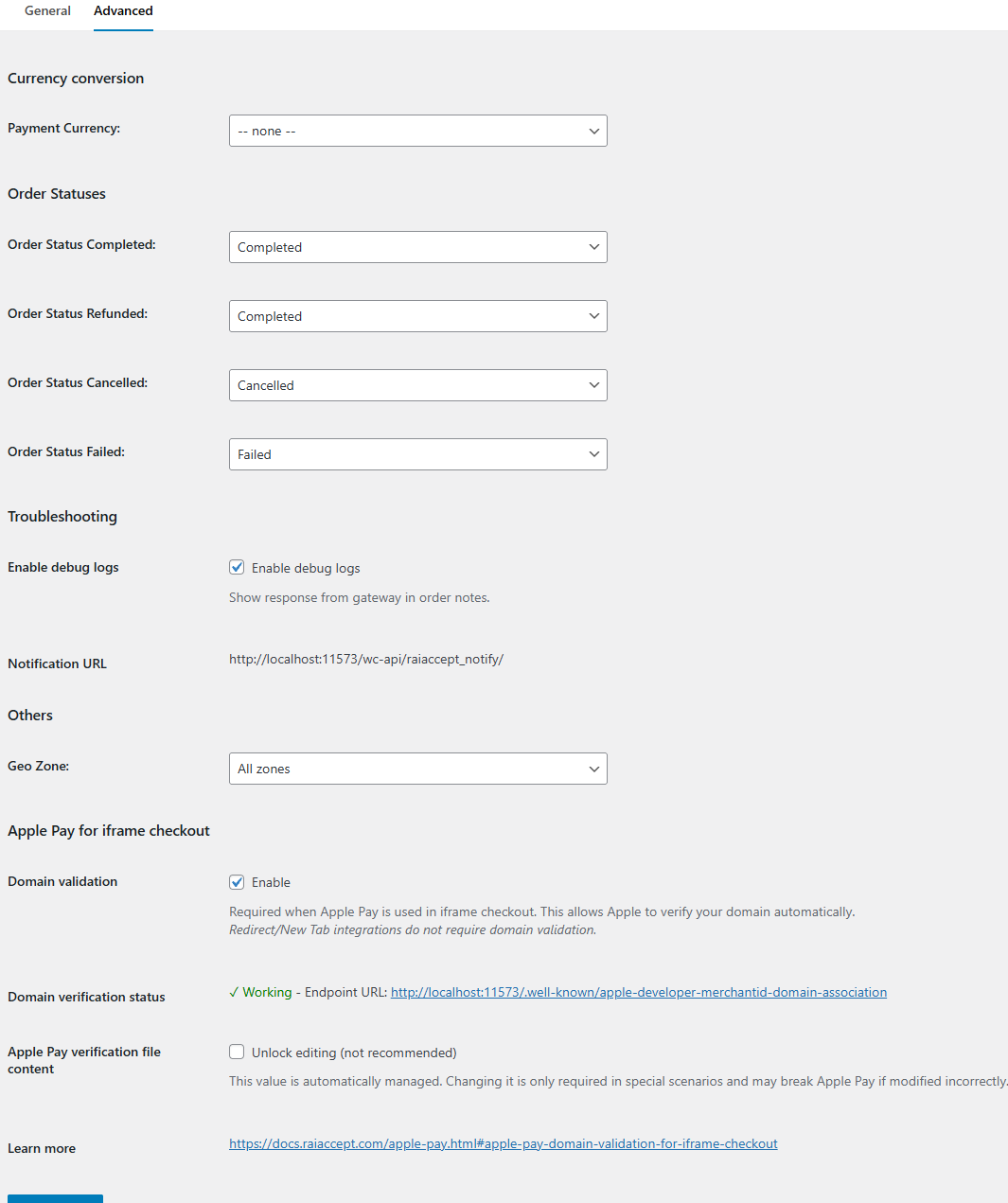
Raiffeisen Bank Payment Gateway
Accept online payments on any device or through any channel, regardless of your business model.
Enable customers worldwide to pay by credit or debit cards. With One-Click Checkout, you can utilize card memorization for repeated payments.
Advantages of Raiffeisen Payment Gateway:
- Simple integration: Integrate once to support all credit and debit cards.
- Redirect and iframe mode: Choose how Raiffeisen Payment Gateway will be displayed to your customers.
- Transaction monitoring: Monitor the status of transactions anytime through the web interface inside your WooCommerce admin page and RaiAccept Merchant Center.
- One-Click Checkout: Registered customers can opt-in to save their credit card information for later use, both in payment gateway and WooCommerce user profile, resulting in faster purchase in the future.
- Language support: Raiffeisen Bank Payment Gateway supports up to 10 languages.
- Currency support: Accept payments in multiple currencies.
- Currency conversion: Set a fixed currency to be used inside payment gateway for all purchases, with customizable conversion rates for every currency.
- Geographic restrictions: Enable Raiffeisen Payment Gateway for a specific WooCommerce Shipping zone only.
- Refunds via admin page: Refunds can be issued directly in order detail page and sent automatically to RaiAccept Merchant Center (partial or full).
Payment Process
Payment via Raiffeisen Payment Gateway is fast, simple, and secure. Customers need to follow a few simple steps to complete their purchase in your e-shop:
- The customer fills out the order in the e-shop and chooses the Raiffeisen Payment Gateway payment method.
- The customer is redirected to the RaiAccept payment gateway, where they can pay by manually entering their card information.
- Registered customers can opt-in to save their credit card information for further purchase. Card information is securely stored in RaiAccept payment gateway, as well as in WordPress user profile.
- After confirming the payment, the customer is redirected back to the e-shop, and the merchant immediately receives a notification about the payment result, allowing them to ship the goods to the customer promptly.
External services
This plugin is using RaiAccept API for:
- Creating new transactions inside RaiAccept Payment Gateway
- Fetching order statuses containing RaiAccept payment transactions
- Issuing refunds
After a new order is created with RaiAccept payment method selected, it sends data about the customer (contact details, billing, and shipping address) and order contents (order price and order items) to create a new transaction.
After a user returns from the gateway or when notified of status change by RaiAccept, it issues a request to get up-to-date status of order transaction using unique order and transaction ID.
It creates a new refund transaction when issuing “Refund via Payment Gateway” inside WooCommerce Order admin, sending the refunded amount and order ID.
If a registered customer adds new credit card information inside My Account page and One-Click Checkout is enabled, it creates a new zero-amount transaction, sending customer ID and storing a unique card token for later use.