

Radio Player Page
v3.6.0Santiago Jiménez H. · 2025年7月31日 上架
Give each radio station its own player page with a weekly schedule. Plays Icecast, Shoutcast, HLS, and DASH streams.
- 正在使用
- 300+
- 评分
- 5.0 / 5
- 累计下载
- 5,430
- 最近更新
- 2026年10月31日
5 条评价需要 WordPress 6.6+已测试到 7.1.5PHP 7.4+
 Santiago Jiménez H.
截图

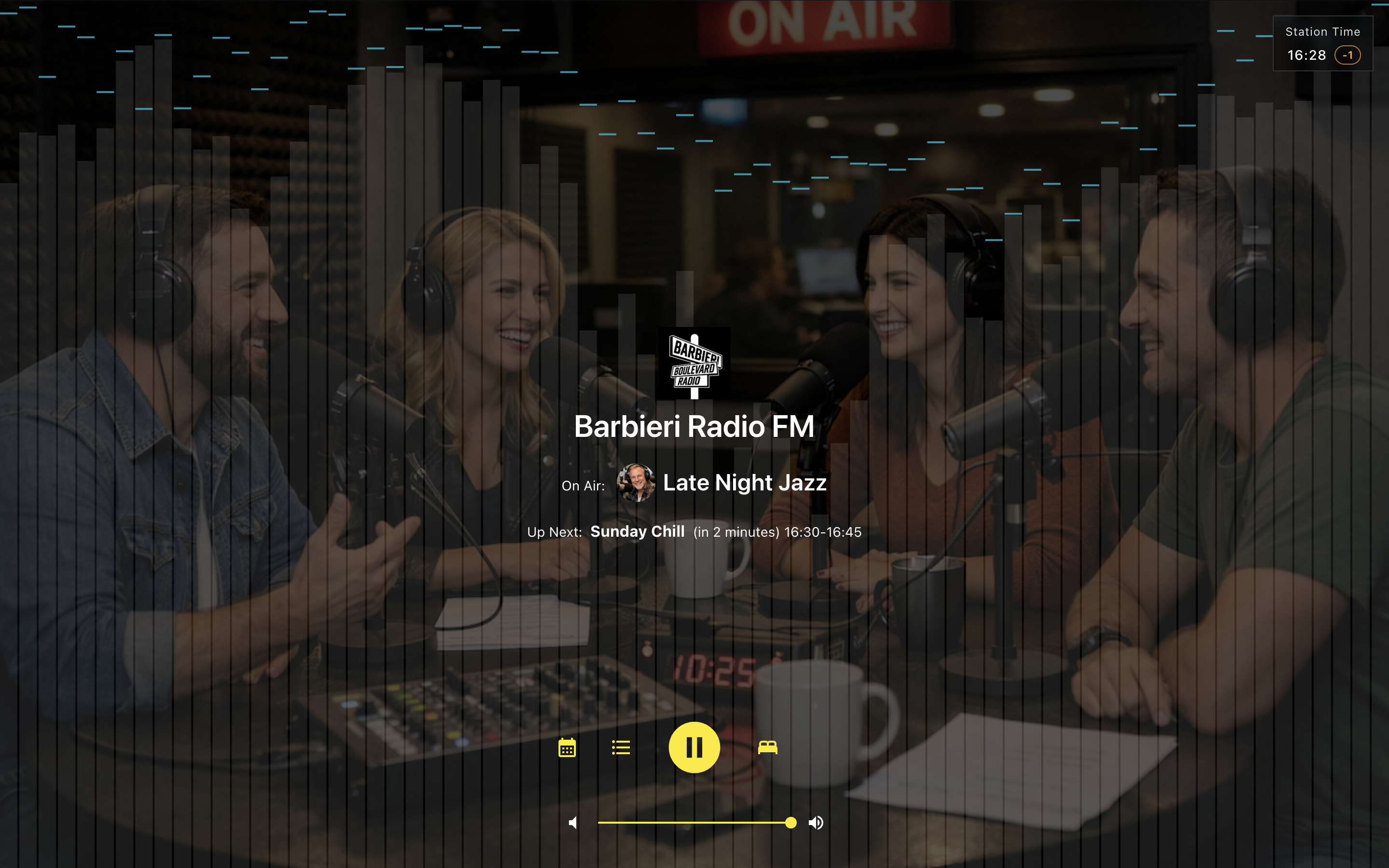


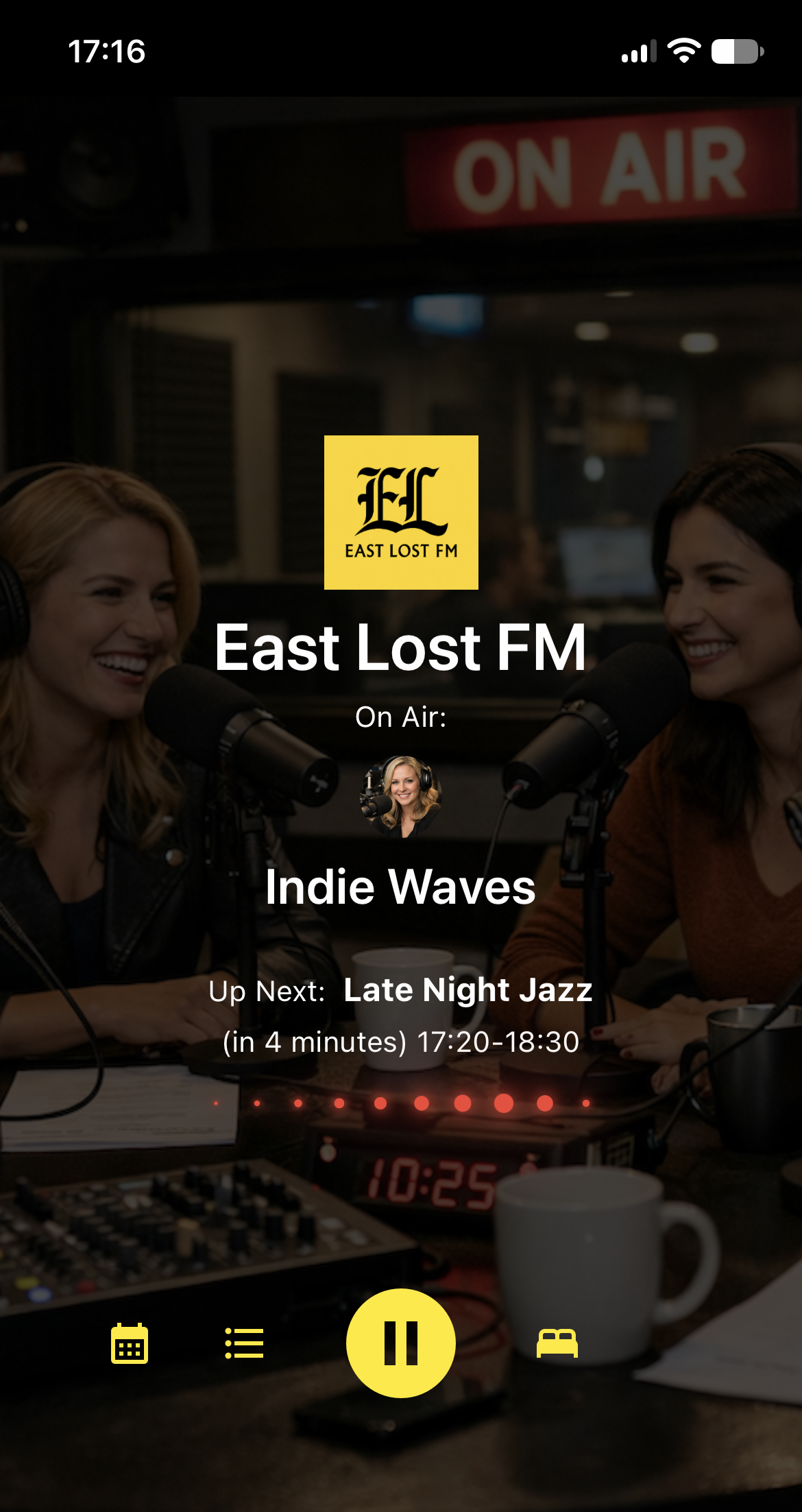
Radio Player Page gives each of your radio stations its own player page on WordPress: a standalone player at the URL of a page you choose. It plays Icecast, Shoutcast, MP3, OGG, HLS, and DASH streams.
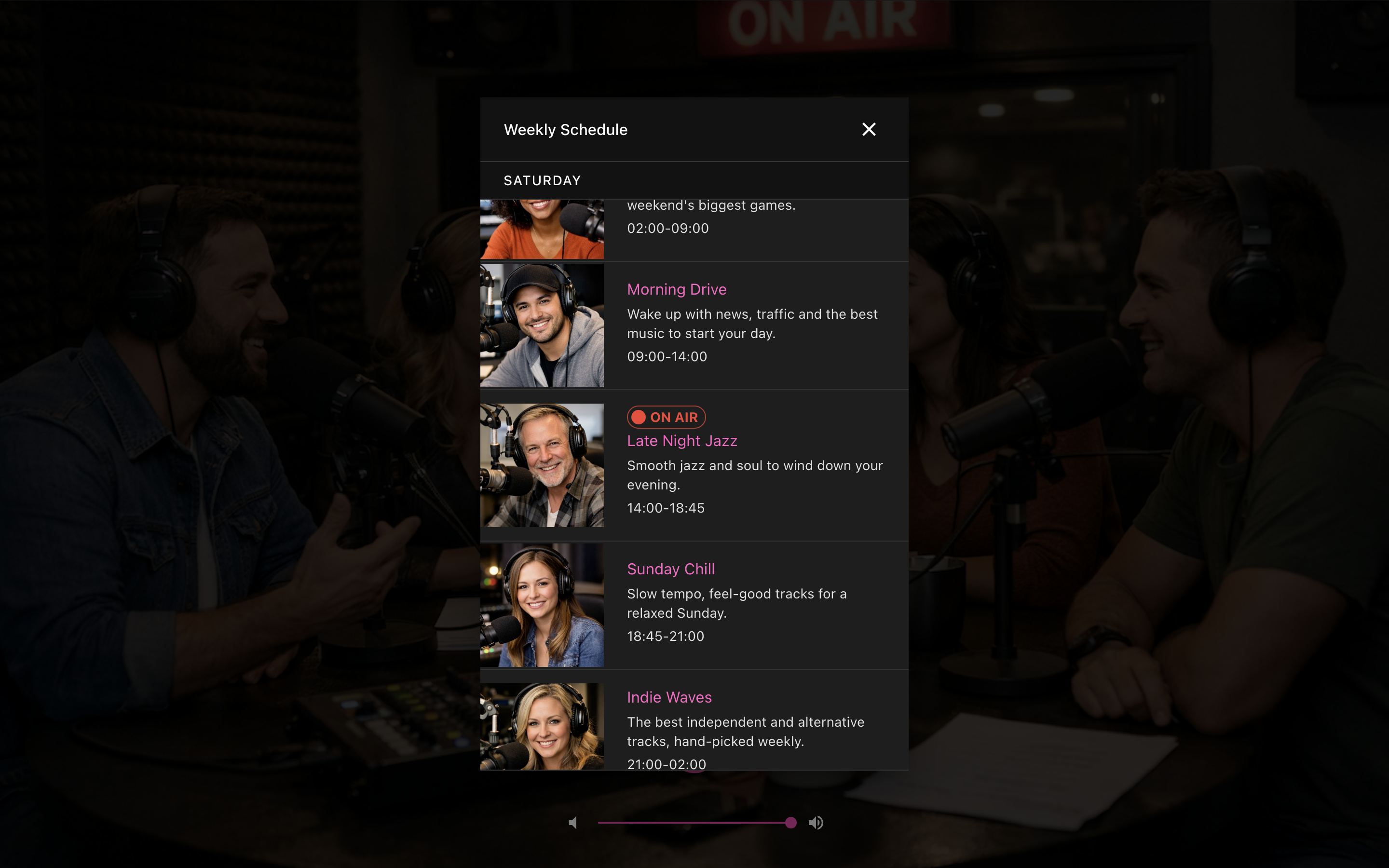
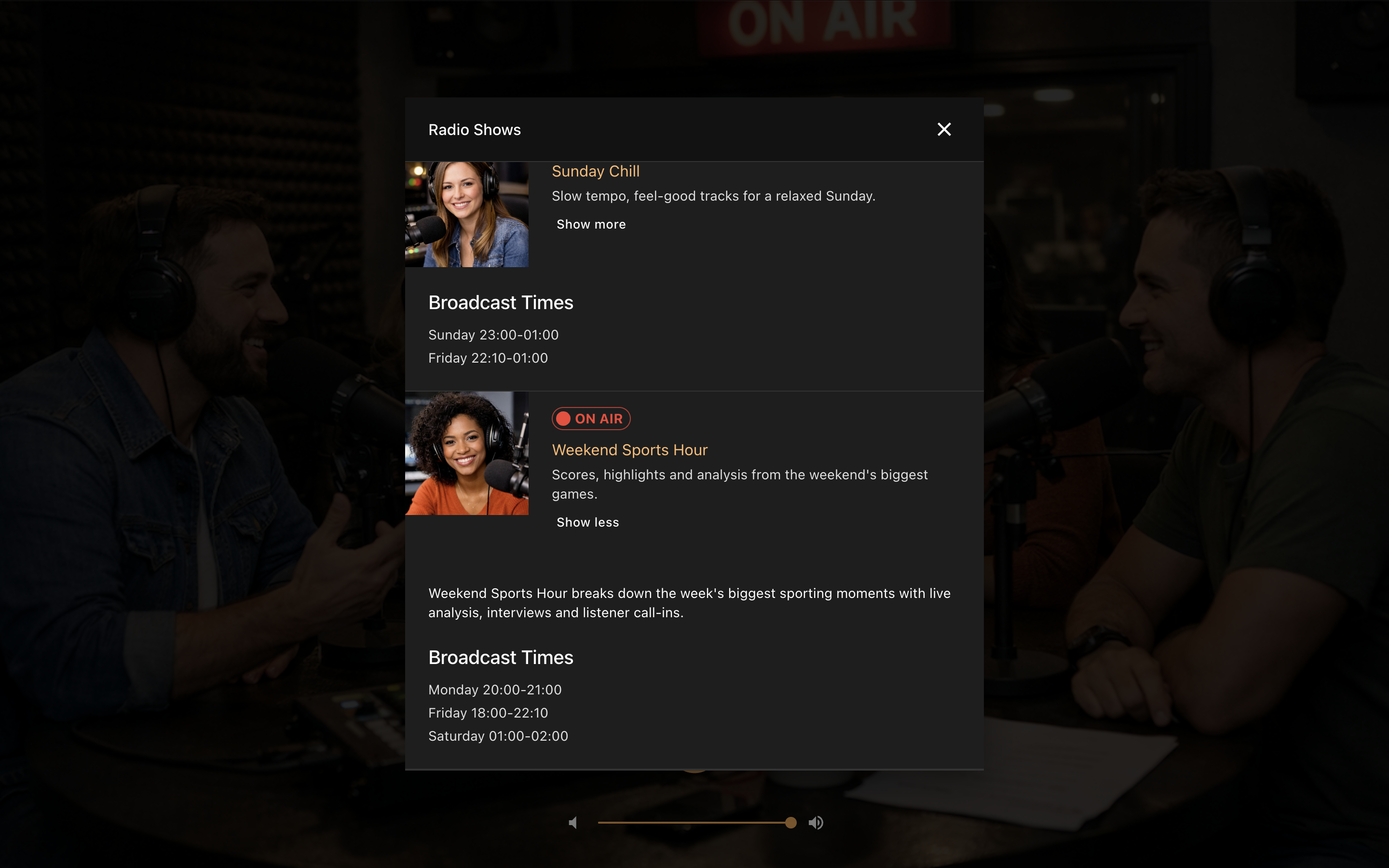
Add your radio shows and a weekly schedule, and the player shows the radio show on air and the next one. Three blocks bring the schedule, the radio shows, and what’s on air to the rest of your site.
Player pages
- Standalone player page – Each station plays on its own WordPress page, with its own URL. The page skips your theme and other plugins’ scripts and styles, so they can’t break playback.
- Stream formats – Icecast, Shoutcast, MP3, OGG, HLS (
.m3u8), and DASH (.mpd). The player detects the format from the URL and uses native HLS on iPhone and iPad. - Always live – After a pause, Play returns to the live broadcast. If the stream drops, the player reconnects on its own and only shows an error if it can’t.
- No tracking – The plugin doesn’t track listeners or load anything from third-party services. The player only connects to your site and to the streaming server you set.
Radio shows and schedule
- Radio shows – Reusable radio shows with an image, a description, and their broadcast times.
- Weekly Schedule – Build each station’s week from your radio shows, with time slots that can cross midnight. The plugin prevents overlapping time slots.
- On air and up next – The player shows the radio show on air and announces the next one when it starts within 10 minutes, in the station’s time zone.
- Reruns – Mark any time slot as a rerun. Listeners see the marker in the player and in the schedule.
- Station Time – When the station’s time zone differs from the listener’s, the player shows the station’s local time and the difference.
Station management
- Multiple stations – Run several independent radio stations from one WordPress site, each on its own page.
- Station branding – Give each station its own logo, background image, color scheme (eight to choose from), and visualizer. You can also hide the station name in the player.
- Welcome Audio – Optionally upload an MP3, such as a station ID or a greeting, that plays once before the live stream, the first time a listener presses Play. It can’t be paused or skipped.
- Test Stream – Check the streaming URL from the station edit screen. The plugin finds the stream behind a playlist or a server page and tells you what to fix.
Listener experience
- Audio visualizers – Four real-time visualizers: Oscilloscope, Bars Spectrum, Amplitude Waterfall, and Spectral Particles. They need a stream that allows cross-origin access (CORS). In Safari, in any browser on iPhone or iPad, and with “reduce motion” turned on, the player shows a static animation instead.
- Current song – Optionally show the song your streaming server reports, below the station name.
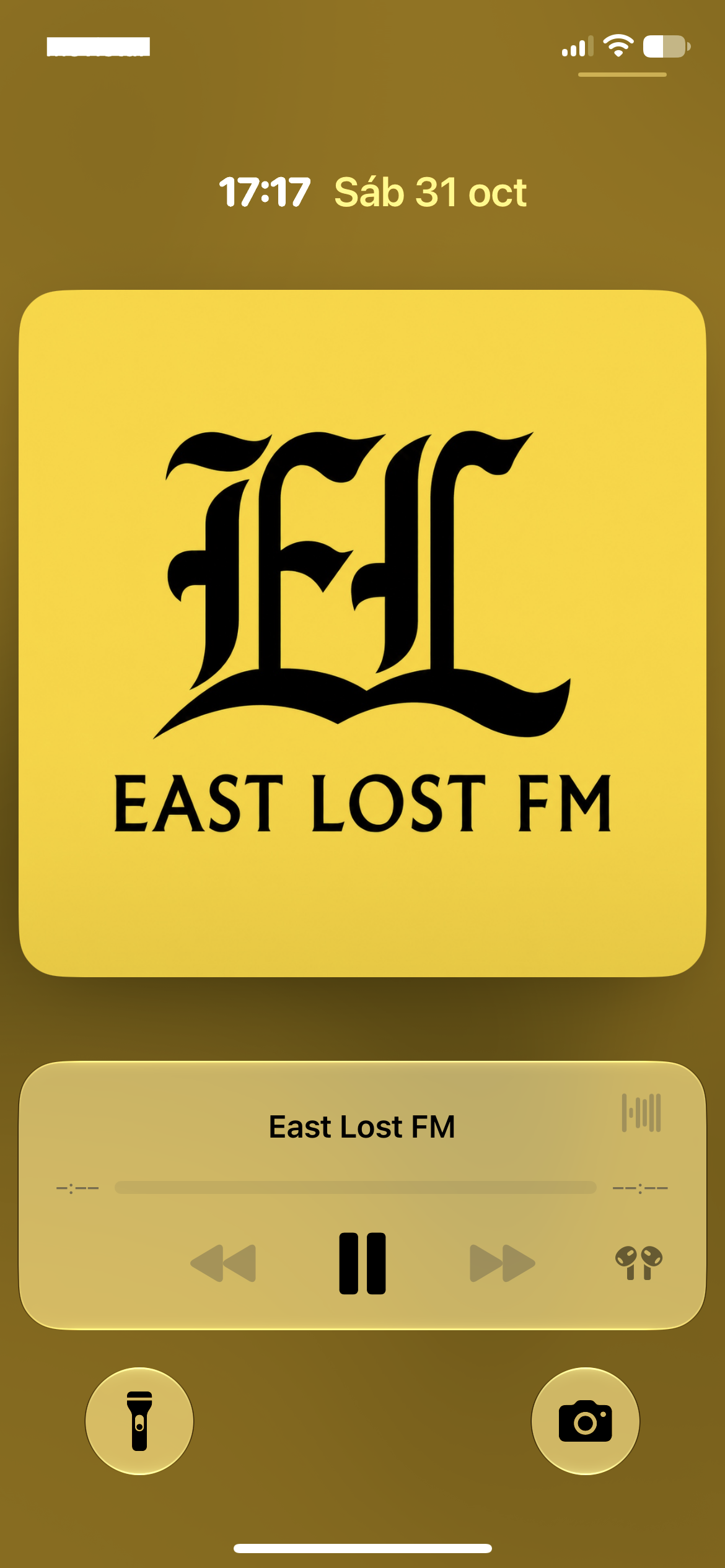
- Lock screen and media controls – The station name and logo appear on the lock screen, and listeners can play and pause from headphones, keyboards, and other media controls.
- Sleep timer – Listeners can stop playback after 30 minutes, 1 hour, or 2 hours.
- Sharing and search – Open Graph metadata for social sharing and schema.org structured data for search engines.
- Accessible and translated – The player works with a keyboard and screen readers, and follows your site’s language, with translations for 12 languages included.
Blocks
Show your stations’ schedules and radio shows on any post or page:
- RPP: Weekly Schedule – The weekly schedule of a radio station.
- RPP: Radio Shows List – The radio shows in a station’s weekly schedule, with their name, image, descriptions, and broadcast times.
- RPP: On Air – The radio show on air, with its time slot, and the next one if it starts within 10 minutes.