
RaCar Clear Cart for WooCommerce
v2.1.7Rafa Carvalhido · 2019年3月14日 上架
RaCar Clear Cart for WooCommerce allows you to add a customizable button to clear the shopping cart.
- 正在使用
- 400+
- 评分
- 5.0 / 5
- 累计下载
- 7,511
- 最近更新
- 2026年3月23日
贡献者
 Rafa Carvalhido
截图
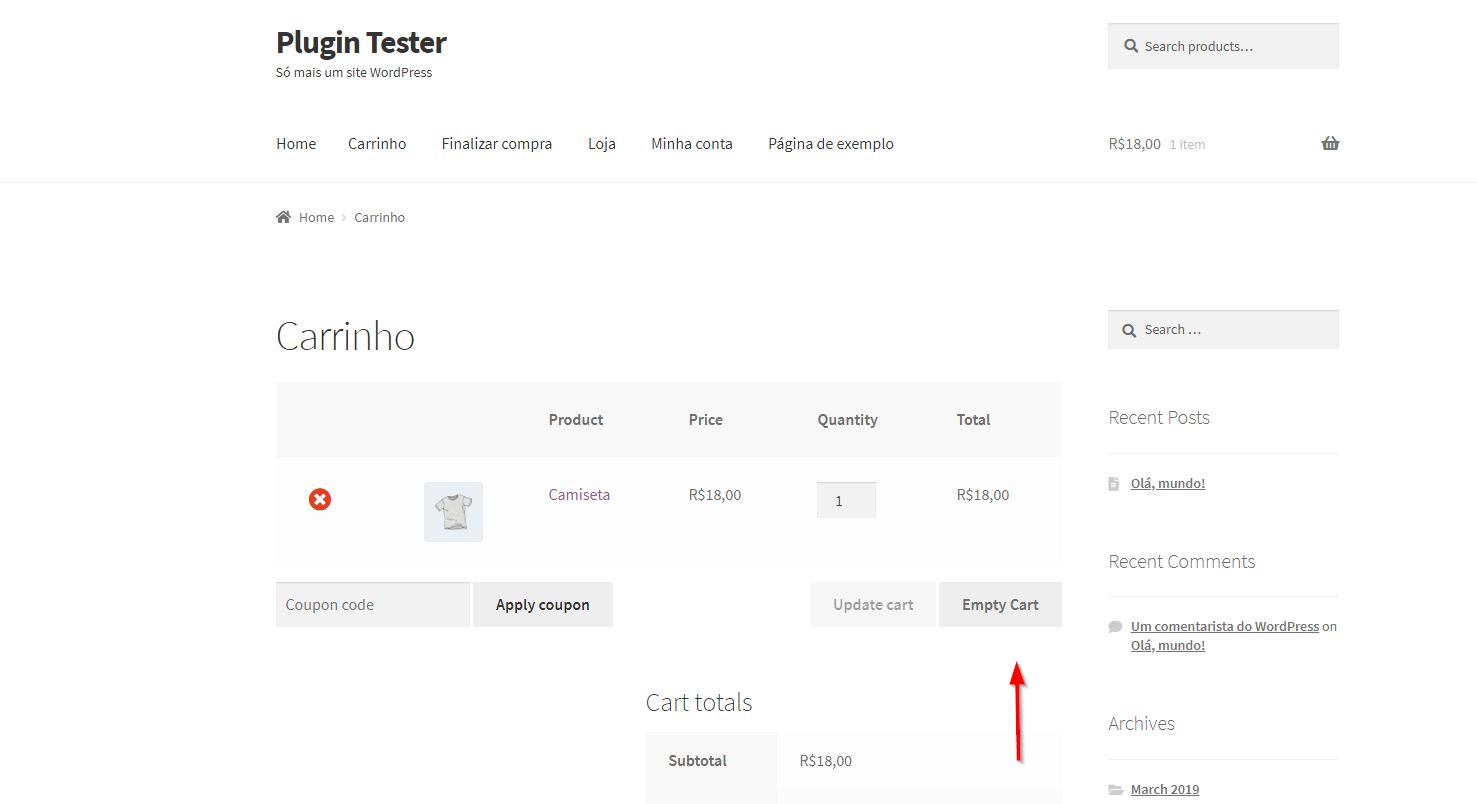
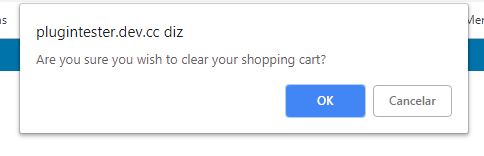
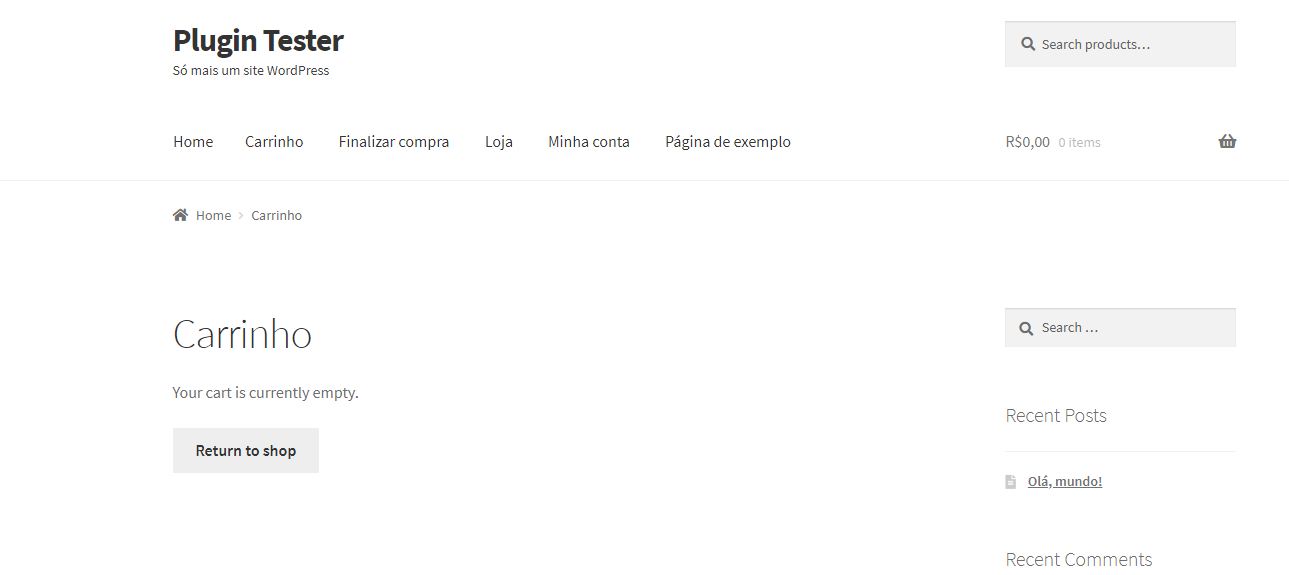
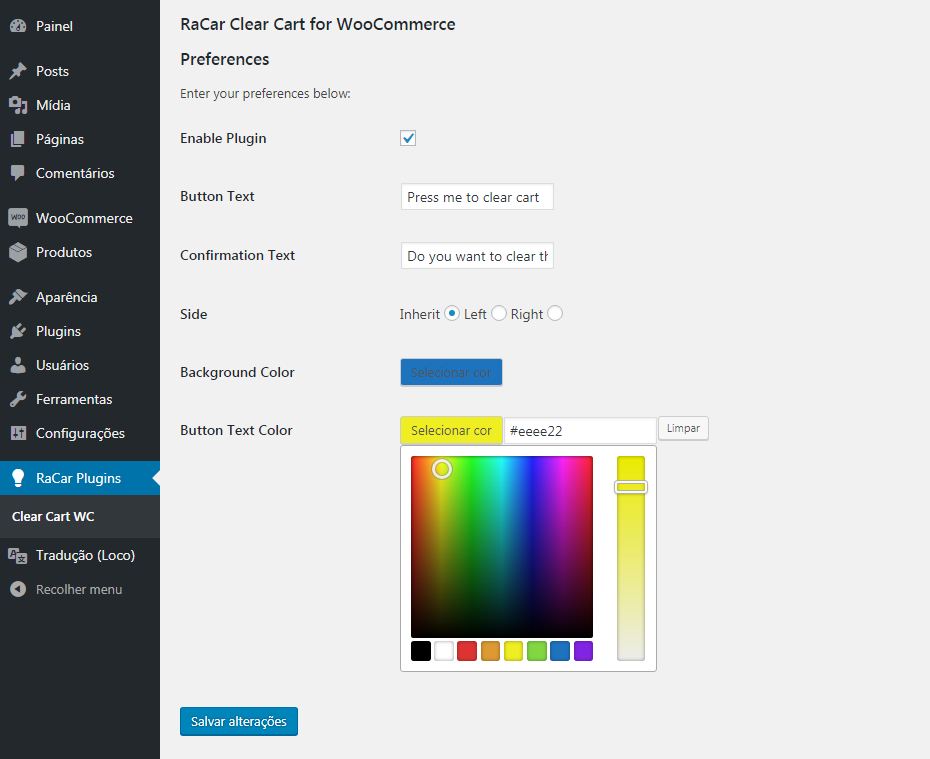
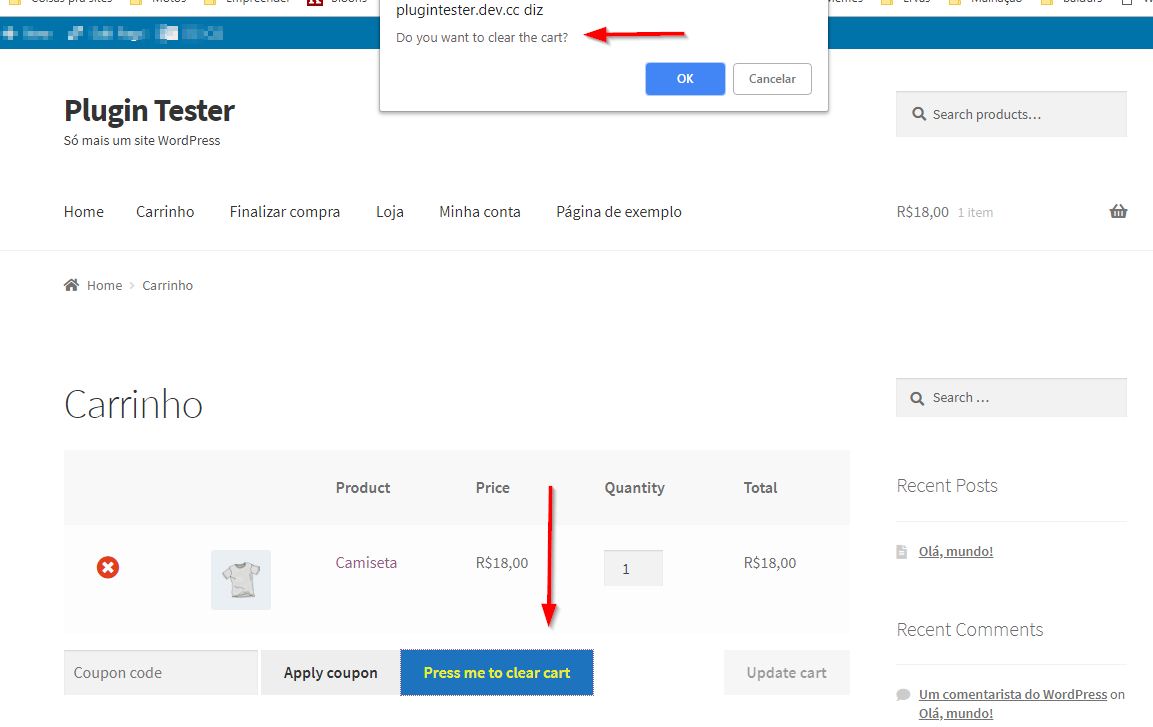
This plugin allows you to add a customizable button to clear the cart. The button appears on the WooCommerce’s cart page and when pressed, it asks for confirmation if the shopping cart should really be cleared. If the shopper clicks ok, it will remove all items from their WooCommerce shopping.
You may change the text for the questions. Also the position and colors of the button.
AFTER INSTALL
After installation and activation, on the plugins page, find RaCar Clear Cart for WooCommerce on the list and click ‘settings’ right under the title. It’ll take you to the plugin’s settings page. Another way of getting there is through the left admin menu. Find the RaCar Plugins handle and click it.
HOW TO USE IT
On settings page, choose your options such as colors and text and enable the plugin so the button will show.
The button itself is a ‘<button type=”submit”>’ HTML tag, has the ‘class=”button”‘ and ‘id=”clear-cart”‘, so you’re welcome to add your own CSS to it. If doing so, leave the options on options page blank. In failing to do so, you’ll have to use the ‘!important’ to some of the elements such as ‘background’ and ‘color’.
RESET SETTINGS
So far, the only way to reset your settings is unistalling the plugin and installing it back on. Just deactivating and activating will NOT reset settings, only the unistalling will.
Languages
This plugin was written in English and has Brazilian Portuguese transalations. Este plugin está traduzido em Português do Brasil.
Screenshots Caption
Below, you’ll find the screenshots. Follow these captions:
1. Plugin Enabled
2. Confirmation
3. Cleared Cart
4. Plugin Options
5. Frontend With Option set