

Quotyra Quote Requests for WooCommerce
v0.1.1nekruzkasimov · 2026年11月3日 上架
Request a quote for WooCommerce. Quotes are saved in your admin, not just emailed. Quote basket, hide prices for guests or roles, free.
- 正在使用
- 10 以下
- 评分
- 暂无
- 累计下载
- 425
- 最近更新
- 2026年11月3日
贡献者
 nekruzkasimov
截图
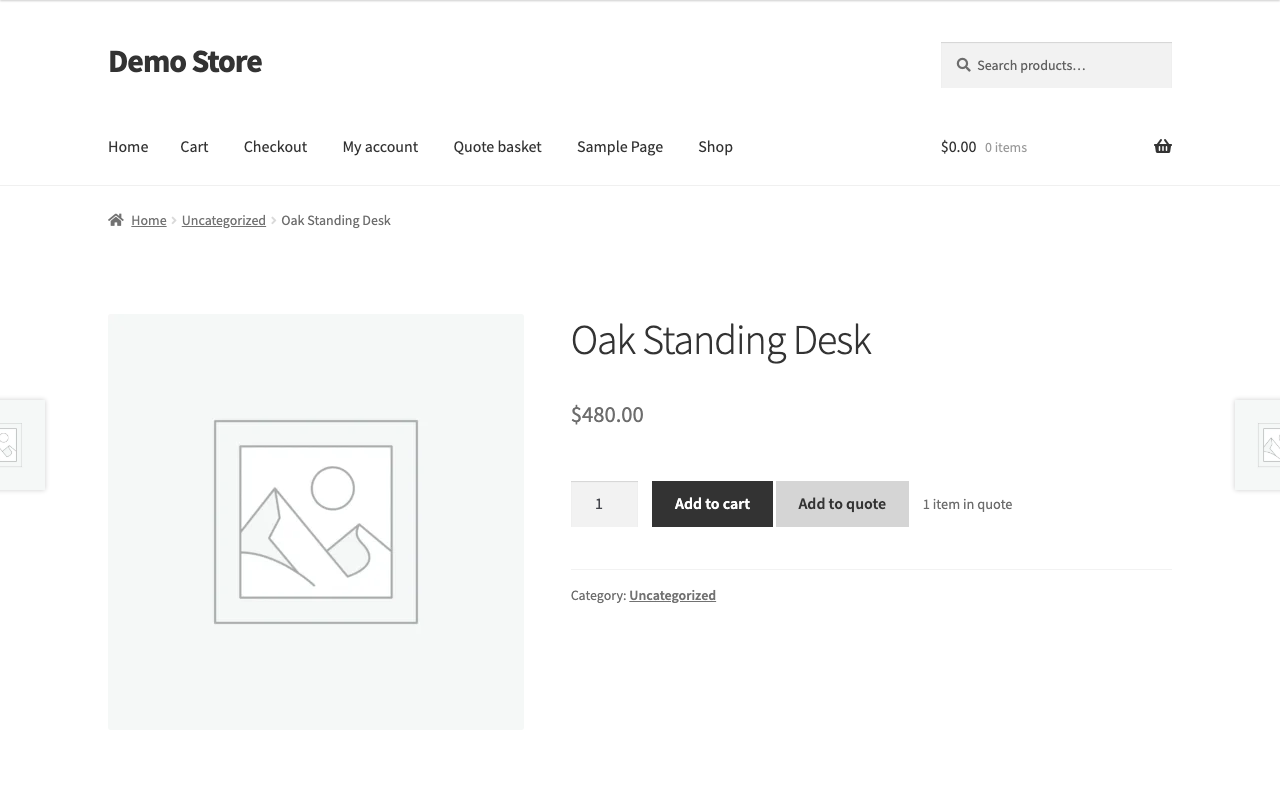
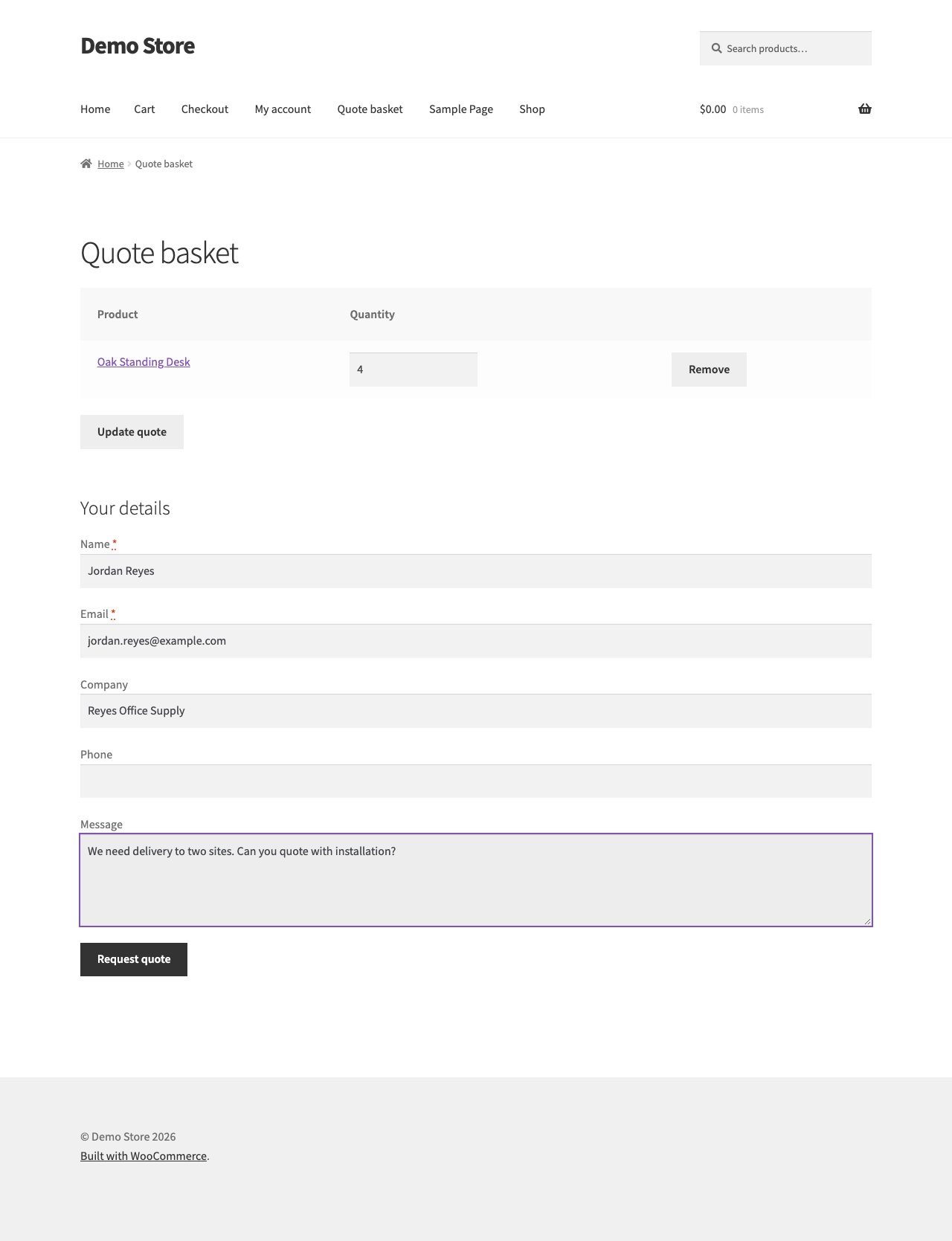
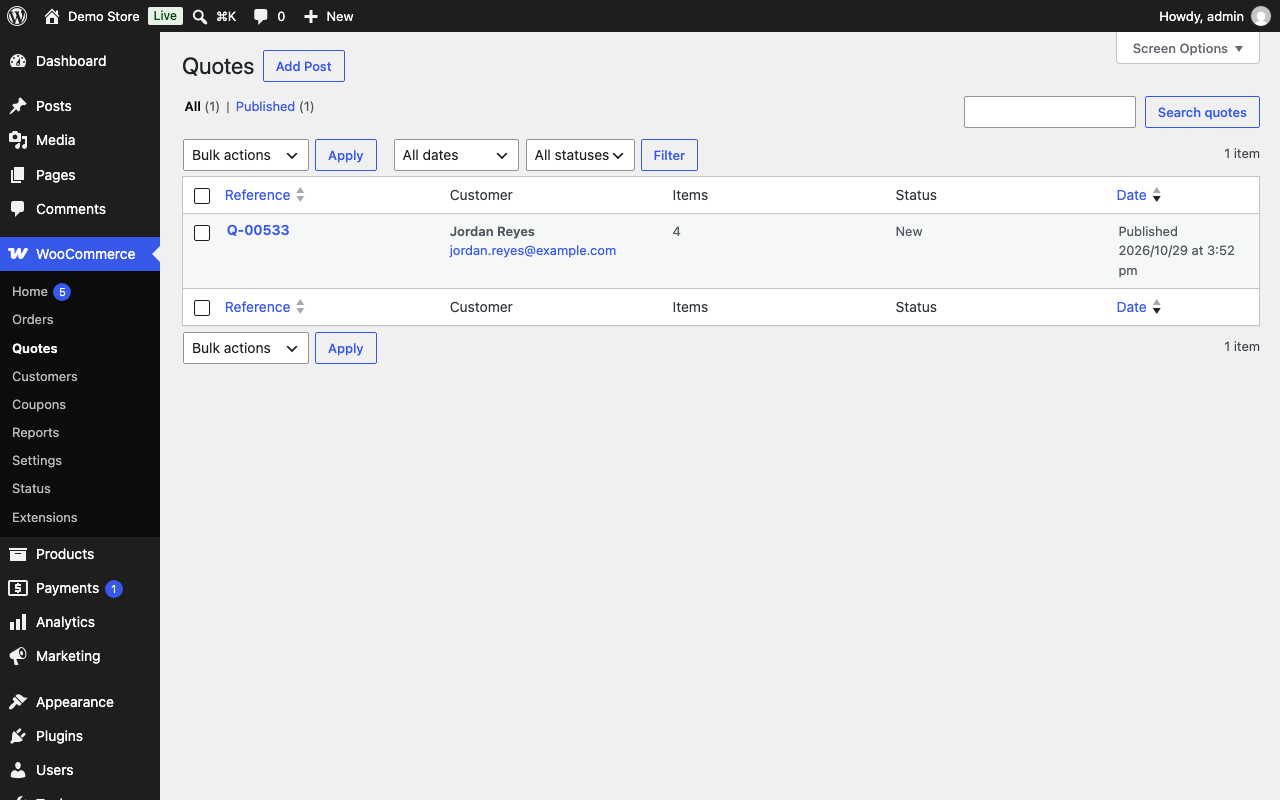

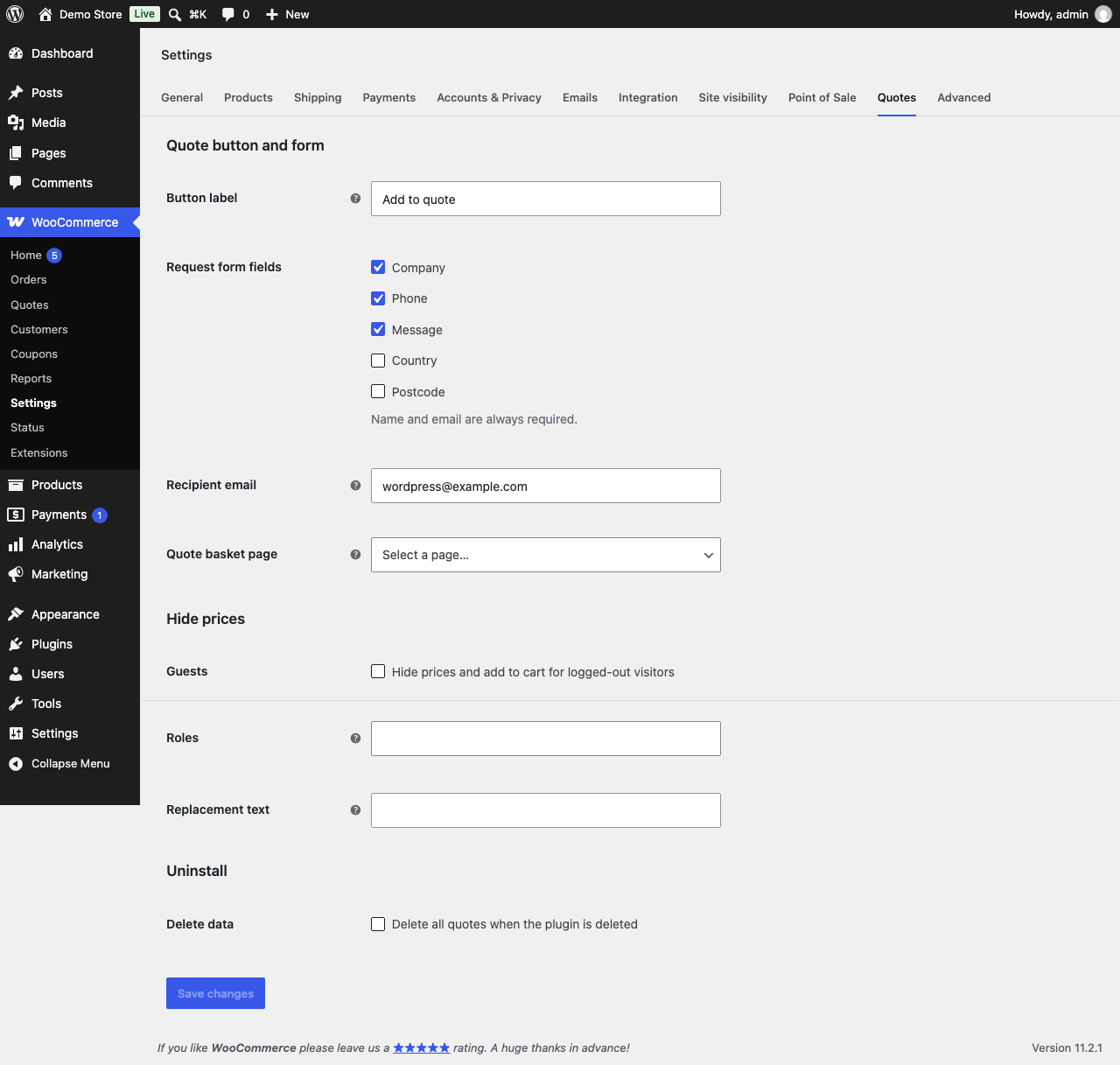
Every quote request is saved under WooCommerce Quotes, with status, search and internal notes, in the free version. Most free quote plugins only add a button and send you an email; Quotyra keeps the record so nothing gets lost in an inbox.
Quotyra adds a request-a-quote flow to WooCommerce for B2B, wholesale and made-to-order shops. Customers add products to a quote basket instead of the cart, review quantities, and send one request with their name, email, company, phone and message. You get the quote as a record in the admin plus an email, the customer gets a confirmation, and nothing becomes an order until you decide it should.
No account, no external service, no tracking. The free version is complete on its own and stays free.
What the free version does
- “Add to quote” button on single product pages and in shop and category grids. Works with simple and variable products.
- Quote basket page via the
[quotyra_quote_basket]shortcode or the “Quote basket” block: edit quantities, remove items, submit the request. - Hide prices and add to cart for guests or for selected user roles, with optional replacement text such as “Login for pricing”. Shop managers always see prices.
- Quote records in the WooCommerce admin: list with status filter and search by reference, customer name, email or company; quote screen with items, customer details and internal notes.
- Two WooCommerce emails, configured under WooCommerce Settings Emails: a new quote notification for the shop and a confirmation for the customer. Templates can be overridden in your theme.
- Settings tab under WooCommerce Settings Quotes: button label, optional form fields, recipient email, hide-price rules, basket page.
- Spam protection with a honeypot field and nonces on every form.
- Works with classic themes (tested on Storefront) and block themes (tested on Twenty Twenty-Four), WooCommerce product grid blocks, and High-Performance Order Storage on or off.
- No external services, no tracking, no data leaves your site.
- Optional “Delete data on uninstall” setting, off by default, so removing the plugin never deletes your quotes by accident.
Templates and hooks
Templates live in templates/quotyra/ and can be copied into your theme. Actions and filters use the quotyra_ prefix.
Quotyra Pro
Pro adds counter-offers with a customer accept link, accept-to-order conversion, PDF quotes, expiry reminders and per-product or per-role rules. One licence covers unlimited sites, and Pro features keep working if the licence expires. Upgrade from the plugin’s Plugins screen; the free plugin never loses features to Pro.