
QuickPost – Add New Posts & Duplicate from the Block Editor
v0.1.5Aurooba Ahmed · 2022年2月21日 上架
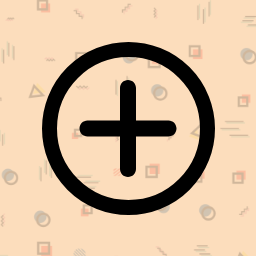
Adds an "Add New" button to the Block Editor (Gutenberg) toolbar, so you can easily create new posts/pages/custom post types without leaving …
- 正在使用
- 100+
- 评分
- 5.0 / 5
- 累计下载
- 5,576
- 最近更新
- 2023年2月28日
5 条评价需要 WordPress 5.7+已测试到 6.1.17PHP 7.0+
 Aurooba Ahmed
 Bego Mario Garde
 Keanan Koppenhaver
截图


A razor sharp plugin that does just one thing: allow you to quickly create new posts from the Block Editor toolbar. You can create new posts in one of two ways:
- Create a brand new empty post.
- Duplicate the current post.
This brings back the ability to create new posts, pages, custom post types quickly and easily even when you’re in Fullscreen Mode in the Editor.
If you enjoy the plugin, please leave a review! ⭐
If you have a feature request, please create an issue in the GitHub repository. ➕
If you need support, please use the support forum to reach out. 🆘
Key Features
- A disabled button is available in the toolbar in brand new posts
- The “Add New” button becomes clickable once your post’s status is auto-draft, draft, pending, published, or any other state except new.
- You can duplicate the current post with two clicks.
- A keyboard shortcut to create a new post directly from your keyboard (Ctrl + Option + N on Mac or Alt + Shift + N on Windows)