

QtyFlow – Quantity Buttons & Live Total Price for WooCommerce
v1.1.0Hasan Alam Qazi · 2026年10月26日 上架
Quantity +/- buttons, live total price with savings and Ajax add to cart for simple, variable and grouped WooCommerce products.
- 正在使用
- 10+
- 评分
- 暂无
- 累计下载
- 182
- 最近更新
- 2026年10月26日
贡献者
 Hasan Alam Qazi
截图
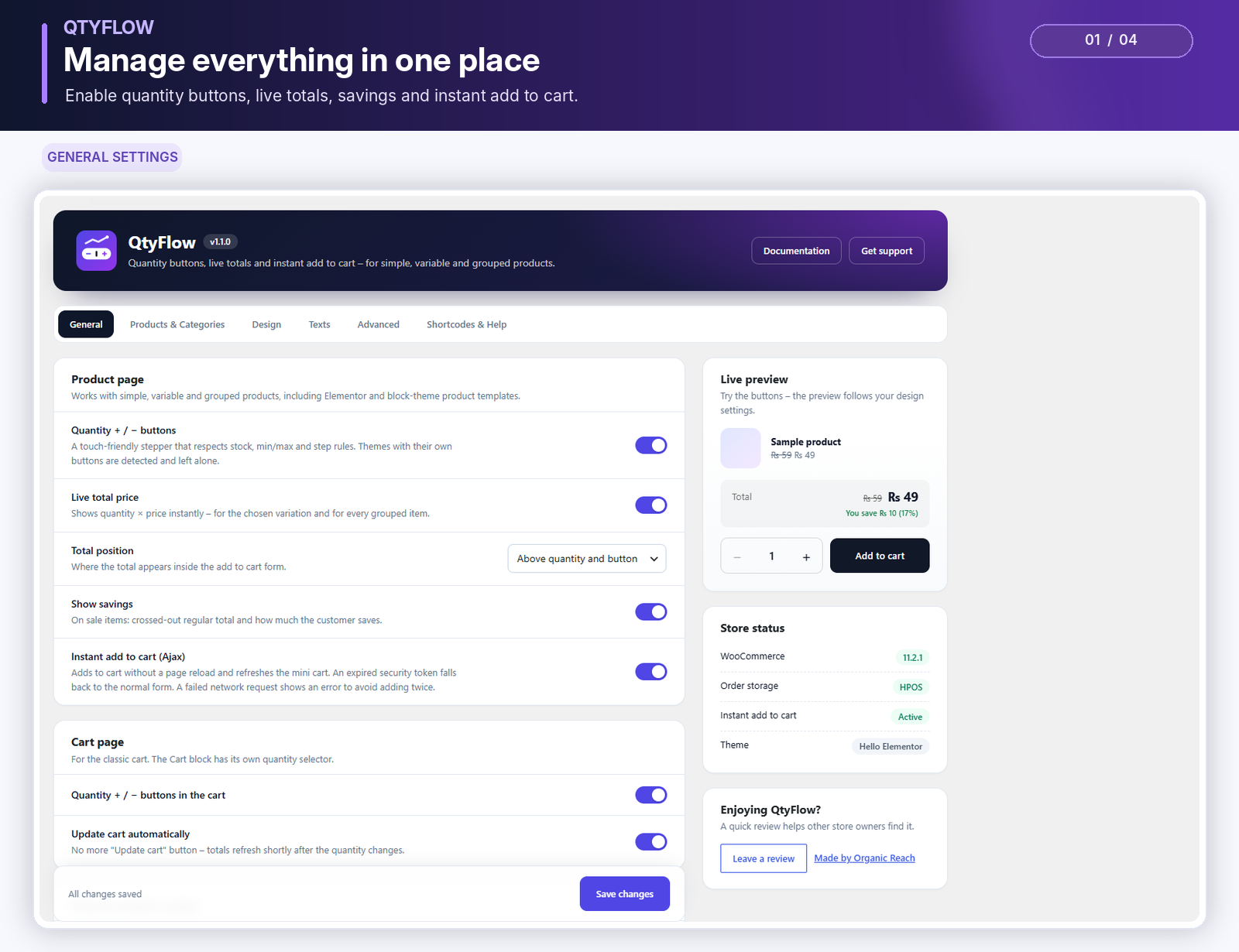
QtyFlow turns the plain WooCommerce quantity field into a polished buying experience. It works on your existing product pages, with no shortcodes or template edits needed.
It enhances WooCommerce’s own add to cart form instead of replacing it. Stock limits, minimum and maximum quantities, variations and fields added by other plugins keep working.
Works with every core product type
- Simple products: quantity buttons and a live “quantity × price” total.
- Variable products: the total updates the moment a variation is chosen, using that variation’s price, sale price and stock limits.
- Grouped products: the total adds up every item the customer selects.
- External / affiliate products: left untouched, as they should be.
Features
- Touch-friendly + / − quantity buttons on product, cart and (optionally) shop pages.
- Live total price that respects your tax display settings and currency format.
- Sale savings: crossed-out regular total plus “You save X (Y%)”.
- Instant Ajax add to cart that refreshes the mini cart, with an automatic fallback to the normal form when an expired security token is detected before adding.
- Automatic cart updates when quantities change. No more “Update cart” button.
- Quantity selector next to “Add to cart” on shop and category pages.
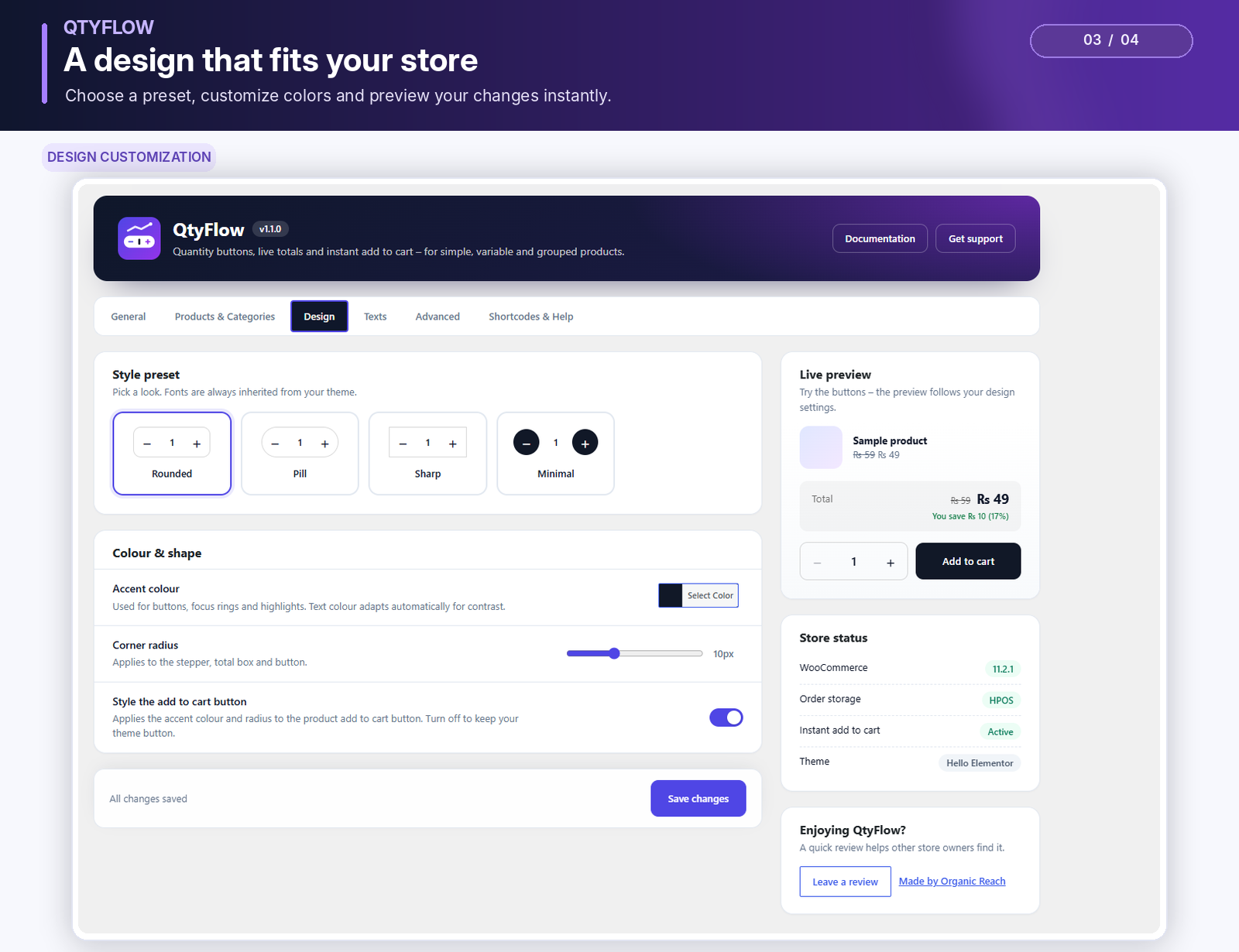
- Four style presets, an accent colour and a corner radius, with a live preview in the settings.
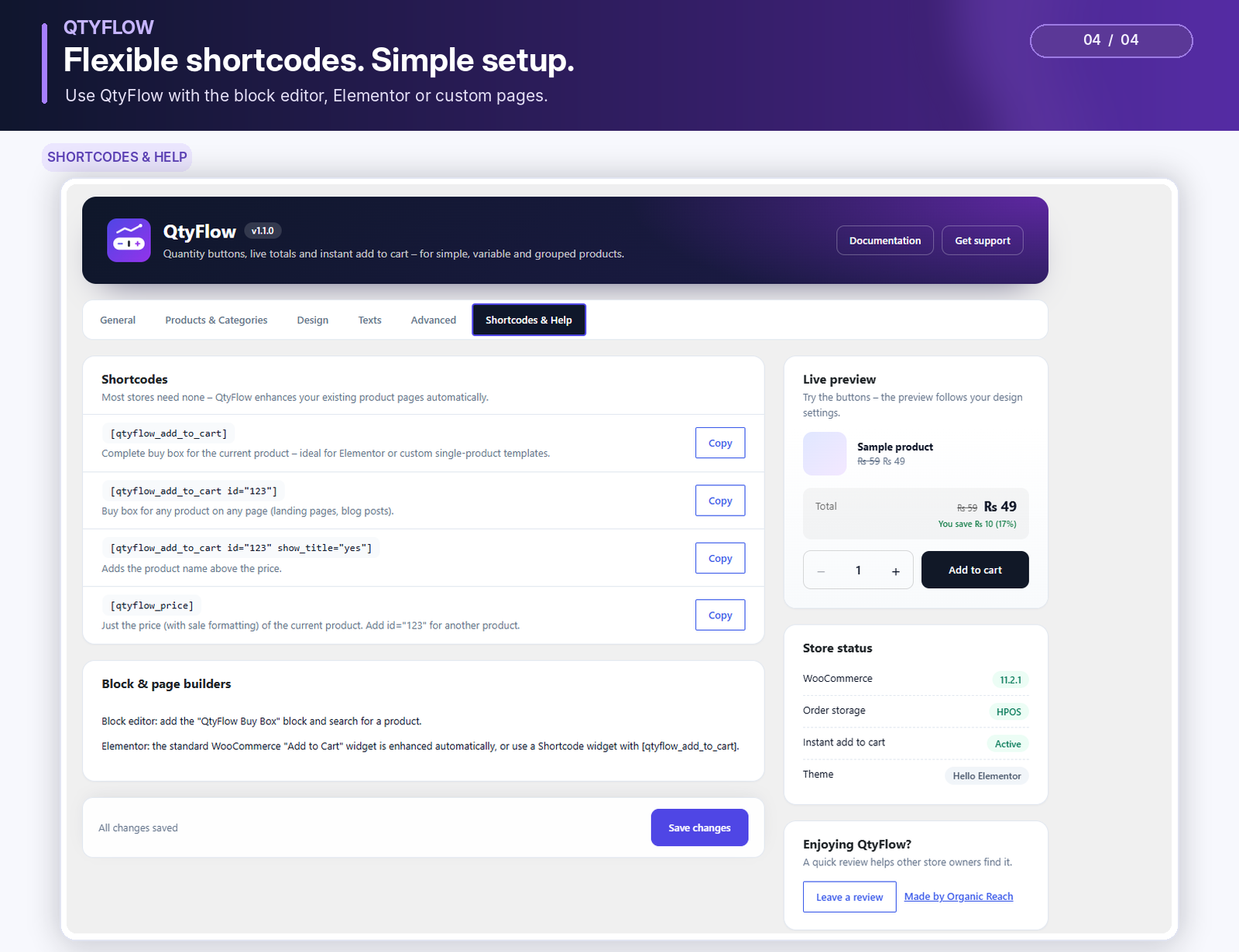
- “QtyFlow Buy Box” block with a product search, plus shortcodes for Elementor and other page builders.
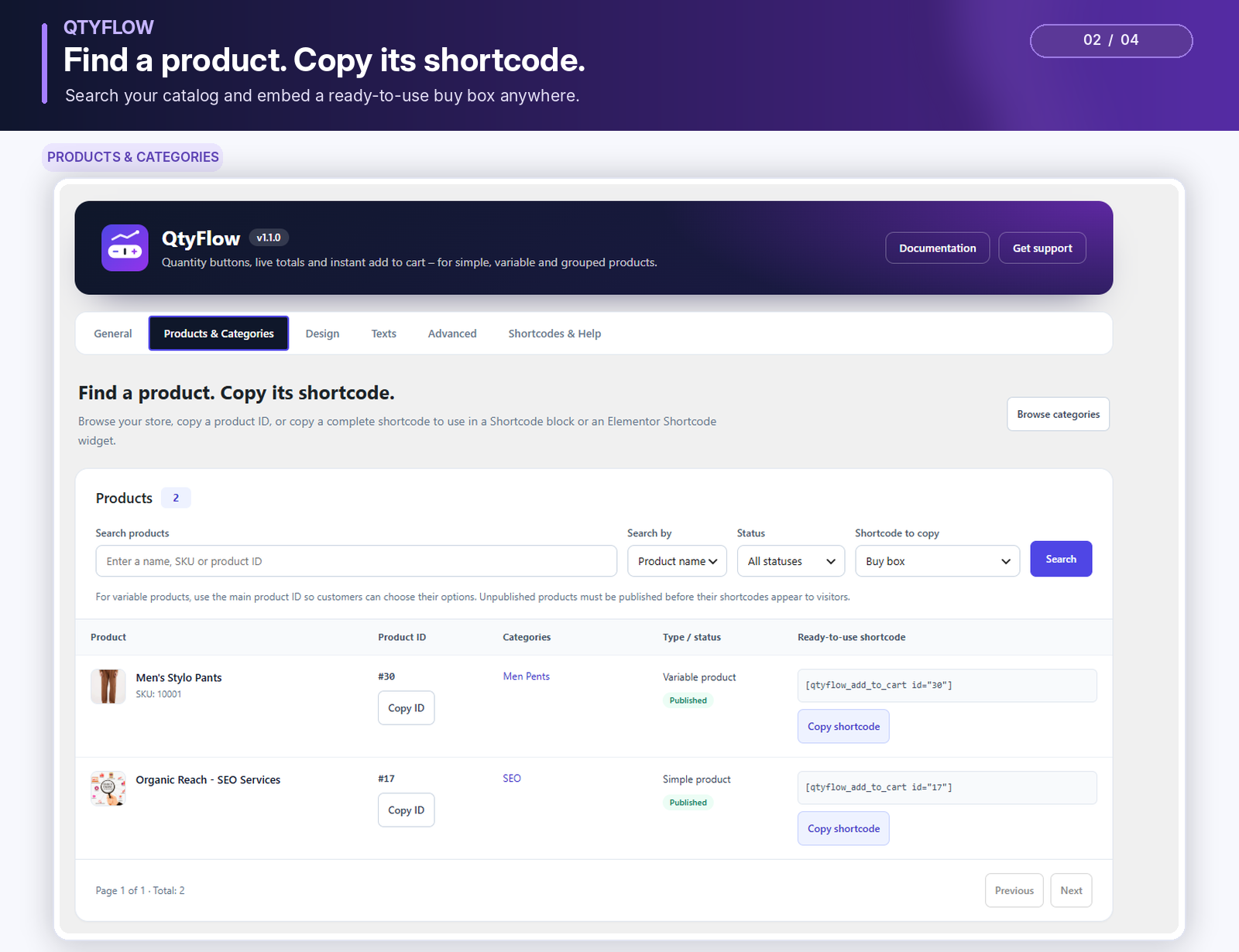
- Products & Categories tab with paginated product/category lists, name/SKU/ID search, category filters and one-click ID or shortcode copying.
- Detects themes that already add their own + / − buttons and never doubles them.
- Accessible: keyboard friendly, screen-reader labels, live regions and reduced-motion support.
- HPOS compatible, translation ready, RTL friendly. No external requests and no tracking.
Shortcodes
[qtyflow_add_to_cart]shows the complete buy box for the current product.[qtyflow_add_to_cart id="123" show_title="yes"]shows the buy box for any product, on any page.[qtyflow_price id="123"]shows just the price, with sale formatting.
Find product IDs under WooCommerce QtyFlow Products & Categories. Choose Buy box, Buy box with product name, or Price only, then copy the complete shortcode next to a product. Paste it into a WordPress Shortcode block or an Elementor Shortcode widget.
The Categories section shows category IDs and slugs and lets you filter the product list. Category IDs are for reference; QtyFlow shortcodes use product IDs. For variable products, use the main product ID so customers can select a variation.