
QODE Quick View for WooCommerce
v1.1.2Qode · 2024年5月7日 上架
QODE Quick View for WooCommerce helps you boost conversions & sales by providing visitors with handy pop-up product previews on product list pages.
- 正在使用
- 1 万+
- 评分
- 5.0 / 5
- 累计下载
- 9.1 万
- 最近更新
- 2026年11月16日
贡献者
 Qode
截图


Boost Your Conversion Rates with QODE Quick View
Turn your product listing pages into eye-catching, full-blown single product presentations.
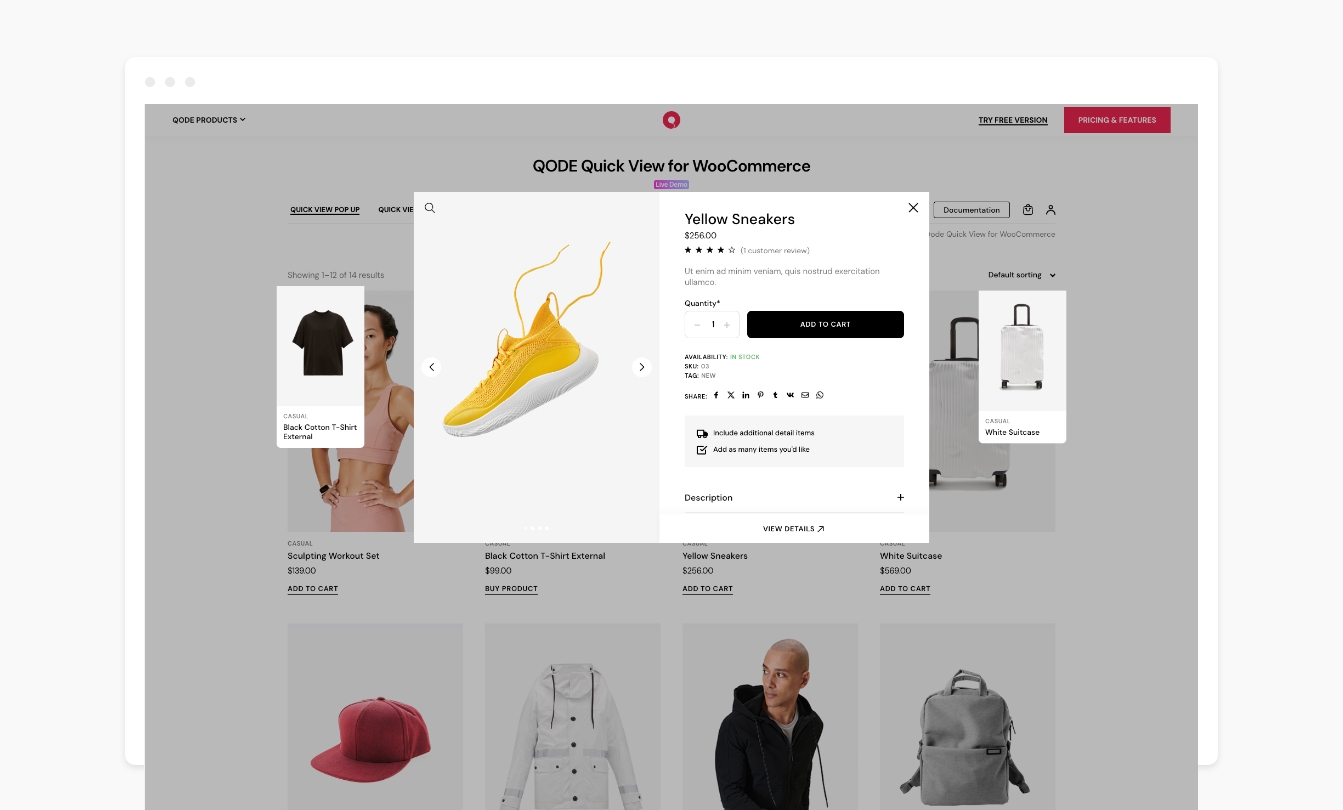
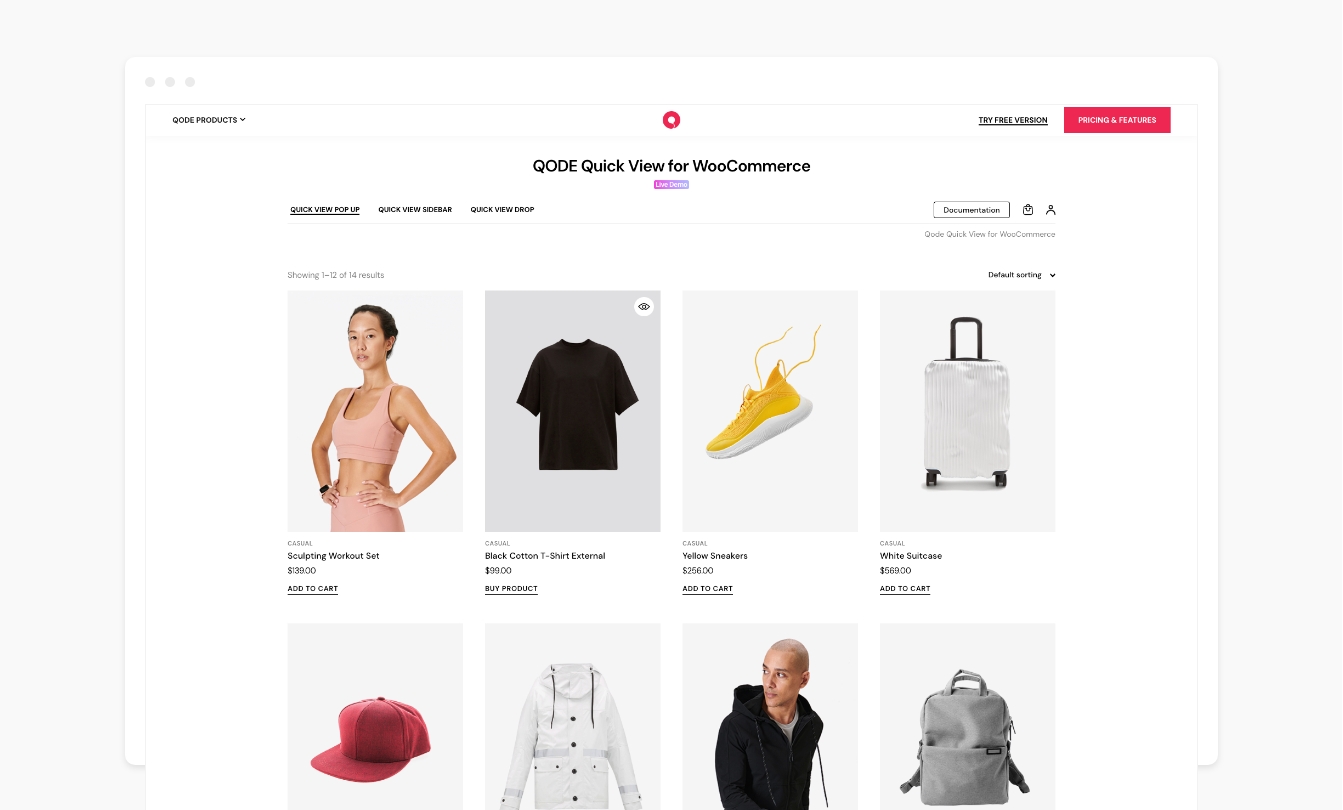
QODE Quick View for WooCommerce provides you with a simple, user-friendly way to display compact forms dedicated to showcasing your single products in great detail. Quick View forms are triggered with a single click right from the product list, without ever leaving the page.
Check out QODE Quick View Demo
Fully Optimized for Viewing on Mobile Devices Too
Thanks to its full mobile optimization, the QODE Quick View can be accessed via any mobile device without any compromise in terms of the visuals and features, expanding the reach of this supremely practical eCommerce element once reserved only for desktop users.
Key features:
- Display the Quick View button in loops, which can be optionally disabled for mobile devices
- Open-ended Quick View button stylization, custom button labels and adjustable close icons
Get Even More With Premium!
The Premium version of the QODE Quick View for WooCommerce plugin provides you with three attention-grabbing Quick View form appearance styles to choose from – standard Pop-up, Sidebar Quick View, and cascading Drop Quick View form.
The size and appearance of the form can be easily adjusted thanks to the extensive set of customization options, and it can feature image galleries with thumbnails or sliders and optional image zoom on hover.
On top of that, the customization of the Quick View button appearance in lists is completely open-ended, allowing you to compose button & icon styles of your own.
The QODE Quick View for WooCommerce Premium lets you include a number of additional features inside your Quick Forms, providing you with a neat way to present your shoppers with all the relevant info relating to a product in a straightforward manner.
You can choose additional product information & features you wish to display, including the product category, rating, price, meta info, description, product tabs, a fixed ‘View Details’ button, instantly loading AJAX-powered adding to cart, additional information items, adjustable social share icons, as well as suggested products.
Documentation & Support
- Check out our step-by-step user guide on how to install and use QODE Quick View for WooCommerce.
- You can also submit a topic to the support forum at and our support team will be glad to help you out.
Privacy Policy
We use our services
Qode’s CDN – The domain https://export.qodethemes.com is a service from which we retrieve the list of all Qode plugins displayed in the admin dashboard.
Qode’s API – The domain https://api.qodeinteractive.com is an API that’s called when a user deactivates the plugin, to retrieve the reason for deactivation. Upon deactivating the plugin, the users are prompted for a reason for doing so. They also have the option to deactivate without providing a reply. The data obtained from the users who respond to the question is collected to improve the plugin. After the analysis of said data, the plugin is upgraded and enhanced in such a way as to fulfill the users’ expectations.
We use third party services for the purposes of sharing posts on their respective platforms. We do not store any of the data sent to those services. Here’s a list of the services used and their corresponding privacy policies:
Facebook – https://www.facebook.com/privacy/policy/
X – https://twitter.com/en/privacy#update
LinkedIn – https://www.linkedin.com/legal/privacy-policy
Pinterest – https://policy.pinterest.com/en/privacy-policy
Tumblr – https://www.tumblr.com/privacy/en
VK – https://m.vk.com/privacy?api_view=1&lang=en
WhatsApp – https://www.whatsapp.com/legal/privacy-policy
Looking for more?
Feel free to try out some of our other products:
Qi Theme
Qi Addons for Elementor
Qi Blocks for Gutenberg
QODE Wishlist for WooCommerce
QODE Variation Swatches for WooCommerce
QODE Compare for WooCommerce
QODE Product Extra Options for WooCommerce
QODE Optimizer