QnABuy
v1.0.2Obaid Hossain · 2026年9月2日 上架
Lightweight WooCommerce plugin that creates product recommendation quizzes
- 正在使用
- 10 以下
- 评分
- 暂无
- 累计下载
- 308
- 最近更新
- 2026年9月3日
需要 WordPress 6.4+已测试到 7.1.5PHP 7.4+
贡献者
 Obaid Hossain
截图


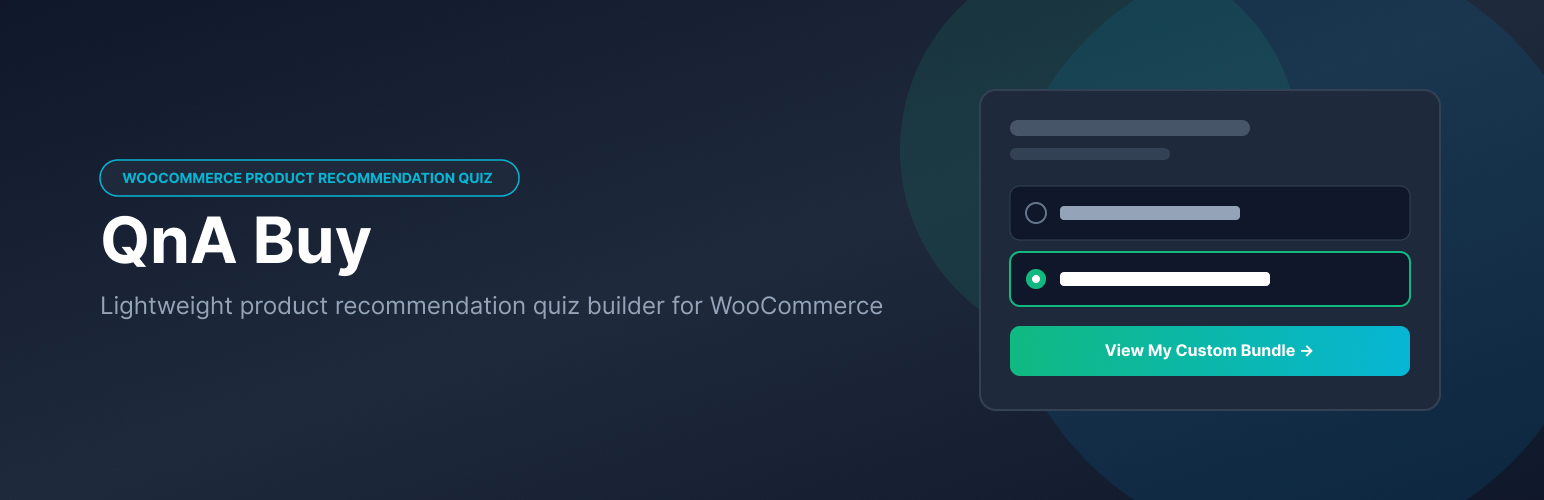
QnA Buy lets store owners build dynamic, step-by-step recommendation quizzes that group selected products into custom cart bundles seamlessly.
Features
- Interactive Quiz Builder – Create unlimited quizzes with a flexible JSON schema
- Smart Product Matching – Map quiz answers to specific products or product variations
- Bundle System – All selected products are grouped with a unique Bundle ID for easy order tracking
- Stock Awareness – Automatically shows stock status and prevents adding out-of-stock items
- Beautiful UI – Clean, responsive quiz interface with product images and variant names
- Variation Support – Full support for WooCommerce variable products and their variations
- Order Tracking – Bundle IDs persist through cart, checkout, orders, and email notifications
Use Cases
- Skincare Routines – Recommend products based on skin type and concerns
- Nutrition Supplements – Bundle supplements based on health goals
- Gift Bundles – Create personalized gift bundles
- Service Packages – Recommend service packages based on customer needs
- Any Product Quiz – Perfect for any product recommendation scenario
How It Works
- Creates a quiz with questions and answers
- Each answer maps to specific products or variations (JSON format)
- Customers take the quiz on the frontend
- They see their recommended bundle with product images and names
- One click adds the entire bundle to cart with a unique Bundle ID
JSON Generator
Stuck with JSON writting? Generate your code from here
Usage
Creating a Quiz
- Go to Quizzes > Add New Quiz
- Give your quiz a title
- Configure the JSON schema in the Quiz Data section.
- Use the shortcode to display the quiz:
[qnabuy_quiz id="XX"]
Bundle ID in Orders
All products from the same quiz session share a Bundle ID (e.g., QNAB-XXXXXX) that appears in:
* Shopping cart
* Checkout page
* Order details (customer and admin)
* Email notifications
This makes it easy to identify which products were purchased together as a bundle.
Reviews
Write a review if you love this plugin!
Support
Please visit the support forum