Qafka AI Assistant
v0.3.1Qafka · 2026年10月27日 上架
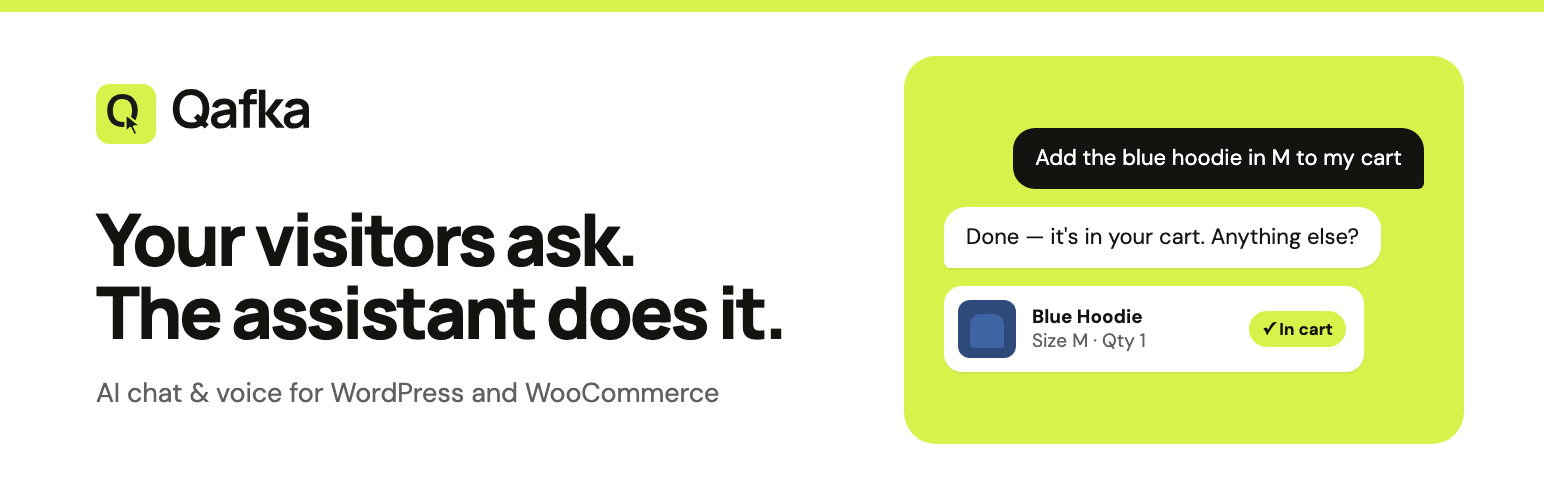
Add an AI assistant that answers visitors from your content and products — and, with WooCommerce, helps with orders and carts. Chat or voice.
- 正在使用
- 10 以下
- 评分
- 暂无
- 累计下载
- 154
- 最近更新
- 2026年10月27日
贡献者
 Qafka
Qafka AI Assistant adds the Qafka assistant to your site. Visitors ask in
their own words, by chat or voice, and get answers from your site’s content
and products. With WooCommerce, shoppers can also see their cart and add
products to it, signed-in shoppers can check their orders, and guests can
look up an order with its number and e-mail.
Connect the site to your Qafka account, enable the assistant, and it appears
on every page. The assistant’s code is loaded from the Qafka CDN — no assets
are stored on your server.
Settings live under Settings Qafka. Use Connect to Qafka to sign in
and fill in the key automatically, or paste it by hand:
- Enable widget — turn the widget on or off without removing the plugin.
- API key — your Qafka publishable key (
qafka_pk_...). - Language — auto-detect the visitor’s language, or force Turkish/English.
- Opening mode — use the project’s Chat Theme setting, or force the side
panel (docks beside the page) or the popup (floats over the page) on this site. - Cursor navigation — when the assistant takes a visitor to another page,
a cursor moves to the matching link and clicks it.
External services
This plugin connects to services operated by Qafka. Terms of service:
https://www.qafka.com/terms – Privacy policy: https://www.qafka.com/privacy
Qafka CDN (cdn.qafka.com)
Serves the widget loader script. When the widget is enabled, every front-end
page loads https://cdn.qafka.com/v1/qafka.js from the visitor’s browser, so
the visitor’s IP address and standard request headers reach the CDN.
Qafka API (api.qafka.com)
Used by the widget to run the chat/voice assistant. When a visitor sends a
message, the message text, your publishable key and the page URL are sent from
the visitor’s browser to the Qafka API. If the visitor asks about their own
orders or cart, that order or cart data is read from this site and sent from
the visitor’s browser only at that moment. The Connect to Qafka flow also calls
https://api.qafka.com/api/v1/connect/wordpress/exchange from your server once,
sending a one-time code, the handshake code created by this site and your site
URL to receive the publishable key.
Qafka dashboard (app.qafka.com)
When an administrator clicks Connect to Qafka, the browser is redirected to
https://app.qafka.com/dashboard/connect/wordpress with this site’s URL, a
one-time random code and the return address, so you can sign in and approve the
connection. No other data is sent to the dashboard by the plugin.