

PublicaCubo
v0.7.1hostalcubo · 2026年10月31日 上架
Create WordPress posts automatically from Telegram (photo + text) and CSV, configured per site, with no third-party automation platforms.
- 正在使用
- 10 以下
- 评分
- 暂无
- 累计下载
- 426
- 最近更新
- 2026年11月1日
贡献者
 hostalcubo
截图
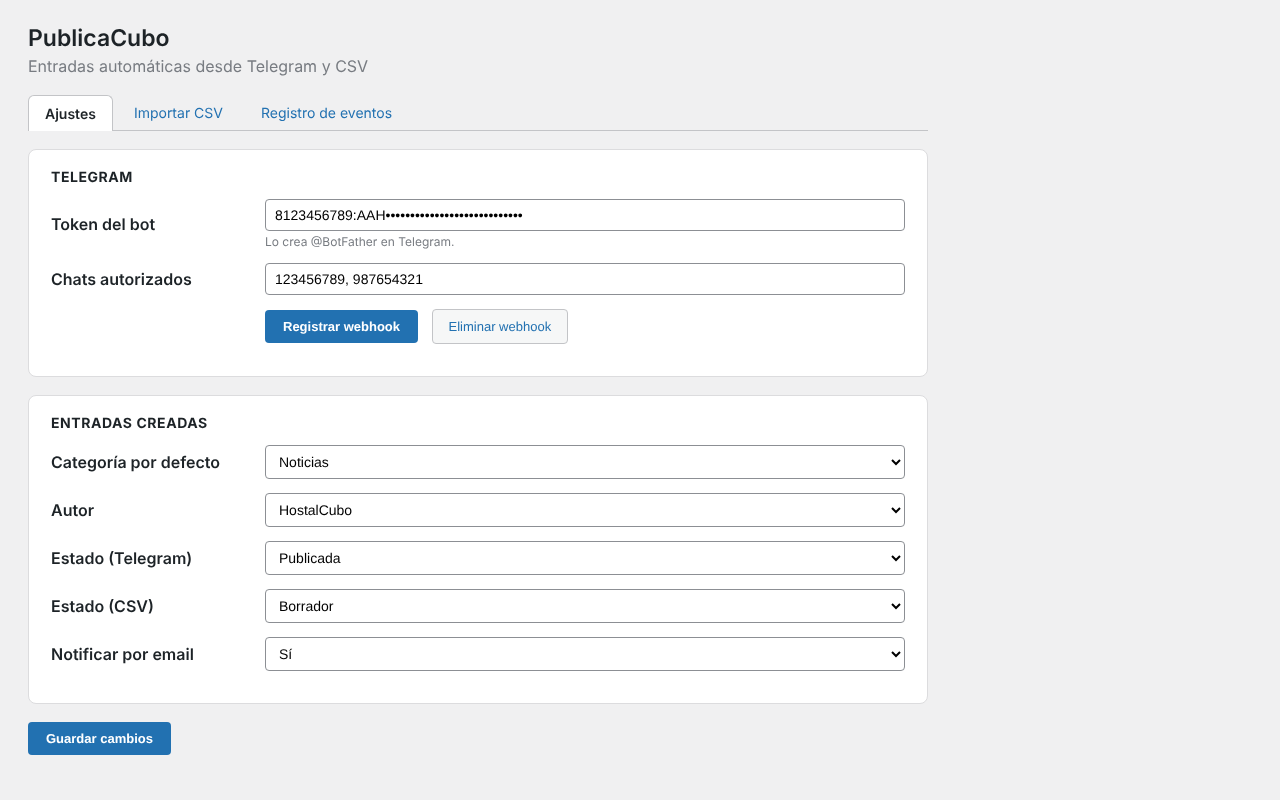
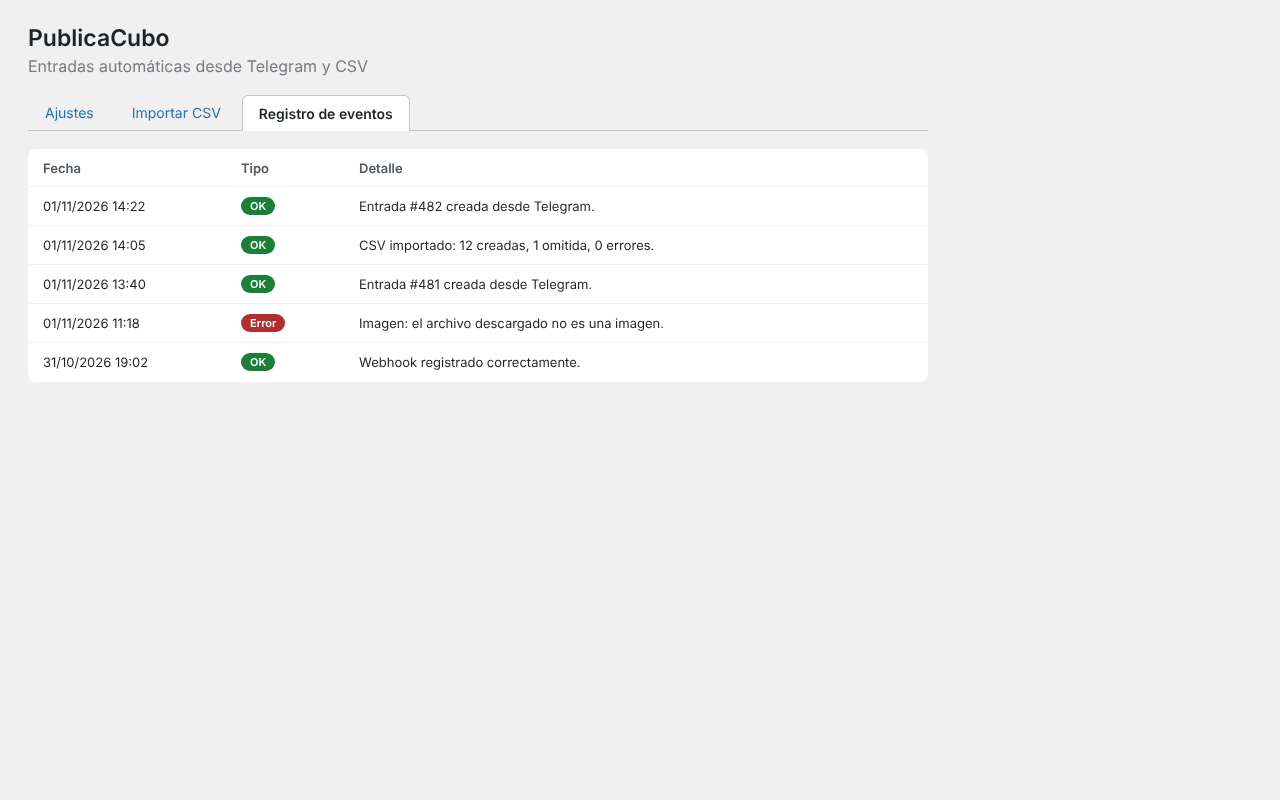
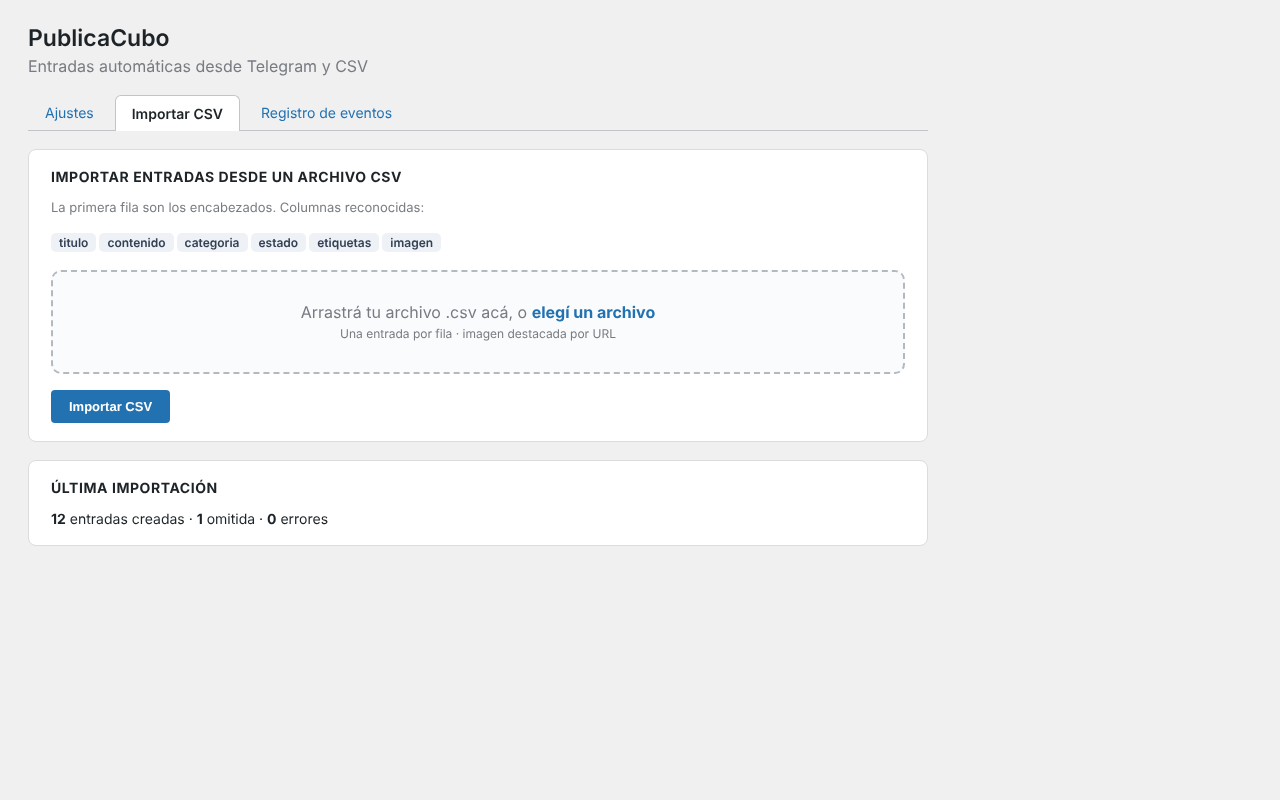
PublicaCubo turns Telegram messages (photo + text) and CSV rows into WordPress posts, with all the configuration inside each site’s admin panel. It does not rely on Zapier or Make: the plugin talks directly to the Telegram API.
Send a message with a photo and text to your Telegram bot and the post appears, with the photo as the featured image. You can also bulk-import posts from a CSV file.
Features (free)
- Telegram: send a photo with text to your bot and a post is created, with the photo as the featured image.
- Secure webhook with a secret token and an allowlist of authorized chats.
- Deduplication: it never publishes the same message twice.
- CSV import from the admin panel (columns: title, content, category, image, status).
- Category, author and status (draft or publish) are configurable, with an independent status per source.
- Email notifications when a post is created or when an error happens.
- Event and error log.
Pro version (separate)
A separate Pro version adds: multi-image galleries (Telegram albums and several image columns), automatic import from a Google Sheet published as CSV via WP-Cron, and a dynamic category by hashtag. The free version works fully on its own. More info: https://hostalcubo.com.ar/publicacubo
External services
This plugin connects to third-party services to work. Below is what services it uses, when, and what data is sent.
Telegram API (api.telegram.org) — required for the Telegram feature
To receive your bot’s messages and create the posts, the plugin communicates with the Telegram API using the bot token you configure.
- Data sent: your bot token, your site’s webhook URL and a secret token (when registering the webhook); and a request to download the image of each message (with the token in the URL).
- Data received: the messages your bot receives (text and photos) and the download path of the images.
- When it happens: when you register or delete the webhook from the panel, and every time a message reaches your bot.
- Provider: Telegram FZ-LLC. Terms: https://telegram.org/tos — Privacy: https://telegram.org/privacy